Short answer. DNSSEC adds cryptographic signatures to DNS records. It does not encrypt queries — it proves an answer came from the zone owner and was not tampered with in transit. Turning it on takes two steps: the zone is signed at your DNS host, and a hash of the key (the DS record) is published at your registrar. A mistake in either step takes the whole domain down: a validating resolver does not "pass an invalid answer with a warning", it discards it.
The problem: DNS without protection
Plain DNS runs over UDP with no encryption and no authentication. A resolver trusts any answer that looks like a reply to its own query and arrives from the expected address and port. That opens several classes of attack.
Cache poisoning
An attacker floods a recursive resolver with forged answers, guessing the transaction ID and source port. If the forgery wins the race, the resolver caches the wrong IP and every user behind it goes to the attacker's server until the TTL expires. Source port randomisation made this harder, not impossible.
Man-in-the-middle
An attacker on the same network segment or on an intermediate hop intercepts the query and answers first. The classic setting is public Wi-Fi and a swapped answer for a bank or webmail domain.
BGP hijacking
At the routing layer, traffic destined for the zone's authoritative servers is diverted through the attacker's infrastructure. Formally the "real" server answers — it is simply not the real one. DNSSEC catches this case too: the signatures will not verify.
DNSSEC is about authenticity, not privacy. It does not hide which domains you look up: the query is visible to your provider and to everyone on the path. Confidentiality comes from encrypting the channel — DNS over HTTPS and DNS over TLS. The two solve different problems and work fine together.
What DNSSEC is
DNSSEC (DNS Security Extensions) is a set of protocol extensions defined in RFC 4033, 4034 and 4035. Signatures are added alongside ordinary records, and public keys are added to the zone. A resolver that validates signatures answers the client only when the chain of checks reaches the root.
One consequence matters more than the rest for a domain owner: DNSSEC has no middle state of "signature is wrong but we will show it anyway". If validation fails, a validating resolver returns SERVFAIL, and to the user that looks exactly like "this site does not exist". Careless enabling — or disabling — is therefore more dangerous than not using it at all.
How it works: the chain of trust
DNSSEC builds an unbroken chain from the root zone down to your domain. Each level vouches for the key of the next:
- The root zone (.) — its public key is the trust anchor shipped with resolver software.
- The top-level zone (
.com,.org, a country code) — signed by the root; it stores the DS records of delegated domains. - Your domain — signs its own records: A, AAAA, MX, TXT and the rest.
The link between levels is the DS record: a hash of the child zone's key that lives in the parent zone. That is the record you add at your registrar, and a mismatch between it and the actual key causes most DNSSEC outages.

DNSSEC record types
| Record | Where it lives | Purpose |
|---|---|---|
DNSKEY | In your zone | The zone's public keys, used to verify signatures |
RRSIG | In your zone | Signature over a record set: A records have their own, MX have theirs, and so on |
DS | In the parent zone | Hash of your key-signing key, published through the registrar |
NSEC / NSEC3 | In your zone | Authenticated proof that a name does not exist, so "no such name" cannot be forged |
CDS / CDNSKEY | In your zone | Signals a DS update to the parent without manual steps; support varies by registry and registrar |
Two keys: KSK and ZSK
- KSK (Key Signing Key) — signs the DNSKEY set. Its hash goes to the parent zone as the DS record. It changes rarely, because every change means updating the DS at the registrar.
- ZSK (Zone Signing Key) — signs ordinary zone records. It changes often and entirely inside the zone: the parent is untouched.
That split exists for exactly this reason: frequent rotation needs no registrar interaction, and the rare change of the "master" key follows a separate procedure.
Signature algorithms
Two algorithms cover almost everything in practice: RSA with SHA-256 and ECDSA on the P-256 curve. The second produces markedly shorter signatures at comparable strength, and shorter signatures mean smaller responses and fewer UDP fragmentation problems. If your DNS host offers a choice and you are not tied to a legacy configuration, ECDSA is the sensible default. For the DS record, use the SHA-256 digest; SHA-1 is considered obsolete.
How validation happens
When a validating resolver receives an answer, it does the following:
- Requests the record along with its RRSIG.
- Takes the zone's DNSKEY and checks that the signature was made with that key and has not expired.
- Compares the key's hash with the DS record from the parent zone.
- Repeats for the parent, climbing to the root key.
- If everything matches, returns the answer with the
AD(Authenticated Data) flag set. - If anything fails, returns
SERVFAIL— a refusal, not an unflagged answer.
The AD flag is the fastest way to confirm validation actually happened rather than being skipped. It appears in the resolver's response header, not in the zone itself.

How to enable DNSSEC
There are three scenarios, and they differ in who holds the keys.
Scenario 1: the DNS host signs, the registrar publishes the DS
The most common case. The order of operations is not negotiable:
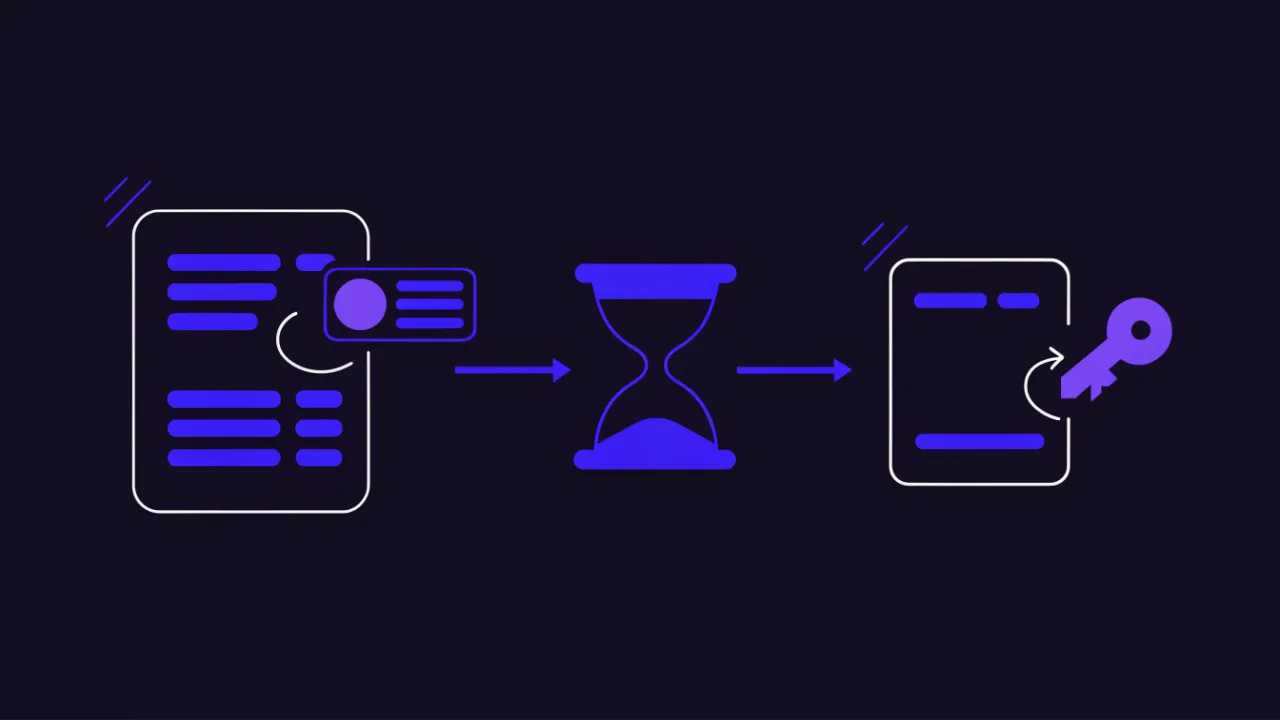
- Enable zone signing in your DNS host's panel. The zone gains DNSKEY and RRSIG records, but nothing changes externally — validators do not know about the keys yet.
- Copy the DS record (or the parameters to build it: key tag, algorithm, digest type, digest).
- Add the DS at the domain's registrar — usually a separate "DNSSEC" section in the domain card.
- Wait for the DS to appear in the parent zone and verify the chain.
The reverse order — DS first, signing second — reliably takes the domain down. Validators already demand a signature the zone does not yet serve. The same rule holds in mirror image when switching DNSSEC off, where the DS goes first. The short version: the DS record is the last thing to appear and the first thing to go.
Scenario 2: a one-click switch in the hosting panel
When DNS and the domain are managed by the same company, the enable button often performs both steps, because both sides are under its control. You still have to verify the result: automation performs the "publish DS" step, it does not guarantee the registry accepted it.
Scenario 3: your own authoritative server
On your own server the zone is signed locally. In current BIND versions it is far safer to hand signing and rotation to the built-in policy engine than to assemble keys by hand:
# named.conf: enable automatic signature maintenance
zone "example.com" {
    type master;
    file "/var/lib/bind/db.example.com";
    dnssec-policy default;
    inline-signing yes;
};

# check that the zone is signed and signatures are current
rndc dnssec -status example.com

# produce the DS to hand to the registrar
dnssec-dsfromkey -a SHA-256 /var/lib/bind/Kexample.com.+013+12345.key
The critical requirement for self-signing is a reliable schedule. Signatures have a validity window, and if re-signing stops, the domain expires without a single change to the zone.
How to check DNSSEC
There are three different things to check, and it pays not to confuse them: whether the zone has signatures, whether the parent has a DS, and whether the whole chain validates.
# 1) Keys and signatures in the zone itself
dig example.com DNSKEY +dnssec +multiline
dig example.com A +dnssec | grep -i rrsig

# 2) Is the DS published in the parent zone
dig example.com DS +short

# 3) Does the full chain validate (ad flag in the response header)
dig @1.1.1.1 example.com A +dnssec | grep -E 'flags:|status:'

# 4) The "is this really DNSSEC?" test: validation disabled
dig @1.1.1.1 example.com A +cd +short
The fourth command is the key diagnostic move. The +cd (checking disabled) flag tells the resolver not to verify signatures. If a normal query returns SERVFAIL while the +cd query answers fine, the problem is DNSSEC itself and not the reachability of the zone's servers. That separates "broken signature" from "server is down" in one command; the general approach to resolution failures is in the DNS not resolving guide.
If delv from the BIND suite is available, it states the validation result in plain language:
delv @1.1.1.1 example.com A +rtrace
# output contains "fully validated" when the chain checks out
Without a terminal, the zone's records including DNSKEY and DS are visible in the DNS lookup tool, and the differences between resolvers after a change in DNS propagation check. What the individual record types mean is covered in the DNS record types reference, and how to work with them in the practical records guide.
How to disable DNSSEC correctly
Disabling breaks more domains than enabling, because the intuitive order is the wrong one. You cannot remove the signatures first: while the DS sits in the parent zone, every validating resolver is required to demand a signature that no longer exists. The domain disappears for a substantial share of users immediately.
- Delete the DS record at the registrar. From that point new queries stop requiring signatures.
- Wait out the TTL of the DS record in the parent zone. That is hours, not minutes: while the record lives in resolver caches, the requirement persists. Budget a full day to be safe.
- Only then unsign the zone at the DNS host.
The same order applies when moving to another DNS host: remove the DS, wait out the TTL, change the NS records, re-enable signing and publish the new DS. "Changed the nameservers, forgot the DS" is the single most common DNSSEC outage; the nameserver change process is covered in how to change your DNS server, and the waiting part in DNS propagation explained.
Typical failures and how to read them
| Symptom | Cause | What to do |
|---|---|---|
| The domain opens for some people and not others | Providers with validating resolvers discard the answer, the rest do not | Query with +cd: if that works, the signature is the problem |
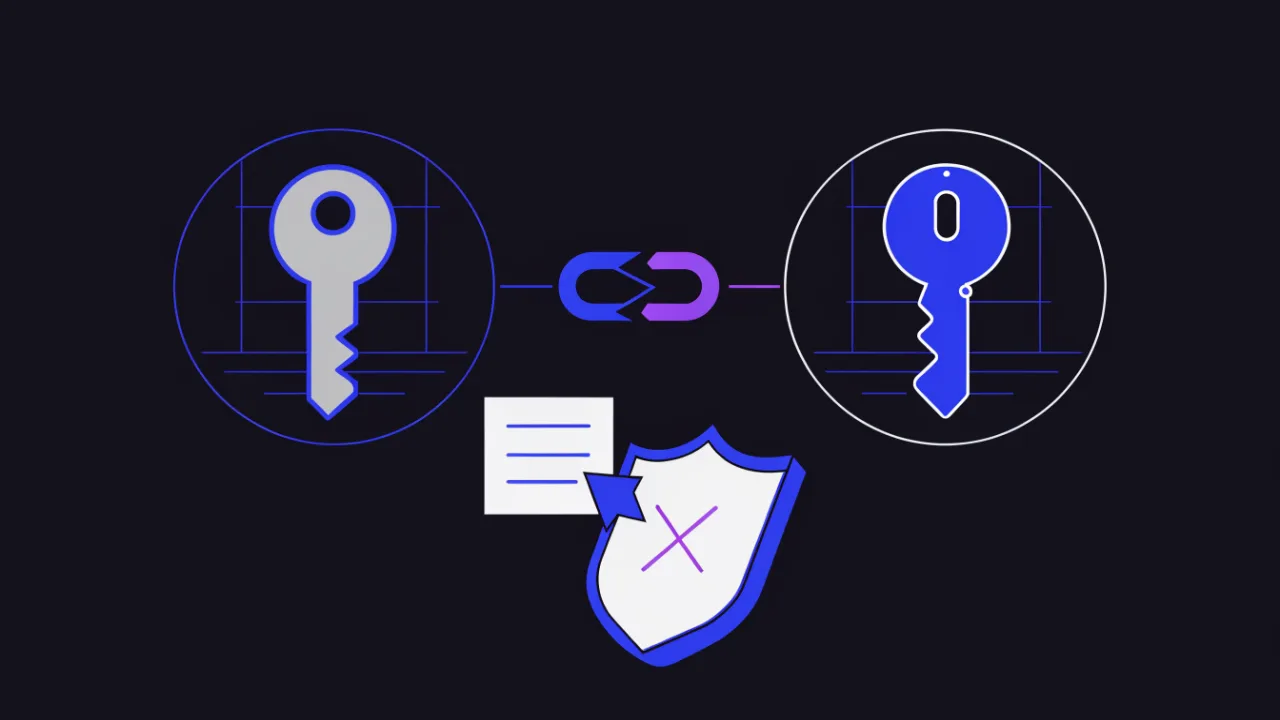
SERVFAIL right after a DNS host migration | The old DS points at a key that no longer exists | Delete the DS at the registrar; republish it after the new zone is signed |
| The domain "fell over" with no changes at all | RRSIG validity expired: the signer stopped or broke | Check signing status at the DNS host and restart re-signing |
| DS is added but the chain does not validate | Wrong key tag, algorithm or digest type during manual entry | Reconcile the DS parameters against the zone's DNSKEY and recreate it |
| Answers get truncated or queries fall back to TCP | Signatures grew the response; middleboxes drop large UDP packets | Test large answers and EDNS; prefer ECDSA when choosing an algorithm |
Everything works but there is no AD flag | The resolver does not validate — this is not a fault in your domain | Re-test against a public validating resolver |
One property of these outages deserves to be memorised: they are invisible from your own desk if your resolver does not validate. The domain opens for you while part of your audience cannot reach it. So test DNSSEC from a validating resolver outside your own network — and preferably not by hand but with monitoring that catches expiring signatures before users do; the approaches are described in the DNS monitoring guide.
Key rollover
Keys are replaced on a schedule, and both procedures are designed so that at any moment there is a key the resolver already trusts.
- ZSK rollover — the new key is first published alongside the old one, then starts signing, and only then is the old one removed. The parent zone is not involved.
- KSK rollover — harder: until the new DS appears in the parent zone and the old one's TTL expires, the previous key cannot be removed. In practice both DS records coexist in the parent for a while.
If your DNS host supports automatic rotation and CDS publication, lean on it: a hand-run KSK rollover is the most frequent cause of "the domain suddenly vanished" among all DNSSEC operations.
Registries, registrars and DNS hosts
The root and every major top-level zone are signed, and registrars accept DS records through the domain's control panel. Practical things worth checking before you enable anything:
- Whether your DNS host can sign zones at all — it is a separate feature, not a given.
- Whether the registrar interface has a DNSSEC section, and what format it expects: a complete DS record or individual fields.
- Whether the host-and-registrar pair automates DS updates. If not, KSK rollovers become a manual procedure you have to own.
- What happens when the domain is transferred to another registrar: the DS must travel with it, or the chain breaks.
Choosing a DNS host and how it affects resilience are covered in DNS server types and anycast DNS.
Limitations of DNSSEC
- It does not encrypt queries. Who looked up which domain stays visible on the path. That is what DoH and DoT are for.
- It grows response sizes. Signatures and keys take space, which means more TCP fallback and trouble with equipment that drops large UDP packets.
- NSEC allows zone walking. By protocol design the full list of names is not a secret, but you rarely want to publish it; NSEC3 hashes the names to avoid that.
- It raises the cost of a mistake. Before DNSSEC a bad record broke one record; with DNSSEC a bad key breaks the entire domain.
- It says nothing about the content of the site. DNSSEC guarantees you got the right IP address, not that a legitimate server with a valid certificate is listening there — that is TLS territory, which you can inspect with the SSL checker.
DNSSEC together with DoH and DoT
These mechanisms do not replace each other; they cover different segments of the path:
- DNSSEC — data authenticity from the authoritative server to the resolver, whatever the transport.
- DoH and DoT — encryption of the client-to-resolver leg, meaning privacy from the ISP and from the stranger on the same Wi-Fi.
The complete picture: the zone is signed with DNSSEC and the client talks to a validating resolver over an encrypted channel. Then the answer is both authentic and unobservable. Transport details are in DNS over HTTPS.
Frequently asked questions
Does an ordinary website need DNSSEC?
It helps any domain, but it is critical where address substitution pays off immediately: mail, payments, customer accounts, admin panels. For a brochure site it is sensible hygiene rather than a requirement. Weigh the cost of a mistake too: an unattended domain where nobody would notice expired signatures is safer left unsigned.
Does DNSSEC slow the site down?
The extra checks cost the resolver time, but the result is cached and the contribution is small against the rest of page load. The noticeable effect is elsewhere: responses get bigger, and on networks that handle large UDP packets poorly, queries are retried over TCP. Pick an algorithm with short signatures and make sure EDNS works.
How do I disable DNSSEC when the domain is already unreachable?
Delete the DS record at the registrar — that removes the requirement for a signature. Recovery is not instant: while the old DS lives in resolver caches, some users keep getting refusals. Nothing you do on your side flushes those caches, so the TTL has to run out.
What is the procedure when moving to another DNS host?
Remove the DS, wait out its TTL, switch the NS records, enable signing at the new host and publish the new DS. Changing nameservers while an active DS is in place only works if the new host imported the very same keys.
Why does the domain open for me but not for my client?
Almost always because their resolver validates signatures and yours does not. Test the domain through a public validating resolver and compare answers with and without +cd: a difference means the problem is DNSSEC.
Does DNSSEC protect against lookalike phishing domains?
No. It confirms that the answer for the requested name is authentic; it says nothing about the name belonging to the organisation the user has in mind. A lookalike domain can be signed just as properly as yours.
DNSSEC rollout checklist
- The DNS host can sign the zone and the registrar can publish a DS.
- The enable order was respected: sign the zone first, publish the DS second.
- A modern algorithm is in use and the DS digest is SHA-256.
- The chain is verified from outside: DNSKEY and RRSIG in the zone, DS at the parent, the
ADflag in a validating resolver's answer. - The
+cdtest is part of your diagnostic routine — it separates signature problems from unreachability. - You know who re-signs the zone, on what schedule, and what happens if that process stops.
- The KSK rollover is planned in advance: who updates the DS at the registrar, and in what order.
- Monitoring catches expiring signatures and resolver refusals before users report them.
- The disable order is written down: DS, TTL wait, unsign — in that order and no other.