In short. Throughput is how much data fits through per second; latency is how long one round trip takes. They are independent, and confusing them wastes money: a faster connection does not shorten a round trip, so a page bound by handshakes and dependency chains gets no faster on a bigger pipe.
What Are Latency and Throughput?
Latency and throughput are two fundamental metrics for measuring network and application performance. While they are related, they measure different aspects of how data moves through a system. Confusing the two — or optimizing one at the expense of the other — is a common mistake that leads to poor user experience and wasted engineering effort.
Latency is the time it takes for a single unit of data (a packet, a request, a message) to travel from source to destination. It is measured in milliseconds (ms). Think of it as the delay before something happens.
Throughput is the amount of data successfully transferred per unit of time. It is measured in requests per second (RPS), megabits per second (Mbps), or transactions per second (TPS). Think of it as capacity — how much work the system can handle.
The Highway Analogy
Imagine a highway connecting two cities. Latency is how long it takes one car to drive from city A to city B. Throughput is how many cars arrive at city B per hour. A highway can have low latency (fast speed limit) but low throughput (one lane). Or high throughput (eight lanes) but high latency (slow speed limit, many traffic lights).
This analogy reveals a key insight: improving one does not automatically improve the other. Adding lanes (bandwidth) does not make individual cars go faster. Raising the speed limit does not increase the number of lanes.
Measuring Latency
Latency has several components that add up to the total round-trip time (RTT):
- Propagation delay — time for a signal to travel through the physical medium. Light in fiber optic travels at ~200,000 km/s, so NYC to London (~5,500 km) takes ~28ms one way
- Transmission delay — time to push all bits of a packet onto the wire. Depends on packet size and link bandwidth
- Processing delay — time routers and servers spend examining and forwarding packets, running application logic
- Queuing delay — time packets spend waiting in buffers. This is the most variable component and the primary cause of latency spikes
For web applications, key latency metrics include:
| Metric | What It Measures | Good Target |
|---|---|---|
| TTFB (Time to First Byte) | Time from request to first byte of response | < 200ms |
| DNS Lookup | Time to resolve domain to IP | < 50ms |
| TCP Handshake | Time to establish TCP connection | < 50ms |
| TLS Handshake | Time to negotiate encryption | < 100ms |
| P99 Latency | 99th percentile response time | < 1s |
Measuring Throughput
Throughput measurement depends on the context:
- Network throughput — measured with tools like iperf3, usually in Mbps or Gbps
- Application throughput — measured as RPS (requests per second) or TPS (transactions per second)
- Data throughput — measured in MB/s, relevant for file transfers and streaming
Important: bandwidth is not throughput. Bandwidth is the theoretical maximum capacity of a link. Throughput is the actual observed transfer rate, which is always lower due to protocol overhead, congestion, and packet loss.
# Measure network throughput with iperf3
iperf3 -c server.example.com -t 30

# Measure HTTP throughput with wrk
wrk -t12 -c400 -d30s https://example.com/api/health

# Measure throughput with Apache Bench
ab -n 10000 -c 100 https://example.com/api/endpoint
The Relationship Between Latency and Throughput
Latency and throughput are inversely related under load. As throughput approaches the system's maximum capacity, latency increases — often exponentially. This is described by queuing theory, specifically Little's Law:
L = λ × W

Where:
L = average number of items in the system
λ = average arrival rate (throughput)
W = average time an item spends in the system (latency)
This means: as throughput (λ) increases, either the system grows (L increases — more items queued) or latency (W) increases, or both. In practice, as your server approaches maximum RPS, response times spike dramatically.
The Knee Point
Every system has a "knee point" — the throughput level where latency begins to rise sharply. Operating beyond this point leads to cascading failures: queues fill up, timeouts trigger retries, retries add more load, and the system collapses. Identifying and staying below the knee point is critical for capacity planning.
Optimizing Latency
Strategies to reduce latency:
- Use a CDN — place content closer to users, reducing propagation delay. A CDN can reduce TTFB from 800ms to under 50ms for static assets
- Enable connection reuse — HTTP/2 multiplexing and keep-alive connections eliminate repeated handshake overhead
- Reduce DNS lookups — fewer unique domains means fewer DNS resolutions. Use dns-prefetch hints
- Optimize TLS — TLS 1.3 requires one round trip instead of two. OCSP stapling avoids extra lookups. Session resumption skips full handshakes
- Cache aggressively — Redis, Memcached, and HTTP caching reduce database round trips from 10-50ms to under 1ms
- Use read replicas — place database replicas closer to application servers
- Reduce payload size — smaller responses transfer faster. Compress with Brotli, strip unnecessary fields
Optimizing Throughput
Strategies to increase throughput:
- Horizontal scaling — add more servers behind a load balancer. Linear throughput increase
- Connection pooling — reuse database and HTTP connections instead of creating new ones per request
- Async processing — offload non-critical work to message queues (Redis, RabbitMQ, Kafka)
- Batch operations — combine multiple small queries into fewer large ones
- Optimize database queries — proper indexes, query optimization, and avoiding N+1 problems
- Increase worker count — tune web server worker processes and threads for your workload
- Rate limiting — protect throughput by rejecting excessive traffic before it consumes resources
Monitoring Both Metrics
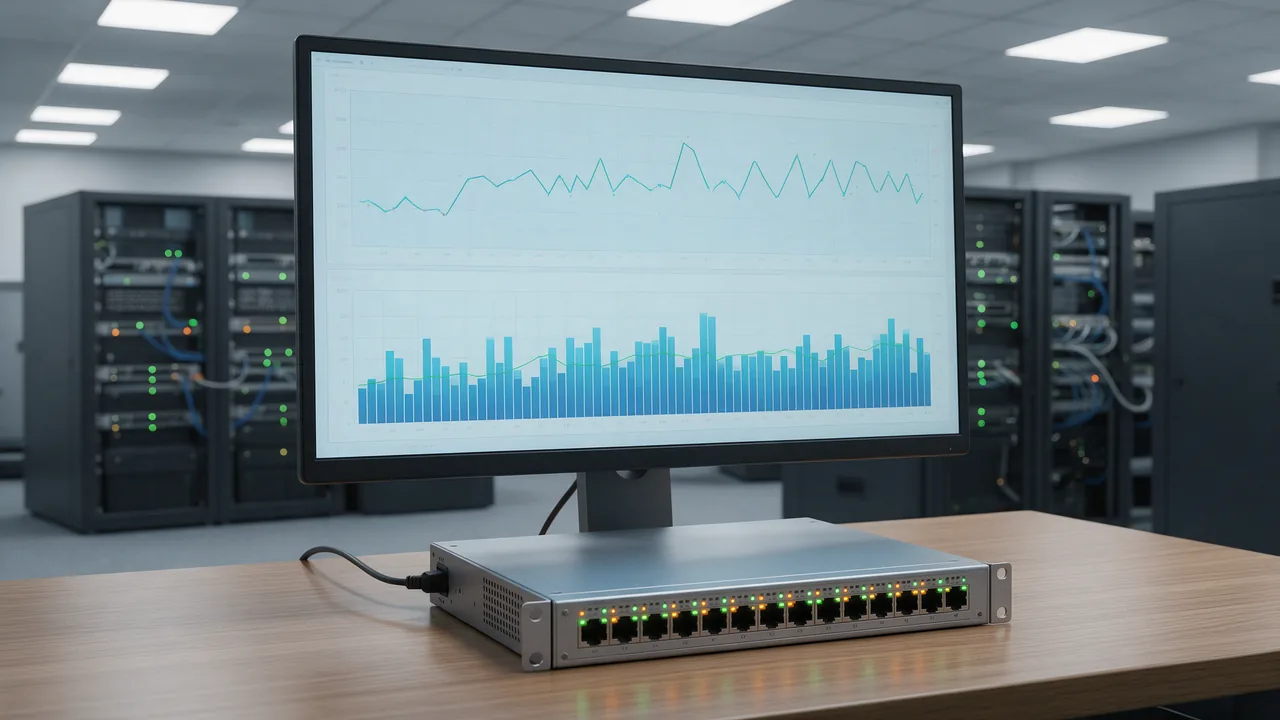
Effective monitoring tracks both metrics together. A dashboard should show:
- P50, P95, P99 latency over time — to detect degradation early
- RPS over time — to correlate with latency changes
- Error rate — errors often spike when throughput exceeds capacity
- Saturation metrics — CPU, memory, connection pool utilization
Tools like Enterno.io provide real-time latency monitoring for your endpoints, alerting you when response times exceed your thresholds. Combined with throughput tracking, you can detect performance regressions before users notice them.
Common Pitfalls
- Averaging latency — averages hide tail latency. Use percentiles (P95, P99) instead
- Testing throughput without latency targets — a system handling 10,000 RPS with 5-second response times is useless
- Ignoring coordinated omission — load testing tools that wait for responses before sending the next request underestimate real latency
- Over-provisioning bandwidth — adding network bandwidth rarely fixes application latency caused by slow queries or poor architecture
Key Takeaways
Latency measures delay; throughput measures capacity. Both are essential, and optimizing one can come at the cost of the other. Monitor both metrics with percentiles, identify your system's knee point, and design your architecture to keep latency low even as throughput scales. Use CDNs, caching, and connection reuse for latency; use horizontal scaling, async processing, and connection pooling for throughput.