In short. A second factor turns a stolen password into an incomplete attack. The methods differ sharply in what they resist: SMS falls to number porting, app codes fall to convincing phishing pages, and hardware keys resist both because the challenge is bound to the site's origin.
Two-Factor Authentication: A Comprehensive Guide
Two-factor authentication (2FA) adds a critical security layer beyond passwords. By requiring users to prove their identity through two distinct factors — something they know and something they have — 2FA significantly reduces the risk of unauthorized access even when passwords are compromised.
Types of Authentication Factors
Authentication factors are categorized into three primary groups. A strong 2FA implementation combines factors from at least two different categories.
Factor Categories
- Knowledge factors — something the user knows (passwords, PINs, security questions)
- Possession factors — something the user has (phone, hardware key, smart card)
- Inherence factors — something the user is (fingerprint, facial recognition, voice pattern)
TOTP: Time-Based One-Time Passwords
TOTP is the most widely adopted 2FA method for web applications. It generates short-lived numeric codes based on a shared secret and the current time, typically refreshing every 30 seconds.
How TOTP Works
- Server generates a random secret key and shares it with the user (typically via QR code)
- The authenticator app stores the secret and generates 6-digit codes every 30 seconds
- The code is derived from HMAC-SHA1 of the secret key and the current time step
- The server validates the code by computing the same HMAC with its copy of the secret
- A small time window (usually +/- 1 step) is allowed to account for clock drift
TOTP Implementation Considerations
// TOTP code generation (pseudocode)
function generateTOTP(secret, timeStep = 30) {
    counter = floor(currentUnixTime / timeStep)
    hmac = HMAC-SHA1(secret, counter)
    offset = hmac[last byte] & 0x0F
    code = (hmac[offset..offset+3] & 0x7FFFFFFF) % 1000000
    return zeroPad(code, 6)
}
TOTP Best Practices
- Generate secrets with at least 160 bits of entropy
- Store secrets encrypted at rest, never in plaintext
- Allow a clock skew window of +/- 1 time step (30 seconds)
- Implement rate limiting on verification attempts (max 5 per minute)
- Provide backup/recovery codes during initial setup
SMS-Based Verification
SMS verification sends a one-time code to the user's registered phone number. While widely adopted due to its simplicity, SMS has known security vulnerabilities that make it the least preferred 2FA method for high-security applications.
SMS Vulnerabilities
| Attack Vector | Risk Level | Description |
|---|---|---|
| SIM Swapping | High | Attacker convinces carrier to transfer victim's number to a new SIM |
| SS7 Interception | Medium | Exploits vulnerabilities in the SS7 signaling protocol to intercept messages |
| Social Engineering | High | Attacker tricks victim into revealing the SMS code |
| Malware | Medium | Mobile malware reads incoming SMS messages containing codes |
When SMS Is Acceptable
Despite its weaknesses, SMS-based 2FA is still significantly better than no 2FA at all. It remains appropriate for low-to-medium risk applications where the primary goal is protecting against credential stuffing and password reuse attacks.
Hardware Security Keys
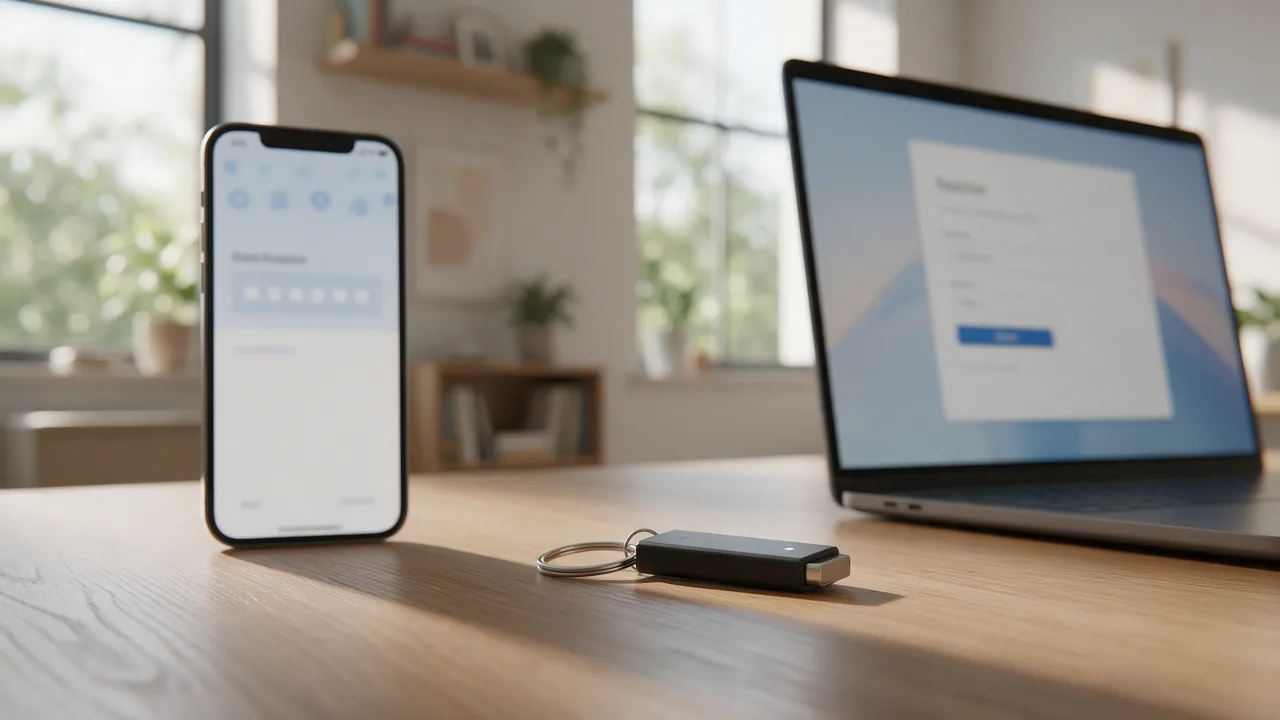
Hardware security keys, based on the FIDO2/WebAuthn standard, provide the strongest form of two-factor authentication. They are resistant to phishing, man-in-the-middle attacks, and replay attacks by design.
How Hardware Keys Work
- Registration: The key generates a unique public-private key pair for each service and shares the public key with the server
- Authentication: The server sends a challenge, the key signs it with the private key, and the server verifies the signature
- Origin binding: The key cryptographically binds the response to the requesting domain, preventing phishing
- User presence: Physical interaction (touch or biometric) is required, confirming the user is present
WebAuthn Registration Flow
// Server: Generate challenge
const options = {
    challenge: crypto.randomBytes(32),
    rp: { name: "Example App", id: "example.com" },
    user: { id: userId, name: email, displayName: name },
    pubKeyCredParams: [
        { alg: -7, type: "public-key" },   // ES256
        { alg: -257, type: "public-key" }  // RS256
    ],
    authenticatorSelection: {
        authenticatorAttachment: "cross-platform",
        userVerification: "preferred"
    },
    timeout: 60000
};
Recovery and Backup Strategies
A robust 2FA implementation must include recovery mechanisms for users who lose access to their second factor. Without recovery options, users risk permanent account lockout.
Recovery Methods
- Backup codes — pre-generated one-time codes stored securely by the user (typically 8-10 codes)
- Multiple registered devices — encourage users to register more than one authenticator
- Recovery email/phone — a secondary verified contact for account recovery (with additional verification)
- Admin-assisted recovery — identity verification through support channels as a last resort
Implementation Best Practices
- Support multiple 2FA methods and let users choose their preferred option
- Make 2FA setup clear, guided, and easy to complete
- Display recovery codes only once and prompt the user to save them securely
- Implement remember-device functionality with cryptographic device tokens
- Log all 2FA-related events for audit purposes (enrollment, verification, recovery)
- Enforce 2FA for administrative and high-privilege accounts
- Rate-limit verification attempts to prevent brute-force attacks
Conclusion
Implementing two-factor authentication is one of the highest-impact security improvements for any application. While TOTP offers the best balance of security and usability for most applications, hardware security keys provide the strongest protection for high-value accounts. SMS should be considered a fallback option. Regardless of the method chosen, any form of 2FA is dramatically better than password-only authentication.