
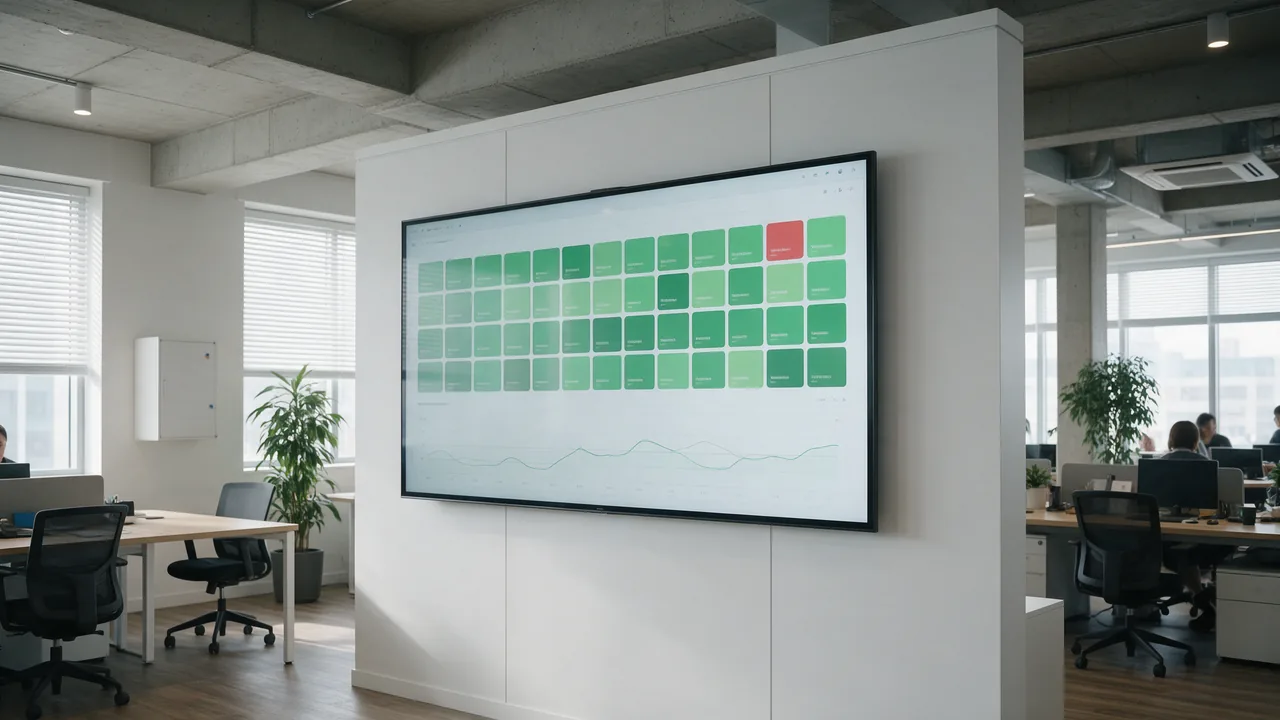
In short. Interval decides what you can detect, and location decides what you can trust. A five-minute check cannot see a two-minute outage, and a single vantage point cannot tell a site outage from a network problem between the checker and the site.
Why Monitor Uptime
Uptime (availability) is the time during which a website or service is accessible and functioning correctly. Every minute of downtime means lost revenue, customers, and reputation. Research shows that one minute of downtime costs large businesses an average of $5,600.
Uptime monitoring lets you detect problems in minutes rather than hearing about them from frustrated customers hours later.
What to Monitor
Main Website
Check the homepage and key sections. Don't just verify the HTTP status code — check for expected content in the response.
API
Monitor critical API endpoints. Check not just availability but response correctness (JSON structure, expected fields).
Databases
Database failure is the most common cause of serious incidents. Monitor connectivity and response time.
Third-Party Services
Payment gateways, CRM, email providers, CDN — any external service your business depends on.
SSL Certificates
An expired certificate means complete unavailability to users. Monitor expiration with the Enterno.io SSL Checker.
Check Types
HTTP/HTTPS Check
The most common type. Sends an HTTP request and verifies status code, response time, and content.
- Response code (200, 301, 500...)
- Response time (should be under threshold)
- Content presence (keyword check)
- SSL certificate validity
Ping (ICMP)
Checks server availability at the network level. Fast and lightweight but doesn't verify web application functionality. Use the Enterno.io Ping Test.
TCP/Port Check
Checks availability of a specific port: 3306 (MySQL), 6379 (Redis), 5432 (PostgreSQL). Useful for monitoring internal services.
DNS Check
Verifies DNS record correctness and resolution time. Use Enterno.io DNS Lookup.
Check Frequency
- Every 30 seconds — for critical services (payment systems, main API)
- Every minute — for the main website and key pages
- Every 5 minutes — for internal services and less critical pages
- Every 15-30 minutes — for secondary services
Keep in mind that too-frequent checks generate traffic and may be blocked by WAF.
Alert Configuration
Key principles:
- Multi-location confirmation — a single failure may be a network glitch. Alert only if the check fails from 2+ locations.
- Alert delay — wait for 2-3 consecutive failures before notifying.
- Proper channels — Telegram/SMS for critical, email for warnings.
- Escalation — if the issue isn't resolved in 15 minutes, notify the next person in the chain.
Status Page
A public status page informs users about current service status and incidents. It reduces support load and increases trust.
A status page should include:
- Current status of each service (Operational, Degraded, Down)
- Incident history with timeline
- Planned maintenance
- Update subscriptions (email, RSS, webhook)
- Uptime for the last 30/90 days
SLA and Uptime Calculation
SLA (Service Level Agreement) defines the guaranteed availability level:
- 99% — up to 7.3 hours of downtime per month
- 99.9% — up to 43.8 minutes of downtime per month
- 99.95% — up to 21.9 minutes of downtime per month
- 99.99% — up to 4.3 minutes of downtime per month
Formula: uptime% = (total_minutes - downtime_minutes) / total_minutes * 100
Start Monitoring with Enterno.io
Set up Enterno.io uptime monitoring in minutes. Add your website URL, choose check frequency and notification channels. The system will check availability and notify you of issues. Use the monitors dashboard to view all service statuses.
Summary
Uptime monitoring is the bare minimum for any web project. Monitor not just HTTP availability but also APIs, databases, SSL, and third-party services. Set up alerts with multi-location confirmation. Publish a status page for transparency. Remember: without monitoring, you'll be the last to know about problems.



