
ERR_SSL_BAD_RECORD_MAC_ALERT: Causes & Fix
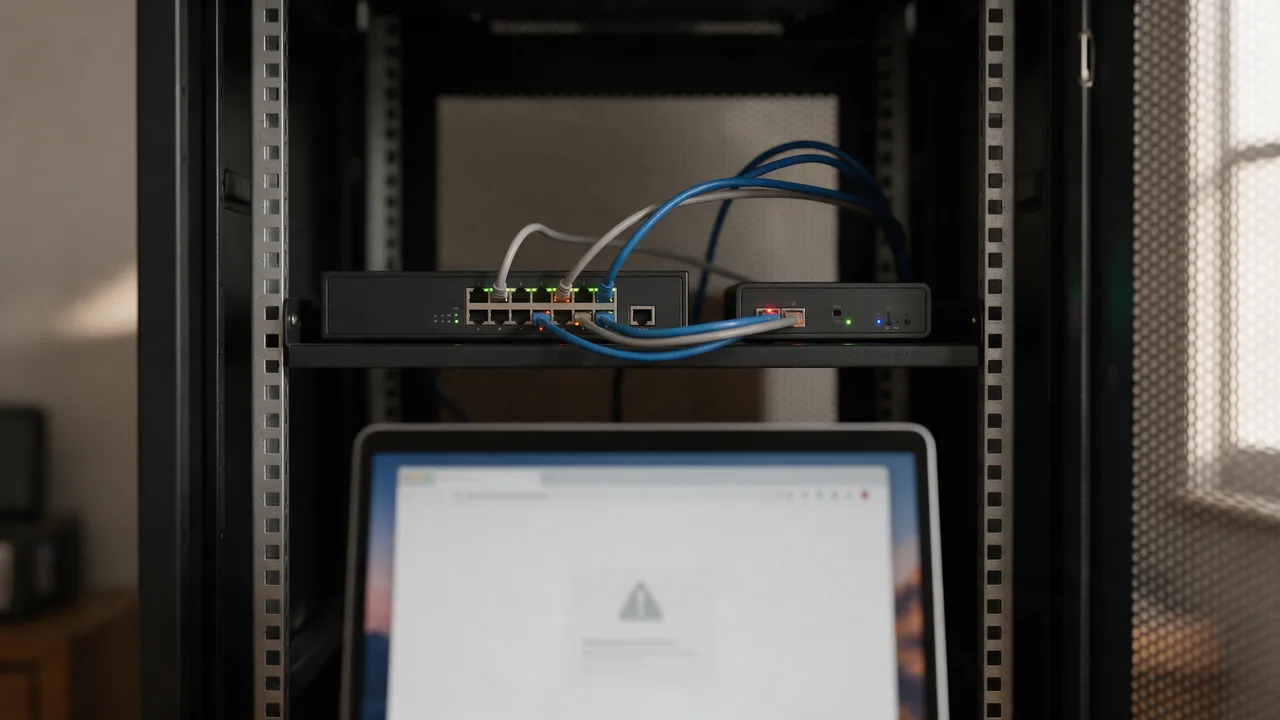
ERR_SSL_BAD_RECORD_MAC_ALERT means the client or server received a TLS record with an invalid MAC (Message Authentication Code). The data was corrupted in transit: network glitch, proxy, antivirus doing TLS inspection, or bad RAM. Fix: disable AV TLS inspection, check MTU, update network drivers.
This error blocks HTTPS access. Below: causes, fixes, working config, FAQ.
Free online tool — SSL certificate checker: instant results, no signup.
Common Causes
- Antivirus/firewall with TLS inspection corrupts data
- A broken proxy between client and server
- Wrong MTU on the path (fragmentation mangles packets)
- Faulty RAM on the server (rare, but happens)
- Aggressive TCP offload on the NIC mangles packets
- Client: outdated OpenSSL with an AES-GCM bug
Step-by-Step Fix
- Temporarily disable the antivirus (Kaspersky/Bitdefender) — did the error go away?
- Check MTU:
ping -M do -s 1472 8.8.8.8; if fragments — lower to 1400 - On the server:
ethtool -K eth0 tso off gso off gro off(disable offload) - Update OpenSSL on both client and server to 3.x
- Monitor uptime via Enterno Monitor — see failure patterns
Example: Proper nginx TLS config
server {
    listen 443 ssl http2;
    server_name example.com;

    ssl_certificate     /etc/letsencrypt/live/example.com/fullchain.pem;
    ssl_certificate_key /etc/letsencrypt/live/example.com/privkey.pem;

    ssl_protocols       TLSv1.2 TLSv1.3;
    ssl_ciphers         ECDHE-ECDSA-AES128-GCM-SHA256:ECDHE-RSA-AES128-GCM-SHA256;
    ssl_prefer_server_ciphers off;

    ssl_stapling        on;
    ssl_stapling_verify on;
}
Related SSL Errors
TL;DR: Understanding ERR_SSL_BAD_RECORD_MAC_ALERT
The ERR_SSL_BAD_RECORD_MAC_ALERT error indicates a corrupted TLS record, typically due to issues with the SSL/TLS handshake process. This can result from misconfigured server settings, outdated cryptographic protocols, or client-side errors. Resolving this error involves ensuring that both the server and client support the same TLS version, verifying certificate integrity, and checking for potential network interference.
Causes of ERR_SSL_BAD_RECORD_MAC_ALERT
The ERR_SSL_BAD_RECORD_MAC_ALERT error can arise from various factors that compromise the integrity of the TLS record. Understanding these causes is essential for effective troubleshooting.
- Misconfigured Server Settings: Incorrect SSL/TLS configurations on the server can lead to handshake failures. For example, if the server is set to use deprecated protocols like SSL 2.0 or SSL 3.0, modern clients may reject the connection.
- Outdated Cryptographic Protocols: Using outdated cipher suites can also trigger this error. Ensure that your server supports modern ciphers, such as those defined in RFC 8446 for TLS 1.3.
- Client-Side Errors: Corrupted browser caches or misconfigured client settings can result in this error. Clearing the browser cache or resetting network settings can often resolve the issue.
- Network Interference: Sometimes, firewalls or proxies may interfere with the SSL/TLS handshake, causing corrupted records. Check if any security appliances are inspecting or altering the traffic.
Troubleshooting ERR_SSL_BAD_RECORD_MAC_ALERT
To resolve the ERR_SSL_BAD_RECORD_MAC_ALERT error, follow these practical troubleshooting steps:
- Check Server Configuration: Review the server's SSL/TLS configuration. If you are using Apache, for example, you can verify the configuration in the
httpd.conforssl.conffiles. Ensure that the following directives are correctly set:
SSLEngine on
SSLCertificateFile /path/to/certificate.crt
SSLCertificateKeyFile /path/to/private.key
SSLProtocol all -SSLv2 -SSLv3
SSLCipherSuite HIGH:!aNULL:!MD5- Update SSL/TLS Libraries: Ensure that your server is running the latest version of OpenSSL or similar libraries. You can check the version with:
openssl version- Verify Certificate Integrity: Use the following command to check the certificate for errors:
openssl verify -CAfile /path/to/ca_bundle.crt /path/to/certificate.crt- Clear Browser Cache: If the error persists, clear the cache and cookies in your web browser. In Chrome, go to Settings > Privacy and Security > Clear Browsing Data.
- Test with Different Browsers: Try accessing the site using different web browsers to rule out browser-specific issues.
- Monitor Network Traffic: Use tools like Wireshark to capture and analyze network traffic. Look for anomalies during the SSL handshake process.
By systematically checking these areas, you can identify the root cause of the ERR_SSL_BAD_RECORD_MAC_ALERT error and implement the appropriate fixes.
Why teams trust us
How it works
Enter domain
TLS chain verified
Expiry date & vulnerabilities
What Does the SSL Check Cover?
SSL/TLS is the encryption protocol that protects data between the browser and server. Our tool analyzes the certificate, chain of trust, TLS version, and knownvulnerabilities.
Certificate Details
Issuer, validity period, signature algorithm, covered domains (SAN), and validation type (DV/OV/EV).
Chain of Trust
Full chain verification: from leaf certificate through intermediates to root CA.
TLS Analysis
Protocol version (TLS 1.2/1.3), cipher suites, Perfect Forward Secrecy (PFS) support.
Expiry Alerts
Set up a monitor — get Telegram and email alerts 30/14/7 days before expiration.
DV vs OV vs EV Certificates
- Confirms domain ownership only
- Issued in minutes automatically
- Free via Let's Encrypt
- Suitable for most websites
- Most common certificate type
- Organization (OV) or Extended Validation (EV)
- Issued in 1-5 business days
- Costs $50 to $500/year
- For finance, e-commerce, government sites
- Increases user trust
Who uses this
DevOps
SSL certificate monitoring
Security
TLS config audit
SEO
HTTPS as ranking factor
E-commerce
customer trust
Common Mistakes
www and subdomains.Best Practices
Strict-Transport-Security header forces browsers to always use HTTPS.Get more with a free account
SSL certificate monitoring, check history and alerts 30 days before expiry.
Sign up freeLearn more
Sources
Frequently Asked Questions
What is a MAC in TLS?
Message Authentication Code — a cryptographic hash embedded in every TLS record. It verifies data integrity in transit. Bad MAC = data was corrupted.
Is this an attack?
Usually not. Mostly hardware/software bugs. But constant bad MACs can hint at a MITM attack (very rare).
Why does AV break things?
TLS inspection decrypts traffic, injects its own cert, re-encrypts. Bugs → MAC does not match.
Only in mobile browser — why?
Mobile networks often have lower MTU (1400–1460). Desktop over WiFi — 1500. The delta → fragmentation at the TLS layer.
Try the live tool that powered this guide
Free plan — 10 monitors, checks every 5 min, no card required. Upgrade for 1-minute interval and multi-region monitoring.