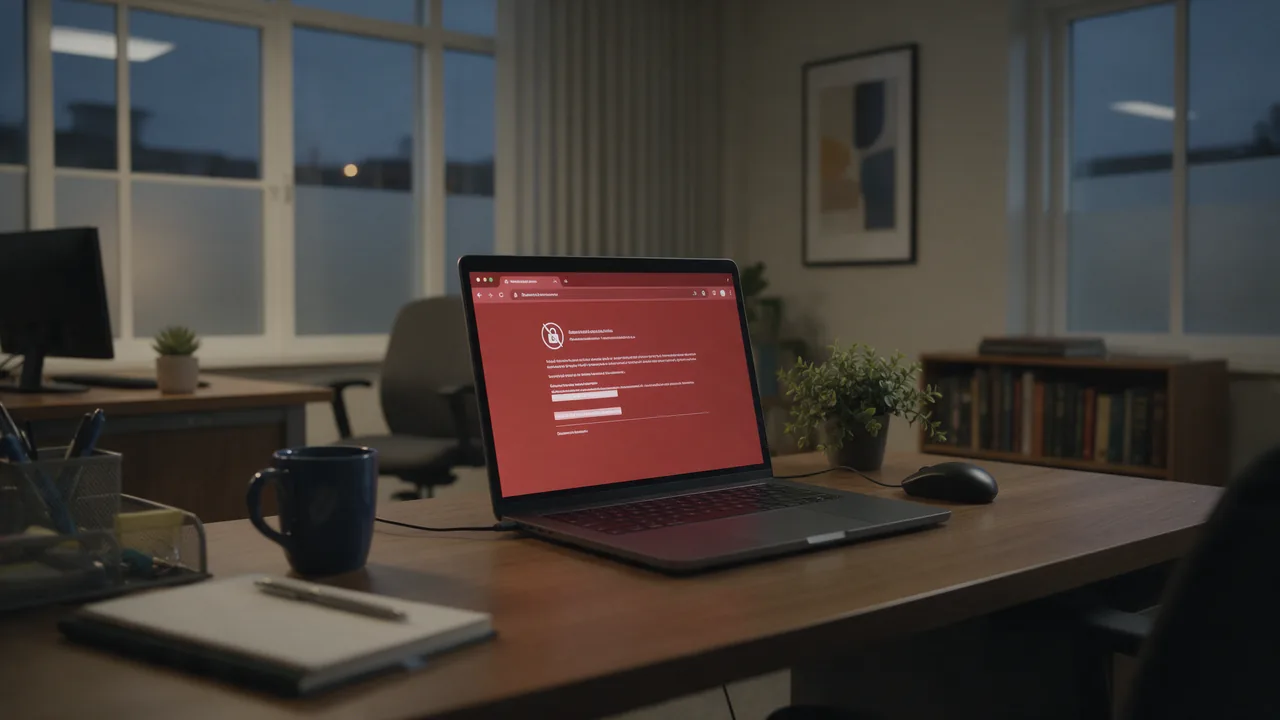
“Your connection is not private” means the browser could not verify the website’s TLS certificate: it has expired, was issued by an authority the browser does not trust, does not cover the address you typed, or something between you and the server swapped it. The error code printed under the message tells you which of these happened.
What “Your connection is not private” actually means
Every https:// site presents a certificate that binds a domain name to a public key and is signed by a certificate authority (CA). Before rendering the page the browser checks three things: the signature chains up to a root in its trust store, today’s date falls inside the certificate’s validity window, and the host in the address bar matches one of the names listed in the certificate. Fail any one of them and you get a full-page interstitial instead of the site.
Chrome’s wording — “Attackers might be trying to steal your information from example.com (for example, passwords, messages, or credit cards)” — is a template, not a finding. The browser cannot tell an attack apart from an administrator who forgot to renew a certificate. All it knows is that it cannot prove it is talking to the real server. So treat the page as untrusted until you know the cause, but don’t assume you are being hacked: most cases have a mundane explanation.
How the warning looks in each browser
- Chrome, Edge, Brave, Opera (Chromium): “Your connection is not private” with a code such as
NET::ERR_CERT_DATE_INVALIDunderneath. - Safari on macOS and iOS: “This Connection Is Not Private”; no error code, details sit behind “Show Details”.
- Firefox: “Warning: Potential Security Risk Ahead”; click “Advanced” to see codes like
SEC_ERROR_UNKNOWN_ISSUER.
A small “Not secure” label next to the address is something else. It means the page was loaded over plain HTTP: it renders, but anything you type travels unencrypted.
Read the error code first
In Chromium browsers the code is printed in small type below the main text; click “Advanced” if you don’t see it, and click the code itself to view the certificate. The table maps the common codes to their usual cause.
| Error code | Meaning | Usually whose problem |
|---|---|---|
NET::ERR_CERT_DATE_INVALID, SEC_ERROR_EXPIRED_CERTIFICATE | Certificate expired, or not yet valid according to your clock. See expired SSL certificate | Site (no renewal) or device (wrong date) |
NET::ERR_CERT_AUTHORITY_INVALID, SEC_ERROR_UNKNOWN_ISSUER | Issuer not trusted: self-signed certificate, missing intermediate, antivirus or proxy interception. See ERR_CERT_AUTHORITY_INVALID | Mostly the site; on the user side, security software or a corporate network |
NET::ERR_CERT_COMMON_NAME_INVALID, SSL_ERROR_BAD_CERT_DOMAIN | Certificate issued for a different name, e.g. example.com but you opened www.example.com | Site; sometimes a Wi-Fi login page or DNS hijack |
NET::ERR_CERT_REVOKED | The CA revoked the certificate before it expired | Site |
MOZILLA_PKIX_ERROR_SELF_SIGNED_CERT | Certificate signed by itself, no CA involved | Site, router, internal dashboard |
NET::ERR_CERT_WEAK_SIGNATURE_ALGORITHM | Signed with a deprecated algorithm such as SHA-1 | Site |
ERR_SSL_PROTOCOL_ERROR and ERR_SSL_VERSION_OR_CIPHER_MISMATCH show a different page (“This site can’t provide a secure connection”). Those are handshake failures, not certificate validation failures, and have different fixes.
How to fix it when the problem is on your side
One quick test splits the problem in half: open the same site on your phone over mobile data. If it loads, the cause is your computer or your network. If it fails everywhere, only the site owner can fix it.
1. Correct the date and time
Certificates are valid only between two dates. A clock that jumped back a year — common after a dead CMOS battery — makes every certificate look “not yet valid”. Chrome often says so explicitly: “Your clock is behind”.
- Windows 10/11: Settings → Time & language → Date & time → turn on “Set time automatically” and click “Sync now”. From an elevated prompt:
w32tm /resync; check status withw32tm /query /status. - macOS: System Settings → General → Date & Time → “Set time and date automatically”.
- Linux:
timedatectl statusshows whether NTP sync is active; enable it withsudo timedatectl set-ntp true. - iPhone: Settings → General → Date & Time → Set Automatically. Android: Settings → System → Date & time → automatic (menu names vary by vendor).
2. Sign in to the Wi-Fi captive portal
Hotel, airport and café networks intercept all traffic until you accept their terms. To an HTTPS site that looks like a foreign certificate, so you see ERR_CERT_COMMON_NAME_INVALID or ERR_CERT_AUTHORITY_INVALID. Open a plain-HTTP address such as http://neverssl.com, let the login page appear, sign in, and retry. If no login page ever shows up and the errors persist, don’t enter passwords on that network.
3. Check antivirus HTTPS scanning and corporate inspection
Many security suites and corporate gateways decrypt HTTPS to inspect it, re-signing every site with their own root certificate. When that root is missing from a browser’s store (Firefox keeps its own) or the software is outdated, the browser sees an unknown issuer. Open the certificate details and look at “Issued by”: if it names your antivirus or your employer rather than a public CA, you have found the cause. Temporarily switch off the product’s HTTPS or SSL scanning option and reload. On a managed work machine, talk to IT instead of disabling inspection yourself — the same applies to school networks that require a custom root certificate.
4. Update an old device, rule out extensions
Systems that no longer get updates, such as old Android versions, lack newer root certificates and start rejecting sites that work everywhere else. Updating the OS, or using a browser that ships its own root store like Firefox, fixes this. If the error appeared after installing an extension, VPN client or “web shield”, test in a private window where extensions are off by default. Clearing cache and cookies rarely helps: the certificate is re-validated on every new connection.
How to fix it on your own website
If every visitor gets the warning, the fix is on the server. The usual suspects, most common first:
Expired certificate
Typically a broken Let’s Encrypt renewal after a web-server change, a closed port 80 or a DNS move. Check the dates:
echo | openssl s_client -connect example.com:443 -servername example.com 2>/dev/null | openssl x509 -noout -dates -issuernotAfter is the expiry. Renew with sudo certbot renew and reload the server, e.g. sudo systemctl reload nginx.
Missing intermediate certificate
The server must send the intermediate CA certificate along with its own. Desktop Chrome can sometimes fetch a missing intermediate by itself, so the site works for you while Android users and API clients fail. In nginx point ssl_certificate at fullchain.pem, not cert.pem. Full walkthrough: fixing an incomplete certificate chain.
Name mismatch and the default certificate
List the names a certificate covers with openssl x509 -noout -ext subjectAltName (OpenSSL 1.1.1+) on the same pipeline as above. If www or a new subdomain is missing, reissue. On shared hosting, a domain without its own listen 443 ssl server block gets the first site’s certificate via SNI fallback; CDNs and site builders behave the same way until the certificate for a freshly connected domain is issued.
No HTTPS or mixed content
A site with no certificate doesn’t trigger the interstitial; it just shows “Not secure”. A valid certificate plus images or scripts loaded over http:// removes the padlock — that is mixed content, and it is fixed in page code, not in the certificate.
Should you click “Proceed”?
Chromium: “Advanced” → “Proceed to example.com (unsafe)”. Safari: “Show Details” → “visit this website”. Firefox: “Advanced” → “Accept the Risk and Continue”. The exception lasts for that site and session, and the connection is still encrypted — but encrypted to a server you have not verified.
It is reasonable for your own router, an internal tool with a self-signed certificate, or a staging box. It is not reasonable for banking, email, social networks, shops or any login page, because certificate substitution is exactly how credentials get stolen. If there is no “Proceed” link at all, the site uses HSTS and has told the browser never to accept an invalid certificate for it. That is working as intended; fix the cause instead of looking for a way around it.
What the padlock in the address bar means
The padlock means the connection is encrypted and the certificate was issued for this domain by a trusted CA. It says nothing about whether the site is honest — phishing sites get free certificates for their look-alike domains too — so read the domain, not just the icon. Since Chrome 117 the padlock has been replaced by a “tune” icon, but clicking it still shows whether the connection is secure and who issued the certificate (see Chrome Help).
How to check a site’s certificate
Look at the certificate from outside your network to learn whose problem it is. The SSL certificate checker reports expiry, issuer, covered names, chain completeness and supported TLS versions; if it comes back clean while you still get the warning, the cause is on your device or network. If the certificate is fine but the padlock disappears, inspect HTTP headers and redirects for a hop to a plain-HTTP URL. From a terminal, curl -vI https://example.com prints the expire date, the issuer and the verification result. The validation rules themselves are defined in RFC 5280.
FAQ
Why is only one website showing “Your connection is not private”?
Almost certainly the site’s certificate: expired, missing an intermediate, or not covering the exact hostname. Confirm from another device or with an external SSL checker, then let the owner know.
Why does every website suddenly show the error?
A wrong system clock, HTTPS scanning in security software, or interception on the current network. Fix the time first, then check who issued the certificate in the error details.
How do I fix “This Connection Is Not Private” on iPhone?
Turn on automatic date and time, rejoin the Wi-Fi and complete its login page if there is one, and check Settings → General → VPN & Device Management for VPN or content-filter profiles you don’t recognise.
Is it safe to proceed anyway?
Only for devices and services you control. Never on pages where you type passwords or card details: you can’t distinguish a misconfiguration from an impersonated server.
Will clearing the browser cache help?
Rarely. Certificates are checked on every new connection, so cached data is not the cause of a certificate error.