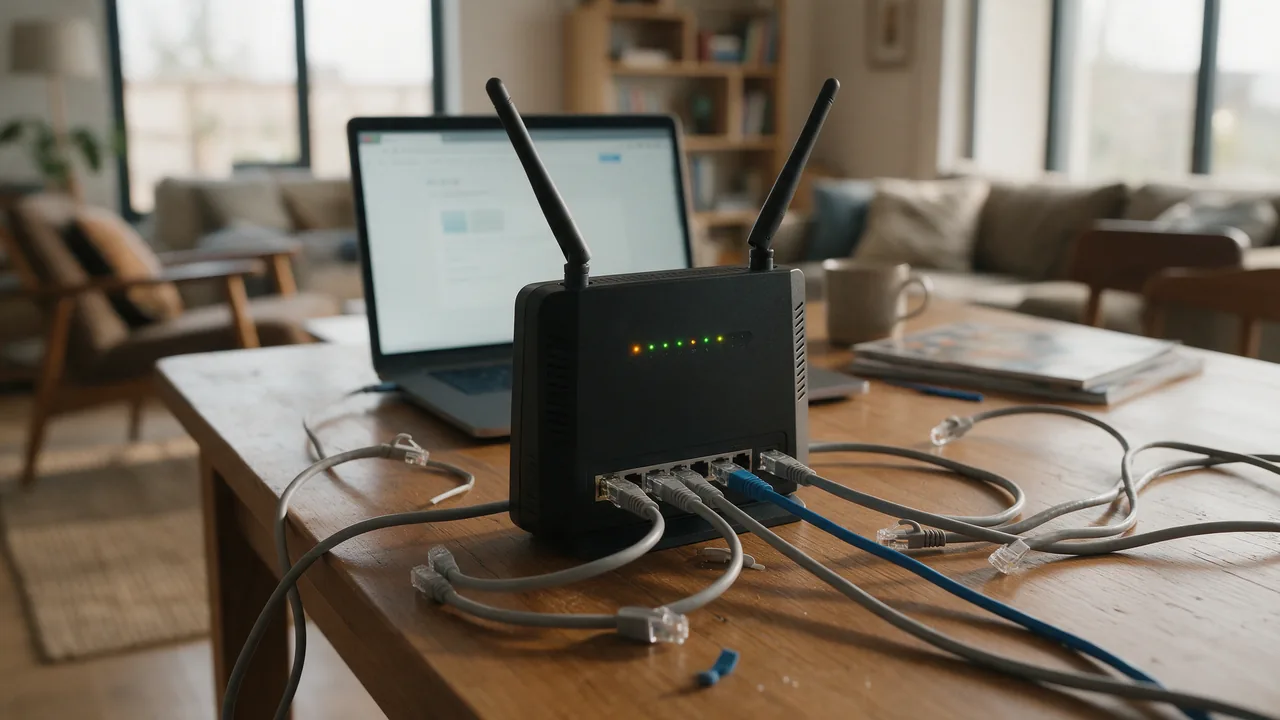
Short answer. ERR_CONNECTION_RESET means the connection was established but abruptly cut — one side or an intermediate node sent a TCP RST packet. Unlike a timeout, the connection existed but broke midway. The main causes are an unstable network, a firewall or ISP dropping the connection, an MTU/MSS problem, an overloaded server, or an SSL failure. The first step is to repeat the request with verbose output — curl -I -v https://example.com — and check the path with traceroute.
What ERR_CONNECTION_RESET means
RST ("reset") in TCP is a command to "close the connection immediately." The browser receives it and shows the error. The reset can come from the server (the app crashed or a limit was hit), from a firewall (a blocking rule), or from a loss of link stability.
Reset isn't "no connection" — it's "there was a connection and it broke." So diagnosis differs from a timeout: find who sent the RST and why.
Main causes
- Unstable network — Wi-Fi, mobile link, packet loss.
- Firewall or ISP resets the connection (DPI, blocking).
- MTU/MSS problem — oversized packets are cut along the path.
- Server overload — the app drops excess connections.
- SSL/TLS failure — incompatibility during the handshake.
- VPN or proxy that drops the connection on timeout.
User-side diagnostics
Repeat the request with a detailed log and check the path and stability:
# Verbose connection log — where it breaks
curl -I -v https://example.com

# Stability and packet loss
ping -c 20 example.com
traceroute example.com

# Flush caches just in case
ipconfig /flushdns          # Windows
sudo dscacheutil -flushcache  # macOS
If ping shows high packet loss, the problem is the link. If curl breaks at the TLS stage, check SSL.
User-side fix
- Switch from Wi-Fi to a cable or change networks (mobile data).
- Disable VPN, proxy, and extensions that drop connections.
- Flush the DNS and browser cache; open the site in incognito.
- Reboot the router; if you suspect MTU, lower it (for example, to 1400).
- Temporarily disable your antivirus's SSL inspection.
Server-side fix
If everyone sees the reset, check load, limits, and the firewall:
# Is the firewall sending RST to drop connections?
sudo iptables -L -n -v | grep -i reject

# Load and connection limits
top
sudo ss -s

# Web-server logs for drops
sudo tail -n 50 /var/log/nginx/error.log
Raise worker and keepalive limits, check that DDoS protection isn't cutting legitimate connections, and verify the TLS configuration.
Causes and solutions
| Cause | Solution |
|---|---|
| Unstable link | Cable instead of Wi-Fi, change network |
| Firewall sends RST | Check rules, rule out blocking |
| MTU/MSS problem | Lower MTU, enable MSS clamping |
| Server overload | Raise limits, optimize |
| SSL/TLS failure | Check the certificate and protocols |
How to prevent it from recurring
Resets are often intermittent and depend on load or the network — hard to catch by hand. Continuous monitoring records drops and slow responses and alerts via Telegram, Slack, email, or webhook. A multi-region check (RU/EU/US) shows whether the connection breaks globally or in just one region — pointing straight at an ISP or DPI.
The HTTP checker shows whether a response arrives and which headers, ping and ports show link stability, and the SSL checker rules out a handshake failure. If the break is at TLS, see expired SSL certificate. For continuous control, read the monitoring guide.
FAQ
How is reset different from a timeout?
With a timeout the server stays silent and no connection forms. With a reset there was a connection, but someone sent an RST and cut it. Different causes, different diagnostics.
Why does the site break only on large pages?
A classic sign of an MTU/MSS problem: small requests pass, but large packets are cut along the path and the connection resets. Lower the MTU or enable MSS clamping.
Can my ISP cause ERR_CONNECTION_RESET?
Yes. DPI and blocking sometimes drop connections with RST. Test the site on another network or mobile data — if it works there, your ISP is the cause.
How do I know the server is at fault?
If the reset reproduces from different networks and devices, the problem is server-side: overload, firewall, or TLS. Then check logs and connection limits.