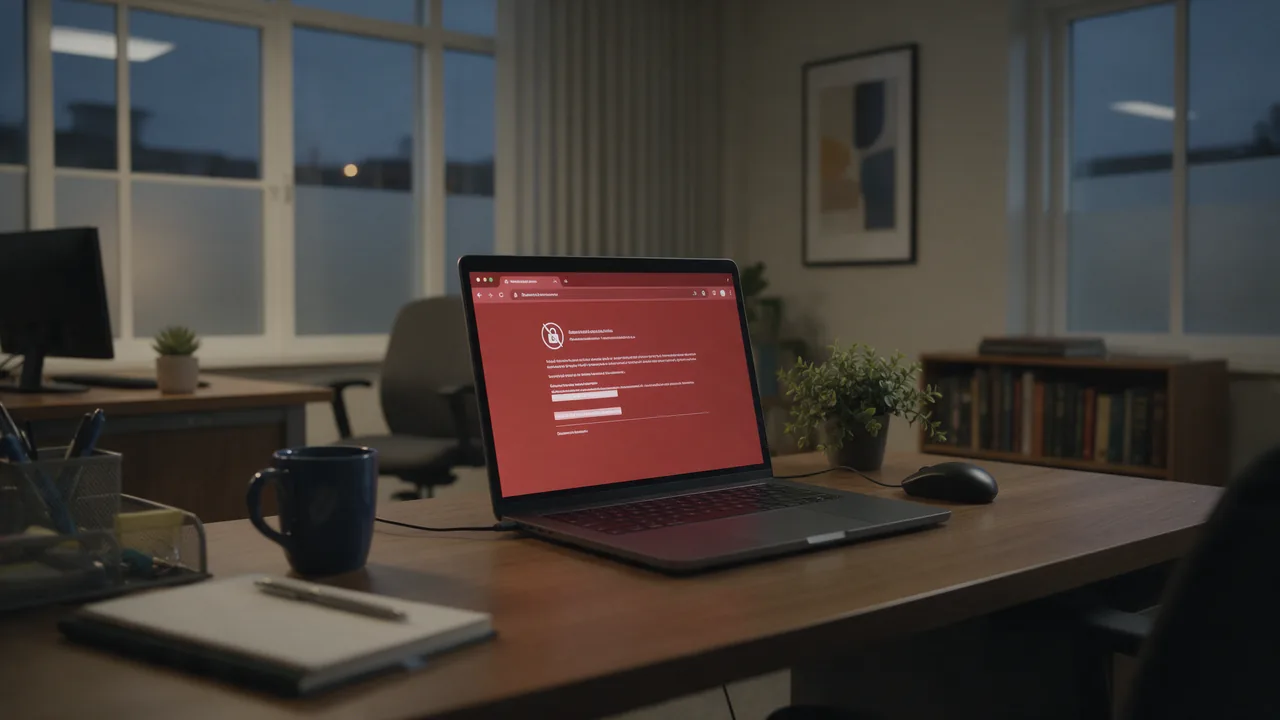
Short answer. ERR_SSL_PROTOCOL_ERROR means the browser and server couldn't agree on a secure TLS connection — the handshake failed. The usual culprits are an outdated protocol (TLS 1.0/1.1), an incomplete certificate chain, an expired or domain-mismatched certificate, or wrong clock time on the user's device. The first step is to inspect the handshake directly with openssl s_client -connect example.com:443.
What ERR_SSL_PROTOCOL_ERROR means
The TLS handshake is the first step of every HTTPS connection: both sides negotiate the protocol version and ciphers and exchange certificates. If anything goes wrong here, the browser aborts the connection with this error before the page even loads.
This error isn't about the site's content — it's about the secure channel. Until the TLS handshake completes, not a byte of data is transferred.
Main causes
- Outdated protocol — the server offers only TLS 1.0/1.1, which the browser rejects.
- Incomplete certificate chain — the intermediate certificate isn't served.
- Expired certificate or domain mismatch (CN/SAN).
- Wrong system clock on the user's device.
- Incompatible ciphers between client and server.
- Antivirus or proxy intercepting HTTPS (SSL inspection).
TLS handshake diagnostics
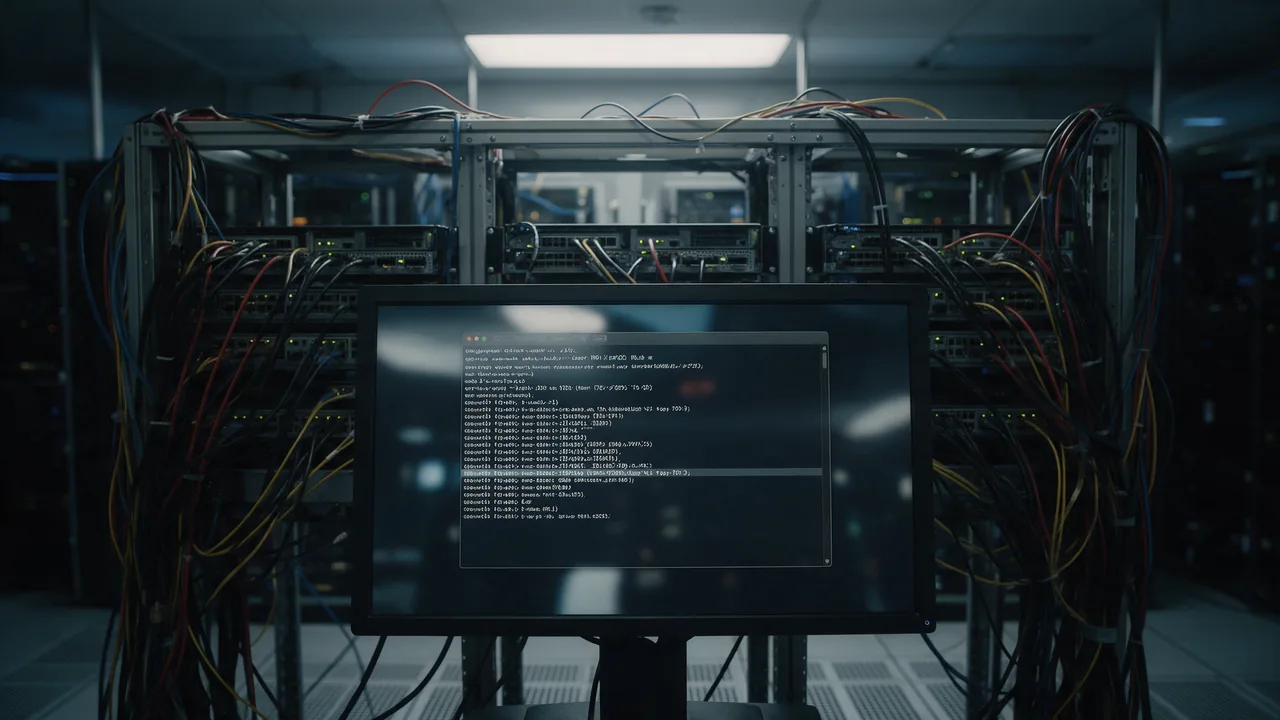
See exactly what the server returns during the handshake:
# Full handshake output and certificate chain
openssl s_client -connect example.com:443 -servername example.com

# Test a specific protocol version
openssl s_client -connect example.com:443 -tls1_2
openssl s_client -connect example.com:443 -tls1_3

# Quick check with curl
curl -I -v https://example.com
Watch the Verify return code and Certificate chain lines — they reveal an expired certificate or a broken chain.
User-side fix
- Check the device date and time — a wrong clock breaks certificate validation.
- Clear the SSL state and browser cache; open the site in incognito.
- Temporarily disable SSL inspection in your antivirus/firewall.
- Disable VPNs and proxies that intercept HTTPS.
- Update the browser and OS — old versions don't support modern TLS.
Server-side fix
If everyone sees the error, fix the TLS configuration. Enable modern protocols and serve the full chain:
# nginx: allow only TLS 1.2 and 1.3
ssl_protocols TLSv1.2 TLSv1.3;
ssl_certificate     /etc/ssl/fullchain.pem;   # cert + intermediates
ssl_certificate_key /etc/ssl/privkey.pem;
Make sure you use fullchain.pem (with intermediate certificates), the certificate isn't expired, and it's issued for the right domain.
Causes and solutions
| Cause | Solution |
|---|---|
| Old TLS 1.0/1.1 protocol | Enable TLS 1.2/1.3 on the server |
| Incomplete chain | Use fullchain.pem |
| Expired certificate | Reissue, set up auto-renewal |
| Wrong client clock | Sync the device clock |
| Antivirus SSL inspection | Disable HTTPS interception |
How to prevent it from recurring
ERR_SSL_PROTOCOL_ERROR most often strikes suddenly — from an expired certificate someone forgot to renew. SSL monitoring tracks the expiry date and warns you 14 and 3 days ahead, while an uptime check catches a handshake failure immediately and sends an alert. That way you learn about the problem before your visitors do.
Check the SSL certificate: expiry, chain, protocol, and ciphers. The HTTP checker confirms HTTPS availability after the fix. If the certificate expired, see expired SSL certificate: how to fix. For continuous control, read the monitoring guide.
FAQ
Is it my problem or the site's?
Open the site in another browser and on another device. If only you see the error, check the clock, antivirus, and VPN. If everyone does, the problem is the server's TLS configuration.
Why did the error appear suddenly on a working site?
Almost always an expired certificate. Reissue it and set up auto-renewal (for example, Let's Encrypt with cron).
Can antivirus cause this error?
Yes. Many antivirus products intercept HTTPS for scanning and sometimes break the handshake. Temporarily disable SSL scanning to test.
Will switching browsers help?
If the issue is an outdated protocol on the client side, updating or switching browsers may help. But if the server offers only TLS 1.0/1.1, the server is what needs fixing.