
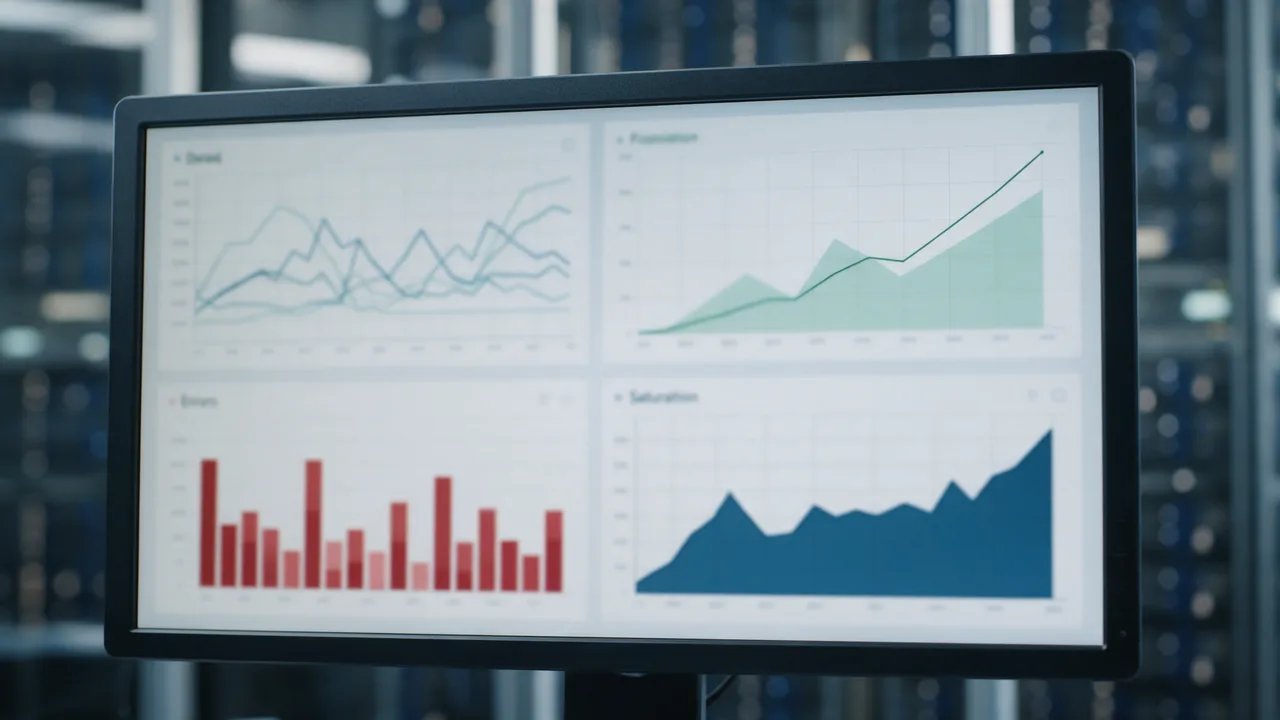
Short answer. The four golden signals from SRE practice are latency (how fast the service responds), traffic (how many requests arrive), errors (the share of failed responses) and saturation (how full your resources are). If you only have time for a handful of dashboards, start here: together these four catch almost any user-facing failure.
Where the golden signals come from
The concept was popularised by the Google SRE team. The idea is simple: instead of a hundred metrics, focus on four that directly reflect service health from the user's point of view.
If you can only measure four metrics of a user-facing system, measure latency, traffic, errors and saturation.
1. Latency
This is response time. Separate the latency of successful and failed requests: a fast 500 error can mask a problem. Look at percentiles, not the average.
- p50 — the typical user.
- p95 / p99 — the tail that hurts the experience most.
# PromQL: p99 latency over 5 minutes
histogram_quantile(0.99,
  sum(rate(http_request_duration_seconds_bucket[5m])) by (le))
2. Traffic
How much demand the service sees — requests per second, transactions, queued messages. Traffic provides context: an error spike during a 10x traffic surge is a different story than one at normal load.
# PromQL: requests per second
sum(rate(http_requests_total[5m]))
3. Errors
The share of failed requests. Count not only 5xx but also "silent" errors: a 200 response with a wrong body is still a failure.
# PromQL: 5xx error ratio
sum(rate(http_requests_total{status=~"5.."}[5m]))
/
sum(rate(http_requests_total[5m]))
4. Saturation
How loaded your resources are — CPU, memory, disk, connection pool. Saturation predicts future trouble: the service still answers, but a resource is nearly exhausted.
# PromQL: CPU utilisation in percent
100 - (avg(rate(node_cpu_seconds_total{mode="idle"}[5m])) * 100)
Signal summary table
| Signal | What it measures | Example metric |
|---|---|---|
| Latency | Response time | p99 request duration |
| Traffic | Volume of demand | Requests per second |
| Errors | Share of failures | % of 5xx responses |
| Saturation | Resource load | % CPU, memory |
External and internal signals
Saturation and part of latency are measured from the inside — on the servers. But latency, traffic and errors from the user's point of view are best seen from the outside, via synthetic monitoring.
- Internal metrics (Prometheus) capture saturation and root causes.
- External checks capture the real user experience.
- Together they give a complete picture of an incident.
What enterno.io covers
As external (synthetic) monitoring, enterno.io measures response latency, errors (HTTP/SSL status codes) and availability from vantage points around the world. This complements internal Prometheus with the user-side view. HTTP, SSL, ping and DNS checks run every minute or every 30 seconds on paid plans, multi-region from Russia, Europe and the US. Alerts arrive via Telegram, Slack, email, webhook, PagerDuty and Jira.
Spin up monitors for the external signals, show availability on a status page, and use heartbeat for queues and cron. For the response side, see our incident response plan.
FAQ
Can I start with just the golden signals?
Yes. It is the recommended starting point: four signals cover most user-facing failures, and detailed metrics are added later as needed.
Why is average response time a poor metric?
The average hides the tail: if 1% of users wait 10 seconds, the average can still look fine. The p95/p99 percentiles reveal the real pain.
How do golden signals differ from the USE method?
USE (Utilization, Saturation, Errors) focuses on resources, while golden signals focus on the user-facing service. They are often used together: USE for infrastructure, golden signals for applications.
Do I need Prometheus to apply golden signals?
No. The signals are a concept, not a tool. Latency, traffic and errors can be collected by external synthetic monitoring without your own metrics stack.
Cover the external golden signals. Create checks at enterno.io/monitors and measure latency, errors and availability through the user's eyes.



