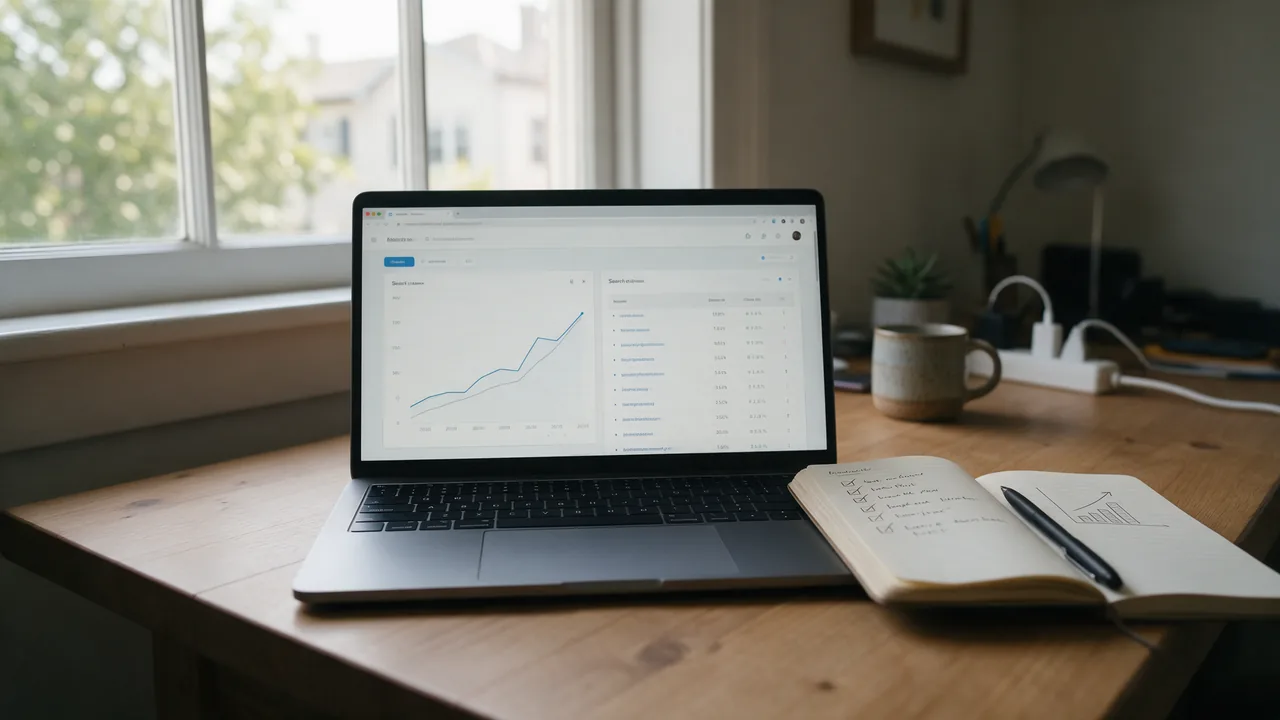
The answer to how to promote my website for free comes down to six steps: remove crawling blockers, pick the searches you want to be found for, write pages that answer them, show you are a real business, earn honest mentions and review Search Console every week. None of it needs an ad budget.
This guide is written for site owners doing the work themselves, without an agency. Each step lists what to do, how to check the result, and what to avoid so you do not trade a short-term bump for a penalty. There are no promised timelines or traffic numbers below, because no search engine gives them.
What is the best way to promote my website?
There is no single best channel. Each one sends a different kind of visitor, costs something different, and behaves differently when you stop. Most small sites get the steadiest free traffic from search, then add one or two channels where their customers already spend time.
| Channel | What it costs you | When it starts working | What happens when you stop |
|---|---|---|---|
| Organic search (SEO) | Time on technical fixes, structure and content | Gradually, as pages are recrawled and re-evaluated | Traffic persists for a while, but competitors catch up |
| Google Business Profile and maps | A complete profile, photos, replies to reviews | After the profile is verified | The listing stays, but stale details cost you customers |
| Communities (Reddit, Facebook groups, forums) | Regular, genuinely helpful participation | Depends on the community and your reputation there | Visibility fades quickly |
| Email newsletter | A signup form and consistent sending | From the first send | You keep the list and can restart any time |
| Paid ads | Ad spend and campaign setup | As soon as ads are approved | Traffic stops with the budget |
Google states that buying ads does not affect organic rankings, so paid and organic are separate decisions. The rest of this guide focuses on the free channels, with search at the center.
Step 1. Make sure search engines can crawl and index your site
If a crawler cannot fetch a page, nothing else in this guide matters. Three common blockers are a Disallow: / rule in robots.txt, a leftover noindex meta tag from development, and an X-Robots-Tag header set by the server. You can check all three from a terminal (Linux, macOS, or Windows 10/11 with the built-in curl.exe):
# status code of the home page
curl -sI https://example.com/ | head -n 1

# robots.txt contents
curl -s https://example.com/robots.txt

# X-Robots-Tag header (no output means no header)
curl -sI https://example.com/services/ | grep -i x-robots-tag

# robots meta tag in the HTML
curl -s https://example.com/services/ | grep -io '<meta[^>]*name="robots"[^>]*>'
In PowerShell, the robots.txt check looks like this:
(Invoke-WebRequest -Uri https://example.com/robots.txt -UseBasicParsing).ContentNext, verify the site in Google Search Console and Bing Webmaster Tools and submit your sitemap.xml. Bing Webmaster Tools can import a site you have already verified in Search Console, which saves a step. The walkthrough is in how to add a site to Google and Yandex, and if pages still do not show up, see why a site is not in search results.
One HTTPS address, one redirect
Your site should resolve to a single canonical address, such as https://www.example.com. The other variants (http://, with or without www) should reach it with one 301 redirect, not a chain. To see every hop:
curl -sIL http://example.com/ | grep -iE '^(HTTP|location)'More than one Location line means the chain can be shortened. You can also run the certificate through the SSL check and the chain through the redirect checker.
Speed and mobile usability
Heavy uncompressed images, render-blocking scripts, layout shifts while the page loads, and tap targets that are too small are the usual problems. Google measures these with Core Web Vitals (LCP, INP and CLS); the Core Web Vitals guide explains how to measure and improve them. For a first pass, run Lighthouse in Chrome DevTools (F12, then the Lighthouse tab) in mobile mode.
Broken links and real 404s
Internal links to pages that no longer exist waste crawl time and frustrate visitors. Redirect a removed page that still gets traffic to the closest equivalent, not to the home page. A URL that does not exist must return a 404 status, not a 200 page that merely says "not found":
# should print a 404 status line, not 200
curl -sI https://example.com/this-page-does-not-exist-12345 | head -n 1
Step 2. Choose the searches you want to rank for
Write down what you sell or write about in your customers' words. Then look at what people actually type: Google autocomplete, the "People also ask" box, and related searches at the bottom of the results page are free and show real phrasing. Search Console's Performance report shows which queries already bring you impressions.
Group queries by intent. If two queries return mostly the same results, one page can target both; if the results differ, you need two pages. Give each group exactly one page, because two pages chasing the same group compete with each other.
Step 3. Write titles and pages that match search intent
The title tag is the strongest on-page hint about a page's topic and the first thing a searcher reads. Put the main phrase near the start, be specific, and keep every title unique. The meta description is not always used for the snippet, but a good one earns clicks. The title and meta description guide shows how to audit them across a site.
| Intent | Example search | Page that fits |
|---|---|---|
| Informational | "how to choose a standing desk" | A guide with a direct answer and comparisons |
| Commercial | "standing desk under 300" | A category page with prices and filters |
| Navigational | "brand name contact" | A contact page with address, phone and map |
| Local | "laptop repair near me" | A service page backed by a Google Business Profile |
Look at what already ranks before you write. If the top results are product categories, a blog post will not break in, and the reverse is also true. Open every page with a direct answer, use subheadings that mirror real questions, and use keywords the way you would say them out loud, not repeated for their own sake.
Step 4. Show that a real business stands behind the site
Google describes quality through experience, expertise, authoritativeness and trust (E-E-A-T) in its guidance on helpful content. In practice that means:
- A contact page with a phone number, address, hours and a map.
- Clear prices or pricing rules, plus shipping, returns and warranty terms.
- Reviews and case studies with names and dates, and photos of real work.
- Author names with relevant experience on articles, and an "updated" date.
- A Google Business Profile whose name, address and phone match the site.
- A privacy policy if the site collects any personal data through forms.
How can I advertise my website for free?
Once the site itself is in order, these channels cost time rather than money:
- Google Business Profile. Free, and it puts local businesses on Maps and in the local results.
- Partners and suppliers. Ask for a listing on "where to buy", "our dealers" or "our partners" pages. These are natural, relevant links.
- Industry directories that customers actually use, not bulk directory submissions.
- Expert contributions. Answer journalists' questions, write for industry publications, speak on podcasts.
- Something worth citing. Original data, a calculator or a free tool attracts links on its own.
- Email. A newsletter to people who opted in brings them back without an algorithm in between.
If you pay for a placement, the link must carry rel="sponsored" or rel="nofollow". Buying links that pass ranking signals violates Google's spam policies.
Promoting your website on Reddit
Reddit works when you are a participant first. Read each subreddit's rules before posting, because many prohibit or restrict self-promotion and moderators remove posts that break them. Answer questions in detail, and link to your page only where it genuinely adds to the answer.
Promoting your website on Facebook for free
Create a Facebook Page for the business, add the site link to it, and share useful posts rather than only announcements. In groups, follow each group's posting rules; many allow promotion only on specific days or threads.
How to advertise with no money?
With no budget, your currency is time and usefulness. Fix the site first so every visitor you do get has a good experience, then pick one community and one content format you can sustain every week. Consistency beats volume: a monthly guide that fully answers a question will keep earning visits long after a burst of social posts has faded.
How to get 1000 website visitors per day?
No honest guide can promise a number or a date. What you can do is work the arithmetic you control: daily visitors from search equal impressions multiplied by click-through rate. Search Console shows both for each query and page. To grow impressions, publish pages for more of the searches your audience makes and get them indexed. To grow clicks on existing impressions, rewrite titles and descriptions for pages with many impressions and few clicks. Track the trend weekly instead of chasing a single target.
What not to do
| Tactic | Why it is tempting | What it risks |
|---|---|---|
| Buying links from link sellers | Cheap and fast | A manual action or links that are simply ignored |
| Bot traffic or paid click schemes | Numbers go up | Polluted analytics and no customers |
| Keyword stuffing | Feels like it "signals" the topic | Worse rankings and a page nobody wants to read |
| Mass-produced pages with no added value | Page count grows quickly | Pages left unindexed or treated as low quality |
| Cloaking or hidden text | Invisible to visitors | A direct violation of search engine policies |
If Google has taken action against your site, it appears under "Manual actions" in Search Console. Resolve that first; nothing else will help until it is lifted.
A one-week checklist
- Day 1. Verify the site in Google Search Console and Bing Webmaster Tools, install analytics and set up conversion goals.
- Day 2. Check robots.txt, noindex tags, the canonical HTTPS address, redirects and 404 responses. Submit sitemap.xml.
- Day 3. Run speed and mobile checks, compress the heaviest images, fix broken internal links.
- Day 4. Collect searches from autocomplete, "People also ask" and Search Console, group them, and assign one page per group.
- Day 5. Rewrite titles and meta descriptions on key pages and open each with a direct answer.
- Day 6. Add contact details, terms and reviews; complete your Google Business Profile.
- Day 7. List partners, suppliers and communities for honest mentions, and record today's Search Console numbers as a baseline.
How to check your site before promoting it
- SEO audit — core technical and on-page checks for a page.
- Speed test — how fast a page loads.
- Broken link checker — links pointing to addresses that do not exist.
Run the checks again after any major change: a new theme, a platform migration, or a hosting move. Sudden traffic drops are far more often caused by a technical mistake shipped in an update than by an algorithm change.
Frequently asked questions
Can I really promote a website with zero budget?
Yes. Technical fixes, keyword research, content, a business profile and honest links cost time, not money. Ads and contractors are the only parts that require a budget.
How long does SEO take to show results?
There is no fixed timeline. It depends on competition, the site's history and condition, and how often it is crawled. You will first see changes in Search Console after the fixed pages are recrawled.
Do I need a blog to get traffic?
Only if people search for information in your field and you can answer better than the pages already ranking. Articles written for volume, with no demand behind them, bring no visitors.
Does paying for Google Ads improve organic rankings?
No. Google keeps ads and organic ranking separate. Ads can, however, show you quickly which searches lead to sales, which is useful for SEO planning.
Should I submit my site to Bing as well?
Yes. Bing Webmaster Tools is free, it shows how Bing crawls and indexes your pages, and if the site is already verified in Search Console you can import it in a few clicks.