In short. For a person, the answer is a password manager — a browser's saved-passwords list is the same idea with weaker isolation. For an application storing others' passwords, the answer is a slow purpose-built hash (bcrypt, scrypt, Argon2), never a fast one like SHA-256.
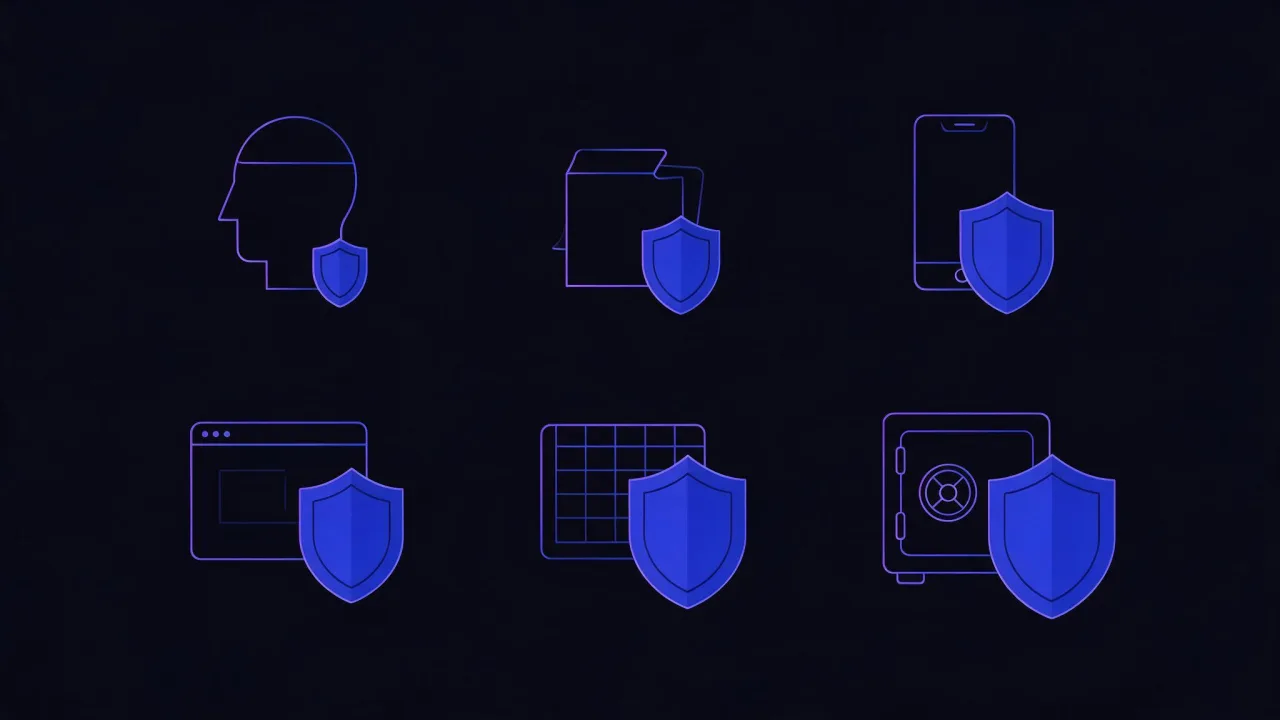
Everyone stores passwords somewhere: in their head, in the browser, in phone notes, on a slip under the keyboard. The question is not whether to store them but who each method protects you from. Every method has its own threat model, and "the most secure" does not exist without saying against what. Here are six methods judged by one criterion: what has to happen for the password to leak.
The methods compared
| Method | Leaks if | Suitable for |
|---|---|---|
| In your head | you forget it, or reuse it | two or three key passwords |
| Paper at home | someone physically enters the house | master password, recovery codes |
| Phone notes | the phone is unlocked, or the cloud account is entered | nothing important |
| Browser, no master password | the computer is unlocked | forums, subscriptions |
| Browser with master password | the master password is learned | most websites |
| Password manager | the master password is learned | everything, banking included |
Your head: two or three passwords, no more
Memory is the only vault that cannot be stolen remotely. Its capacity is small, though, and trying to hold twenty passwords in it ends the same way every time: the passwords start repeating or following a pattern.
So memory holds exactly what is needed to reach everything else: the manager's master password and the email password. A vault remembers the rest.
Paper: the underrated option
Writing a password down is not foolishness but a deliberate choice of threat model. Paper is unreachable from the internet: reading it requires being physically in your home. For most people that is far less likely than a service breach or an infected computer.
Paper is bad where the threat is physical: a sticky note on an office monitor is visible to everyone walking past. It is good where the threat is networked: a master password written down and filed with your documents survives both a virus and a lost phone.
Two-factor recovery codes are stored exactly this way — they are issued once, and without them a lost phone means permanently lost access.
Phone notes: the worst of the common options
Notes sync to the cloud, land in backups, open along with the phone and are frequently not encrypted separately. A password in notes is available to anyone holding the unlocked phone and to anyone who signs into your cloud account.
The browser: it comes down to one setting
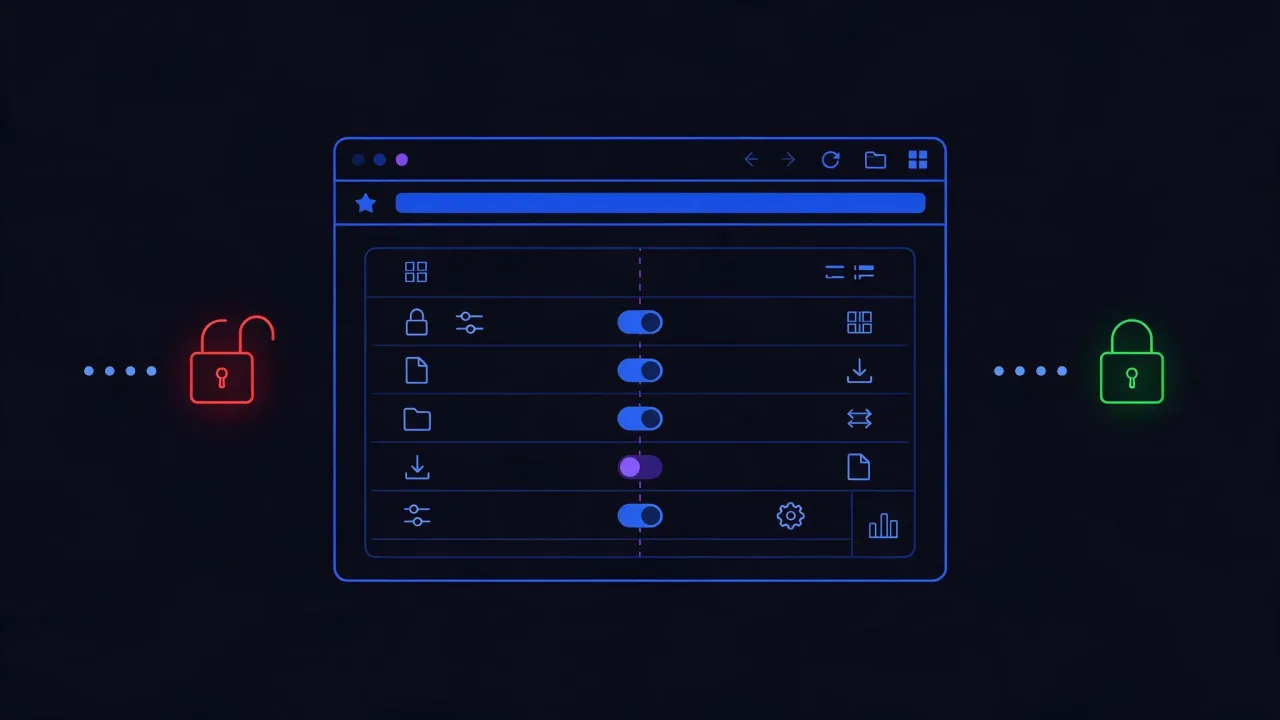
Browser storage was for years encrypted with an operating-system key: anyone who unlocked the computer saw the passwords in three clicks. Chrome, Firefox, Edge and Safari can now lock the list behind a master password or a fingerprint — but it is often off by default.
Checking is simple: open the saved-password list and click "show". If nothing was asked of you, there is no protection. Where that list lives in each browser and on a phone is covered separately in the article on the password manager.
A password manager: one key instead of twenty
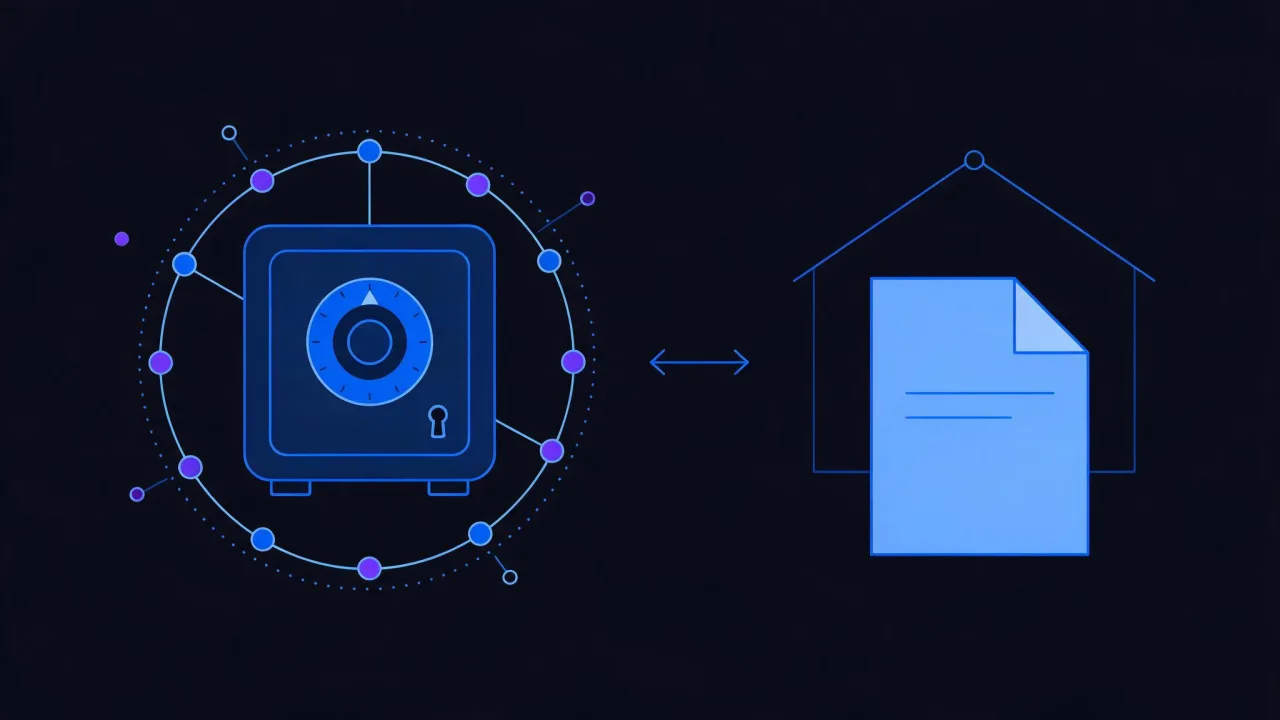
A manager differs from the browser not in convenience but in the vault being closed at all times and handing over nothing without the master key. The requirement that matters is client-side encryption: the service must have no technical ability to read your vault.
The price is that the master password cannot be recovered. Which is why it goes on paper. The two methods complement each other: the manager covers the networked threat, the sheet of paper covers the backup.
What not to do
- Do not message passwords to yourself. Chat history sits on a server, lands in backups, and survives deleting the message.
- Do not keep a spreadsheet on disk. A file called
passwords.xlsxis the first thing malware looks for, and password protection in older formats comes off in minutes. - Do not dictate passwords by phone or send them by email. Email is kept for years and is often reachable from several devices.
- Do not use one password in two places. Not a storage question, but it devalues any vault: one service leaking becomes a login to another.
Moving to proper storage
- Pick a manager with client-side encryption and a working export.
- Make the master password a passphrase of random words — easier to remember, comparable in strength to a long symbol string.
- Write the master password on paper and file it with your documents.
- Import what the browser already holds; every manager can do this.
- Change passwords as you visit sites rather than all at once, starting with email and banking.
A master password or an ordinary one can be generated, and its strength seen immediately, in the generator: everything is computed in the browser, the password is sent nowhere, and the breach check transmits only the first characters of a hash.
Frequently asked questions
Which is safer, a manager or paper?
They protect against different things. A manager covers networked threats and lets you hold a hundred distinct passwords. Paper covers losing access to the manager. The right answer is both: passwords in the manager, master password on paper.
Can a cloud manager be trusted?
With client-side encryption, yes — the service stores an encrypted blob it cannot read. Look for the words zero-knowledge and for a published audit.
What if the manager shuts down?
That is what export is for: being able to take the vault out as a file means you are not locked in. Verify that export works before you need it.
How bad is keeping passwords in the browser?
Tolerable for inconsequential sites and bad for email and money — as long as the vault has no master password. With one enabled, the gap to a dedicated manager narrows to how easily things move between devices.
In short
- There is no "most secure" method — only methods that protect against different threats.
- Keep two or three passwords in your head; a vault remembers the rest.
- Paper at home defends against the network and not against someone entering the house; for a master password that is the right trade.
- Phone notes and spreadsheets on disk are the worst of the common options.
- The browser is acceptable only with a master password on the vault.
- The working combination: passwords in a client-side-encrypted manager, master password on paper.