Testing a mail server means connecting to it from outside and confirming five things: it answers with a 220 greeting, it offers STARTTLS, it refuses to relay mail for strangers, its IP has a matching PTR record, and it is not listed on any blocklist. Each check takes about a minute.
What you actually test on a mail server
"The mail server is broken" turns out to mean five different things in practice, and each has its own fix. Before changing configuration, find out which check fails.
| Check | Symptom of failure | Consequence |
|---|---|---|
| Port reachability | Connection refused or hangs | Mail neither leaves nor arrives |
| Greeting (220) | A different code, or silence after connect | Senders get a temporary error and keep retrying |
| STARTTLS | Not advertised in the EHLO response | Mail travels in the clear; some recipients reject it |
| Open relay | Accepts a foreign sender for a foreign domain | Spam sent in your name, then a fast IP ban |
| PTR record | Reverse lookup empty or pointing elsewhere | Large providers reject or spam-folder the message |
How to connect to SMTP by hand
The fastest check is to open a connection and read what the server says on its own. Port 25 carries mail between servers, 587 is for clients submitting mail, and 465 is the same submission wrapped in TLS from the first byte. The roles are separated in detail in the article on mail ports.
# Greeting and the server's capability list
nc -v mail.example.com 25
EHLO test.example.com
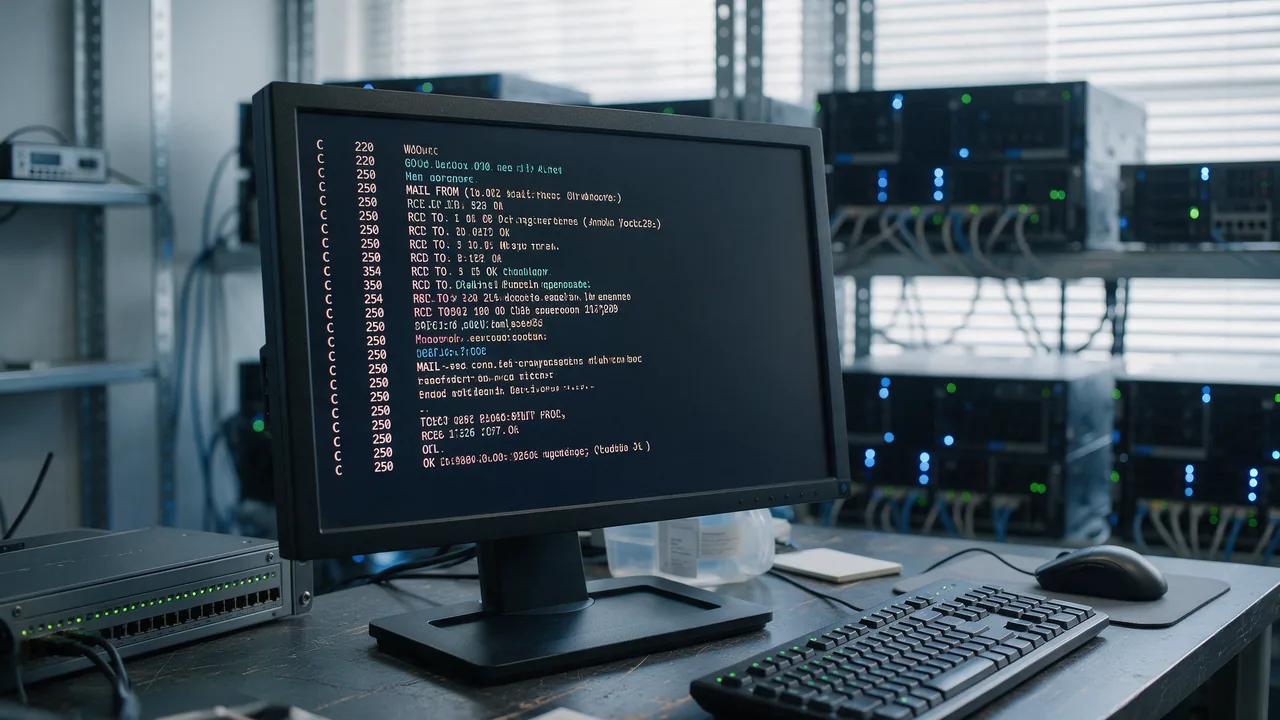
You should see a 220 code with the server name, then a list of supported extensions in response to EHLO. That list is where STARTTLS, AUTH and the SIZE limit become visible.
Greetings are often multi-line: the server prefixes every line except the last with 220-. Reading only the first line and stopping there can make the code look absent — a common flaw in homemade checkers.
How to verify STARTTLS and encryption
Plaintext mail transport today is less a security problem than a delivery one: many receiving servers require TLS, and without it the message is simply refused. One command settles it.
openssl s_client -starttls smtp -connect mail.example.com:587 -crlfThree things matter in the output: the protocol version (TLS 1.2 or 1.3), the certificate expiry date, and whether the name in the certificate matches the server. A name mismatch is the most frequent finding — the certificate was issued for the website domain while mail runs through a mail. subdomain.
If the certificate has expired or the chain is incomplete, both cases are covered separately: an expired certificate and an incomplete chain.
Open relay: how to test it and why it matters
An open relay accepts mail from anyone to anyone without authentication. Such a server becomes a spam source within hours, and its IP lands on blocklists that take a long time to leave.
The test is an attempt to send a message where neither the sender nor the recipient belongs to your domain:
MAIL FROM:<probe@example.org>
RCPT TO:<probe@example.net>
The correct answer is a refusal: 550 relay not permitted or 554. A 250 OK here means the relay is open and must be closed immediately. What those codes mean, and how 550 differs from 554, is in the breakdown of SMTP errors.
Why mail fails without a PTR record
PTR is the reverse record that maps an IP address back to a name. Large mail systems check it first: if the sending IP does not resolve back, or resolves to an unrelated name, the message is rejected or filed as spam before its content is even examined.
dig -x 203.0.113.10 +shortThe result should match the name the server presents in EHLO, and that name should resolve forward to the same IP. PTR is set not by the domain owner but by whoever owns the address — the hosting provider or ISP. More on this in reverse DNS and PTR records.
How to check the server against blocklists
Even a correctly configured server ends up on blocklists — through a compromised account, a noisy neighbour on shared hosting, or the previous owner of the address. Check the IP of the sending server, not the domain.
If the address is listed, fix the cause first and only then request delisting: how to get off an email blacklist. A request without a fix leads straight back to the list, on harsher terms.
How to run every check at once
The SMTP server test performs all of this in a single pass: it opens the connection, reads the greeting and the capability list, attempts STARTTLS, verifies that relaying is refused, and measures response time. The result tells you which of the five checks fails, so you fix a specific thing instead of guessing.
To look at a domain's mail as a whole — MX, SPF, DKIM and DMARC together — use the deliverability check, and MX records will show where a message actually goes.
Common findings and what they mean
| What you see | What it means | Where to look |
|---|---|---|
| Port 25 hangs, 587 works | Port 25 is blocked by the ISP or a firewall | Firewall rules, provider policy |
No STARTTLS in EHLO | Encryption is not configured or was disabled | MTA configuration, certificate presence |
| Certificate for a different name | Issued for the website, not for mail. | Issue a certificate for the EHLO name |
250 OK for a foreign recipient | Open relay | Require AUTH on submission, close 25 externally |
dig -x returns nothing | No PTR record | Ask the hosting provider or IP owner |
Frequently asked questions
How is testing the server different from testing the domain? The server is tested by IP and port: does it answer, does it encrypt, does it relay. The domain is tested through DNS: where MX points, what SPF says, whether DKIM and DMARC exist. Mail fails if either half is broken, and confusing the two is a common reason for long searches.
Mail leaves but lands in spam. Why? Transport is fine and reputation or signing is not. Look at SPF, DKIM, DMARC and sending history: why mail goes to spam.
Does port 25 have to be open to the world? For receiving mail, yes — otherwise other servers cannot deliver to you. For client submission it is not needed: clients connect on 587 with authentication, and many ISPs block outbound 25 on their side anyway.
The server responds slowly. Is that a fault? A few seconds usually means the server runs sender checks on connect: reverse DNS, greylisting, reputation lookups. That is not a fault in itself, but once responses stretch into tens of seconds, sending servers start treating the attempt as failed.
Testing checklist
- Port 25 accepts connections from outside; 587 is reachable by clients
- The greeting returns
220, and multi-line greetings are read in full STARTTLSappears in theEHLOresponse- The certificate is valid, the chain is complete, the name matches EHLO
- A relay attempt with a foreign sender and recipient is refused
dig -xon the IP returns a name that resolves forward to the same IP- The server IP is not on any blocklist