In short. "The site is down" is a symptom, not a diagnosis. A request crosses five independent layers - name resolution, routing, TCP, TLS and HTTP - and each fails in a way that looks identical in a browser. Testing them in order, one command per layer, narrows the cause to a single layer in about three minutes and stops you from restarting services at random.
Why a browser cannot tell you what broke
A browser collapses five distinct failures into two or three generic messages. "This site can't be reached" covers a missing DNS record, a dropped packet, a refused port and a routing black hole. That is fine for a visitor and useless for whoever has to fix it.
The cost of skipping isolation is not wasted time, it is wrong action. Restarting a web server that was never the problem, purging a CDN cache when DNS was stale, or reissuing a certificate that was already valid all consume an outage window and change the system's state, which makes the real cause harder to see afterwards.
Isolation is not about being thorough. It is about not changing anything until you know which layer to change. Every configuration edit made before the layer is identified is a new variable in an already unclear picture.

The five layers, in the order they fail
Test in this order and never out of it. Each step assumes the previous one succeeded, so testing TLS before you know the address is correct produces a confusing answer about the wrong server.
| # | Layer | Question it answers | If it fails, the cause lives in |
|---|---|---|---|
| 1 | DNS | Does the name resolve, and to what address? | Registrar, nameservers, zone records, TTL |
| 2 | Routing | Is that address reachable at all? | Network path, provider, address validity |
| 3 | TCP | Does the port accept a connection? | Firewall, listener, service state |
| 4 | TLS | Does the handshake complete and validate? | Certificate, chain, protocol, SNI |
| 5 | HTTP | Does the application answer, and how fast? | App code, database, upstream, proxy |
Step 1: does the name resolve, and to what?
Start here always. A wrong or missing answer at this layer makes every later test meaningless, because you would be testing whichever server the stale record happens to name.
# What does an authoritative nameserver say, bypassing every cache?
dig +short example.com A @$(dig +short NS example.com | head -1)

# What does a public resolver say right now?
dig +short example.com A @1.1.1.1
dig +short example.com A @8.8.8.8

# Is the delegation itself intact?
dig +short NS example.com
Three outcomes matter. An empty answer means the record is missing or the zone is not being served. Different answers from different resolvers mean you are mid-propagation or the zone is inconsistent. A single consistent answer means DNS is healthy - write the address down, you need it for every step after this.
Check it from outside your own network with the DNS lookup, and confirm resolvers worldwide agree using the propagation check. Your local resolver is the least trustworthy witness available, because it is the one most likely to hold the answer you had an hour ago.
Step 2: is that address reachable?
Now that you have an address, ask whether packets can get to it. This separates "the server is broken" from "the path to it is broken", which are different teams and different fixes.
# Where does the path stop?
traceroute -n 203.0.113.10

# Basic reachability, remembering that many hosts drop ICMP deliberately
ping -c 4 203.0.113.10
A failed ping proves nothing on its own. Blocking ICMP is a normal hardening choice, so an unanswered ping is not evidence of an outage. Traceroute stopping consistently at the same hop several hops before the destination is meaningful; a silent final hop usually is not.
Run this from more than one place. A path that fails from your office and works from elsewhere is a routing or filtering issue on your side, not an outage - and telling those apart from a single vantage point is impossible. The ping and port check and traceroute both run from outside your network.
Step 3: does the port accept a connection?
This is the sharpest test in the sequence, because it has three distinct outcomes rather than two, and each points somewhere different.
nc -vz -w 5 203.0.113.10 443
# "succeeded"            -> TCP is fine, move to TLS
# "Connection refused"   -> something answered: nothing is listening, or a REJECT rule
# hangs, then times out  -> packets are being dropped silently, or the host is gone
Refused and dropped feel the same in a browser and mean opposite things. Refused means a machine is alive and actively saying no - the service is stopped, bound to the wrong interface, or a firewall is rejecting. Dropped means nothing answered at all - a DROP rule, a saturated accept queue, or the wrong address entirely.
Check both 80 and 443. A site that accepts 80 but not 443 has a TLS listener problem, not a network problem, and that distinction saves you from inspecting firewall rules that are working correctly. The port checker reports open, closed and filtered separately for exactly this reason.

Step 4: does TLS complete and validate?
TCP succeeding does not mean HTTPS works. The handshake can fail on protocol mismatch, on cipher overlap, on a missing SNI response, or on certificate validation - and only the last of those shows a helpful browser warning.
# Full handshake with strict validation, against a specific address
openssl s_client -connect 203.0.113.10:443 -servername example.com \
  -verify_return_error < /dev/null 2>&1 \
  | grep -E 'Verify return code|Protocol|Cipher|subject=|issuer=|Session-ID:'

# Which protocol versions does the server actually accept?
for v in tls1_2 tls1_3; do
  printf '%s: ' "$v"
  openssl s_client -connect example.com:443 -servername example.com -$v \
    < /dev/null 2>&1 | grep -m1 'Cipher is' || echo 'refused'
done
Verify return code: 0 (ok) is the only passing result. Anything else names the problem directly - expired, self-signed, hostname mismatch, or unable to get local issuer certificate, which is the signature of an incomplete chain. Browsers hide incomplete chains by fetching the missing intermediate themselves, so a green padlock is not evidence that the chain you serve is complete. The SSL checker shows the chain as served, and the chain guide covers reassembly.
Step 5: does HTTP answer, and who answered?
The last layer is the application, and here you want two things: the status code, and the identity of whoever produced it. On a proxied site those are often different machines.
curl -sS -o /dev/null -D - \
  -w '\nconnect:%{time_connect}s tls:%{time_appconnect}s ttfb:%{time_starttransfer}s total:%{time_total}s\n' \
  https://example.com/

# Talk past the proxy, straight to the origin
curl -sS -o /dev/null -w 'origin ttfb:%{time_starttransfer}s code:%{http_code}\n' \
  --resolve example.com:443:203.0.113.10 https://example.com/
The timing breakdown localises slowness precisely. A large connect is network latency. A large gap between connect and tls is handshake cost. A large gap between tls and ttfb is the application thinking - a database query, an upstream call, a lock. Only the last of those is fixed by touching application code.
Response headers name the responder. A cf-ray, an x-cache or a via header means a proxy answered and the origin may never have been reached. The header checker shows the full set, and the redirect tracer follows the chain when the failure only appears after a hop.
Reading the results: which layer, which owner
| Symptom | Failing layer | What it is not |
|---|---|---|
| No A record returned by authoritative NS | DNS zone | Not the web server |
| Resolvers return different addresses | DNS propagation or split zone | Not the application |
| Traceroute stops several hops short, repeatedly | Routing or upstream provider | Not your firewall |
| Port refused | Service stopped or REJECT rule | Not DNS, not TLS |
| Port times out silently | DROP rule, wrong address, host gone | Not certificate related |
| TCP fine, TLS fails to handshake | Protocol or cipher mismatch, SNI | Not certificate expiry |
| Handshake fine, validation fails | Certificate or chain | Not the network |
| HTTP 5xx with a proxy header | Proxy could not reach origin | Not necessarily your app |
| High ttfb, everything else fast | Application or database | Not bandwidth |
Three failures that convincingly imitate each other
Stale DNS looks like an origin outage
You migrated servers, the record now points to the new address, and your resolver still has the old one until the TTL expires. Everything you test hits a decommissioned machine and reports that the site is down. It is not down; you are talking to the wrong host. This is why step 1 asks the authoritative nameserver and not your local resolver.
A firewall allowlist looks like an intermittent application bug
If a proxy or monitoring service reaches your origin from a pool of addresses, and your allowlist covers only part of that pool, failures appear for a fraction of requests with no pattern in the application logs. It reads exactly like a flaky bug. The tell is that the failures are network-level - refused or dropped - and never reach the access log at all.
A slow upstream looks like a timeout at your edge
Your application waits on a third-party API that has no timeout configured, the proxy in front of you gives up first, and the visitor gets a gateway error attributed to your server. The ttfb measurement against the origin settles this immediately: if the origin itself is slow, the edge is only reporting the truth.
Is it everyone, or only some?
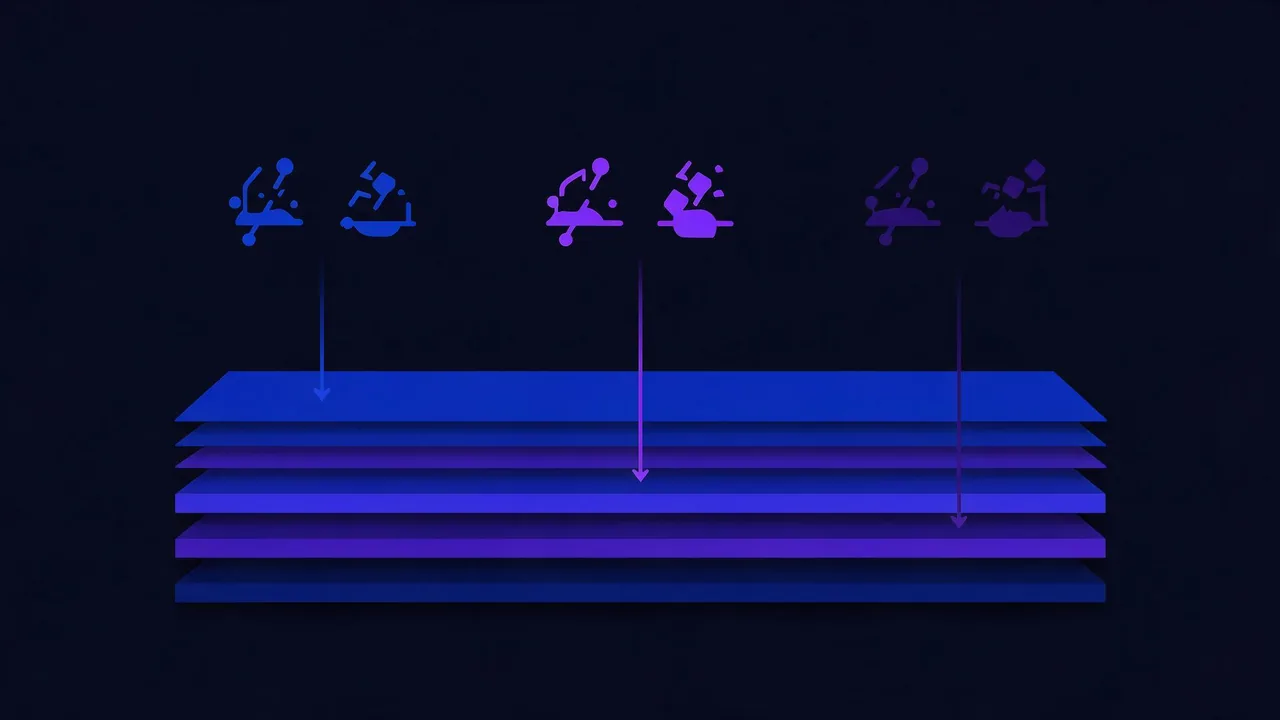
A failure that reproduces everywhere is a server problem. A failure that reproduces only in one country, one network or one browser is a filtering, routing or client problem, and no amount of server inspection will reveal it.
Before assuming an outage, establish the blast radius. Check from several regions, check on mobile data as well as fixed broadband, and check whether the failure follows the user or the network. If a site is reachable from most of the world and unreachable from one country, the question is no longer "what broke" but "who is filtering" - and that path runs through availability checks by region rather than through your logs.
How to run this without a terminal
Each step above has a browser equivalent that runs from outside your network, which matters because half of these failures are invisible from the server itself:
- Step 1 - DNS lookup and propagation check
- Step 2 - traceroute and ping
- Step 3 - port checker, which separates closed from filtered
- Step 4 - SSL checker, including the served chain
- Step 5 - header checker and speed check for the timing breakdown
For failures that come and go, no single check is enough. Continuous monitoring records status and response time on a schedule, so an intermittent fault becomes a timestamped series you can line up against deploys and cron jobs instead of a story about how it happened twice yesterday.
Frequently asked questions
Why test in this exact order?
Because each layer depends on the one before it. Testing TLS before confirming the address means you may be validating a certificate on a server that is no longer yours. Order removes the possibility of a correct-looking answer about the wrong machine.
The site loads for me but users report it is down. Where do I start?
Start at step 1, but run it from outside your network. The most common cause of this pattern is a DNS answer that differs by resolver or region, followed by filtering that affects some networks and not others. Your own machine is inside the smallest and least representative sample available.
Ping fails. Is the server down?
Not necessarily and usually not. Many hosts drop ICMP by policy, so an unanswered ping is expected behaviour on a large share of the internet. Use a TCP connection test on port 80 or 443 instead - that tests the port you actually care about.
Everything passes but the site is still slow. What now?
Slowness is a sixth question, not a sixth layer. Take the timing breakdown from step 5 and find which interval dominates. If ttfb is the large one, the time is spent inside the application, and the next place to look is slow queries and external calls rather than anything in this sequence.
How do I know whether a proxy or my origin returned the error?
Look for proxy headers in the response, then repeat the request against the origin address with curl --resolve. If the proxied request fails and the direct one succeeds, the failure is on the leg between them, which is a different problem from an application error.
Can I skip straight to the layer I suspect?
You can, and it works when your suspicion is right. The reason to run the sequence anyway is that the two most expensive outages are the ones where the obvious suspect was innocent - and each step costs a few seconds.
Checklist
- Change nothing until a layer is identified.
- Ask an authoritative nameserver, not your local resolver, for the address.
- Write down the resolved address and use it for every later step.
- Treat a failed ping as inconclusive, not as evidence.
- Distinguish refused from dropped - they mean opposite things.
- Require
Verify return code: 0, not a browser padlock, as proof of a valid chain. - Read the timing breakdown before blaming the application.
- Identify who answered by checking for proxy headers.
- Establish the blast radius before calling it an outage.
- Record checks over time when the failure is intermittent.