In short. A JWT is three parts joined by dots: header.payload.signature. The first two are plain base64url, not encryption — anyone holding the token can read them. The signature only proves the data was not altered. Decoding needs no key and can be done locally in one command; verifying authenticity requires the key. Never put secrets in the payload.

What a JWT is and what it contains
JWT (JSON Web Token) is a compact format for carrying a set of claims about a user or a client. The format is defined in RFC 7519, and the signed variant (JWS) in RFC 7515. In practice, when people say "JWT" they almost always mean the signed three-part form.
The string looks like this — three blocks separated by dots:
eyJhbGciOiJIUzI1NiIsInR5cCI6IkpXVCJ9.eyJpc3MiOiJodHRwczovL2F1dGguZXhhbXBsZS5jb20iLCJzdWIiOiIxMDI0IiwiYXVkIjoiYXBpLmV4YW1wbGUuY29tIiwiZXhwIjoxNzk4NzYxNjAwLCJpYXQiOjE3OTg3NTgwMDAsImp0aSI6IjlmMmIxYzdhIiwicm9sZSI6ImVkaXRvciJ9.CIcPXbJ7G5DFRj67O7qonOnEZC9tbupi6_xYErENz18The first part is the header — JSON describing the token type and the signing algorithm:
{"alg":"HS256","typ":"JWT"}The second part is the payload — JSON carrying the claims:
{
  "iss": "https://auth.example.com",
  "sub": "1024",
  "aud": "api.example.com",
  "exp": 1798761600,
  "iat": 1798758000,
  "jti": "9f2b1c7a",
  "role": "editor"
}
The third part is the signature over the first two. The server takes the string header.payload exactly as received — this is called the signing input — and computes an HMAC or a digital signature over those bytes. This is why you cannot rebuild a token from pretty-printed JSON: a single extra space changes the bytes and breaks verification.
base64url is encoding, not encryption
Both leading parts use base64url (RFC 4648, section 5). It differs from ordinary base64 in two ways: - and _ replace + and /, and trailing = padding is dropped. The point is to make the token safe to place in a URL, a header, or a cookie without escaping.
The consequence matters more than the mechanics: base64url is reversible without any key. The payload is not protected from reading — only from modification. If it carries a phone number, an email, or an internal contract ID, that data is visible to everyone who touches the token: the user's browser, proxies, log pipelines, and whoever the user forwards a screenshot to.
A separate format, JWE, does encrypt the content — but it has five parts instead of three and is comparatively rare on the web. If your token has three parts, it is a signed JWS and the content is public.
Registered claims
RFC 7519 reserves seven claim names. Everything else — role, tenant_id, scope — is yours to define.
| Claim | Full name | Meaning | What happens if you skip the check |
|---|---|---|---|
iss | issuer | Who issued the token | You accept a token from an unrelated issuer whose key happens to be trusted |
sub | subject | Who the token is about — usually the user ID | Requests get bound to the wrong account |
aud | audience | Which service the token is meant for | A token minted for a sibling service passes as yours |
exp | expiration time | Valid until this moment. Unix time in seconds, UTC | A stolen token works forever |
nbf | not before | Not valid earlier than this moment | A pre-issued token starts working ahead of schedule |
iat | issued at | When it was issued | During an incident you cannot invalidate everything issued before time X |
jti | JWT ID | Unique identifier of this specific token | No way to revoke one token or to detect replay |
Note that exp is Unix seconds, not milliseconds. The value 1798761600 is 1 January 2027, 00:00 UTC. A recurring bug at the JS-to-backend boundary is writing Date.now() into exp and producing a token that expires fifty thousand years from now.
How to decode a JWT
Do not paste a production token into someone else's online decoder: many of them send it to a server, and what happens to it there is outside your control. Our decoder runs entirely in the browser and never transmits the token — you can verify that yourself: open DevTools, the Network tab, and decode a token; no request carrying it appears. A JWT is a bearer credential: whoever holds it is the user until exp passes. Pasting a live token into a third-party form is equivalent to handing over access. Use a token from a test environment or from an already-revoked session. If a production token did leak somewhere, terminate the session and issue a new one. The good news: decoding needs no secret, so you can inspect the token locally without sending it anywhere.
A note on wording. People often say "decrypt the JWT". Decryption implies a key; here there is none, because there was no encryption. The correct word is decode. This is not pedantry: once it clicks that the payload is readable without a key, it becomes obvious why sensitive data must not go in it.
Option 1: locally, in the terminal
The safest route — the token never leaves the machine. The one wrinkle is that base64url has to be converted back to plain base64 and re-padded, otherwise base64 -d will either error out or silently truncate the last bytes. Working snippet for bash and zsh:
JWT='eyJhbGciOiJIUzI1NiIsInR5cCI6IkpXVCJ9.eyJpc3MiOiJodHRwczovL2F1dGguZXhhbXBsZS5jb20iLCJzdWIiOiIxMDI0IiwiYXVkIjoiYXBpLmV4YW1wbGUuY29tIiwiZXhwIjoxNzk4NzYxNjAwLCJpYXQiOjE3OTg3NTgwMDAsImp0aSI6IjlmMmIxYzdhIiwicm9sZSI6ImVkaXRvciJ9.CIcPXbJ7G5DFRj67O7qonOnEZC9tbupi6_xYErENz18'

for i in 1 2; do
  p=$(printf '%s' "$JWT" | cut -d. -f$i | tr '_-' '/+')
  while [ $(( ${#p} % 4 )) -ne 0 ]; do p="$p="; done
  printf '%s' "$p" | base64 -d; echo
done
Output — the header first, then the payload:
{"alg":"HS256","typ":"JWT"}
{"iss":"https://auth.example.com","sub":"1024","aud":"api.example.com","exp":1798761600,"iat":1798758000,"jti":"9f2b1c7a","role":"editor"}
If Python 3 is available — and on servers it almost always is — a single call is more convenient, since it handles base64url and pretty-prints the JSON:
python3 -c "import base64,json,sys;p=sys.argv[1].split('.')[1];print(json.dumps(json.loads(base64.urlsafe_b64decode(p+'='*(-len(p)%4))),indent=2))" "$JWT"Swap index [1] for [0] to inspect the header instead.
Option 2: in the browser console
When the token is already inside a running app, DevTools is the fastest place to look at it. A naive atob(payload) breaks on two things: the - and _ characters, and the missing padding. On top of that atob returns a binary string, so any non-ASCII text turns to mojibake unless it goes through TextDecoder. Working version:
const decodeJwtPart = (part) => {
  const b64 = part.replace(/-/g, '+').replace(/_/g, '/');
  const padded = b64.padEnd(Math.ceil(b64.length / 4) * 4, '=');
  const bytes = Uint8Array.from(atob(padded), (c) => c.charCodeAt(0));
  return JSON.parse(new TextDecoder().decode(bytes));
};

const [header, payload] = token.split('.');
console.log(decodeJwtPart(header));
console.log(decodeJwtPart(payload));
The same console is the quickest place to sanity-check the lifetime: new Date(payload.exp * 1000). A date in 1970 means milliseconds were written into a seconds field.
Option 3: an online decoder
An online tool earns its place for test tokens and for a fast structural check — when you need five seconds to see which algorithm is in the header, which claims exist, and when the token expires. Ours is /jwt: it splits the three parts, renders header and payload as readable JSON, and highlights exp and nbf against the current time.
The rule is simple: test tokens yes, production tokens no. When you must inspect a live token, use options 1 and 2 — neither needs a secret nor a network.

Signing and verification: decoding is not verifying
These are two different operations, and confusing them produces a whole class of vulnerabilities.
- Decode — read the header and payload. No key required. Proves nothing: anyone could have written that content.
- Verify — recompute the signature over the signing input, compare it to the third part, then validate the claims. Requires a key. Only this justifies trusting the content.
Any library that offers a "decode without verification" call also offers a "verify" call. If your code calls the first one and makes an authorization decision from the result, there is effectively no authorization.
Symmetric and asymmetric algorithms
| Algorithm | Type | Signing key | Verification key | When it fits |
|---|---|---|---|---|
| HS256 / HS384 / HS512 | Symmetric, HMAC | Shared secret | The same secret | One service both issues and verifies tokens |
| RS256 / RS384 / RS512 | Asymmetric, RSA PKCS#1 v1.5 | Private key | Public key | Many verifying parties, published JWKS |
| PS256 / PS384 / PS512 | Asymmetric, RSA-PSS | Private key | Public key | Modern replacement for RS* with the same key type |
| ES256 / ES384 / ES512 | Asymmetric, ECDSA | Private key | Public key | Compact signatures and small keys matter |
| EdDSA (Ed25519) | Asymmetric | Private key | Public key | Modern choice where both sides support it |
The practical difference: with HS256, anyone who can verify a token can also mint one, because it is the same key. As soon as there is more than one verifier — say ten microservices accepting tokens from one authorization server — a symmetric scheme means the secret is smeared across ten services, and compromising any of them lets an attacker issue tokens as anyone. An asymmetric scheme removes that: the private key stays in the authorization server, services only hold the public one.
Why library behaviour varies
Historically, JWT libraries differed a lot in how strictly they treated the alg header. Some verified with whatever algorithm the token itself declared; some accepted the unsecured none variant by default; some inferred the key type from the token rather than from configuration. Modern maintained libraries have largely converged on requiring the caller to state the expected algorithm explicitly — but the guarantee comes from your call site, not from the library's reputation.
The practical takeaway: never assume the defaults are safe. Read the verification API of the library you actually use, pass an explicit allow-list of algorithms, and write a test that feeds a tampered token — alg switched to none, then to HS256 signed with the public key — and asserts a rejection. That test costs an hour and keeps working across dependency upgrades.
Verifying an HS256 signature by hand
Useful for debugging: compare your computed signature with the one in the token to confirm you are using the right secret.
SIGNING_INPUT="${JWT%.*}"          # everything before the last dot
SECRET='test-secret-not-for-production'

printf '%s' "$SIGNING_INPUT" \
  | openssl dgst -sha256 -mac HMAC -macopt "key:$SECRET" -binary \
  | openssl base64 -A | tr '+/' '-_' | tr -d '='

echo "actual: ${JWT##*.}"
The two lines must match character for character. If they do not, either the secret is wrong or the signing input was rebuilt incorrectly — for example, reassembled from pretty-printed JSON instead of the original bytes.
Verifying an RS256 signature
Here you need the issuer's public key, normally published at the provider's JWKS endpoint. Write the signature to a binary file and let OpenSSL do the check:
printf '%s' "${JWT%.*}" > signing_input.bin

p="${JWT##*.}"
p=$(printf '%s' "$p" | tr '_-' '/+')
while [ $(( ${#p} % 4 )) -ne 0 ]; do p="$p="; done
printf '%s' "$p" | base64 -d > sig.bin

openssl dgst -sha256 -verify pub.pem -signature sig.bin signing_input.bin
# Verified OK
Change one character in the signing input and the command returns Verification failure — exactly the behaviour the signature exists for.
What the server must always check
- The signature, using a key that belongs to the declared issuer.
- The algorithm, against an allow-list. The list comes from application configuration, never from the token's own
algfield. expandnbf, with a small clock-skew allowance — tens of seconds. More than a minute is too generous.iss— strictly one of the trusted issuers.aud— strictly your service.kid, when present — only as a lookup key in a known key registry, never as a file path or a URL.
Classic JWT mistakes and attacks
The consolidated guidance lives in RFC 8725 (JWT Best Current Practices). Below is what actually shows up in production code.
| Mistake | Impact | How to test | How to fix |
|---|---|---|---|
alg: none is accepted | Complete signature bypass: an unsigned token is treated as valid and any role can be injected | In a test environment replace the header with {"alg":"none","typ":"JWT"}, keep the payload, leave the third part empty | A strict algorithm allow-list on the verifier; none must never be in it |
| RS256 downgraded to HS256 | The publicly available verification key is used as an HMAC secret — the attacker signs tokens themselves | Change alg to HS256 and sign the token with the issuer's public key | Bind the algorithm to the key type in configuration; never read alg from the token as the source of truth |
exp not checked | A stolen token is valid forever | Issue a token with exp in the past and send a request | Validate exp and nbf; clock allowance in seconds, not hours |
| Dictionary secret for HS256 | Offline key recovery from a single captured token, then unlimited token forgery | Run a short password list against a test token | At least 256 bits from a cryptographic RNG, stored in a secret manager, rotated on schedule |
| Sensitive data in the payload | Readable by everyone who touches the token: browser, proxies, logs, a screenshot in a chat | Just decode a production token and read the payload | Identifiers only; the server resolves everything else from sub |
iss and aud not checked | A token issued for a sibling service of the same provider is accepted as yours | Send a token carrying a different aud and see whether it passes | Compare both fields against a strict list of allowed values |
| No revocation mechanism | Offboarding, password change, or a stolen device do not end the session — the token lives until exp | Change the password and replay the old token | Short exp plus a jti denylist or a per-user token version counter |
kid interpolated into a path or query | Loading an attacker-chosen key; in bad cases arbitrary file read or SQL injection | Put a value like ../../dev/null into kid | kid is a lookup key only; unknown value means rejection |
The payload rule. Anything you put into a JWT you are effectively publishing. Before adding a field, ask: would I be comfortable seeing this value in a screenshot the user sends to support? If not, it does not belong in the token.
Where to store the token in the browser
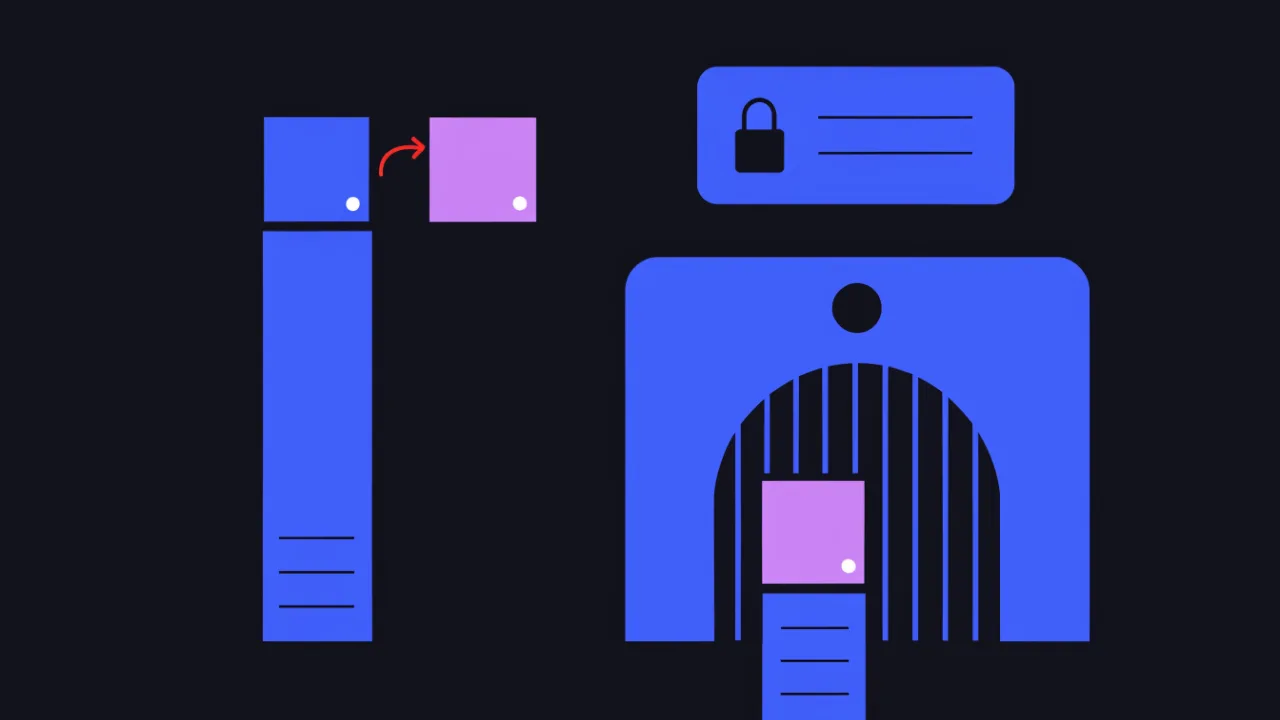
There is no correct answer here — only a deliberate trade between two classes of attack.
localStorage / sessionStorage. The token is reachable from JavaScript and convenient to attach as Authorization: Bearer. CSRF barely applies: the browser does not add that header automatically, so a hostile page has nothing to ride on. But any XSS — including XSS inside a third-party analytics script or a chat widget — reads the storage and exfiltrates the whole token, which then works until exp from any device.
httpOnly cookie. The token is unreachable from JavaScript, so XSS cannot read and exfiltrate it. In exchange you inherit CSRF: the browser attaches the cookie to requests to your domain, so a third-party page can trigger actions as the user. Mitigate with SameSite=Lax or Strict, a separate CSRF token on state-changing requests, and a mandatory Secure flag. You can inspect the flags actually being set with /cookie.
Stated honestly, the trade is this: an httpOnly cookie does not protect against XSS — it protects against token theft during XSS. Attacker script can still issue requests as the user while the page is open, but it cannot carry the token away and use it tomorrow from its own server. That is a large difference in blast radius, which is why httpOnly cookies are usually the better default for browser-based sessions.
For mobile apps and server-to-server integrations the question does not arise: there is no browser, the token lives in the platform keystore or a secret manager, and travels in the Authorization: Bearer header. What happens when that header is missing or malformed is covered in the article on 401 Unauthorized.
Lifetime, refresh tokens, and revocation
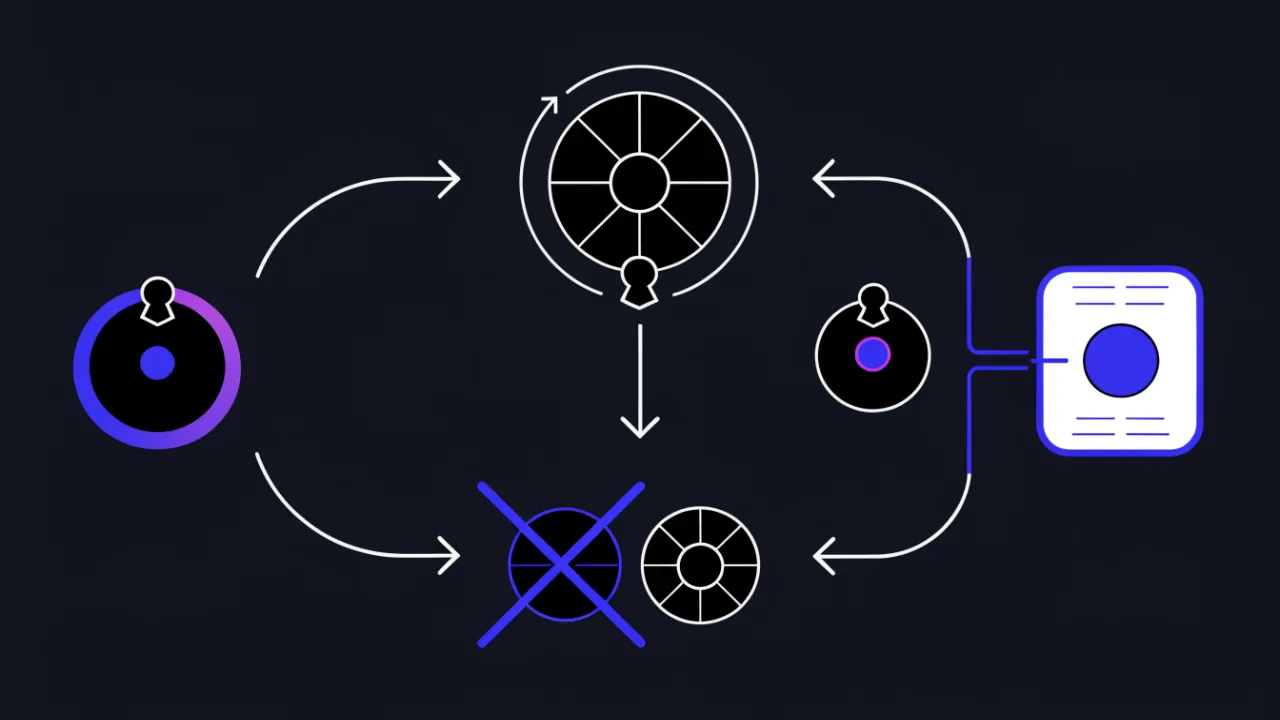
The awkward property of JWT is that the server holds no state and therefore, by default, can cancel nothing. An issued token is valid until exp — even if the user changed their password, lost a role, or left the company. Two consequences follow.
Access tokens must be short-lived. Minutes, not days. That bounds the window in which a stolen token is useful and reduces how often a separate revocation mechanism is needed.
A refresh token is not "the same thing, but longer". It is presented only to a single refresh endpoint, stored more carefully, and — unlike the access token — usually does live in a database, which means it can be revoked. A workable shape: a short access token in application memory, a refresh token in an httpOnly cookie, rotation on every refresh.
Rotation with reuse detection. Every refresh issues a new refresh token and marks the old one used. If a used token is presented again, that is a signal a copy leaked: terminate the entire session chain. It is a cheap way to catch theft and needs nothing beyond one table.
When immediate revocation is a hard requirement, there are two options: a denylist of revoked jti values with a TTL equal to the token's remaining lifetime (cheap in Redis), or a per-user token version counter that increments on password change, invalidating every token carrying the old number. Both reintroduce server-side state, and that is fine: fully stateless authentication with instant revocation does not exist.
JWT vs server-side sessions
JWT is often picked by inertia, because "that is how microservices do it". For a monolith on a single database it is usually the worse deal: a classic session is simpler, revokes instantly, and does not carry a kilobyte on every request.
| Criterion | JWT (stateless) | Server-side session |
|---|---|---|
| State storage | Nothing in the database — everything in the token | A row in the DB or Redis plus a cookie holding the ID |
| Immediate revocation | Hard: needs a denylist, which brings state back | Trivial: delete the row |
| Many independent services | Advantage: verification by public key, no shared store on the hot path | Requires a session store reachable by every service |
| Bytes per request | Hundreds of bytes; kilobytes with a rich payload | Tens of bytes in a cookie |
| Permission changes | The old token carries the old role until exp | New permissions apply on the next request |
| Implementation complexity | Higher: algorithms, keys, rotation, refresh flow | Lower: almost always built into the framework |
| Where it fits | Service-to-service calls, APIs for third-party clients, SSO and OIDC | Monolith, classic web application on one database |
A practical rule of thumb: one backend and one database — use sessions. A token that must be verified by several independent services or third-party clients, where hitting a shared store on every request is unacceptable — use JWT, and design the short exp and the revocation path from day one.
How to check your own token
An order of operations for "the token does not work" or "what is even in this thing":
- Inspect the structure. Take a test token and open /jwt. Confirm there are exactly three parts, the header parses, and the payload reads as JSON. Five parts means JWE, whose content cannot be read without a key.
- Look at
alg.nonein a production token is a red flag. An algorithm mismatch between environments is the second most common cause of verification failures. - Compare
expandnbfto the current time. A token that looks fresh is often minutes expired because of clock skew between services. - Check
issandaud. A staging token will not work in production — and that is correct behaviour, not a bug. - Recompute the signature locally with the commands above, if you have the key.
- Check the transport. A token sent over plain HTTP is intercepted in flight. Confirm HTTPS is configured and warning-free with /ssl. Inspect application response headers with /http-headers and cookie flags with /cookie.
- Assess the surroundings. The /security scanner reports security headers, including the Content-Security-Policy breakdown — the controls that reduce the chance of XSS, and therefore of token theft in the browser.
The decoder itself also flags missing claims — that without iss the issuer is never verified, for instance — and explains what each omission costs you. Related reading: API security best practices, website security check, and HTTP headers.
FAQ
Can a JWT be decrypted without a key?
Yes, if by "decrypt" you mean "read the content". The header and payload are base64url, not ciphertext, and decode with one command and no secret. A key is only needed to verify the signature, that is, to confirm the content was not altered. The exception is JWE — five parts instead of three — which really is encrypted and unreadable without the key.
How do I obtain a JWT for an API?
The standard path: send credentials — a username and password, or a client ID and client secret — to the provider's authorization endpoint and receive JSON with fields such as access_token, expires_in, and often refresh_token. From then on the token goes into the Authorization: Bearer <token> header of every request. The exact endpoint and request body always come from the specific API's documentation; there is no universal form.
Why does the server return 401 when the token looks correct?
The usual causes, most common first: exp has passed; aud does not match because the token was minted for another service; clocks differ between issuer and consumer so nbf has not arrived; the token was signed with a key from a different environment; the header was sent without the Bearer prefix or with a stray space. Status 401 and the authorization schemes behind it are covered in a separate article.
How long should an HS256 secret be?
At least as long as the hash output — for HS256 that is 256 bits, meaning 32 bytes from a cryptographic random source. A memorable phrase, however long, does not qualify: strength comes from entropy, not character count. A dictionary secret is recovered offline from a single captured token, after which the attacker mints whatever tokens they like.
Should I encrypt my JWTs?
In most cases no — instead, do not put anything in the payload that must stay private. JWE exists and solves the problem, but it adds another key to manage and makes debugging noticeably harder. When the data really is confidential, keeping only an identifier in the token and the data on the server is usually simpler and safer.
What do I do if a production token ended up in someone else's decoder?
Treat it as compromised. End the corresponding session, revoke the refresh token, and add the jti to the denylist if you have one. Without a revocation mechanism, change the user's password or bump the token version counter if such a counter exists. Also check whether the token reached proxy or monitoring logs — a classic leak is a token passed as a query parameter, which access logs record verbatim.
Checklist
- I remember the payload is base64url, not ciphertext — no sensitive data goes in it.
- Production tokens are decoded locally, in a terminal or the browser console; the online decoder is for test tokens.
- Verification accepts algorithms strictly from a configured allow-list;
noneis impossible. - The algorithm is bound to the key type — an RS256-to-HS256 downgrade does not pass.
exp,nbf,issandaudare all validated; clock allowance is in seconds.kidis used only as a lookup key in a known registry.- The HS256 secret is at least 256 bits from a cryptographic RNG, stored in a secret manager, and rotated.
- Access tokens are short-lived; refresh tokens rotate and reuse is detected.
- There is an answer to "how do I revoke this token right now": a
jtidenylist or a per-user token version. - Client-side storage was chosen deliberately: localStorage carries XSS exfiltration risk, httpOnly cookies need CSRF defence and the
Secureflag. - The token is never passed as a query parameter — header or cookie only.
- Transport is HTTPS only; certificate and security headers have been verified.
- For a monolith on one database, plain server-side sessions were honestly considered.