In short. Length beats complexity: a four-word passphrase carries more entropy than a short string of substituted characters and is far easier to type correctly. The catch is that the words must be chosen randomly — a memorable phrase from a song is a guess away, not a search away.
A passphrase is a password made of several random words rather than a string of symbols: horizon-swan-coffee-pewter. It is remembered like an ordinary phrase and is no weaker than a symbol string of the same entropy. Here is where its strength comes from, how many words are needed, and why you must not invent one yourself.
Where the strength comes from
Intuition says horizon-swan-coffee-pewter must be weaker than zR7#kMx2 — after all, those are ordinary dictionary words. Intuition is wrong, and here is why.
Strength is counted not in characters but in the number of possibilities the choice was made from. In a passphrase the unit of choice is a word, not a letter. Drawn from a list of 7776 entries, each word contributes log₂(7776) ≈ 12.9 bits.
| Words | Possibilities | Bits | GPU cluster |
|---|---|---|---|
| 3 | 4.7 × 10¹¹ | 39 | minutes |
| 4 | 3.7 × 10¹⁵ | 52 | hours |
| 5 | 2.8 × 10¹⁹ | 65 | decades |
| 6 | 2.2 × 10²³ | 78 | hundreds of thousands of years |
| 7 | 1.7 × 10²⁷ | 91 | effectively never |
Which gives the practical answer: five words minimum for anything of value, six for a master password. Three and four are only for cases where failure does not matter.
Note that the character length plays no part in the calculation. Five short words and five long ones both give 65 bits, because the choice came from the same list.

Why you cannot invent one yourself
The moment a person picks the words, the arithmetic stops applying. People do not draw words with equal probability — they draw related ones: "green-tea-morning-window". Such combinations occur in text, and therefore in cracking dictionaries.
Worse, an invented phrase is nearly always a quotation, a song line, a proverb or a title. All of those sit in prepared lists, and strength collapses from 65 bits to a few dozen candidates.
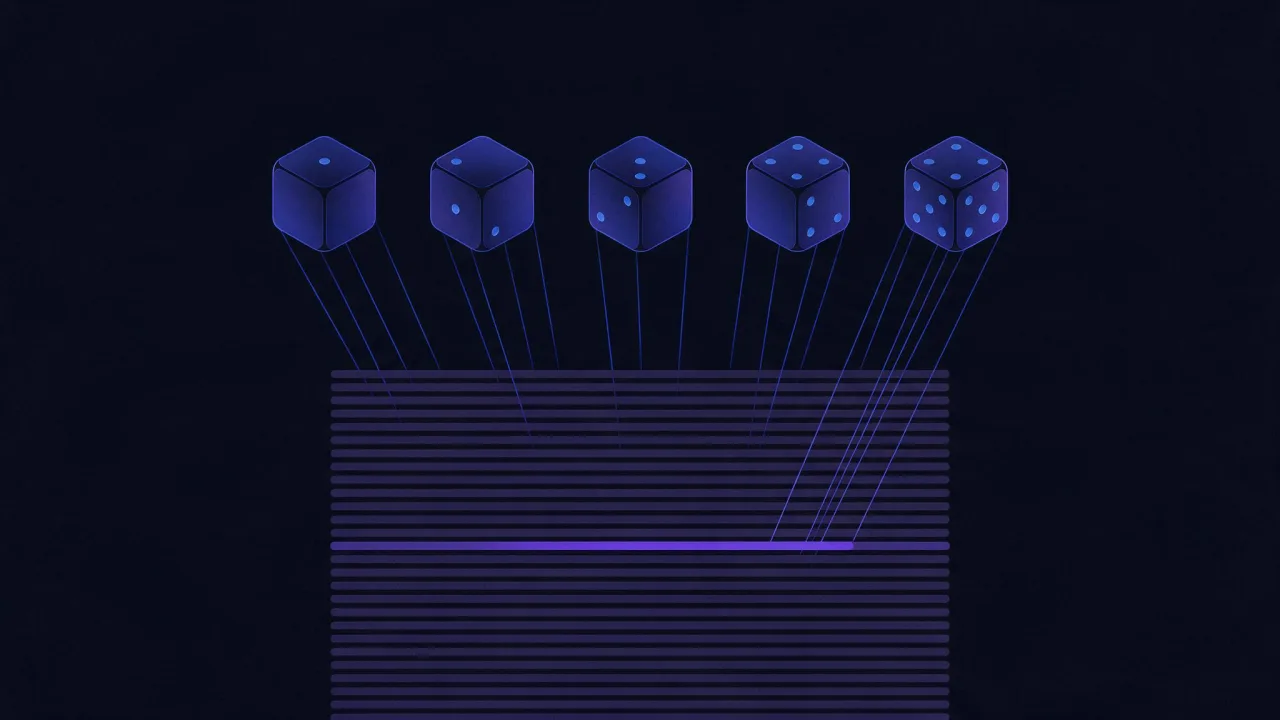
The Diceware method solves this literally with dice: roll five, get a number like 43512, take the word at that index. A software generator does the same, with the operating system's cryptographic source in place of the dice.
Separators and capitals
- A hyphen or a full stop is the practical choice and satisfies forms demanding a symbol.
- Capitals add roughly a bit per word if placed unpredictably. Capitalising only the first word adds nothing — that is a template.
- A number at the end adds about 6.6 bits for two digits, useful when a form insists on a digit.
None of these replaces one more word: an extra word is worth 12.9 bits, more than case and digits combined.
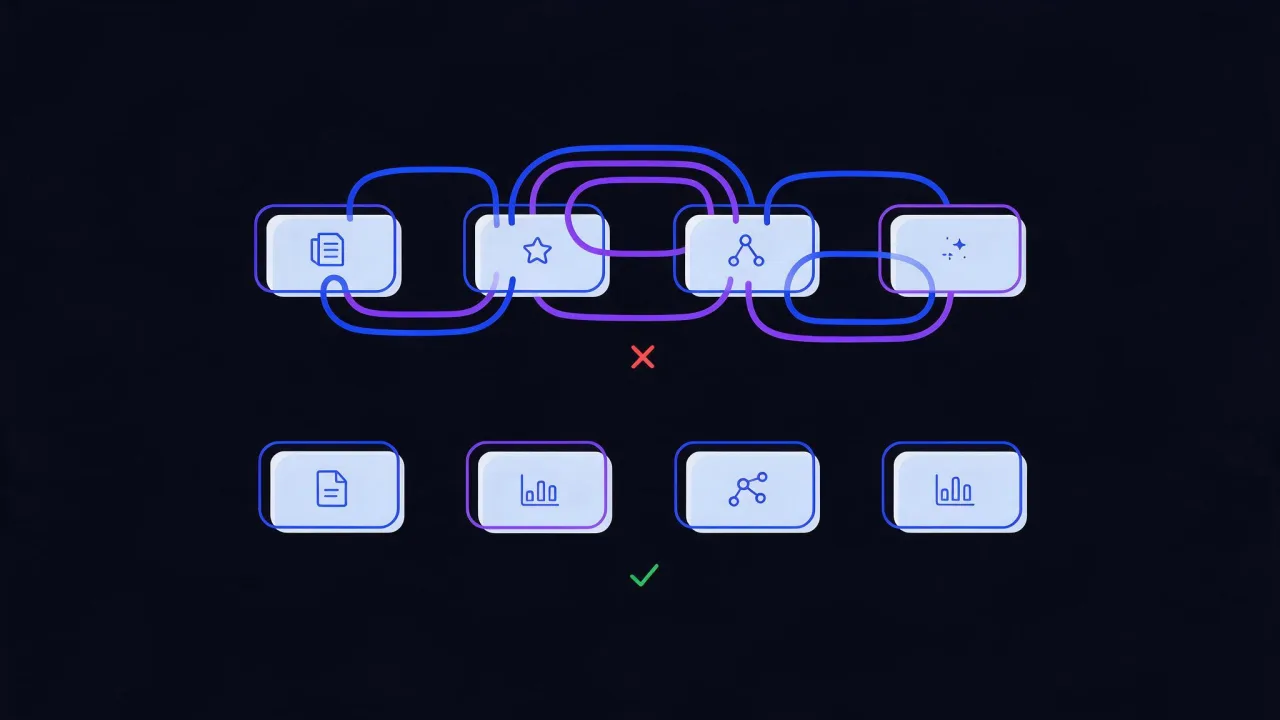
Where a passphrase loses
- Length limits. Some sites truncate at 20 or 32 characters, occasionally in silence. A six-word phrase exceeds that easily, and login stops working after the change.
- Typing on a TV or console. Entering twenty-eight characters with a remote is painful; a short random password is kinder there.
- A false sense of freedom. The main risk is deciding that since these are "just words", you can pick your own. That is exactly how the strength disappears.
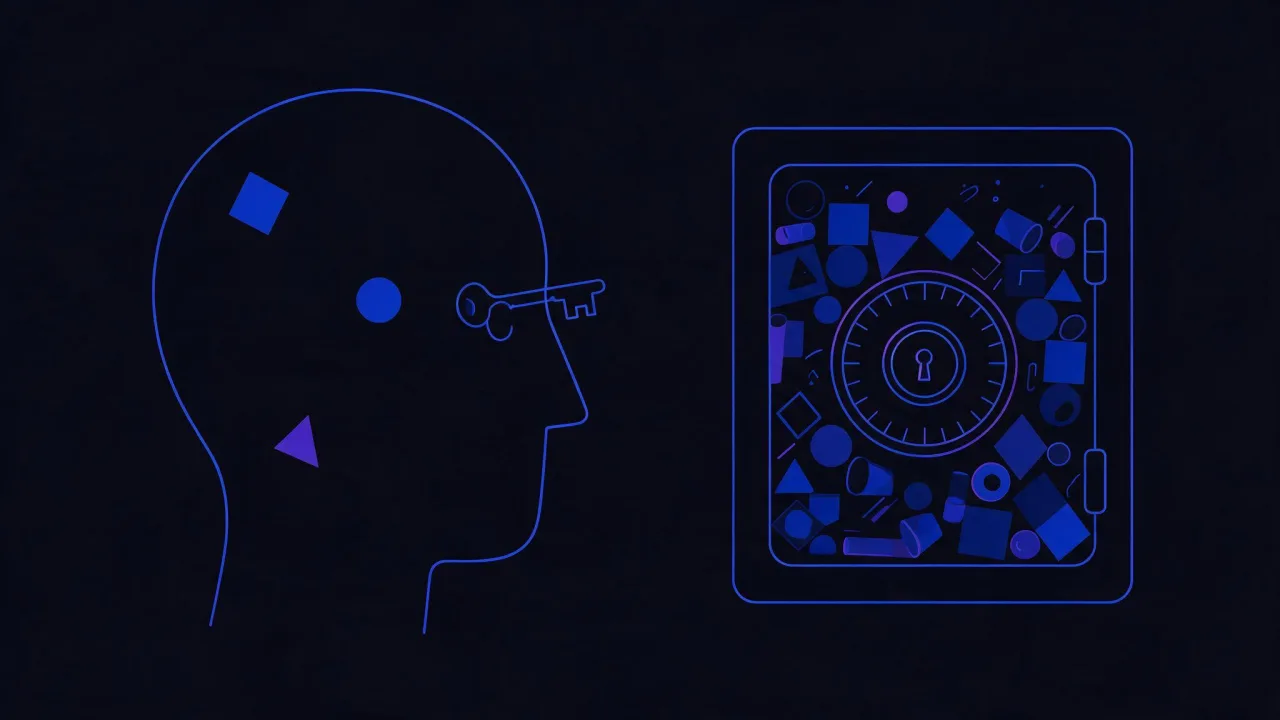
Where it wins
Precisely where a password must be remembered rather than stored: the manager's master password, an encrypted disk, a backup key. Everything that cannot be pulled out of a manager because the manager itself sits behind it.
For ordinary sites nothing needs remembering — a random twenty-four-character string held by the manager suits better.
How to generate one
- Open the password generator and pick passphrase mode.
- Set five words for general use, six for a master password.
- Choose a separator — a hyphen by default.
- Read the bit count: it comes from the list size, not the string length.
- Write a master password on paper and file it — there is nowhere to recover it from.
The generator draws from the 7776-entry EFF list using the browser's cryptographic source rather than a pseudo-random function, and the phrase is never sent to a server.
Frequently asked questions
Are five words really stronger than an eight-character password with symbols?
Yes, and clearly so: 65 bits against 52. That is a difference of about eight thousand times in the number of possibilities.
Can the words be in my own language?
If the list is large enough and a program picks them. The problem with smaller lists is volume: a 2000-word list gives 11 bits per word instead of 12.9, and five words stop being enough.
What if a site rejects that length?
Use a random string from the manager there. A phrase is only needed for what you hold in your head, and there are two or three such passwords.
Should a passphrase be changed regularly?
No, for the same reasons as any password: scheduled rotation makes passwords more predictable. Change on suspicion of compromise.
In short
- A phrase is measured by word count and list size, not by string length.
- Five words from a 7776-entry list is 65 bits, six is 78. Fewer than five is not worth using.
- A program must pick the words: an invented phrase is nearly always a quotation or a set expression.
- One more word beats case and digits combined.
- Phrases are for what you must remember; everything else belongs in a manager as a random string.