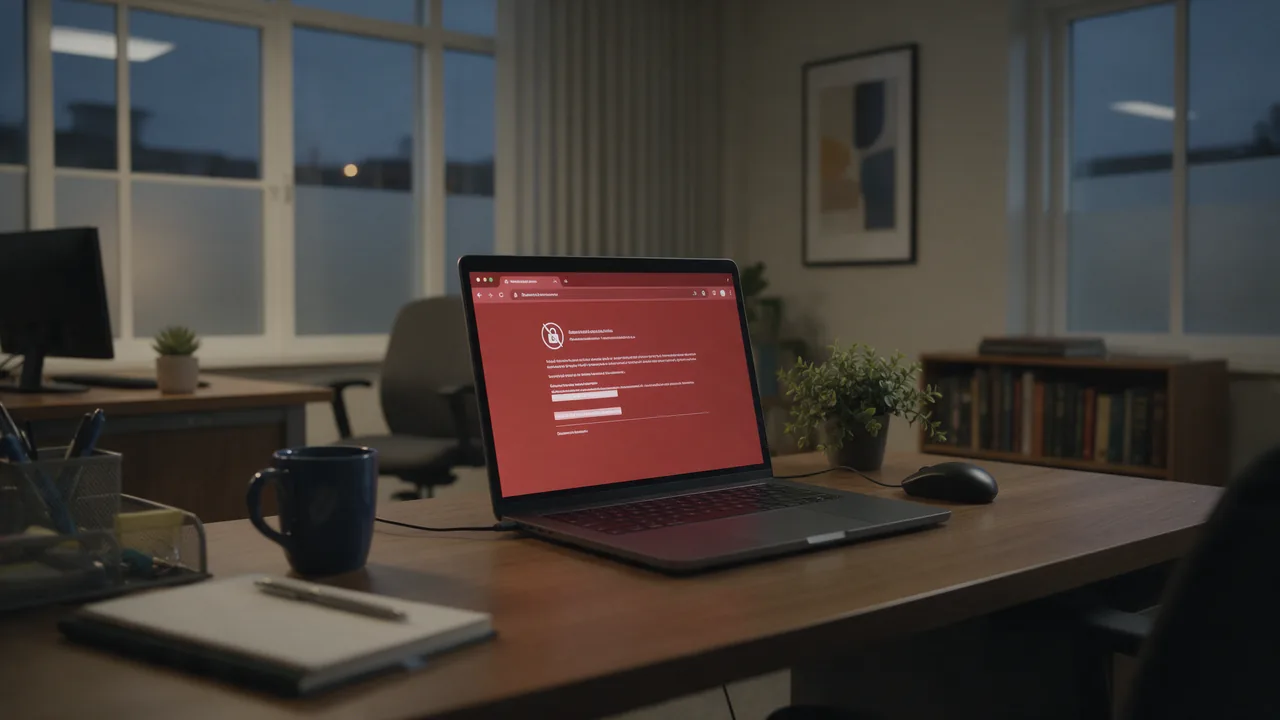
In short. This error means the certificate the server presented does not list the hostname you visited. Despite the name of the error, modern browsers do not look at the Common Name field at all — they match against the Subject Alternative Name extension. One openssl command prints the exact list of names your certificate covers, and the fix is almost always to reissue it with the missing name included.
The field the error is named after is the field browsers ignore
Certificates carry the hostname in two places. The Subject Common Name is a legacy field inside the subject distinguished name. The Subject Alternative Name, usually shortened to SAN, is an X.509 extension holding a list of names.
Chrome removed its fallback to the Common Name in version 58, released in 2017. Firefox and Safari made the same move, and the CA/Browser Forum requirements that public certificate authorities operate under have required SAN entries for years. RFC 6125, which defines how clients verify service identity, already treated the Common Name as deprecated in favour of the extension.
The practical consequence is blunt: a certificate whose Common Name is exactly right and whose SAN list omits the hostname will fail. Every guide that tells you to check whether the CN matches is describing a comparison your browser does not perform.
This matters because it changes the fix. If you verify the CN, see it matches, and conclude the certificate is fine, you will spend the next hour on the browser, the cache and the clock. The certificate was the problem the whole time — you inspected the wrong field.

Print the names your certificate actually covers
This is the whole diagnosis in one command. Everything after it is interpretation.
openssl s_client -connect example.com:443 -servername example.com < /dev/null 2>/dev/null \
  | openssl x509 -noout -subject -ext subjectAltName

# subject=CN = example.com
# X509v3 Subject Alternative Name:
#     DNS:example.com, DNS:www.example.com
Compare the DNS entries against the hostname in the address bar, character for character. If the name you visited is not in that list, the browser is correct to refuse and the certificate must be reissued. Note the -servername flag: omit it and you are asking for the server's default certificate rather than the one for this host, which produces a mismatch that exists only in your test.
The SSL checker prints the same list from outside your network, which additionally rules out anything on your own path interfering.
Cause 1: www and the apex are not the same name
The most common mismatch by a wide margin. A certificate issued for example.com does not cover www.example.com, and one issued for www.example.com does not cover example.com. They are distinct DNS names and each needs its own SAN entry.
This usually surfaces after a redirect is added or removed. The site worked because everyone reached the covered name; then a link, a search result or a redirect started sending traffic to the other one.
# Test both explicitly — a pass on one and failure on the other is diagnostic
for h in example.com www.example.com; do
  printf '%-22s ' "$h"
  echo | openssl s_client -connect "$h:443" -servername "$h" -verify_return_error 2>&1 \
    | grep -m1 -E 'Verify return code' || echo 'handshake failed'
done
The fix is to reissue with both names in the SAN list. Free certificate authorities issue multi-name certificates at no extra cost, so there is rarely a reason to cover only one.
Cause 2: the wildcard does not reach as far as you think
Wildcards are the second-largest source of this error, because their matching rule is narrower than most people assume. RFC 6125 allows the wildcard only in the leftmost label, and it matches exactly one label.
| Certificate | Hostname | Matches? | Why |
|---|---|---|---|
*.example.com | www.example.com | Yes | One label replaced |
*.example.com | example.com | No | The apex has no label to match |
*.example.com | api.staging.example.com | No | Two labels; a wildcard covers one |
*.staging.example.com | api.staging.example.com | Yes | One label at the correct depth |
*.example.com | WWW.EXAMPLE.COM | Yes | Hostname matching is case-insensitive |
The two No rows are where teams lose hours. A wildcard bought specifically so that "every subdomain is covered" does not cover the bare domain, and it does not cover a second level of subdomains. Cover the apex with its own SAN entry and add a separate wildcard for each depth you actually use. The wildcard versus SAN comparison covers when each shape is the right purchase.
A wildcard is not "every subdomain". It is one label at one depth. Teams that buy a wildcard expecting blanket coverage discover the gap on the day they launch
api.staging.example.com— and the certificate they already paid for cannot be extended to reach it.

Cause 3: the server answered with somebody else's certificate
When several sites share an address, the server picks which certificate to present using the hostname the client sends in the TLS handshake — Server Name Indication. If SNI is missing, or if no virtual host matches it, the server falls back to a default, and that default belongs to a different site.
This is why the error sometimes names a domain you have never heard of. You are being shown the neighbour's certificate.
# With SNI — the certificate for this host
echo | openssl s_client -connect example.com:443 -servername example.com 2>/dev/null \
  | openssl x509 -noout -subject

# Without SNI — the server's fallback certificate
echo | openssl s_client -connect example.com:443 2>/dev/null \
  | openssl x509 -noout -subject
Different subjects mean the server depends on SNI, which is normal. The failure appears when the virtual host for your name is missing, misspelled, or listening on a different address than DNS points to — so the request lands on the default host instead. Confirm the address your name resolves to with the DNS lookup, because a stale record silently sends you to a server that never had your certificate.
Cause 4: you reached the site by IP address
Opening https://203.0.113.10 asks the browser to verify the certificate against the literal address. Almost no public certificate includes an IP address in its SAN list — doing so requires an IP: entry rather than a DNS: entry, and public authorities issue those rarely.
This is expected behaviour rather than a defect, and the resolution is to use the hostname. When you genuinely need to test a specific server behind a load balancer or CDN, keep the hostname and pin the address instead:
# Correct hostname, specific server — certificate validation still works
curl -sS --resolve example.com:443:203.0.113.10 https://example.com/ -o /dev/null -w '%{http_code}\n'
Cause 5: internal names on public certificates
Public authorities cannot issue for names that are not publicly resolvable — server01.local, intranet, or a hostname on a private domain. Certificates issued by an internal authority for those names are fine on machines that trust that authority and fail everywhere else.
The distinguishing signal is the issuer rather than the subject. If the issuer is your organisation's own CA, the certificate is doing its job and the client is simply not configured to trust it — which is a trust problem, not a name problem, and is covered in the guide to clients that reject what browsers accept.
What the top-ranking advice gets wrong
Searching this error returns a wall of consumer troubleshooting. Most of it is inherited from generic certificate-error pages and does not apply to a name mismatch specifically.
| Common advice | Verdict | Why |
|---|---|---|
| Check that the Common Name matches | Obsolete | Browsers stopped consulting the CN in 2017; the SAN list decides |
| Fix your computer's date and time | Wrong error | A wrong clock produces a validity-period error, not a name error |
| Clear the browser cache | Wrong layer | Certificate validation happens per connection at the TLS layer; the HTTP cache is not consulted |
| Try incognito mode | Diagnostic only | Useful to rule out an extension, but it changes nothing about the certificate |
| Reinstall the certificate | Only if it fixes the SAN | Reinstalling the same certificate reinstalls the same missing name |
| Proceed anyway / add an exception | Dangerous | Name checking is what stops a valid certificate for another domain being used against you |
The last row deserves emphasis. The name check is not bureaucracy. Without it, anyone holding a legitimate certificate for any domain could present it for yours, and the padlock would still appear. Clicking through is not "ignoring a warning", it is switching that protection off for the session.

Fixing it properly
- List the names the certificate covers with the
opensslcommand above. Do not skip to a fix before you have that list. - Write down every hostname that must work — apex,
www, each subdomain, and any name a redirect sends users to. - Reissue with all of them in the SAN list. With certbot, that means passing each name:
certbot certonly --webroot -w /var/www/example.com \ -d example.com -d www.example.com -d api.example.com - Point the server at the full chain, not the leaf alone, and reload rather than restart if you want to avoid dropping connections.
- Verify from outside with the same command, from a network that is not yours.
Adding a name later means reissuing again — a certificate's SAN list is fixed at issuance. That is the argument for enumerating every hostname up front, including the ones you only use for staging.
How to check your site right now
Run the SSL checker to see the served certificate, its SAN list, its chain and its expiry from outside your network in one pass. Use the DNS lookup to confirm the hostname resolves to the server you think it does, since a name mismatch is frequently a stale record pointing at an old host. The redirect tracer is worth a run too: it shows every hop, and a mismatch that appears only after a redirect means the destination name is the one missing from the list.
The failure mode that costs the most is a renewal that quietly drops a name — the site keeps working on the hostname you test and breaks on the one you do not. SSL monitoring validates the certificate on a schedule and alerts on change, which catches that on the day it happens rather than when a customer reports it.

Frequently asked questions
My Common Name is correct. Why is the browser still complaining?
Because it is not reading the Common Name. Chrome removed that fallback in version 58 and other major browsers followed. Print the Subject Alternative Name list — the hostname you visited has to appear there.
Does a wildcard certificate cover my main domain?
No. *.example.com matches one label in that position, and the bare domain has no label to match. Add example.com as its own SAN entry alongside the wildcard.
Why does the error mention a domain that is not mine?
You are being shown another site's certificate, because the server could not match your hostname to a virtual host and fell back to its default. Check that SNI is reaching the server and that a virtual host exists for your exact name.
Will clearing the cache or fixing my clock help?
Not for this error. A wrong clock causes a validity-period failure with a different message, and certificate validation does not consult the HTTP cache. Both suggestions are inherited from generic certificate-error advice.
Is it safe to click through the warning?
No. Hostname verification is precisely what prevents a legitimate certificate for another domain being presented for yours. Bypassing it removes that check for the session, and on a network you do not control that is the exact scenario it exists to stop.
How do I add a name to an existing certificate?
You cannot. The SAN list is signed at issuance, so adding a name means requesting a new certificate that includes all of them. List every hostname you need before reissuing rather than discovering one at a time.
Checklist
- Print the SAN list before changing anything — it is the field that decides.
- Ignore the Common Name; browsers have for years.
- Always pass
-servername, or you are testing the wrong certificate. - Cover apex and
wwwexplicitly — one does not imply the other. - Remember a wildcard replaces exactly one label, and never the apex.
- Check for SNI fallback when the error names an unfamiliar domain.
- Use the hostname with
--resolverather than browsing by IP. - Enumerate every hostname before reissuing — the list is fixed at issuance.
- Verify from outside your own network.
- Never click through; the check is the protection.