
What is p99 Latency
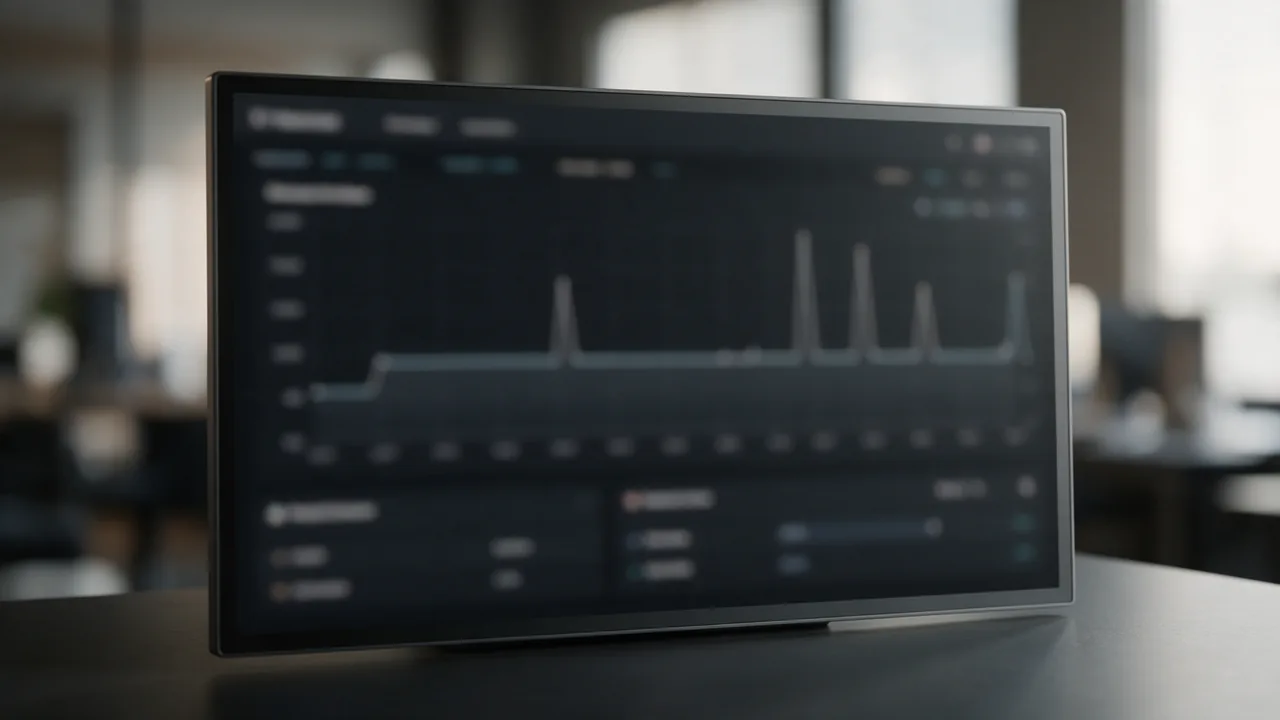
p99 latency — the 99th percentile of response time: the value above which 1% of requests fall. It reflects the worst-case experience for roughly 1 out of 100 users. Matters more than median (p50) because the "middle" user is happy but the worst 1% are your loudest critics. Typical ratio: p99 = 10-20× p50. Cloud-native apps aim for p99 < 500ms.
Below: details, example, related terms, FAQ.
Free online tool — page speed test: instant results, no signup.
Details
- p50 (median): half of requests faster, half slower
- p95: 95% faster, 5% slower
- p99: 99% faster, 1% slower (tail)
- p99.9: 999 / 1000 — tighter, "three nines"
- Causes of p99 outliers: cold start, GC pause, network retries, DB lock
Example
Response times: 50, 80, 100, 120, 150, ..., 850, 2400 ms
p50 = 120 ms (middle)
p99 = 2400 ms (1-of-100 worst)
p99/p50 ratio = 20× (high tail)
Related Terms
Understanding the Importance of p99 Latency in User Experience
p99 latency is a critical metric in understanding user experience, particularly for applications that demand high availability and responsiveness. This metric helps identify the performance threshold where a small percentage of users might experience significant delays, which can lead to dissatisfaction and potential loss of business.
In competitive markets, ensuring that the majority of users have a seamless experience is essential, but it is equally important to address the needs of those in the p99 category. Acknowledging that 1% of your users are having a poor experience can inform development priorities and resource allocation. For instance, if a web service’s p99 latency is significantly higher than the acceptable threshold, it may indicate underlying performance issues that require immediate attention.
Furthermore, monitoring p99 latency can guide architectural decisions, such as whether to implement caching strategies, optimize database queries, or improve server response times. Developers and DevOps teams should consider p99 latency as a key performance indicator (KPI) alongside other metrics like p50 (median latency) and p95. Understanding these metrics collectively provides a more comprehensive view of application performance.
How to Measure p99 Latency in Your Applications
To effectively measure p99 latency, you can utilize various monitoring tools and techniques. Here are some practical commands and configurations to help you get started:
- Using Prometheus: If you are using Prometheus for monitoring, you can set up a histogram to capture response times. Here is a sample configuration:
histogram_vec: request_duration_seconds{job='your_application'} - Once you have your histogram set up, you can query for p99 latency with the following Prometheus query:
histogram_quantile(0.99, sum(rate(request_duration_seconds_bucket[5m])) by (le)) This query calculates the 99th percentile of response times over the last 5 minutes.
- Using Datadog: If you prefer Datadog, you can track p99 latency with a custom metric. In your code, you can use:
datadog.statsd.histogram('request.duration', duration) Then, you can create a monitor in Datadog to alert you when p99 latency exceeds a specific threshold.
By implementing these measurement strategies, you can gain insights into your application’s performance and take proactive steps to enhance user experience.
Common Pitfalls When Analyzing p99 Latency
While p99 latency is a valuable metric, relying solely on it can lead to misinterpretations and flawed decision-making. Here are some common pitfalls to avoid when analyzing p99 latency:
- Ignoring Context: p99 latency should not be viewed in isolation. It is essential to consider other metrics such as p50 and p95, as well as the overall user experience. A high p99 latency might be acceptable if the majority of users (p50) are satisfied.
- Failing to Segment Data: Different user segments may experience varying levels of latency. For example, mobile users might have different performance characteristics compared to desktop users. Segmenting your p99 data can uncover these differences and guide targeted optimizations.
- Overlooking External Factors: Network conditions, third-party API response times, and server load can all impact latency. Understanding these external factors is crucial when analyzing p99 latency, as they may not be directly related to your application’s performance.
- Neglecting Historical Trends: Analyzing p99 latency in a vacuum may lead to reactive rather than proactive measures. Tracking historical trends can help identify patterns and anticipate potential issues before they impact users.
By avoiding these pitfalls, you can achieve a more accurate understanding of your application’s performance and make informed decisions that enhance user satisfaction.
Why teams trust us
How it works
Enter page URL
Lighthouse analyzes
Get CWV scores & tips
Why Does Site Speed Matter?
Page load speed directly impacts conversion, SEO rankings, and user satisfaction. Google uses Core Web Vitals as a ranking factor. Every extra second of load time cancost up to 7% in conversions.
Lighthouse Analysis
Google Lighthouse-based analysis: Performance, Accessibility, Best Practices, SEO.
Core Web Vitals
LCP (rendering), FID (interactivity), CLS (visual stability) — key Google metrics.
Resource Analysis
Breakdown by type: HTML, CSS, JavaScript, images, fonts. Size, request count, blocking resources.
Actionable Advice
Specific recommendations with savings estimates: image compression, caching, minification, etc.
Mobile vs Desktop
- Tested on Moto G Power emulation (slow CPU)
- Network: 4G (1.6 Mbps, 150ms RTT)
- Stricter speed scoring
- Google indexes mobile-first
- Priority for SEO optimization
- High CPU performance
- Fast connection without throttling
- Scores typically 20-40 points higher
- Important for B2B and corporate sites
- Use for baseline comparisons
Who uses this
SEO
Core Web Vitals for rankings
Developers
performance optimization
Marketers
speed = conversions
DevOps
performance regression
Common Mistakes
async/defer block rendering. Move to end or add attribute.Cache-Control, the browser reloads CSS/JS on every visit.Best Practices
loading="lazy" for images below the fold.brotli on;Cache-Control: max-age=31536000, immutable. HTML: max-age=0, s-maxage=60.<link rel="preload"> for fonts and CSS. Reduces LCP by 200-500ms.Get more with a free account
Speed check history, competitor comparison and PageSpeed monitoring.
Sign up freeLearn more
Frequently Asked Questions
Why not the mean?
Mean is skewed by outliers. p50/p95/p99 are more stable and reflect user experience.
How to measure at low traffic?
Histogram buckets (Prometheus, DataDog). At 100 req/day p99 = worst-1, which is noisy. Use p95 + weekly rolling.
How to improve p99?
1) Cache hit ratio. 2) Connection pools (DB, Redis). 3) Circuit breakers. 4) Timeout + retry + jitter. 5) Async I/O.
Try the live tool that powered this guide
Free plan — 10 monitors, checks every 5 min, no card required. Upgrade for 1-minute interval and multi-region monitoring.