
Port 123: NTP — Complete Guide
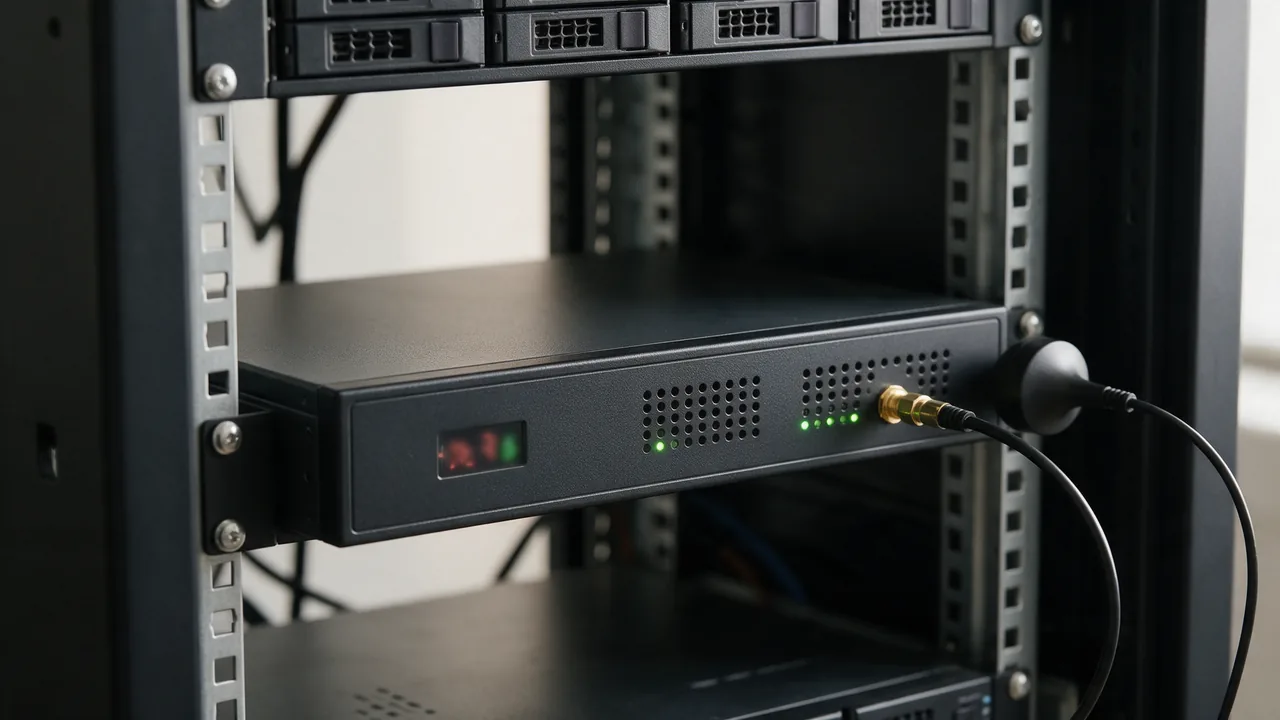
Network Time Protocol, UDP. Clock sync. Open NTP = DDoS amplification vector. Standard TCP port for NTP.
Free online tool — ping & port checker: instant results, no signup.
What is port 123
Port 123 is reserved for NTP. Network Time Protocol, UDP. Clock sync. Open NTP = DDoS amplification vector.
Check port openness
Security
Close the port if the service isn't used. For admin ports, require IP whitelist or VPN. Monitor connection attempts via fail2ban.
How NTP Works: A Deep Dive into Port 123
The Network Time Protocol (NTP) operates primarily over UDP on port 123, facilitating the synchronization of clocks across networked devices. NTP uses a hierarchical system of time sources, known as stratum levels, to ensure accurate timekeeping. At the top of this hierarchy are primary time servers, which obtain time from atomic clocks or GPS signals. These servers disseminate time to secondary servers (stratum 2), which in turn synchronize with them, and the process continues down the hierarchy.
NTP messages consist of several fields, including the version number, mode, and a timestamp that indicates the time the packet was sent. The protocol employs a complex algorithm to calculate the round-trip delay and offset between the client and server, allowing devices to adjust their clocks with precision.
In practice, NTP can achieve synchronization within milliseconds over local networks and up to a few seconds over the internet, depending on the network conditions. This precision is crucial for applications requiring time-sensitive operations, such as financial transactions and logging events.
Securing NTP: Best Practices to Mitigate Risks
While NTP is essential for time synchronization, it poses significant security risks if not properly configured. Open NTP servers can be exploited for Distributed Denial of Service (DDoS) attacks, where an attacker sends a small query to the server, which then responds with a much larger payload to the spoofed IP address of the victim. To mitigate such risks, consider implementing the following best practices:
- Restrict NTP Access: Limit NTP queries to trusted IP addresses using firewall rules.
- Use Authentication: Implement symmetric key authentication for NTP communications. This ensures that only authorized devices can synchronize time.
- Monitor NTP Traffic: Regularly analyze NTP traffic for unusual patterns that may indicate abuse or misconfiguration.
- Deploy Rate Limiting: Configure rate limiting on NTP servers to prevent abuse during high traffic volumes.
- Update Software: Always keep NTP software up to date to protect against known vulnerabilities.
By following these practices, organizations can significantly reduce the risk of NTP-related security incidents.
Practical Commands for Configuring NTP on Linux
Configuring NTP on a Linux system is straightforward and can be accomplished using the ntp package. Below are practical commands to install, configure, and start the NTP service.
1. **Install NTP package**: Depending on your Linux distribution, use the following commands:
- For Debian/Ubuntu:
- For CentOS/RHEL:
sudo apt update && sudo apt install ntpsudo yum install ntp2. **Configure NTP servers**: Edit the NTP configuration file located at /etc/ntp.conf. Add your desired NTP servers, for example:
server time.google.com iburst
server time.windows.com iburst
3. **Start and enable the NTP service**: Use the following commands to start the NTP service and ensure it runs on boot:
sudo systemctl start ntp
sudo systemctl enable ntp
4. **Check synchronization status**: After configuration, verify that your system is synchronizing time correctly by using:
ntpq -pThis command will display a list of NTP peers along with their synchronization status. Properly configured, your system should maintain accurate timekeeping, enhancing the reliability of time-sensitive applications.
Learn more
Sources
Frequently Asked Questions
Why close port 123?
Every open port is a potential entry point. If the service isn't used — close it.
Try the live tool that powered this guide
Free plan — 10 monitors, checks every 5 min, no card required. Upgrade for 1-minute interval and multi-region monitoring.