
Port 1723: PPTP — Complete Guide
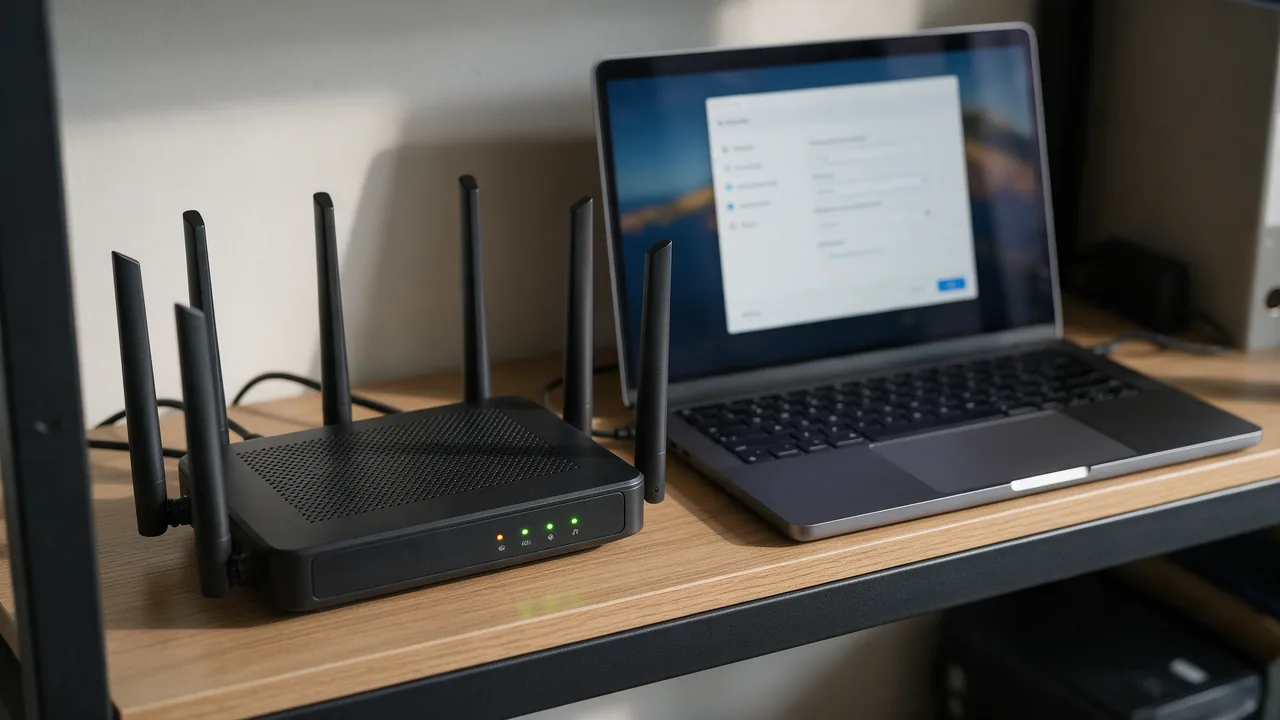
Point-to-Point Tunneling Protocol. Obsolete, many vulnerabilities. Use OpenVPN/WireGuard instead. Standard TCP port for PPTP.
Free online tool — ping & port checker: instant results, no signup.
What is port 1723
Port 1723 is reserved for PPTP. Point-to-Point Tunneling Protocol. Obsolete, many vulnerabilities. Use OpenVPN/WireGuard instead.
Check port openness
Security
Close the port if the service isn't used. For admin ports, require IP whitelist or VPN. Monitor connection attempts via fail2ban.
Understanding PPTP and Its Functionality
The Point-to-Point Tunneling Protocol (PPTP) is a network protocol used for implementing virtual private networks (VPNs). It encapsulates data packets within a PPP (Point-to-Point Protocol) frame, allowing for the secure transmission of data over the internet. The protocol establishes a direct connection between the user’s device and the VPN server, enabling secure communication across an unsecured network.
PPTP operates on TCP port 1723 and uses the GRE (Generic Routing Encapsulation) protocol to encapsulate the data. While it was widely adopted for its ease of use and speed, the protocol has several inherent vulnerabilities, making it less secure than its modern counterparts such as OpenVPN and WireGuard.
Key functionalities of PPTP include:
- Encryption: PPTP supports MPPE (Microsoft Point-to-Point Encryption), which provides basic encryption for data packets, although this is considered weak by today’s standards.
- Authentication: It supports various authentication protocols, including MS-CHAP v1, MS-CHAP v2, and EAP (Extensible Authentication Protocol).
- Compatibility: PPTP is compatible with a wide range of operating systems, making it easy to implement across different platforms.
Despite its functionalities, the security flaws associated with PPTP, including susceptibility to dictionary and man-in-the-middle attacks, make it a poor choice for secure communications in modern environments.
Common Vulnerabilities in PPTP
PPTP is notorious for its security vulnerabilities, which have been well-documented over the years. Understanding these vulnerabilities is crucial for network administrators and users who may still be relying on this outdated protocol.
Some prominent vulnerabilities include:
- Weak Encryption: PPTP employs MPPE for encryption, which can be cracked using brute-force attacks. The encryption keys are relatively short, making them susceptible to modern computational power.
- Authentication Flaws: The MS-CHAPv1 and MS-CHAPv2 authentication protocols used by PPTP are vulnerable to various attacks, including the well-known 'password cracking' techniques that can expose user credentials.
- Man-in-the-Middle Attacks: Due to the lack of strong authentication mechanisms, PPTP connections can be intercepted by attackers, allowing them to capture sensitive data transmitted over the network.
Furthermore, the GRE protocol used by PPTP does not provide encryption, leaving data packets unprotected during transmission. This lack of security has led to PPTP being considered obsolete for secure communications.
In light of these vulnerabilities, organizations are strongly advised to transition to more secure VPN protocols such as OpenVPN or WireGuard, which offer robust encryption and better overall security.
Configuring a PPTP VPN Connection: Example Commands
While PPTP is not recommended due to its security vulnerabilities, there are scenarios where legacy systems may still require its configuration. Below is an example of how to set up a PPTP VPN connection on a Linux-based system using command-line utilities.
1. **Install the PPTP client**:
sudo apt-get install pptp-linux2. **Create a configuration file** for the VPN connection:
sudo nano /etc/ppp/peers/myvpnIn this file, you can add the following configuration:
pty "pptp [VPN_SERVER_ADDRESS] --nolaunchpppd"
name [USERNAME]
password [PASSWORD]
remotename PPTP
require-mppe-128
file /etc/ppp/options.pptp
3. **Set up options** for the PPTP connection:
sudo nano /etc/ppp/options.pptpAdd the following lines to specify the options:
debug
noauth
4. **Start the PPTP connection**:
sudo pon myvpn5. **Check the connection status**:
plog6. **To disconnect** from the VPN, use:
sudo poff myvpnKeep in mind that while these commands illustrate setting up a PPTP connection, it is advisable to consider more secure alternatives for any sensitive operations. Transitioning to protocols like OpenVPN or WireGuard is highly recommended for maintaining data security.
Learn more
Sources
Frequently Asked Questions
Why close port 1723?
Every open port is a potential entry point. If the service isn't used — close it.
Try the live tool that powered this guide
Free plan — 10 monitors, checks every 5 min, no card required. Upgrade for 1-minute interval and multi-region monitoring.