
Port 23: Telnet — Complete Guide
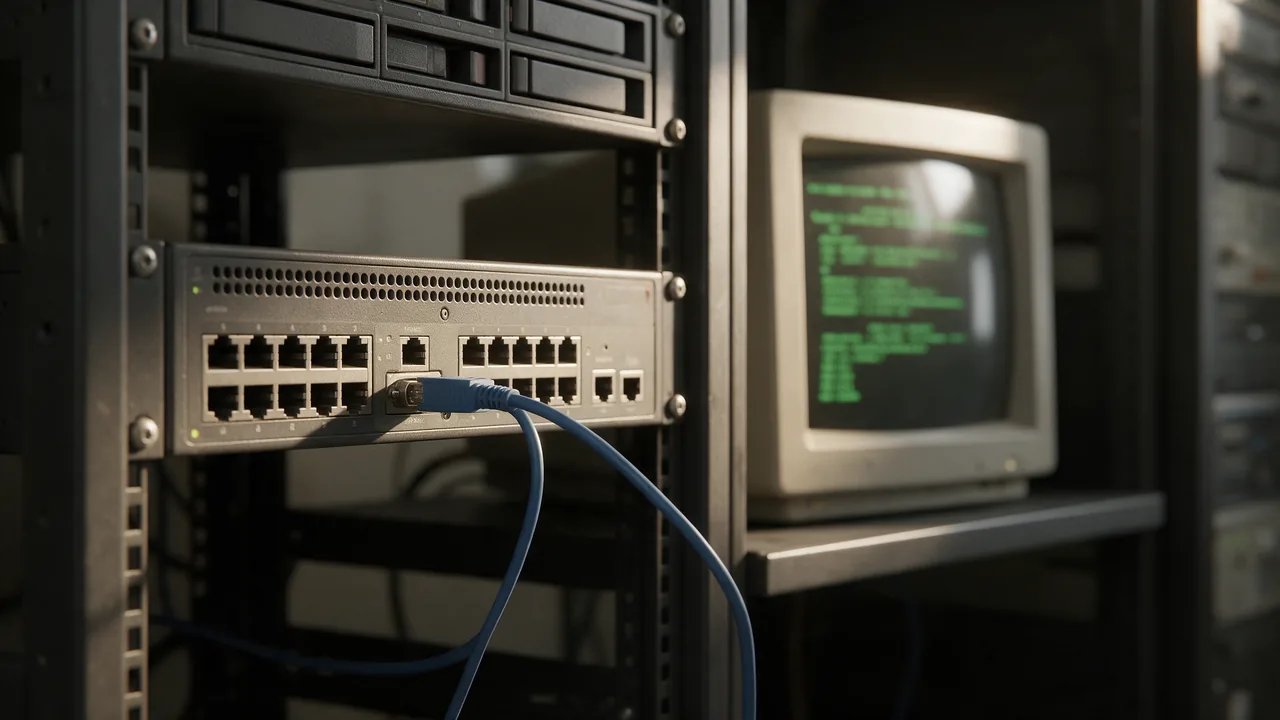
Legacy remote-access protocol. All data in cleartext — do not use. Standard TCP port, used by the Telnet service.
Free online tool — ping & port checker: instant results, no signup.
What is port 23
Port 23 is reserved by IANA for the Telnet service. Legacy remote-access protocol. All data in cleartext — do not use.
Check if the port is open online
To find out if port 23 is open on your host (or a third-party's — for diagnostics), use our port checker. Enter a domain and a port number — results arrive in 1-2 seconds.
Security
An open port is a potential attack vector. General rules:
- Close everything you don't use (firewall default-deny)
- For admin ports (22 SSH, 3389 RDP, 3306 MySQL) — IP whitelist or VPN
- Base cases: 80+443 open for web; 22 — from work/VPN only; DB ports — loopback only
- Use fail2ban for SSH/admin panels
Understanding Telnet's Security Risks
Telnet, which operates over TCP port 23, is one of the oldest protocols used for remote communication. However, its inherent lack of encryption makes it vulnerable to a variety of security risks. When you use Telnet, all data—including usernames, passwords, and commands—are transmitted in plain text. This means that anyone with access to the network can easily intercept and read this sensitive information.
In addition to eavesdropping, Telnet is also susceptible to man-in-the-middle attacks. An attacker can position themselves between the client and server, capturing and altering messages without either party being aware. This vulnerability is exacerbated on unsecured networks, such as public Wi-Fi, where malicious actors can easily gain access.
Moreover, Telnet does not provide any built-in mechanisms for authentication beyond basic username and password combinations, which can be easily cracked using brute force methods. As a result, many organizations have moved to more secure alternatives, such as SSH (Secure Shell), which encrypts the connection and protects against these threats.
Key Takeaway: Using Telnet, especially on public or unsecured networks, poses significant security risks. It is advisable to avoid Telnet in favor of more secure protocols.
How to Check if Port 23 is Open
Determining whether port 23 is open on a server is a crucial step for network administrators to assess the security posture of their systems. Here are several methods to check if port 23 is open:
- Using Telnet: You can use the Telnet command itself to check if the port is open. Open your command line interface and type:
telnet 23 - If the connection is successful, you will see a blank screen or a welcome message from the Telnet server. If it fails, you will receive a connection error.
- Using Nmap: Nmap is a powerful network scanning tool that can check for open ports. Run the following command:
nmap -p 23 - This will specifically scan port 23 on the target host. If the port is open, Nmap will report it as such.
- Using Netcat: Another versatile tool, Netcat, can be used to check open ports:
nc -zv 23 - The '-z' option tells Netcat to scan without sending any data, while '-v' enables verbose output, indicating whether the port is open or closed.
By using these methods, you can effectively determine the status of port 23 on your server and take necessary actions to secure your network.
Alternatives to Telnet for Remote Access
As cybersecurity threats continue to evolve, organizations are increasingly moving away from Telnet in favor of more secure protocols for remote access. Here are some widely accepted alternatives:
- SSH (Secure Shell): SSH is the most popular alternative to Telnet. It provides a secure channel over an unsecured network by using encryption. SSH not only encrypts the data being transmitted but also offers robust authentication methods, making it much more secure than Telnet.
- RDP (Remote Desktop Protocol): RDP is a proprietary protocol developed by Microsoft that allows users to connect to another computer over a network connection. It provides a graphical interface and is often used for remote management of Windows servers. RDP includes encryption and supports various authentication methods.
- VNC (Virtual Network Computing): VNC is a graphical desktop sharing system that uses the Remote Frame Buffer protocol to remotely control another computer. While VNC is inherently less secure than SSH, it can be secured by tunneling through SSH or using VPNs.
- Web-based Management Interfaces: Many modern network devices offer web-based management interfaces that can be accessed through HTTPS. These interfaces typically include built-in security features like SSL/TLS encryption, making them safer than Telnet.
Conclusion: Transitioning from Telnet to more secure protocols is essential for protecting sensitive data and maintaining the integrity of your network. Always evaluate the security features of the remote access methods you choose to implement.
Learn more
Sources
Frequently Asked Questions
Why close port 23?
Every open port is an attacker's entry point. If the service is not used (or uses a different port), close it to minimise attack surface.
How to check port 23 without Enterno.io?
From a local machine: nc -zv hostname 23 or telnet hostname 23. The online checker is simpler — from different IPs, one click.
Try the live tool that powered this guide
Free plan — 10 monitors, checks every 5 min, no card required. Upgrade for 1-minute interval and multi-region monitoring.