
Port 25: SMTP — Complete Guide
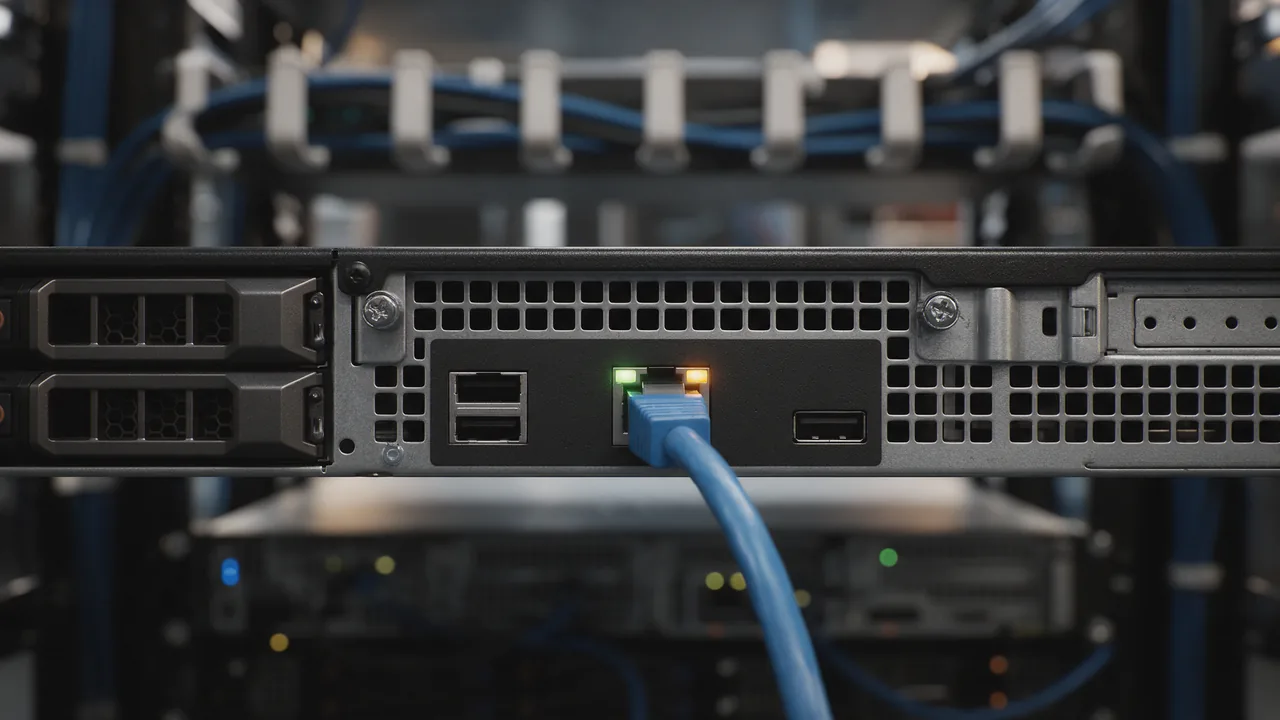
Outgoing mail between servers. Blocked for end-user on modern hosting. Standard TCP port, used by the SMTP service.
Free online tool — ping & port checker: instant results, no signup.
What is port 25
Port 25 is reserved by IANA for the SMTP service. Outgoing mail between servers. Blocked for end-user on modern hosting.
Check if the port is open online
To find out if port 25 is open on your host (or a third-party's — for diagnostics), use our port checker. Enter a domain and a port number — results arrive in 1-2 seconds.
Security
An open port is a potential attack vector. General rules:
- Close everything you don't use (firewall default-deny)
- For admin ports (22 SSH, 3389 RDP, 3306 MySQL) — IP whitelist or VPN
- Base cases: 80+443 open for web; 22 — from work/VPN only; DB ports — loopback only
- Use fail2ban for SSH/admin panels
Understanding SMTP and Its Role in Port 25
The Simple Mail Transfer Protocol (SMTP) is the standard protocol used for sending emails across the Internet. It operates primarily over port 25, which facilitates the transfer of messages between mail servers. SMTP is a text-based protocol that ensures reliable message delivery by establishing a connection between the sender's and recipient's servers.
When an email is sent, the SMTP server processes the message, checks the recipient's address, and routes it to the appropriate server. The use of port 25 is critical in this process, as it serves as the channel for the transmission of SMTP commands, such as HELO, MAIL FROM, RCPT TO, and DATA.
However, due to the rise of spam and malicious activities, many Internet Service Providers (ISPs) and hosting companies block port 25 for end-user accounts. This measure is taken to prevent unauthorized users from sending unsolicited emails. As a result, alternative ports like 587 and 465 are often recommended for secure email submission.
How to Check if Port 25 is Open on Your Server
To determine if port 25 is open and accessible on your server, you can use various command-line tools. Here are some practical methods:
- Telnet: This command allows you to connect to a specified port on a server. Open your terminal and type:
telnet yourdomain.com 25- If the connection is successful, you will see a response from the SMTP server. If not, the port may be blocked.
- Netcat: Another versatile tool for checking port status is Netcat. Use the following command:
nc -zv yourdomain.com 25- The
-zflag tells Netcat to scan without sending any data, while-venables verbose output. A successful connection will indicate thatport 25is open.
- nmap: This network scanning tool can provide comprehensive details about open ports. Run the command:
nmap -p 25 yourdomain.com- The output will show whether
port 25is open or closed, along with other relevant information about the server.
These methods are essential for diagnosing email delivery issues or ensuring that your server is configured correctly for sending emails.
Common Issues and Solutions Related to Port 25
Despite its critical role in email transmission, various issues can arise when using port 25. Understanding these problems and their solutions is essential for maintaining a reliable email service.
- Port Blocking: Many ISPs block
port 25to reduce spam. If you cannot send emails, check with your hosting provider about their policies. Switching toport 587orport 465for SMTP submission can often resolve this.
- Firewall Settings: If your server’s firewall is misconfigured, it might prevent access to
port 25. Ensure that your firewall rules allow traffic on this port. For example, on a Linux server usingiptables, you can use:
iptables -A INPUT -p tcp --dport 25 -j ACCEPT- This command allows incoming traffic on
port 25. Remember to save your settings to persist after a reboot.
- DNS Issues: Incorrect DNS settings can lead to delivery failures. Ensure your domain's MX records are correctly configured to point to your mail server.
- Blacklisting: If your server’s IP address is blacklisted due to spamming activities, mail delivery will be hindered. Check your IP against common blacklists and follow the delisting process if necessary.
By proactively addressing these common issues, you can ensure that your email communications remain smooth and reliable through port 25.
Learn more
Sources
Frequently Asked Questions
Why close port 25?
Every open port is an attacker's entry point. If the service is not used (or uses a different port), close it to minimise attack surface.
How to check port 25 without Enterno.io?
From a local machine: nc -zv hostname 25 or telnet hostname 25. The online checker is simpler — from different IPs, one click.
Try the live tool that powered this guide
Free plan — 10 monitors, checks every 5 min, no card required. Upgrade for 1-minute interval and multi-region monitoring.