
Port 3306: MySQL — Complete Guide
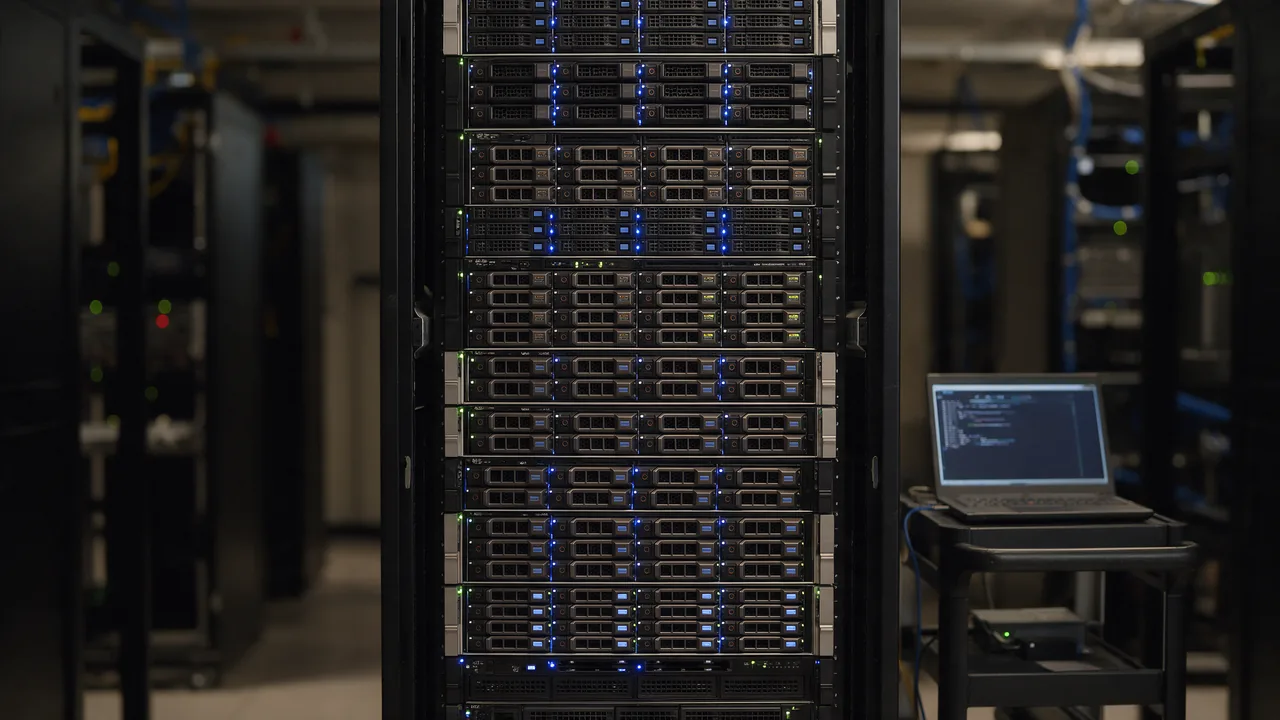
MySQL database. Never expose on public IP — use SSH tunnel or private VPC only. Standard TCP port, used by the MySQL service.
Free online tool — ping & port checker: instant results, no signup.
What is port 3306
Port 3306 is reserved by IANA for the MySQL service. MySQL database. Never expose on public IP — use SSH tunnel or private VPC only.
Check if the port is open online
To find out if port 3306 is open on your host (or a third-party's — for diagnostics), use our port checker. Enter a domain and a port number — results arrive in 1-2 seconds.
Security
An open port is a potential attack vector. General rules:
- Close everything you don't use (firewall default-deny)
- For admin ports (22 SSH, 3389 RDP, 3306 MySQL) — IP whitelist or VPN
- Base cases: 80+443 open for web; 22 — from work/VPN only; DB ports — loopback only
- Use fail2ban for SSH/admin panels
Understanding MySQL Port 3306 Security Risks
Port 3306, the default port for MySQL, is a common target for attackers due to its widespread use. Exposing this port to the public internet can create significant security vulnerabilities, allowing unauthorized access to your database. Attackers may exploit weak passwords, unpatched vulnerabilities, or configuration errors to gain access.
To mitigate these risks, consider the following security measures:
- Restrict IP Addresses: Limit access to port 3306 to specific IP addresses using firewall rules. This can be configured in your cloud provider's security settings or through local firewall configurations.
- Use Strong Passwords: Ensure all MySQL user accounts have strong, unique passwords to prevent brute-force attacks.
- Enable SSL Connections: Encrypt data in transit by configuring MySQL to require SSL connections. This protects sensitive information from being intercepted.
- Regularly Update MySQL: Keep your MySQL server updated to the latest version to patch known vulnerabilities.
By implementing these security practices, you can significantly reduce the risk of unauthorized access to your MySQL database.
How to Check if MySQL is Running on Port 3306
To verify if your MySQL server is actively listening on port 3306, you can use various command-line tools depending on your operating system.
Here are some practical commands:
- On Linux: Use the following command to check if MySQL is listening on port 3306:
- If MySQL is running, you should see output similar to:
- On Windows: Open Command Prompt and run:
- This will show you if the port is in use, along with the corresponding process ID.
- Using MySQL Client: You can also check the connection directly by executing:
- If the connection is successful, it confirms that the service is running on that port.
sudo netstat -tuln | grep 3306 tcp 0 0 0.0.0.0:3306 0.0.0.0:* LISTEN netstat -ano | findstr :3306 mysql -u username -p -h localhost -P 3306 In case you don't receive any output or an error occurs, it may indicate that MySQL is not running or listening on the specified port.
Configuring MySQL to Use a Different Port
While port 3306 is the default for MySQL, changing it can enhance security by obscuring the database service from automated attacks targeting the default port. To configure MySQL to use a different port, follow these steps:
1. **Edit the MySQL Configuration File:** Open the MySQL configuration file, typically located at:
/etc/mysql/my.cnf or
/etc/my.cnf 2. **Change the Port Number:** Locate the line that specifies the port:
port = 3306 Change it to your desired port, for example:
port = 3307 3. **Restart MySQL Service:** After saving your changes, restart the MySQL service to apply the new configuration:
sudo systemctl restart mysql or
sudo service mysql restart 4. **Update Firewall Rules:** Ensure that your firewall allows traffic on the new port:
sudo ufw allow 3307/tcp 5. **Connect Using the New Port:** When connecting to your database, specify the new port:
mysql -u username -p -h localhost -P 3307 By following these steps, you can effectively change the port MySQL listens on, enhancing your database's security posture.
Learn more
Sources
Frequently Asked Questions
Why close port 3306?
Every open port is an attacker's entry point. If the service is not used (or uses a different port), close it to minimise attack surface.
How to check port 3306 without Enterno.io?
From a local machine: nc -zv hostname 3306 or telnet hostname 3306. The online checker is simpler — from different IPs, one click.
Try the live tool that powered this guide
Free plan — 10 monitors, checks every 5 min, no card required. Upgrade for 1-minute interval and multi-region monitoring.