
Port 53: DNS — Complete Guide
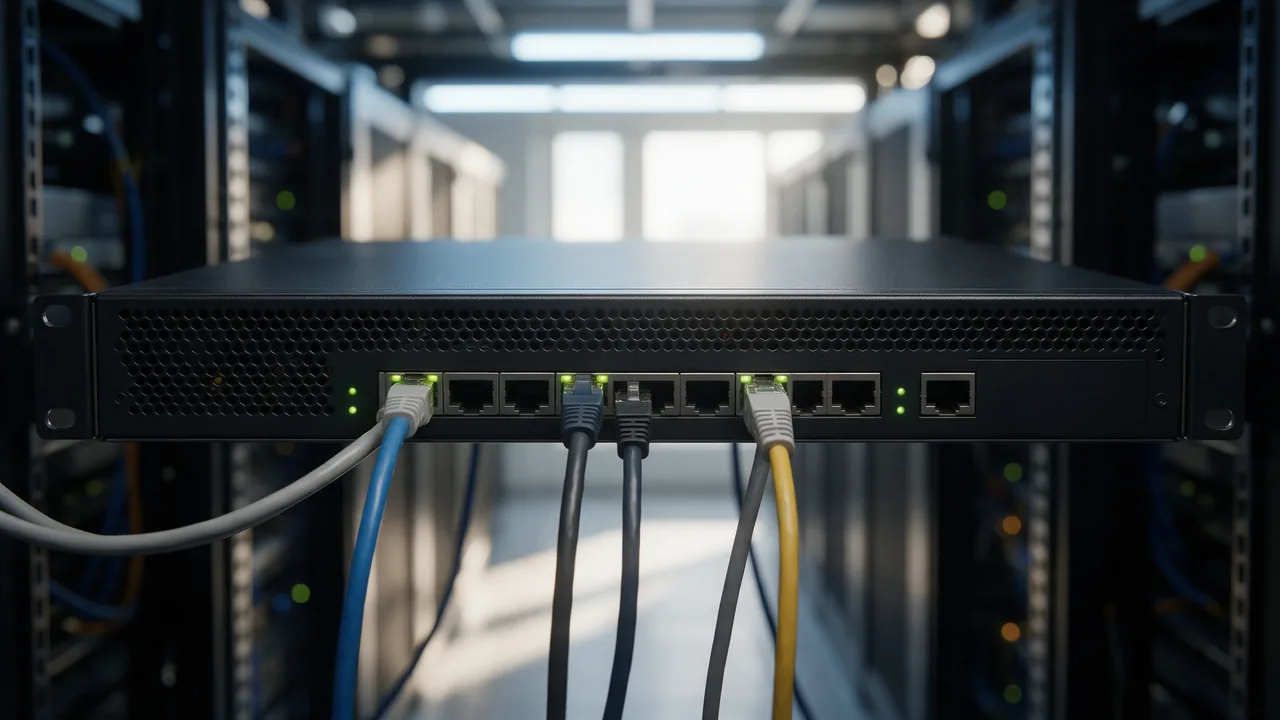
DNS queries and responses (UDP/TCP). Open port 53 on a public IP is an amplification risk — close it. Standard TCP port, used by the DNS service.
Free online tool — ping & port checker: instant results, no signup.
What is port 53
Port 53 is reserved by IANA for the DNS service. DNS queries and responses (UDP/TCP). Open port 53 on a public IP is an amplification risk — close it.
Check if the port is open online
To find out if port 53 is open on your host (or a third-party's — for diagnostics), use our port checker. Enter a domain and a port number — results arrive in 1-2 seconds.
Security
An open port is a potential attack vector. General rules:
- Close everything you don't use (firewall default-deny)
- For admin ports (22 SSH, 3389 RDP, 3306 MySQL) — IP whitelist or VPN
- Base cases: 80+443 open for web; 22 — from work/VPN only; DB ports — loopback only
- Use fail2ban for SSH/admin panels
Understanding DNS and Its Role in Networking
Domain Name System (DNS) is a fundamental component of the internet, translating human-readable domain names into IP addresses that computers use to identify each other on the network. When you enter a URL in your browser, a DNS query is sent to a DNS server, which resolves the domain name to an IP address and returns it to the client.
DNS operates over two main transport protocols: UDP and TCP. The majority of DNS queries are sent over UDP on port 53, as it is faster and requires less overhead. However, for tasks like zone transfers, DNS uses TCP, which is more reliable due to its connection-oriented nature.
Open port 53 can present security risks, especially if it is exposed on a public IP address. Attackers can exploit open DNS resolvers for amplification attacks, where they send small queries that result in significantly larger responses, overwhelming the target server with traffic.
How to Check if Port 53 is Open
To determine whether port 53 is open on a specific IP address, you can utilize several command-line tools. Below are practical examples using telnet, nc (Netcat), and nmap.
- Telnet: This tool can be used to check if you can establish a connection to port 53.
telnet your_ip_address 53If the connection is successful, you’ll see a blank screen. If it fails, you’ll receive an error message.
- Netcat (nc): A versatile networking tool that can also check open ports.
nc -zv your_ip_address 53The -z flag tells Netcat to scan without sending any data, while -v enables verbose output.
- Nmap: A powerful network scanning tool that can provide detailed information about open ports.
nmap -p 53 your_ip_addressThis command will scan the specified IP address for port 53 and report its status (open, closed, filtered).
Securing Port 53: Best Practices
Securing port 53 is critical to maintaining the integrity and availability of your DNS services. Here are some best practices to mitigate risks associated with open port 53:
- Restrict Access: Use firewall rules to limit access to port 53 only from trusted IP addresses. This can prevent unauthorized queries that may lead to amplification attacks.
- Implement DNSSEC: Domain Name System Security Extensions (DNSSEC) add a layer of security by enabling DNS responses to be verified for authenticity, preventing cache poisoning attacks.
- Rate Limiting: Configure your DNS server to limit the number of queries from a single IP address. This can help mitigate the impact of potential DDoS attacks.
- Use a Private DNS Resolver: For internal networks, consider using a private DNS resolver that is not accessible from the public internet. This limits exposure and enhances security.
- Regular Audits: Conduct regular audits of your DNS configurations and firewall settings to ensure they comply with best security practices.
By implementing these best practices, you can significantly reduce the risks associated with open port 53 and enhance the security of your DNS infrastructure.
Learn more
Sources
Frequently Asked Questions
Why close port 53?
Every open port is an attacker's entry point. If the service is not used (or uses a different port), close it to minimise attack surface.
How to check port 53 without Enterno.io?
From a local machine: nc -zv hostname 53 or telnet hostname 53. The online checker is simpler — from different IPs, one click.
Try the live tool that powered this guide
Free plan — 10 monitors, checks every 5 min, no card required. Upgrade for 1-minute interval and multi-region monitoring.