
Port 554: RTSP — Complete Guide
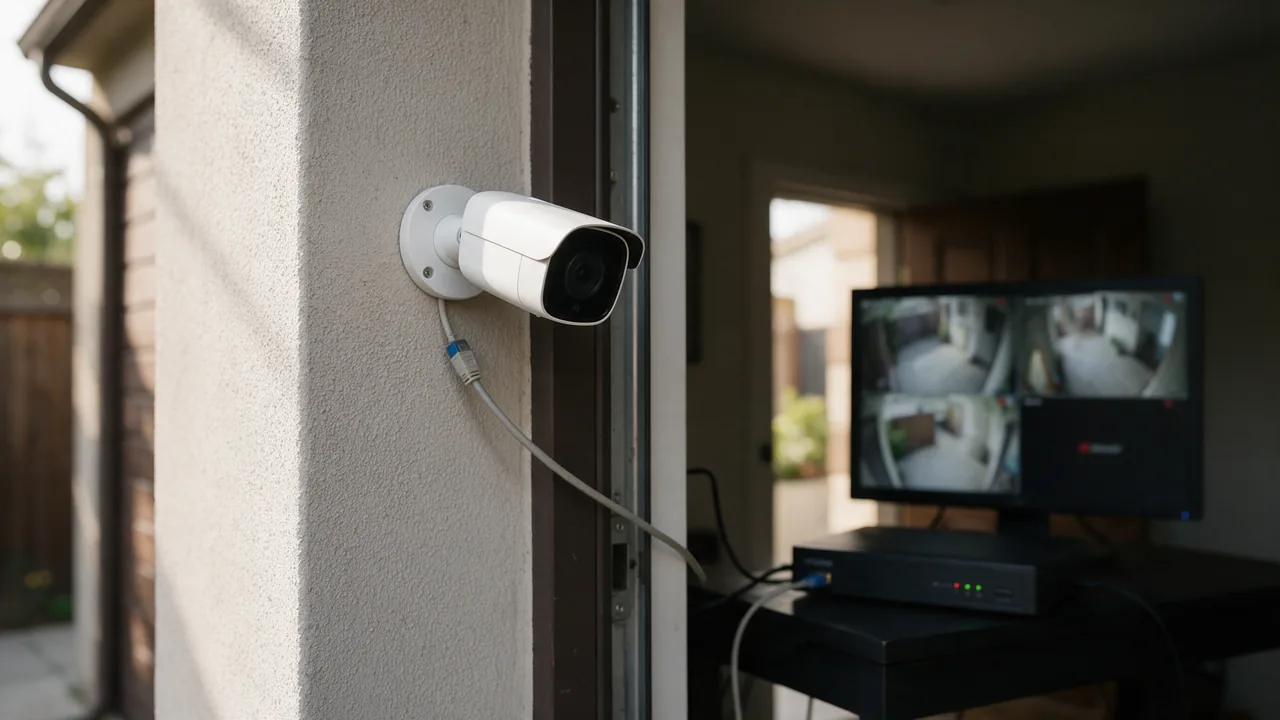
Real-Time Streaming Protocol. IP cameras, video streaming. Often a security nightmare. Standard TCP port for RTSP.
Free online tool — ping & port checker: instant results, no signup.
What is port 554
Port 554 is reserved for RTSP. Real-Time Streaming Protocol. IP cameras, video streaming. Often a security nightmare.
Check port openness
Security
Close the port if the service isn't used. For admin ports, require IP whitelist or VPN. Monitor connection attempts via fail2ban.
Understanding RTSP and Its Use Cases
The Real-Time Streaming Protocol (RTSP) is a network control protocol designed for use in entertainment and communications systems to control streaming media servers. RTSP allows clients to remotely control the playback of media files, including starting, pausing, and stopping the stream. It primarily operates over TCP and UDP, typically using port 554, which is designated as the standard port for RTSP.
RTSP is widely used in various applications, particularly in the field of surveillance and IP camera systems. Here are some common use cases:
- IP Cameras: Many IP cameras utilize RTSP to stream video feeds to clients, enabling real-time surveillance and monitoring.
- Media Players: Software such as VLC Media Player can stream content from RTSP-enabled servers, allowing users to watch live broadcasts or recorded media.
- Video Conferencing: RTSP plays a crucial role in video conferencing applications, facilitating the transmission of audio and video streams between participants.
Despite its utility, RTSP can pose significant security risks if not properly configured. Unauthorized access to RTSP streams can lead to privacy violations and data breaches, making it essential for organizations to implement robust security measures.
Securing RTSP Streams: Best Practices
Securing RTSP streams is vital to prevent unauthorized access and potential exploitation. Here are some best practices to enhance the security of your RTSP implementation:
- Use Strong Authentication: Implement robust authentication mechanisms, such as digest authentication or token-based authentication, to ensure that only authorized users can access the streams.
- Encrypt Streaming Data: Utilize Transport Layer Security (TLS) or Secure Real-Time Transport Protocol (SRTP) to encrypt the data being transmitted, safeguarding it from eavesdropping and tampering.
- Restrict Access by IP Address: Configure your firewall or RTSP server to allow access only from specific IP addresses. This limits exposure to potential attackers.
- Regular Software Updates: Keep your RTSP server and any related software updated to protect against vulnerabilities and exploits.
- Monitor Logs: Regularly review access logs for your RTSP streams to identify any suspicious activity or unauthorized access attempts.
By implementing these practices, organizations can significantly reduce the risk associated with RTSP streams and protect sensitive media content from unauthorized access.
Configuring RTSP on a Media Server
Configuring RTSP on a media server involves several steps to ensure proper functionality and security. Below are practical examples of commands and configurations for setting up RTSP on a typical media server, such as an RTSP-enabled IP camera or a streaming server like Wowza or GStreamer.
1. Installing Necessary Packages: Ensure you have the required software installed. For example, on a Linux server, you might use:
sudo apt-get install ffmpeg gstreamer2. Configuring the RTSP Server: For a GStreamer setup, you can create a simple RTSP server using the following command:
gst-launch-1.0 -v videotestsrc ! x264enc ! rtph264pay ! rtspclientsink location=rtsp://localhost:554/test3. Setting Up Authentication: In your RTSP server configuration file, enable authentication:
auth user=myuser password=mypassword4. Starting the RTSP Stream: Use the following command to start streaming:
gst-rtsp-server --port=5545. Testing the Stream: Use a media player like VLC to check the stream by opening the network stream and entering:
rtsp://localhost:554/testThese steps provide a foundational setup for RTSP streaming. Depending on your specific media server, configurations may vary, so always refer to the official documentation for detailed instructions.
Learn more
Sources
Frequently Asked Questions
Why close port 554?
Every open port is a potential entry point. If the service isn't used — close it.
Try the live tool that powered this guide
Free plan — 10 monitors, checks every 5 min, no card required. Upgrade for 1-minute interval and multi-region monitoring.