Short answer. Online advertising aimed at an audience in Russia must carry a visible "advertising" label, the advertiser's details and an erid token, while the placement data goes to a state register through an advertising data operator. In that chain the site owner is the distributor: even when the creative belongs to somebody else, making sure the label is present and visible on their pages is their responsibility.
What counts as advertising and what does not
The confusion here is rarely legal — it is everyday. People treat everything promotional as advertising. The law looks at something narrower: whether the message is aimed at drawing attention to a specific product and singling it out from others.
| What is on the site | Usually needs a label | Comment |
|---|---|---|
| A third-party brand banner | Yes | The classic case: someone else's creative on your pages |
| An affiliate link that pays you | As a rule, yes | Payment per click or sale is a sign of an advertising relationship |
| A sponsored article or paid review | Yes | The format does not save you: what matters is the arrangement, not the genre |
| Your own catalogue and service descriptions | No | Information about your own products on your own site is a storefront |
| "About us", price list, contacts | No | Reference information about yourself |
| An unpaid organic review | No | But proving there was no arrangement is on you |
Edge cases exist, and for those a lawyer beats a forum: arrangements like "barter for a mention", "discount for a review" or "bonus for placement" are judged by the actual relationship between the parties, not by what it is called.
Promoting yourself on your own site is not the same as advertising placed with you. Your catalogue needs no label, but a banner for your own product bought on somebody else's platform is a placement — and the party distributing it does the labelling. Labelling everything "just in case" wastes time and clutters pages; under-labelling costs money.
Who does what in the chain
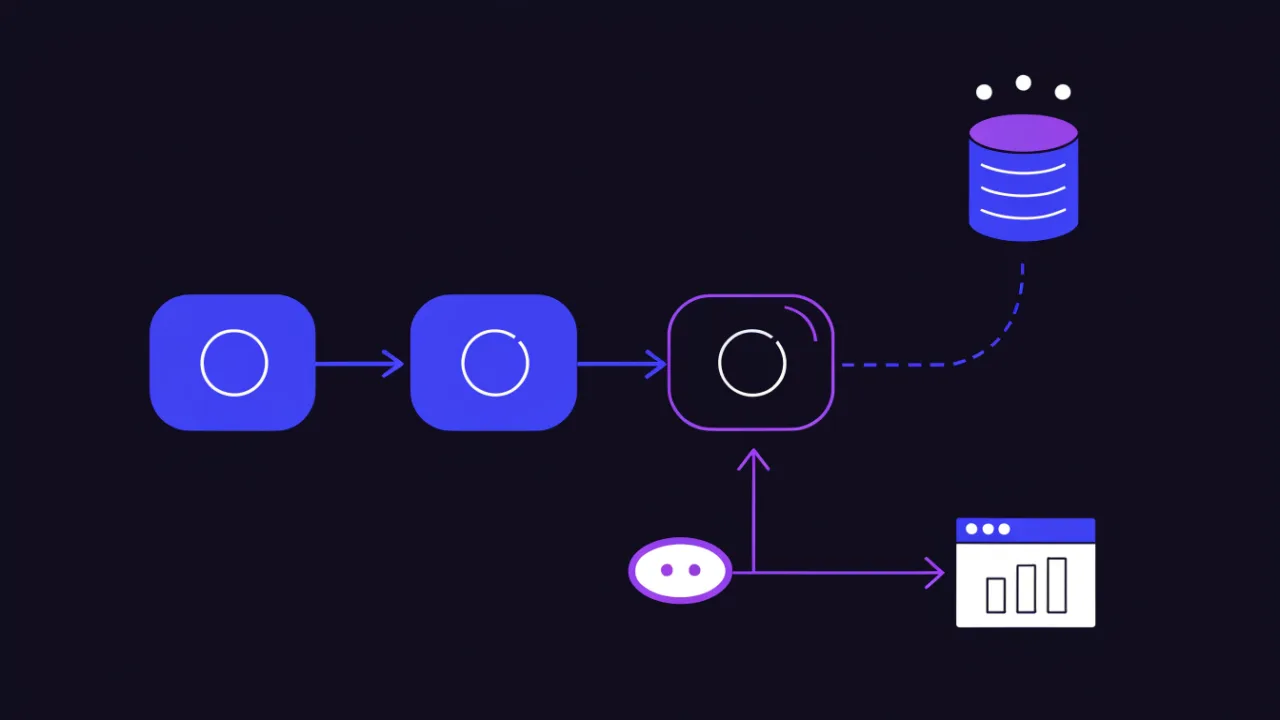
The scheme is the same for every placement and has four roles.
- The advertiser — whose product is promoted. They supply the creative and contract data.
- The intermediary (agency, platform, network) — where one exists, it usually files the data.
- The advertising data operator — assigns the creative an erid token and forwards the data to the register.
- The distributor — whose surfaces display the ad. For your site, that is you.
Who files the reporting is settled by contract. Who is answerable for a visible label and a correct token on the live page is not in question: the owner of the surface. "The agency said they would handle it" is not verification. Verification is opening the page and seeing the label.
What erid is and where to put it
erid is a unique identifier for a specific creative. It is issued before the placement starts and follows the creative everywhere it is shown. Three things must be visible on the page: the "advertising" label, the advertiser's details (name and, as a rule, tax number or a link to a page carrying those details) and the token itself.
Technically the token is placed in one of two ways:
- In or next to the creative — as text over the banner or a caption beneath it. This is how images and blocks are handled.
- In the destination link — as an
eridparameter in the click URL. This does not replace the visual label: a URL is invisible to a human, and the requirement is about visibility.
# Example markup for an ad block on a page
<div class="ad-block">
  <a href="https://example-advertiser.ru/landing?erid=XXXXXXXXXXXXXXXX"
     rel="nofollow sponsored noopener" target="_blank">
    <img src="/assets/ads/banner.webp" width="1200" height="300"
         alt="Description of the advertised offer">
  </a>
  <p class="ad-block__label">Advertising. Advertiser LLC, tax ID 0000000000. erid: XXXXXXXXXXXXXXXX</p>
</div>
Note the rel attribute: paid and affiliate links should carry sponsored (and nofollow), otherwise you are simultaneously breaking search engines' guidance on paid links. That is a separate matter from the law, but the same edit fixes both.
Technical traps on the website side
A label can be perfectly agreed in the contract and still be absent from the live page. Here is where it usually breaks.
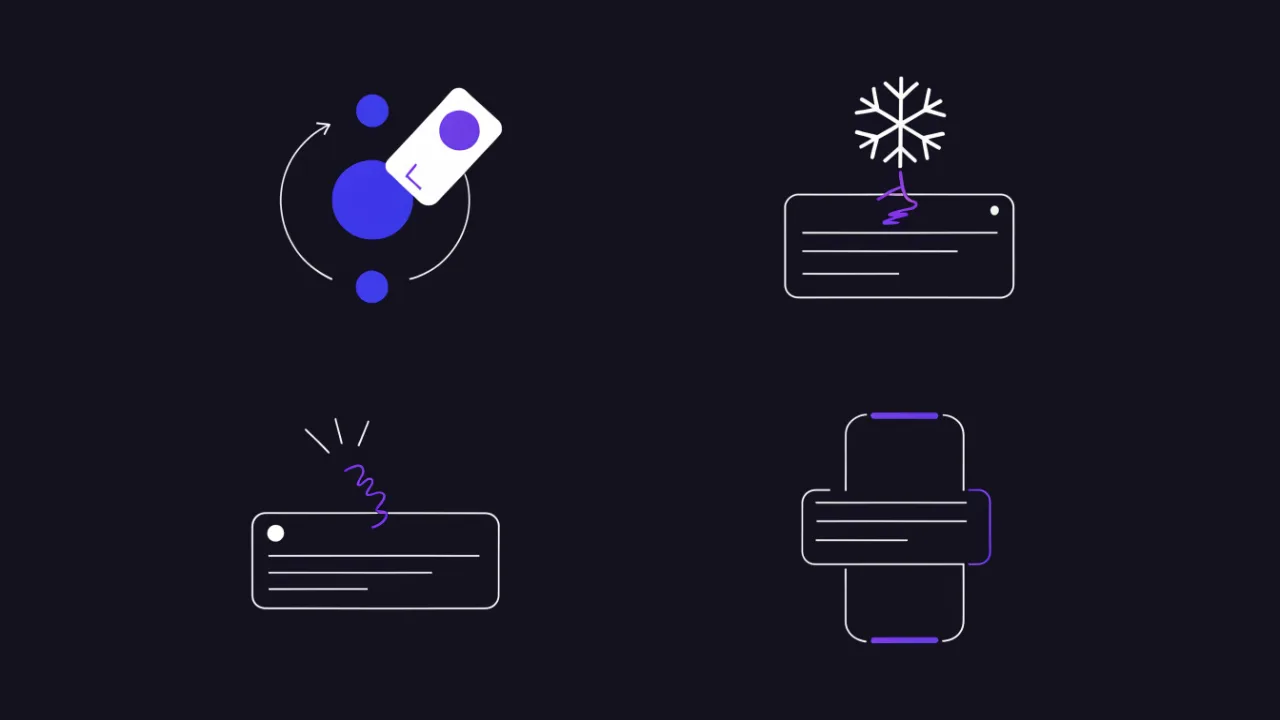
- Banner rotation. The block cycles several creatives while the caption underneath is static and still belongs to the first one. One creative is shown, another one's token is displayed. The caption has to rotate with the creative.
- Page caching. If pages are served from cache, an expired creative can live on long after you "removed everything". After pulling an ad, flush the cache instead of waiting.
- Lazy loading. Banner and caption must appear together. If the caption sits in a block that loads separately and sometimes fails to load, the label is effectively absent.
- Blockers. A class like
ad-blockorbannergets stripped by extensions along with the caption. That is no defence for compliance, but it is worth knowing: also check the page in a browser with no extensions. - Mobile layout. A caption that is visible on desktop often slides off the edge or hides behind a button on a narrow screen. The label must be readable at every viewport.
- Speed. Third-party ad scripts are among the heaviest things on a page. If your numbers dropped after joining a network, compare loads with and without the block: the method is in website speed test tools, and which metrics suffer is covered in the Web Vitals guide.
Verification is an open page, not a line in a contract. Make it a habit after every launch to view the live page on a phone and in a private window: is the label visible, does the token match the current creative, does the link work? Five minutes at launch saves an argument after the fact.
How to find everything ad-like on your own site
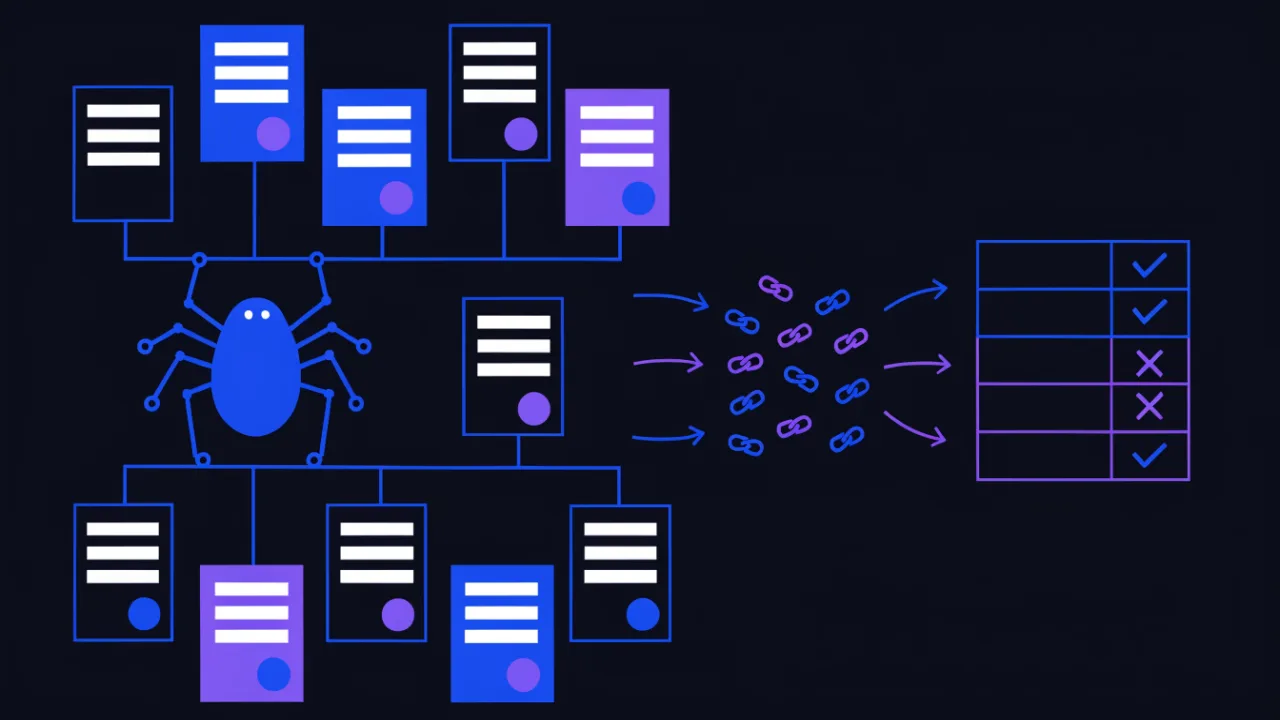
On a site older than a couple of years nobody remembers where the affiliate links and banners actually sit: they were added to articles, the sidebar, the footer, old landing pages. Take inventory with a crawler, not from memory.
- Crawl the site with the outbound link crawler — it collects every external link page by page. Affiliate links are usually recognisable by the tracker domain or the URL parameters.
- List the pages carrying ad blocks and affiliate links, and check each one: is there a label, is the token current, is
rel="nofollow sponsored"in place? - Check template locations separately — sidebar, footer, "partners" blocks: they render on hundreds of pages at once, so a mistake there is multiplied.
- For placements that have ended, remove both the creative and the caption, then flush the page cache.
# Quick pass: which pages already carry the token in their links
curl -s https://example.com/sitemap.xml | grep -oE 'https://example\.com/[^<]+' | head -200 > /tmp/urls.txt
while read -r u; do
  n=$(curl -s "$u" | grep -c 'erid=')
  [ "$n" -gt 0 ] && printf '%s hits:%s\n' "$u" "$n"
done < /tmp/urls.txt
This gives you a lower bound: it only finds placements where the token is already in the link. Blocks with no token at all have to be found by eye from the crawler's page list — and those are the dangerous ones.
A general technical audit will surface other problems with the same blocks, from dead links to heavy scripts: use the site audit and the header check.
What to keep on your side
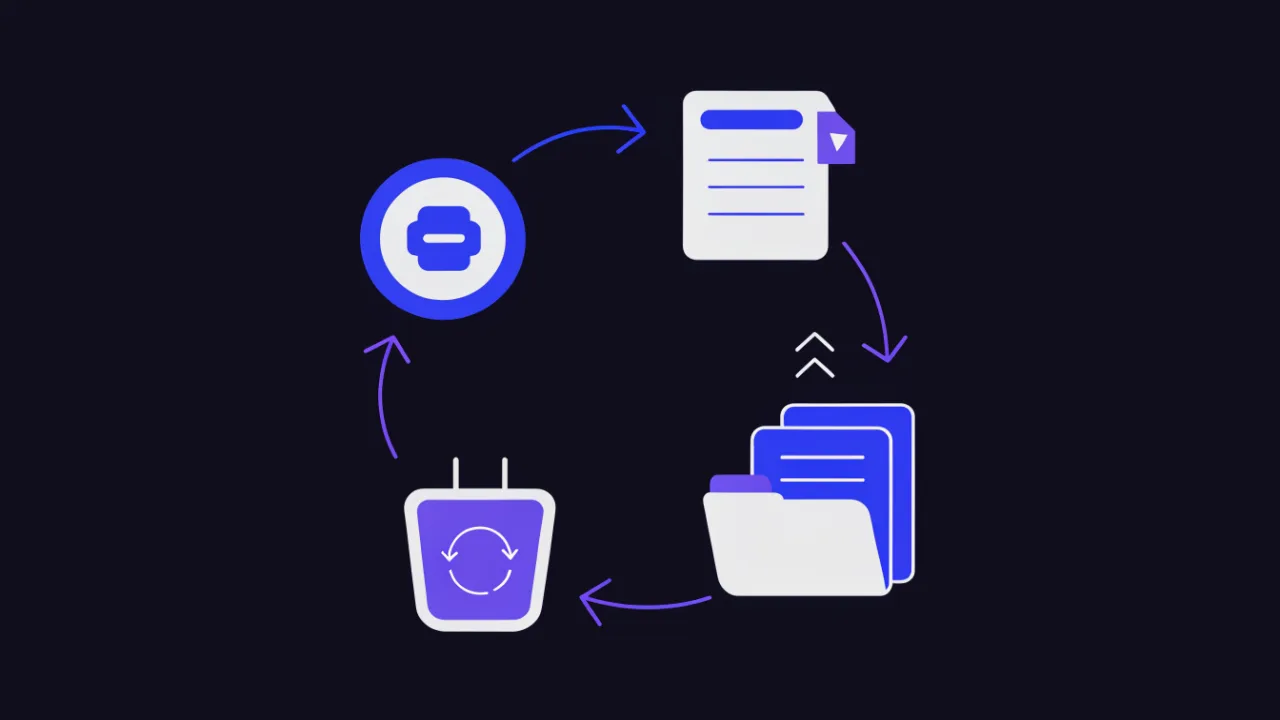
Reporting belongs to whoever files it, but keeping evidence of the placement is worth it, because questions land on the surface owner.
- A screenshot of the live page with the label, the date and the URL visible.
- The creative token and the placement period — in one table, not scattered across chat threads.
- The contract or written arrangement with the advertiser or agency, recording who files the data.
- A record of removal: when the creative came down and when the cache was flushed.
Such a table answers ninety per cent of "what was running here in May" questions and costs ten minutes a month.
On penalties and deadlines — without invention
The labelling requirements and the liability for breaking them live in Russian advertising legislation, and they change: amendments have landed more than once and both the amounts and the wording have been revised. So this article deliberately quotes no fine amounts and no dates — a page containing them goes stale faster than it can be read.
The right sequence if you run advertising on your site: check the current version of the advertising law on the official legal information portal, record in the contract who files the data with the register, and make sure the visible label exists on your side. The first two are a lawyer's job; the third belongs to whoever edits the site template.
How to check your own site
- Link crawler — find every outbound and affiliate link page by page.
- Site audit — spot pages with ad blocks and general markup problems.
- Speed test — measure what third-party ad scripts actually cost you.
- Header check — confirm the page is served fresh rather than from a stale cache.
- Redirect checker — ad links usually pass through a tracker, and seeing the whole hop chain helps.
Frequently asked questions
Do I have to label my own products on my own site?
Information about your own goods and services on your own site describes your business rather than advertising it in the legal sense. Placing your creative on somebody else's surface is different — that is labelled, by the distributor.
Is the erid parameter in the link enough?
No. A URL parameter is invisible to a human, and the requirement is a visible label. Do both: a label with the token next to the creative and the parameter in the destination link.
Who is at fault if the agency never filed the data?
The split of duties is fixed by contract, but the surface owner answers for what their pages display. The practical conclusion: never publish a creative without a token, however firmly someone promises to send it later.
What about old articles full of affiliate links?
Inventory them with a crawler, then decide per link: keep it and label it, drop the commission and keep it as an ordinary link, or remove it. "Leave it, nobody will notice" is a poor strategy: links are indexed and trivially discoverable.
Does labelling affect SEO?
The label itself does not. The rel="sponsored nofollow" attribute on paid links does: without it your site passes ranking signals through a paid link, against search engine guidance. Law and SEO pull the same way here.
What about banners for my own promotions and subscriptions?
Promoting your own services on your own site is normally information about yourself. When in doubt the test is simple: is there a third party paying for the placement? If yes, labelling follows.
Website advertising checklist
- Inventory is done: every page with ad blocks and affiliate links is known.
- Every placement has a token obtained before the first impression.
- The label with advertiser details is visible next to the creative, not only in the link.
- When creatives rotate, the caption rotates with them.
- The label is readable on a mobile viewport and is not clipped.
- Paid and affiliate links carry
rel="nofollow sponsored". - When a placement ends, both creative and caption are removed and the page cache is flushed.
- The contract records who files data with the register.
- Screenshots and a placement table are kept on your side.
- The current wording of the requirements is checked against the official source rather than a blog article — including this one.