In short. To tell whether a site is really down or the problem is only on your end, check it from the outside — with a service that reaches the site from its own side, not from your browser. If it responds from outside but not for you, the issue is your network, DNS, or cache. If it doesn't respond from outside either, the site or its server is down. Quick triage: open it on another device over mobile data, look at the HTTP status code, and check whether it's a wider provider or service outage. Below is how to tell "down for everyone" from "just me" and what to do in each case.
First question: everyone, or just you
This is the fork everything else depends on. A site can "not open" for two fundamentally different reasons: it went down itself — or something between you and it broke (your Wi-Fi, ISP, DNS, browser cache, an extension). Until you separate these cases, fixing is guesswork.
"The site is down" is almost always an incomplete diagnosis. The right question is: down for everyone, or just me? Answering it saves hours — one case means wait or fix the server, the other means fix your own side.
Check in a minute
Method 1 — check from the outside. Enter the address in an availability check: the service reaches the site from its own server and shows the HTTP status code and time. This is the key step — it looks at the site from outside your network.
- Returns
200from outside, but won't open for you — the problem is on your side (network, DNS, cache). The site is alive. 5xxor timeout from outside — the site or its server is down. Not on you.403/429from outside — the site is alive, but a protection layer (WAF, anti-bot) is cutting requests. Often temporary.
Method 2 — switch device and network. Open the site on your phone over mobile data (not home Wi-Fi). Works on the phone but not the computer — the problem is local. Won't work anywhere — likely the site itself.
Method 3 — check for a wider outage. If several popular services went down at once, it may be a backbone outage or ISP-level blocking rather than one specific site. Major Runet-service outages are visible on the outages page — if your site is on the list and it's "red," the problem isn't yours.
What the result means
| What you see | Likely cause | What to do |
|---|---|---|
| 200 from outside, not for you | Your DNS / cache / network / extension | Flush the DNS cache, open in incognito, switch networks |
| 5xx from outside | An error on the site's server | Wait or fix the server — see the 503 breakdown |
| Timeout / no answer from outside | Server unreachable, DNS won't resolve, firewall | Check the server, DNS, hosting |
| Works for everyone except one region | Blocking or geo-filter | See availability from Russia |
If the problem is on your side
- Clear the cache and DNS. Open the site in incognito (cuts cache and extensions); if that helps, clear the browser cache. Then flush the system DNS cache.
- Change the DNS server. Sometimes the ISP's DNS returns a stale or blocked address. Switching to a public DNS helps.
- Disable VPN/proxy and extensions. A common source of "the site won't open only for me."
If the site itself went down
When it's your site, you'd rather not hear about the outage from customers. A one-off check answers "is it up now?" but won't catch failures at night or on weekends.
A one-off check is a snapshot. To learn of an outage first you need not a snapshot but a watcher: a service that checks the site every minute and messages you the moment it stops responding.
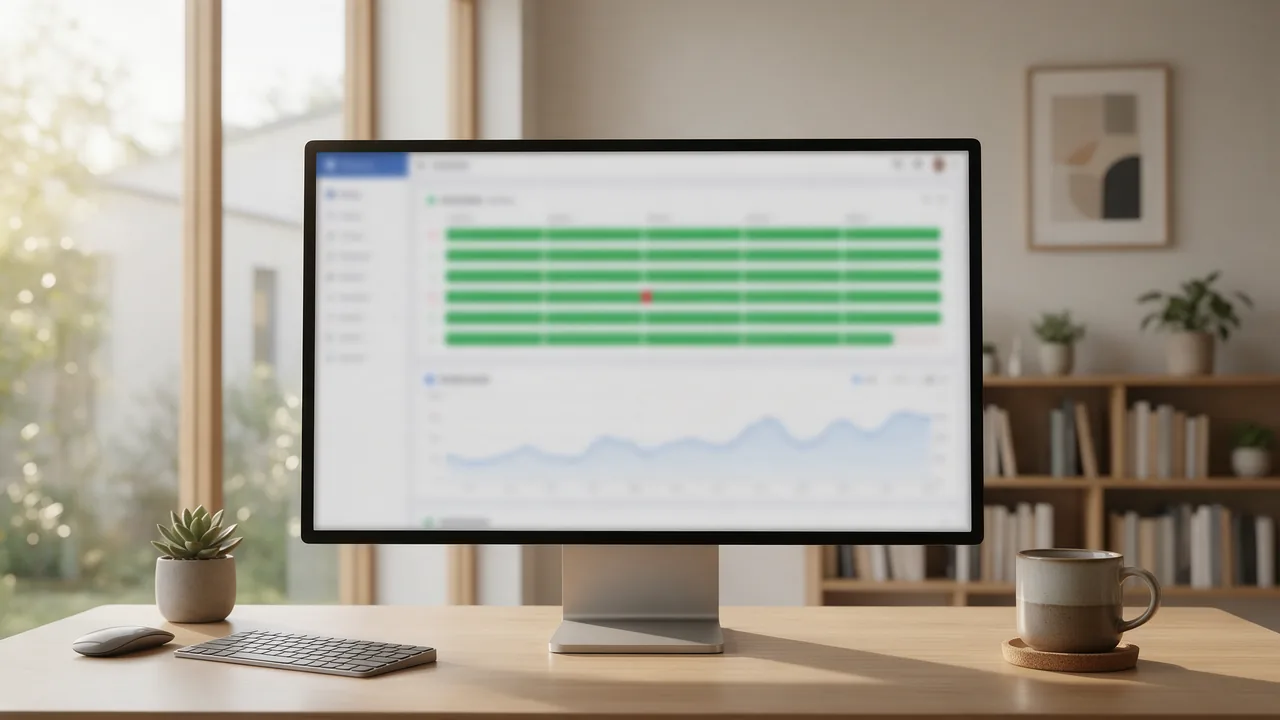
Uptime monitoring checks the site from several points every 30–60 seconds and sends an alert on the very first failure — with a response-time chart that shows degradation before a full outage. You can set it up on enterno.io; the free tier covers several sites.
Frequently asked questions
The site opens for me, but customers say it doesn't. Who's right?
Probably both: a site can be reachable from some networks and not others (a problem with a specific data center, routing, regional blocking, or DNS that hasn't updated for some users yet). Check the site from outside from several regions and see if there's a discrepancy — that's the cause.
Why does the site "work sometimes"?
Flapping availability is a separate, nastier case: an overloaded server, unstable hosting, a rate limit tripping. It's caught only by watching over time — how to diagnose it is in the article on intermittent downtime.
What do I do right now if the site won't open?
Step by step: check from outside (is it alive at all) → open on your phone over mobile data (everyone or just me) → depending on the answer, fix your side or the server. The full 10-step checklist is in the "site won't open" article.
Checklist to remember
- First question — "everyone or just me"; without it, fixing is guesswork.
- Checking from outside (not your own browser) splits the problem at once: 200 = your side, 5xx/timeout = the server.
- Phone over mobile data is the fast way to rule out a local problem.
- A wider outage shows on the outages page — then the problem isn't yours.
- Keep your own site on monitoring, to learn of an outage in a minute, not from customers.