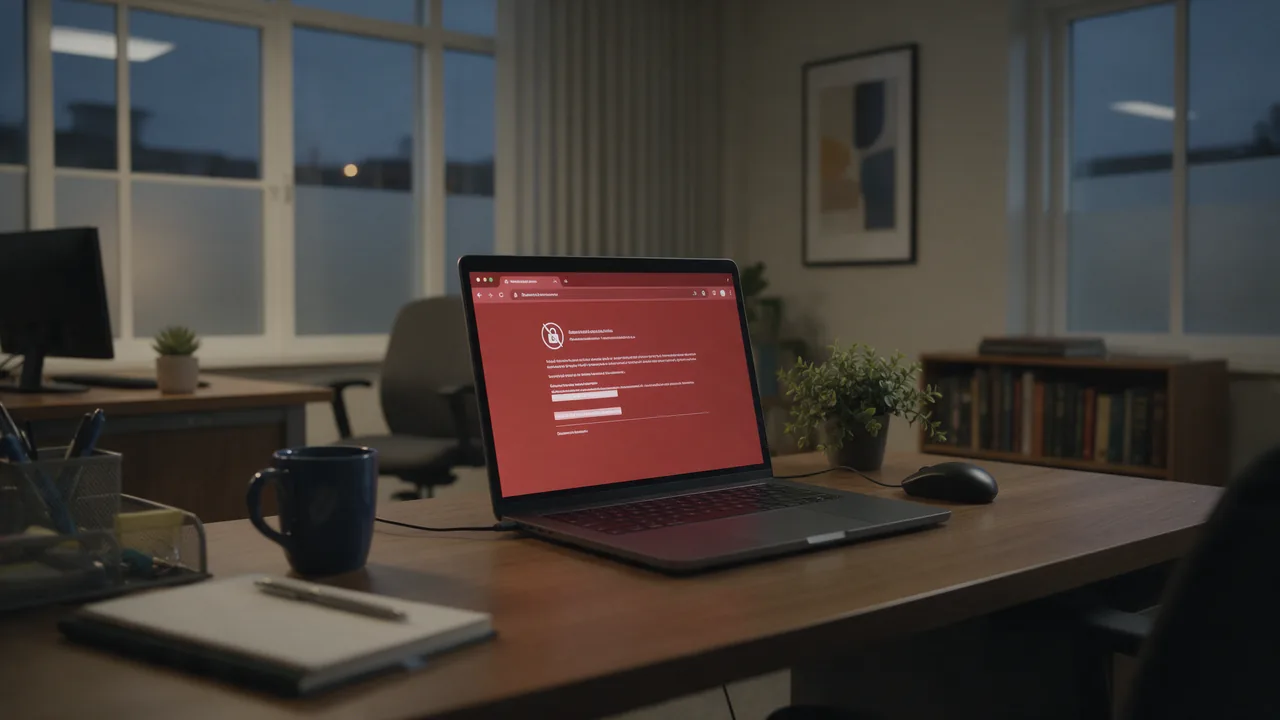
In short. That warning is a wrapper, not a diagnosis. Underneath it Chrome prints a specific code, and the six common ones have completely different causes — one is a wrong clock on your own machine, another is a missing intermediate certificate on the server, another means the certificate was deliberately withdrawn. Reading the code takes five seconds and decides whether the problem is yours or the site's.
One warning, six unrelated problems
Every browser shows the same interstitial for any certificate that fails validation. That is good design for a visitor — the message needs to be understandable and the action needs to be "do not continue". It is useless for anyone trying to fix the underlying cause, because six different faults produce identical wording.
This is also why so much published advice for this error is a list of unrelated steps. An article that tells you to check your clock, clear your cache, disable extensions and reinstall the certificate is not diagnosing anything — it is enumerating the fixes for all six causes at once and hoping one lands.
The small grey line under the warning — or the text revealed by clicking Advanced — is the actual error. Everything useful follows from it, and nothing useful can be done before reading it.

Where to read the actual code
In Chrome and Edge the code appears in small type under the heading, and always under Advanced. In Firefox the wording differs and the detail sits under View Certificate. From a terminal, one command gives you the same verdict without a browser at all:
openssl s_client -connect example.com:443 -servername example.com \
  -verify_return_error < /dev/null 2>&1 \
  | grep -E 'Verify return code|subject=|issuer=|notAfter'
The Verify return code line names the failure in OpenSSL's vocabulary, which maps closely onto the browser codes. The SSL checker reports the same thing from outside your network — worth using, because a failure that appears only on your machine and not from an external checker has already told you where the problem is.
The six codes at a glance
| Code | Meaning | Whose problem | First action |
|---|---|---|---|
ERR_CERT_DATE_INVALID | Outside its validity window | Site — or your clock | Compare your clock against the certificate dates |
ERR_CERT_AUTHORITY_INVALID | Issuer not trusted | Site, or interception | Look at who issued it |
ERR_CERT_COMMON_NAME_INVALID | Hostname not listed | Site | Print the SAN list |
ERR_CERT_REVOKED | Withdrawn by the authority | Site — and urgent | Reissue; assume the key is compromised |
ERR_CERT_WEAK_SIGNATURE_ALGORITHM | Obsolete cryptography | Site | Reissue with a modern algorithm |
ERR_CERT_INVALID | Malformed or rejected outright | Site, or interception | Check whether a proxy re-signed it |
Notice the third column. Two of the six can be your own machine and four cannot — which is why the very first question is not "how do I fix this" but "is this mine".
The two-minute test: is it you or the site?
Before touching anything, answer this. It costs two minutes and prevents an hour of fixing the wrong machine.
- Does another HTTPS site fail too? Open two or three unrelated sites. If they all warn, the fault is local — your clock, your network, or something intercepting traffic. If only one site fails, the fault is that site's.
- Does it fail on a different network? Mobile tethering is enough. Failure on one network only means something on that network is intercepting.
- Does it fail from outside entirely? Run the SSL checker. It sees the certificate from a third location with no relationship to your machine or your office.
| All sites fail | One site fails | Only on one network | Conclusion |
|---|---|---|---|
| Yes | — | No | Your clock or your trust store |
| Yes | — | Yes | That network intercepts TLS |
| No | Yes | No | The site's certificate |
| No | Yes | Yes | That network blocks or rewrites that site |
ERR_CERT_DATE_INVALID: expired, not yet valid, or your clock is wrong
This is the one code that genuinely can be your own machine, which is why "check your date and time" became standard advice — and why that advice keeps being offered for the other five codes where it is irrelevant.
# What window does the certificate claim, and what does your machine think?
echo | openssl s_client -connect example.com:443 -servername example.com 2>/dev/null \
  | openssl x509 -noout -dates
date -u
If your clock sits outside the window, fix the clock. If your clock is correct and the certificate expired, the site let it lapse and only the site can fix it. Renewal that runs but does not reload the web server is the classic version — the new file exists on disk and the old one is still being served. The expiry guide covers that path.
ERR_CERT_AUTHORITY_INVALID: nothing links this certificate to a trusted root
The certificate may be perfectly valid and still fail, because the browser could not build a path from it to a root it trusts. Three quite different situations produce it:
- A self-signed certificate — common on staging, appliances and internal tools. Expected, and not something to bypass on the public internet.
- A missing intermediate. The server sends only its own certificate and omits the intermediates that connect it to a root. Browsers often paper over this by fetching the missing piece themselves, which is why it frequently shows up first in
curlor a server-to-server call rather than in a browser. - TLS interception. A corporate appliance or security product terminates the connection and re-signs it with its own authority.
# Who issued what you received? An unfamiliar internal name means interception.
echo | openssl s_client -connect example.com:443 -servername example.com 2>/dev/null \
  | openssl x509 -noout -issuer

# How many certificates does the server actually send? One usually means an incomplete chain.
echo | openssl s_client -connect example.com:443 -servername example.com -showcerts 2>/dev/null \
  | grep -c 'BEGIN CERTIFICATE'
A count of one is the incomplete-chain case, covered in the chain guide and in the guide to clients that reject what browsers accept. An unfamiliar issuer is interception, and the site is not the thing to fix.

ERR_CERT_COMMON_NAME_INVALID: the hostname is not on the certificate
The certificate is valid and trusted; it simply does not cover the name you visited. Despite the code's wording, browsers match against the Subject Alternative Name list rather than the Common Name field.
echo | openssl s_client -connect example.com:443 -servername example.com 2>/dev/null \
  | openssl x509 -noout -ext subjectAltName
The usual causes are an apex covered but not www (or the reverse), a wildcard that does not reach the depth you are using, or a server falling back to a default virtual host. The name mismatch guide covers each in detail, including why checking the Common Name is checking a field nothing reads.
ERR_CERT_REVOKED: withdrawn on purpose
Revocation is rare and it means something specific: the issuing authority was asked to withdraw this certificate before its expiry, or did so on its own. The usual reason is a compromised private key.
Treat it as a security event, not a configuration error. Reissuing with a new key pair is the minimum; reusing the old key reissues the problem. If you did not request the revocation, find out who did before doing anything else.
This is the one code where "just get a new certificate" is incomplete advice. A revoked certificate usually means a key left your control. Replacing the certificate without replacing the key, and without finding out how it leaked, fixes the symptom and leaves the cause.
ERR_CERT_WEAK_SIGNATURE_ALGORITHM and other obsolete-crypto refusals
Browsers withdraw trust from algorithms as they age. A certificate signed with an algorithm that has since been retired stops being accepted on a schedule set by the browser, not by your server — so a certificate that worked last year can fail this year with nothing on your side having changed.
The fix is reissuance with current defaults, which any modern authority does automatically. If a device cannot be reissued, it is past end of life for public-facing use.
What the top-ranking advice gets wrong
Search this warning and the results are largely written by consumer security vendors. Their audience is a visitor, not an operator, so the advice optimises for "get this person moving again" rather than for fixing anything.
| Common advice | Verdict | Why |
|---|---|---|
| Check your date and time | Right for one code in six | Only ERR_CERT_DATE_INVALID; irrelevant to the other five |
| Clear cache and cookies | Wrong layer | Certificate validation happens per connection at the TLS layer; the HTTP cache is not consulted |
| Reload the page | Almost never | Validation is deterministic — the same certificate fails the same way |
| Try incognito | Diagnostic only | Rules out an extension; changes nothing about the certificate |
| Restart your router | Coincidental at best | Only relevant if a captive portal was intercepting |
| Use a VPN | Diagnostic, not a fix | If it helps, you have proven interception on the original network — now report that |
| Click "Proceed anyway" | Dangerous | Removes exactly the check that stops someone else's valid certificate being used against you |
Two of these are genuinely useful, and both are tests rather than fixes. That is the pattern worth internalising: on this warning, most of the published steps are ways to narrow the cause, and treating them as remedies is what turns a five-minute diagnosis into an afternoon.
If you own the site
Four of the six codes are yours to fix, and all four are invisible from a browser that has already cached a good result. Work in this order:
- Read what the server actually serves — dates, issuer, SAN list and certificate count, from outside your network.
- Check the count first. One certificate almost always means an incomplete chain, which is the failure browsers hide and every other client reports.
- Verify every hostname that users reach, including the one your redirects send them to.
- Confirm the renewal reloaded the server, not just wrote a file.
- Re-check after every renewal. This is where silent regressions land.
How to check right now
Run the SSL checker for dates, issuer, chain and covered names in a single pass from outside your network — which also settles the "is it just me" question immediately. Use the redirect tracer when the warning appears only after a hop, since the destination hostname is often the one missing from the certificate, and the DNS lookup to confirm the name resolves to the server you expect rather than to an old host still serving an old certificate.
The expensive version of this problem is the one nobody sees: a renewal drops a hostname or an intermediate, the page you test keeps working, and the failure lands on visitors you never hear from. SSL monitoring validates the certificate on a schedule and alerts on change, which is what turns that into a notification instead of a complaint.

Frequently asked questions
Where exactly is the error code?
In small grey text below the warning heading, and always behind the Advanced link. If you cannot see it there, run the openssl command above — it gives the same verdict without the browser.
Every site shows this warning. What does that mean?
A fault local to your machine or network rather than to any site. The two realistic causes are a badly wrong system clock and a device on the network intercepting TLS. Check the clock first because it takes seconds.
Is it ever safe to click "Proceed anyway"?
On a network and machine you fully control, visiting a host you fully control — for instance your own staging server with a self-signed certificate — the risk is yours and it is understood. On any public network or any site you do not run, no: the check you are switching off is the one that stops a valid certificate for another domain being presented as yours.
The site works for everyone else. Why only me?
Because the difference is on your side: your clock, your trust store, or something on your network re-signing traffic. Compare the issuer you receive against the one an external checker reports — if they differ, your connection is being intercepted.
I renewed the certificate and the warning did not go away.
Two usual reasons. The web server was never reloaded, so it still serves the old file; or the renewal installed the leaf without its intermediates, turning an expiry problem into an untrusted-issuer problem. Check the certificate count and the dates the server actually serves.
Why do browsers show one message for so many different faults?
Because for a visitor the correct action is identical in every case: stop. Distinguishing them only matters to whoever can fix the cause, and that person can read the code underneath.
Checklist
- Read the code under the warning before doing anything.
- Establish whether other sites fail too — that alone splits yours from theirs.
- Test from a second network to rule interception in or out.
- Check the clock only for the validity-period code.
- Count the certificates served — one usually means an incomplete chain.
- Compare the issuer against what an external checker sees.
- Print the SAN list when the code is about the name.
- Treat revocation as a key-compromise event, not a renewal task.
- Reload the server after renewing, not just rewrite the file.
- Never click through on a site or network you do not control.