HTTP 500 points to an unexpected server failure, 502 to a gateway receiving an invalid upstream response, 503 to temporary unavailability, and 504 to a gateway waiting too long for upstream. Identify the component that sent the status before changing timeout or worker settings.
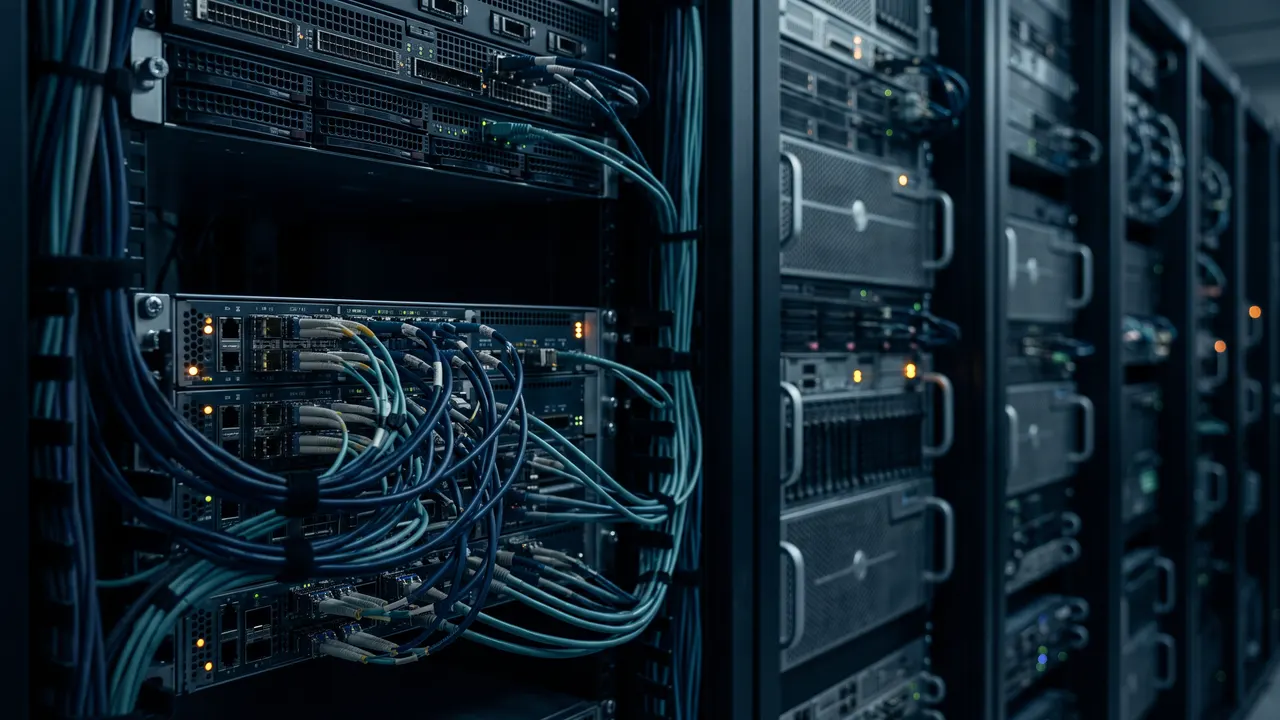
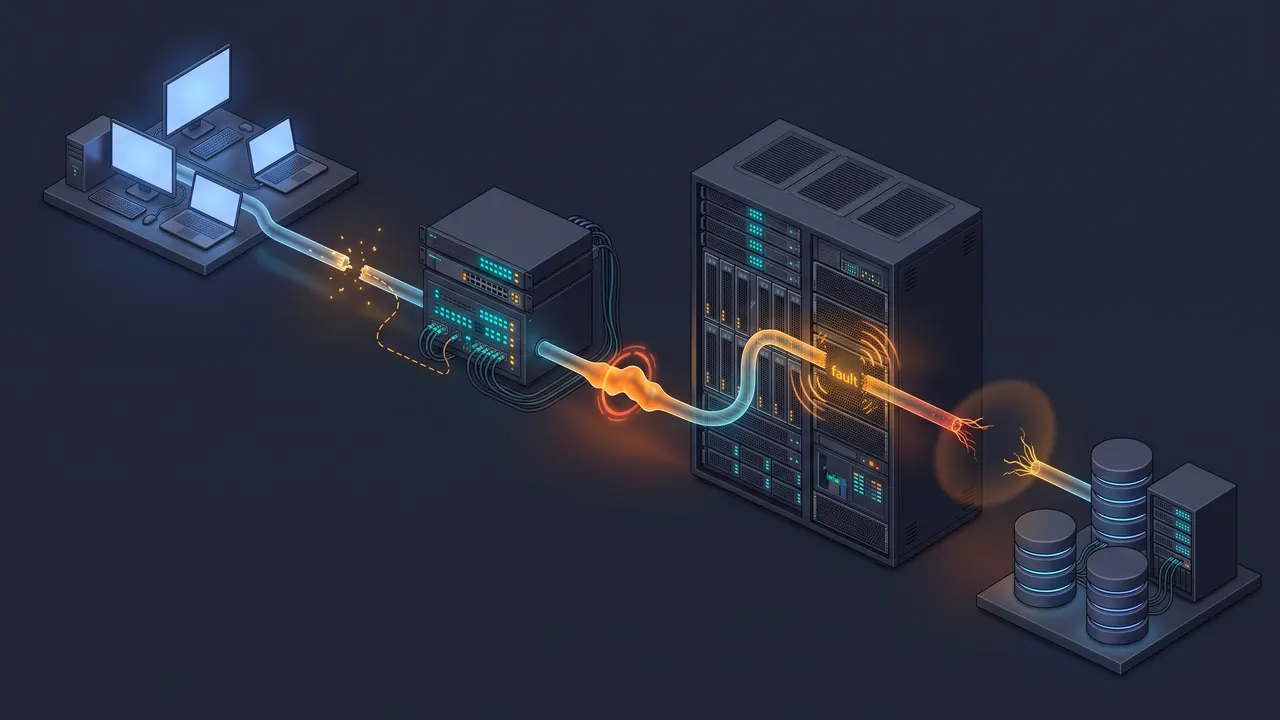
A user sees one status code, but a production request may cross a CDN, load balancer, reverse proxy, application and database. The code does not identify every failed component. A proxy may forward an application's 500, generate its own 502 after a connection reset, or return 504 after a read timeout. Another edge can transform the response again. The definitions come from RFC 9110; the investigation needs logs from the actual request path.
Locate the hop that emitted the status
Capture the public response headers, destination IP, total time and request ID. Search that ID at each hop, starting at the edge. If the application access log has no matching request, inspect the gateway immediately before it; the absence alone does not prove why the request stopped. Compare the public host with an authorized internal endpoint to isolate the edge. The reverse proxy guide explains what each hop can see.
curl -sS -D - -o /dev/null -w 'code=%{http_code} total=%{time_total} ip=%{remote_ip}\n' https://example.com/
curl --fail-with-body -sS -D - -o /tmp/error-body.html https://example.com/
Without --fail-with-body, curl can exit 0 after receiving a perfectly valid HTTP 500 response. Automation must inspect the HTTP status separately. The second command preserves the error body for diagnosis and exits nonzero for HTTP 4xx/5xx. The curl timing guide shows which part of the request occurred before the first byte.
Choose the first check by status and emitter
RFC 9110 assigns 502 and 504 to a server acting as a gateway or proxy. An application can still emit those numeric codes, but then the code alone will not tell you whether a gateway failed. Inspect the sender's log and the upstream connection state before declaring the root cause.
| Status | Meaning | First evidence to seek |
|---|---|---|
| 500 | The server hit an unexpected condition. | Application exception and correlated request ID. |
| 502 | The gateway received an invalid upstream response. | Connection refusal, reset, wrong protocol or closed worker socket. |
| 503 | The service is temporarily unable to handle the request. | Maintenance state, load limit, healthy target count and optional Retry-After. |
| 504 | The gateway did not receive a timely upstream response. | Read timeout, queue time and upstream operation duration. |
A 503 response can carry Retry-After, but do not assume it will. A client should limit retries and back off under overload. A public uptime check measures what a visitor sees; internal API metrics identify whether the application was saturated before that response.
A controlled two-hop reproduction
We built a small local application and HTTP gateway instead of attributing these codes to a real customer outage. The application returned 500 and the gateway forwarded it. The gateway generated 502 when its upstream port was closed, 503 in a maintenance branch with Retry-After: 30, and 504 when an upstream request exceeded the lab's 0.2-second read limit. The exact mapping is our test gateway's behavior; it is not a claim that every nginx or CDN configuration returns the same code for every failure.
/backend-error  HTTP/1.0 500 Internal Server Error
/bad-upstream  HTTP/1.0 502 Bad Gateway
/maintenance   HTTP/1.0 503 Service Unavailable
/timeout       HTTP/1.0 504 Gateway Timeout
# Plain curl exited 0 after each HTTP response.
The important distinction is who owned the response. The first status originated in the application. The other three originated in the gateway. A real multi-hop setup needs a trace or shared request ID to reach that conclusion. Use an external enterno site check to observe the public status, then confirm it against your edge and origin logs.
Follow a short investigation route
For 500, find the application's exception and the dependent operation that failed. For 502, inspect the upstream address, socket permissions, protocol and worker health; a stale pooled connection can also matter. For 503, check maintenance flags, capacity limits and target health. For 504, compare timeout settings across the chain with the actual operation duration. Raising every timeout may turn a fast failure into a long wait without repairing the bottleneck. The HTTP status reference covers the rest of the code families.
How we made this
We checked RFC 9110 and official curl behavior on 13 November 2026. The local method.py starts an application and gateway bound to 127.0.0.1; data.json holds the full curl response, exit status and capture time for each scenario. The lab has no CDN, nginx or PHP-FPM, and it provides no incident frequency estimate. SerpAPI snapshots were recorded for Google US and Moscow Yandex; Wordstat was used for the Russian query framing, not as evidence about HTTP behavior.
Frequently asked questions
Does 502 always mean the application is down?
No. The gateway may have received a malformed or prematurely closed response, or it may have failed to reach the selected upstream. Inspect its error log and connection state.
Why did curl report exit 0 for a 500 page?
It completed the HTTP exchange. Check %{http_code}, or use --fail-with-body when the script must fail on HTTP error status.
Is 504 always fixed by a longer proxy timeout?
No. Measure the upstream operation, queue and intermediate limits first. Increase only the timeout that is too short for an intended operation.
Should clients retry 503 immediately?
Use a bounded retry with backoff and honor Retry-After when provided. Immediate repeated retries can deepen an overload.