Short answer. Grafana does not probe anything itself — it visualizes metrics from sources like Prometheus, InfluxDB, or Loki and fires alerts. To get website availability data you need an exporter (such as blackbox_exporter) or an external synthetic monitor that writes metrics into a time-series database. Grafana then assembles availability, latency, and SSL dashboards and routes alerts to Telegram, Slack, or a webhook.
What Grafana does and does not do
The most common beginner misconception is that Grafana "monitors a website." It is a visualization and alerting layer, not a probing agent. The source of truth is a time-series database (TSDB). A typical stack looks like this:
- Metric collector — blackbox_exporter, telegraf, or an external synthetic checker;
- TSDB — Prometheus, VictoriaMetrics, or InfluxDB stores the series;
- Grafana — draws panels and evaluates alert conditions;
- Contact points — Telegram, Slack, email, PagerDuty, webhook.
Connecting a data source
After installing Grafana, add a data source through the UI (Connections → Data sources) or through a provisioning file. The declarative approach is preferable: the config lives in git and deploys reproducibly.
apiVersion: 1
datasources:
  - name: Prometheus
    type: prometheus
    access: proxy
    url: http://prometheus:9090
    isDefault: true
    jsonData:
      timeInterval: "30s"
      httpMethod: POST
Availability dashboard
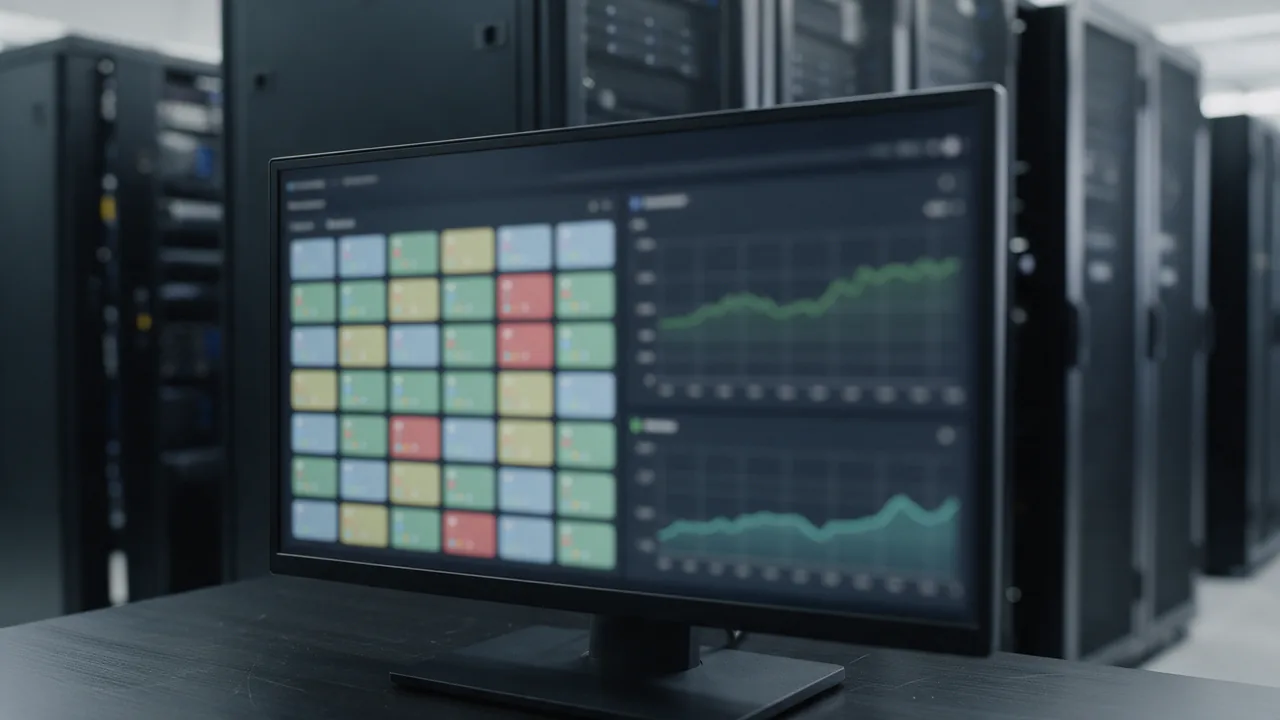
A minimal site dashboard has four panels: status (up/down), response time (p50/p95), HTTP response code, and days until SSL expiry. Store dashboards as code too — export the JSON model and commit it to the repo.
{
  "title": "Site Availability",
  "panels": [
    {
      "type": "stat",
      "title": "Up",
      "targets": [
        { "expr": "probe_success{instance=\"https://example.com\"}" }
      ],
      "fieldConfig": {
        "defaults": {
          "mappings": [
            { "type": "value", "options": { "1": { "text": "UP" }, "0": { "text": "DOWN" } } }
          ],
          "thresholds": { "steps": [
            { "color": "red", "value": null },
            { "color": "green", "value": 1 }
          ] }
        }
      }
    },
    {
      "type": "timeseries",
      "title": "Response time p95",
      "targets": [
        { "expr": "probe_http_duration_seconds{instance=\"https://example.com\"}" }
      ]
    }
  ]
}
Configuring alerts
In Grafana 9+ alerting lives in a single Unified Alerting engine. A rule is a query plus a condition and threshold. A solid "site is down" alert is probe_success == 0 sustained for a few minutes, so a single network hiccup does not page anyone.
| Alert parameter | Recommendation | Why |
|---|---|---|
| For (duration) | 2–5 min | Suppresses flapping false positives |
| Evaluation interval | 30–60 sec | Balances speed vs load |
| No Data handling | Alerting | Missing metrics are also an incident |
| Severity label | critical / warning | Routing by importance |
Routing notifications
Notification policies fan alerts out to teams and channels via label matching. Critical alerts go to PagerDuty and page the on-call engineer; warnings go to a Slack channel.
The golden rule of alerting: every notification must be actionable. If nobody responds to an alert, either fix it or delete it.
Where Grafana is weaker than external monitoring
If blackbox_exporter runs in the same cluster or data center as the site, an outage of that DC takes down both the site and your monitoring at once. External synthetic monitoring removes this blind spot: probes arrive from independent infrastructure outside your network.
enterno.io is external synthetic monitoring that complements Grafana rather than replacing it. HTTP / SSL / ping / DNS checks run from RU / EU / US regions; the free tier offers 10 monitors at a 5-minute interval (paid tiers go to 1 minute and 30 seconds). Alerts reach Telegram, Slack, email, webhook, PagerDuty, and Jira. You can pull the metrics through the REST API v4 straight into Grafana as an "outside" source of truth.
Best practice: keep an internal blackbox inside the cluster for detailed diagnostics and an external synthetic checker outside for honest uptime. Aggregate both into one Grafana.
FAQ
Can Grafana check a website without Prometheus?
Yes, but you still need a collector: InfluxDB + Telegraf, Graphite, or an external synthetic source via API. Grafana itself never issues HTTP probes.
How do I store dashboards and alerts in git?
Through provisioning: YAML files for data sources and notification policies, JSON models for dashboards. That is "monitoring as code" — reproducible and reviewable in a PR.
What replaces blackbox_exporter for external probing?
An external synthetic monitor like enterno.io that checks the site from several regions and exposes metrics via API. It closes the "my own DC went down" blind spot.
How do I avoid alert floods?
Set the For parameter to 2–5 minutes, group alerts by label, and use mute timings for scheduled maintenance.
Ready to add an external layer? Create a free monitor at enterno.io/monitors and feed its metrics into Grafana through the API. Related reading: monitoring as code, alerting best practices, and API uptime monitoring.