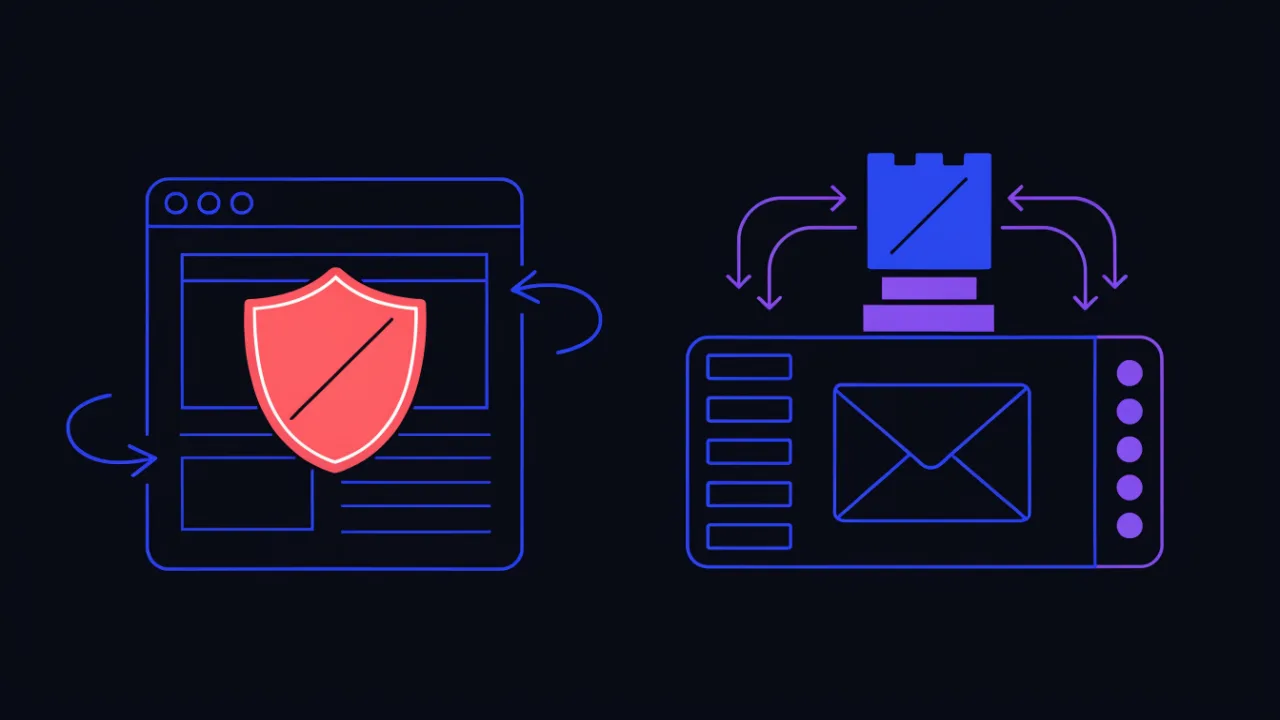
Short answer. Blacklists come in two families and they are not interchangeable. Domain and URL lists — Google Safe Browsing, Microsoft SmartScreen, antivirus databases, DNS filters — stop people from opening your page. IP lists — email DNSBLs and reputation databases such as AbuseIPDB — bounce your mail and lock you out of other people's sites. Diagnose and delist each family separately.
Domain lists and IP lists are two different things
The most common mistake when troubleshooting is looking for one "blacklist check" that answers everything. There is no single list, and the lists that do exist operate on different objects:
- Domain or URL lists. The object is a web address. Consumers are browsers, search engines, antivirus products, DNS filters and national registries. Your visitors see the symptom: a red interstitial, a warning label in search results, a page that will not open.
- IP lists. The object is four octets. Consumers are mail servers at the SMTP stage, firewalls, WAFs, anti-fraud systems and auto-ban scripts. You see the symptom: mail bounces, and unrelated sites answer with 403, an endless captcha or "access from your address is restricted".
The families overlap only partially. A domain on a spotless IP can still be flagged by Safe Browsing because of a phishing page dropped into a forgotten subdirectory. A spotless domain on a dirty IP gets a perfect Safe Browsing verdict and still cannot deliver a single email. So diagnosis runs on two tracks, and so does the delisting work.
Rule of triage: identify the object first — domain, URL or IP. Until you can name it, every action is guesswork. "Some visitors cannot open the site" and "our mail keeps bouncing" lead to completely different databases and completely different requests.
Reference table: list type, what it blocks, how to check, how to delist
| Blacklist type | Object | What it blocks | How to check | How to delist |
|---|---|---|---|---|
| Google Safe Browsing | URL and domain | Navigation in Chrome, Firefox, Safari; flagged search results | Safe Browsing site status in Google's transparency report; Security Issues in Search Console | Fix the cause, then request a review in Search Console |
| Microsoft SmartScreen | URL, domain, downloaded file | Navigation in Edge, downloads on Windows | Open the site in Edge with default settings | Clean up, then submit feedback from the warning page |
| Antivirus and DNS filters | Domain and URL | Page loads on the device and inside office networks | Vendor online scanners; user reports | Remove the detected code, report a false positive to the vendor |
| Email DNSBLs | Sender IP | Message acceptance at the recipient's mail server | IP spam-list check, dig queries | Stop the source, file a removal request with the list operator |
| Domain lists (DBL, SURBL, URIBL) | Domain inside the message body | Any message that merely links to the domain | dig against the DBL and SURBL zones | Remove the cause, then apply to the operator |
| IP reputation databases (AbuseIPDB and peers) | IP | Firewalls, WAFs, auto-ban, anti-fraud | Look the address up in the database web interface | Stop the activity, request report removal, wait for the score to decay |
| CDN and bot-protection block lists | IP and subnet | Access to every site behind that provider | Symptom: 403 or captcha on many unrelated sites at once | Use the feedback form on the provider's own block page |
| National blocking registries | Domain, URL, IP | Access from one specific country | Registry lookup, e.g. RKN registry check for Russia | Remove restricted content, apply for exclusion |
Google Safe Browsing: the "Deceptive site ahead" warning
Safe Browsing is the blocklist behind the red interstitials in Chrome, Firefox and Safari. When your site is listed, visitors see "Deceptive site ahead" or "The site ahead contains malware", search results flag the domain as dangerous, and traffic collapses within hours — not days.
How to check
Enter your URL on the Safe Browsing site status page of Google's transparency report — it shows the current verdict for the domain. For detail, open Security Issues in Google Search Console: it lists the exact infected URLs and the threat type, be it malware, phishing or deceptive content. Verify the property ahead of time; without verification you will not see which pages triggered the listing, and that list is what saves you hours of searching.
How to delist
Fix the root cause first: remove the malicious code, patch the vulnerability, rotate every credential and API key. Requesting a review while the infection is still live is pointless — the crawler rechecks and keeps the flag. Once the site is clean, request a review in Security Issues and describe exactly what was done. Reviews typically complete within hours to a few days; repeated infections erode trust in the domain and stretch the timeline.
Removing malware without closing the hole behind it buys you a week at best: scanners come back, find the reinfection, and the flag returns — now with a worse history attached to the domain. Patch first, clean second, request the review last.
Microsoft SmartScreen: warnings in Edge and Windows
SmartScreen is Microsoft's reputation system built into Edge and Windows. A flagged site gets a full-page red warning in Edge, and files downloaded from it are blocked or quarantined. SmartScreen weighs domain age, user reports and download reputation, so a young or recently compromised site can be flagged while Safe Browsing still shows it clean.
There is no public status lookup: test by opening the site in Edge on a machine with default settings. After cleaning up, use the feedback link on the warning page itself to report the site as safe, then give the reputation system time to re-evaluate.
How to check an IP against blacklists with dig
A DNSBL (DNS-based Blackhole List) is an ordinary DNS zone. Checking an address means sending an A query for a name assembled from the IP octets in reverse order plus the zone suffix. An answer in the 127.0.0.x range means "listed"; NXDOMAIN means "not listed". No API, no registration — any resolver can do it out of the box.
# a DNSBL is a DNS zone; the IP goes in with its octets reversed
# checking 203.0.113.10 means querying 10.113.0.203

dig +short 10.113.0.203.zen.spamhaus.org
dig +short 10.113.0.203.b.barracudacentral.org
dig +short 10.113.0.203.bl.spamcop.net

# sanity test of the mechanism itself:
# 127.0.0.2 is deliberately listed as a test record
dig +short 2.0.0.127.zen.spamhaus.org

# general form
# dig +short <reversed-IP>.<dnsbl-zone>
+short prints answer data only, so "clean" and "query failed" look identical. To see the real response status, read the full output:
# +short hides the status; the full form shows it
dig 10.113.0.203.zen.spamhaus.org +noall +comments

# status: NXDOMAIN  -> the address is NOT listed
# status: NOERROR with ANSWER: 1 or more -> the address IS listed
# status: SERVFAIL  -> not a verdict, a resolver problem; retry

# the same thing in one line
dig 10.113.0.203.zen.spamhaus.org | grep -o "status: [A-Z]*"
What the 127.0.0.x return code means
The return code is not a severity score — it identifies the sub-list that caught you. The breakdown below is Spamhaus's; other operators publish their own codes, and you have to read the documentation of the specific list:
| Answer | What it means | What to do |
|---|---|---|
| empty / NXDOMAIN | Not listed in this zone | Nothing; move to the next zone |
| 127.0.0.2 | Listed as a spam source | Stop the outbound spam, then file a removal request |
| 127.0.0.3 | Automatic listing of a range showing bulk-sending patterns | Escalate to whoever owns the range |
| 127.0.0.4 - 127.0.0.7 | Exploit list: infected host, open proxy or open relay | Clean the host; the address returns to the list immediately if the infection is alive |
| 127.0.0.9 | Range flagged as hijacked or controlled by abusers | Range owner's problem; a tenant cannot resolve it |
| 127.0.0.10, 127.0.0.11 | Policy list: the address is marked as an end-user address that should not send mail directly | Not a delisting case: send through your provider's SMTP relay instead |
| 127.255.255.252 - 127.255.255.255 | Query error codes, not listings | Fix the query or the resolver, see below |
Public resolvers break this check. Spamhaus does not answer queries arriving through open resolvers such as 8.8.8.8 or 1.1.1.1 and returns a service code from the 127.255.255.x range instead. It looks like a listing and gets read as one all the time. Query through your own resolver or your provider's.
# do NOT do this: the answer is a service code, not a verdict
dig +short @8.8.8.8 2.0.0.127.zen.spamhaus.org
# 127.255.255.254 means "query came via a public resolver" - it is NOT a listing

# correct: use the system resolver or your own
dig +short 2.0.0.127.zen.spamhaus.org

# check which resolver you are actually using
cat /etc/resolv.conf
Checking many zones at once
Querying a dozen zones by hand gets old fast. A short loop does it in one go and reverses the octets for you:
# check one address against a set of zones
IP=203.0.113.10
REV=$(echo "$IP" | awk -F. '{print $4"."$3"."$2"."$1}')

for Z in zen.spamhaus.org b.barracudacentral.org bl.spamcop.net \
         bl.mailspike.net psbl.surriel.com; do
  R=$(dig +short +time=2 +tries=1 "$REV.$Z"); RC=$?
  if [ $RC -ne 0 ]; then echo "$Z -> no answer (do not read as clean)"
  elif [ -z "$R" ]; then echo "$Z -> clean"
  else echo "$Z -> listed: $R"; fi
done
If you would rather not maintain a zone list yourself, the same sweep across dozens of zones is what the IP spam-list check does, with a per-zone verdict. To find out who owns the address and which range it belongs to, use the IP address lookup.
Domain blacklists: DBL, SURBL, URIBL
A separate family lists domains, matched against the links inside a message body. Your server can be spotless, yet if the domain lands in DBL or SURBL, any message mentioning it gets rejected — including messages sent by partners who merely linked to you. Domains are queried as-is, with no octet reversal:
# domain lists: use the name as-is, nothing to reverse
dig +short example.com.dbl.spamhaus.org
dig +short example.com.multi.surbl.org
dig +short example.com.multi.uribl.com

# a 127.0.1.x answer from DBL means the domain is listed
# (the sub-code identifies the category)
# NXDOMAIN means it is not

# check every domain you put in mail: links, tracker domain,
# and the domain behind your short links
AbuseIPDB and IP reputation databases: how they differ from DNSBLs
A DNSBL answers a binary question — listed or not — and is built for mail. Reputation databases work differently: they are cumulative catalogues of abuse reports about IP addresses, submitted by administrators, honeypots and automation such as fail2ban. AbuseIPDB is the best-known of them and, judging by search demand, the usual first stop for anyone who has just hit an address-level block.
How they work
Each report carries an address, an abuse category (SSH brute force, port scanning, scraping, form spam, exploit attempts) and a comment. The database aggregates reports into a confidence-of-abuse score from 0 to 100. That score depends not only on how many reports exist, but on how recent they are and how diverse and trusted the reporters are: older entries stop carrying weight once no new reports arrive.
The consumers here are not mail servers but firewalls, WAFs, anti-fraud systems and homegrown ban scripts. That shapes the symptom: mail flows fine, while unrelated sites start returning 403, an endless captcha or "access from your address is restricted". You get no error message explaining why — unlike SMTP, where the bounce honestly says "listed at…".
| Aspect | DNSBL (Spamhaus, Barracuda, SpamCop) | Reputation databases (AbuseIPDB and peers) |
|---|---|---|
| Interface | DNS query, 127.0.0.x answer | Web lookup and API, numeric score |
| Who adds entries | The list operator, from its own traps and sensors | The community: admins, honeypot networks, automation |
| What you get | A fact: listed or not | A cumulative score plus report history by category |
| Who consumes it | Mail servers during the SMTP transaction | Firewalls, WAFs, anti-fraud, auto-ban scripts |
| Symptom | Bounce: "rejected, listed at…" | Silent 403s, captchas, restricted access |
| How to get out | Operator's delisting form | Stop the activity, request report removal, wait for decay |
| How fast it takes effect | On the next SMTP connection | Slowly: consumers cache the score and refresh on their own schedule |
Looking up your own address and asking for removal
The procedure is roughly the same across reputation databases. First find out which address the outside world actually sees — it can differ from what your router UI or hosting panel shows:
# your external address
curl -s https://api.ipify.org; echo
dig +short myip.opendns.com @resolver1.opendns.com

# who owns the address and what range it belongs to
whois 203.0.113.10 | grep -iE "netname|descr|country|abuse-mailbox"

# reverse record: a mail server is expected to have one
dig +short -x 203.0.113.10

# the site address and the domain's mail servers
host example.com
dig +short example.com MX
Then look the address up in the database and read the report categories: they tell you exactly what was observed. Close that source — a compromised script, an open proxy, an over-eager crawler, a stolen mailbox. Only then file the removal request. It normally requires proving control of the address, and control is proven by whoever owns the range, meaning your hosting provider or ISP rather than the tenant of a single server.
Removal from a reputation database is never instant, and that is by design rather than bureaucracy. Even after reports are deleted, consumers keep returning 403 until they refresh their copy of the data on their own schedule. No honest database promises "cleared within an hour" — do not trust intermediaries who do.
"Your IP is blacklisted" — what that message usually means
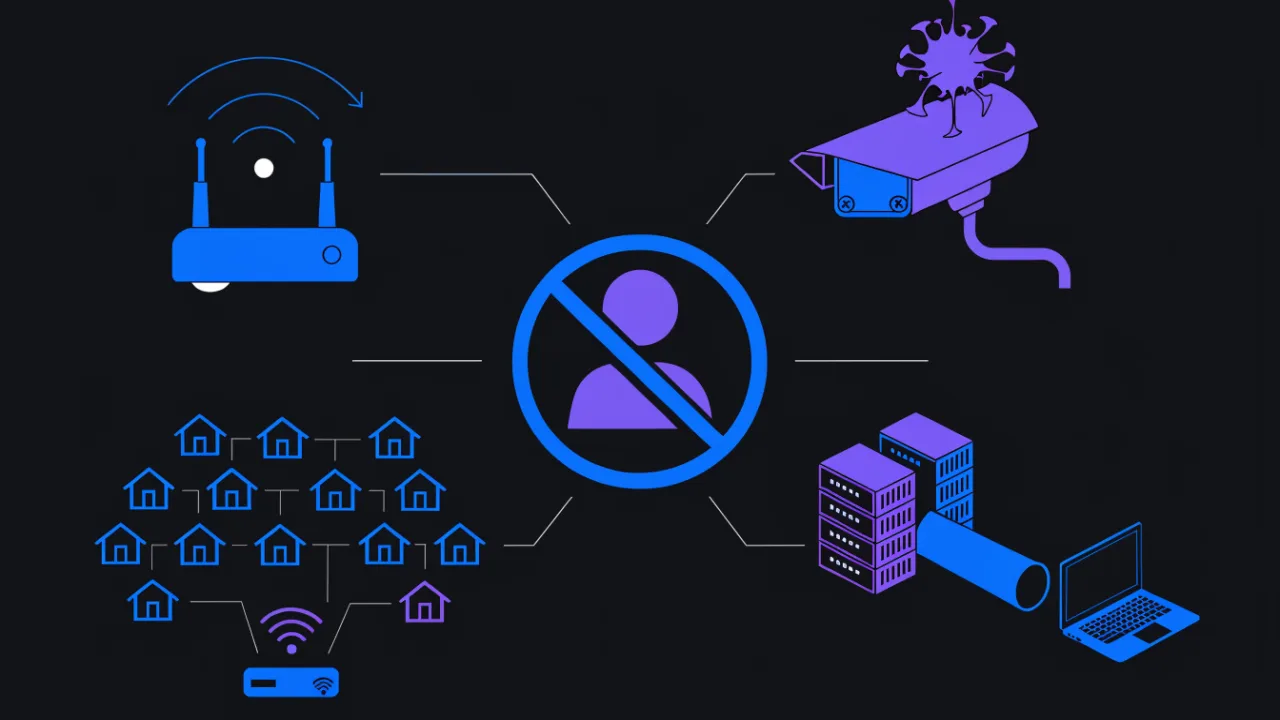
More often than not this message is seen by an ordinary user rather than a site owner: someone is refused access to a service, a mail provider or an account. The site being visited may have nothing to do with it. There are only a handful of reasons why "your" address went bad, and each has its own tell.
| Reason | How to recognise it | What to do |
|---|---|---|
| A dynamic address inherited from a spammer | The address changes after reconnecting; whois shows a consumer pool of your ISP | Reconnect or power-cycle the router, wait for a new address, re-check |
| An infected device on your own network | The listing returns hours after the address changed; exploit-list codes 127.0.0.4 - 127.0.0.7 | Audit every device, not just computers: router, cameras, TV, phones |
| A shared address behind NAT or CGNAT | The router holds an address from 100.64.0.0/10 or a private range; the public address is shared with hundreds of subscribers | Nothing you can fix alone: ask the ISP, consider a dedicated or static address |
| A VPN, proxy or data-centre range | whois shows a hosting provider rather than a consumer ISP | Turn the VPN off and re-check; for a server, ask the host for a clean address |
| Policy listing: the address is marked as residential | Codes 127.0.0.10 and 127.0.0.11; mail bounces only when sent directly | Not a delisting case: send through your provider's SMTP relay |
If the address is dynamic
Most residential connections lease the address for a limited time and hand out a new one on reconnect. The fastest way out of a list is therefore not a request form but a new address: power the router off for a few minutes, re-establish the PPPoE session, or restart mobile data. There is no guarantee — some ISPs keep the same address attached to a subscriber for a long time, which makes it "dynamic on paper, static in practice". How to tell which one you have and why it matters is covered in static versus dynamic IP addresses.
If the address keeps coming back to the list
You changed the address and hours later you are blocked again — the source is almost certainly inside your network. Infected devices are rarely computers: far more often it is a router running decade-old firmware, an IP camera with a default password or a set-top box. Inspect outbound traffic on the router and disconnect devices one at a time until the reports stop. The same logic applies to servers: if the same address is listed again, the hole was not closed. Start with a malware scan and the malware check guide.
If the address is shared
Behind CGNAT, hundreds of subscribers share one public address. One infected neighbour is enough to put that address into a reputation database, and everybody behind it inherits the block. The tell: your router holds an address from 100.64.0.0/10 while the public address matches nothing you control. There is no self-service fix — only a dedicated address from the ISP. It is also worth understanding why the problem barely exists on IPv6, where addresses are plentiful enough not to be shared: see IPv4 versus IPv6.
Email blacklists: mail bounces or lands in spam
If mail from your domain bounces with "rejected, listed at…" or silently lands in spam, either the sending IP or a domain from the message body is listed. Two causes dominate: a hacked website sending spam through a vulnerable script, or a bad neighbour on the same shared IP.
Step one is finding out which address the recipient actually sees. It is not always the website's address: mail may leave through a separate relay, an email service provider or the host's SMTP. Read the headers of a delivered message and the domain's MX records, and audit SPF, DKIM and DMARC with the email configuration check.
Delisting is free and self-service with most operators, but not for every sub-list: automated zones clear through a form, while listings placed manually after an investigation require correspondence with the operator. The full procedure is covered in how to get off email blacklists, and the causes of spam-foldering without any listing at all are in why emails go to spam. SMTP rejection codes are broken down in SMTP errors 550 and 554.
The most common mistake is requesting delisting while spam is still flowing. Operators see live traffic from your IP, reject the request, and treat repeat requests with growing suspicion. One careful cycle — clean up, verify the mail logs, then apply — beats three hasty ones.
Shared hosting: when the listed IP belongs to a neighbour
On shared hosting one IP serves dozens, sometimes hundreds of sites, and they all share its reputation. One compromised neighbour is enough to get the address into a DNSBL and break mail for everyone on it. Meanwhile your own site scans perfectly clean and you have no idea what you are being punished for.
How to tell the address is shared
# the site address
dig +short example.com A

# who owns it: a hosting company almost always means a shared address
whois 203.0.113.10 | grep -iE "netname|descr|org-name"

# indirect tell: PTR points at the host's technical name,
# not at your domain
dig +short -x 203.0.113.10

# and the reverse check: the domain and its MX resolve to the same host address
dig +short example.com MX
host mail.example.com
If the PTR record resolves to a provider's technical hostname and whois shows a hosting company, the address is shared. Another tell is a pile of unrelated domains resolving to the same address. A quick owner-and-ASN lookup is what the IP check is for, and the domain-to-hosting mapping is covered in how to find a website's hosting and IP.
What only the host can do
Your options are genuinely limited. You cannot clean somebody else's site, you cannot file a delisting request on behalf of the address owner, and you cannot guarantee the neighbour will not be compromised again tomorrow. A realistic action list:
- Open a support ticket with specifics: the address, the list zone, the return code, the date and the exact bounce text. A vague "our mail is broken" takes weeks to move.
- Ask for a dedicated IP — usually a paid add-on, but it solves the problem permanently.
- Move outbound mail off the hosting account to a dedicated sending service or SMTP relay, so the web address's reputation stops affecting delivery.
- If the host answers that reputation is "not their responsibility", treat that as your cue to migrate: managing shared-address reputation is part of the job.
Never request delisting for an address you do not own. Operators check who is asking, and a request from a single tenant about the host's address gets rejected — and a string of rejections damages your own request history too.
Antivirus databases, DNS filters and CDN block lists
Antivirus vendors maintain their own malicious-URL databases; a listed site is blocked right on the user's device, whatever browser they use. Corporate DNS filters and family-safety resolvers behave the same way: once your domain lands in a "malicious" or "phishing" category, it stops opening inside office and school networks. These lists are quiet — there is no red interstitial in mainstream browsers, so user complaints are usually the first signal.
A separate case is the block lists run by CDNs and bot-protection providers. Here the listed object is your IP, not your domain: a poorly-reputed address collects captchas and 403s across every site sitting behind that provider. The tell is unmistakable — "half the internet is asking me for a captcha". This is not fixed by the site owners but through the provider's own feedback form, usually linked from the block page itself.
After cleaning up, report the false positive to each vendor; all of them have a submission form for site owners. For a combined view of security headers and obvious signs of compromise, use the website security check.
The reverse task: blocking a site on your own devices
Sometimes the question is not how to get out but how to put a site on your own blacklist. Options: a hosts-file entry (0.0.0.0 plus the domain), parental-control modes in the browser or OS, block lists in the router settings, or a filtering DNS resolver. For an office network a category-based DNS filter is the practical choice — it also covers the phishing and malware domains you could never enumerate by hand.
Why sites and IPs get blacklisted
- A hacked site serving malware: injected redirects, miners, trojan droppers.
- Phishing pages uploaded into a subdirectory the owner never opens.
- Outbound spam from a vulnerable contact form, an infected script or a stolen mailbox.
- A bad neighbour on a shared IP poisoning the address's reputation for everyone.
- An over-aggressive crawler or scraper run from your address — a direct route into reputation databases even with nothing malicious involved.
- Password spraying and port scanning from your server: the classic report categories after a compromise.
- User reports: aggressive ads, fake download buttons, deceptive flows.
- History: the domain or address arrived with somebody else's reputation attached.
Until the source is found, any delisting is temporary. Start with a malware scan, then walk the website security checklist.
National blocking registries
Some countries maintain legal registries of sites that ISPs must block nationwide. These are not reputation lists: the site is unreachable from one country while Safe Browsing and antivirus vendors consider it perfectly clean. If your traffic dropped from exactly one country, check its registry before touching anything else — for Russia, use the RKN registry check.
How to check: enterno.io tools
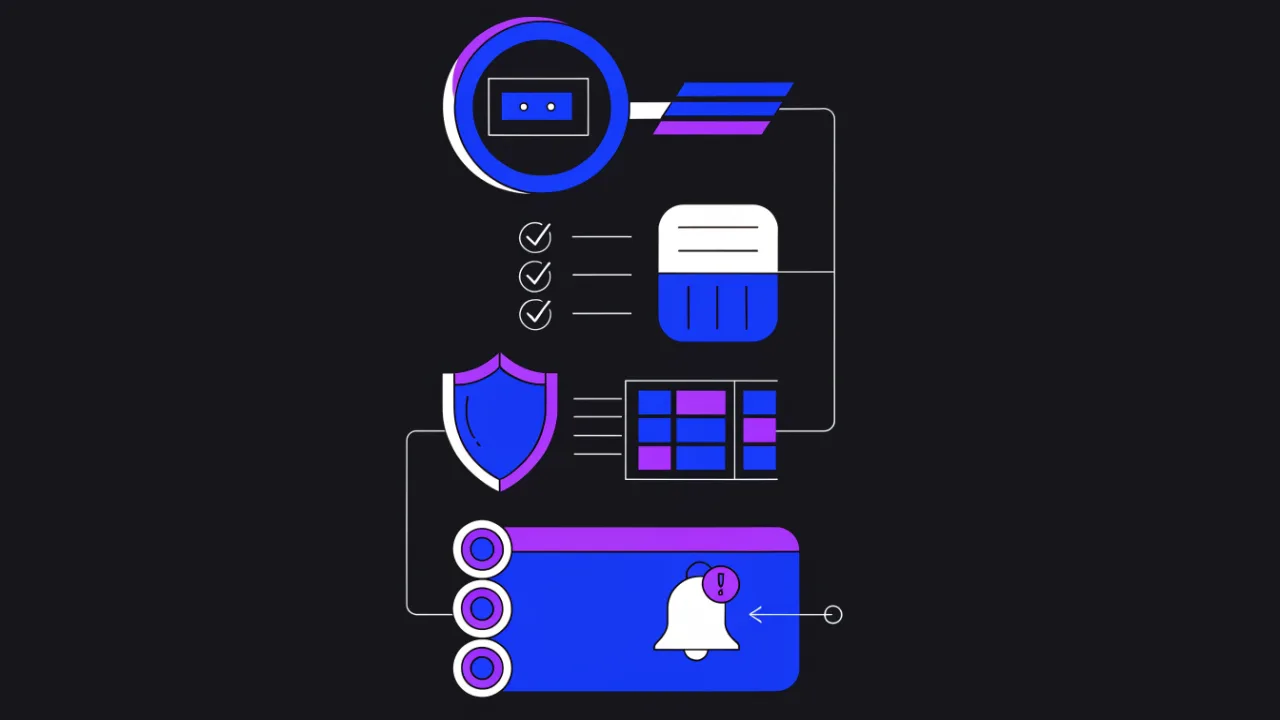
- IP spam-list check — sweeps dozens of DNSBLs for one address with a per-zone return code.
- IP address lookup — owner, ASN, country, range type. Answers the "is this my address or the host's shared one" question.
- Malware scanner — domain reputation and signs of infected pages.
- Website security check — headers, cookies, obvious compromise markers.
- Email configuration check — SPF, DKIM, DMARC and MX when the symptom is about delivery.
- Whois — domain and range ownership plus abuse contacts.
- DNS check — A and MX tampering after a compromise shows up here first.
- RKN registry check — the Russian legal blocking registry.
Blacklisted: what to do, in order
- Identify the object: domain, a specific URL, or IP. Everything else depends on the answer.
- Capture the evidence: a screenshot of the warning, the full bounce text, date and time.
- Check every family: Safe Browsing, SmartScreen, DNSBLs by IP, domain lists, reputation databases, antivirus scanners, national registries.
- Scan for malware and locate the entry point: new files, modified templates, rogue admin accounts.
- Close the hole: update the CMS and plugins, rotate every password and API key, revoke stale access.
- Remove malicious code and phishing pages; inspect .htaccess, cron jobs and the mail queue.
- Confirm from the logs that the source has stopped: no outbound spam, no calls to suspicious URLs.
- File a review or removal request with each list separately, describing the clean-up.
- Put the site under monitoring so a relisting reaches you before it reaches your visitors.
Frequently asked questions
How is an IP blacklist different from a domain blacklist?
By object and by consumer. A domain list judges page content and stops people from opening the site: browsers, search engines, antivirus products, DNS filters. An IP list judges address behaviour and breaks network operations: mail servers bounce messages, firewalls return 403. A domain can be cleaned and reviewed within days; address reputation recovers more slowly, and if the address is shared it does not recover at all without the provider.
I see "your IP is blacklisted" on somebody else's site. What now?
Find your external address first and check it against spam lists and reputation databases. If it is dynamic, reconnect and get a new one. If the block returns after the address changed, hunt for an infected device on your network — router and IoT included. If the address is shared behind CGNAT or belongs to a VPN or hosting range, turn the VPN off or talk to the provider: there is no self-service fix.
Can a site be blacklisted without being hacked?
Yes. Shared-IP neighbours sending spam, user complaints about pop-ups and misleading buttons, a domain inheriting a bad history from its previous owner, an over-aggressive scraper running on your server, or restricted content in the case of a national registry. Clean code does not equal clean reputation: the address and the domain are judged separately from the content.
How do I get my address removed from AbuseIPDB and similar databases?
Stop the activity that generated the reports first — the report categories tell you what was observed. Then file a removal request through the database interface. It normally requires proving control of the address, and that proof usually has to come from the range owner, meaning your host or ISP. Expect no instant effect: even after entries are deleted, consumers refresh their copy of the data on their own schedule.
How long does delisting take?
It depends on the list. Automated DNSBL zones often remove an address within hours of a valid request; Google and Yandex rechecks take from several hours to a few days; antivirus vendors and category maintainers can take weeks; reputation scores decay gradually. A realistic horizon for clearing every list is a day to about two weeks. No operator guarantees exact timelines.
Does a blacklist hurt SEO rankings?
Heavily. A dangerous-site label cuts click-through to almost zero, and a prolonged listing leads to pages being demoted or dropped from the index. Rankings usually recover after delisting, but not instantly — crawlers need to revisit the site and confirm it stays clean.
How do I monitor blacklists automatically?
Checking dozens of databases by hand every day does not scale. The enterno.io security check and malware scanner poll reputation databases, while the IP spam-list check covers email DNSBLs; you get an alert on the first hit, before traffic drops. DNS monitoring additionally watches for the record tampering that usually accompanies a compromise.
Checklist
- The listed object is identified: domain, URL or IP address.
- Domain checked: Safe Browsing, SmartScreen, antivirus scanners, national registry.
- IP checked: the key DNSBL zones plus reputation databases.
- DNSBL queries were not sent through a public resolver, and 127.255.255.x answers were read as errors rather than listings.
- Not only the web address was checked, but the address mail actually leaves from.
- Domain lists (DBL, SURBL) checked, not just the IP.
- It is clear whether the address is shared or dedicated: whois and PTR were inspected.
- The cause was found and closed: compromise, vulnerable script, infected device, crawler.
- Logs confirm the source has stopped — and only then were requests filed.
- Requests were filed per list, by whoever actually owns the object.
- Monitoring is enabled for relisting and for DNS record tampering.