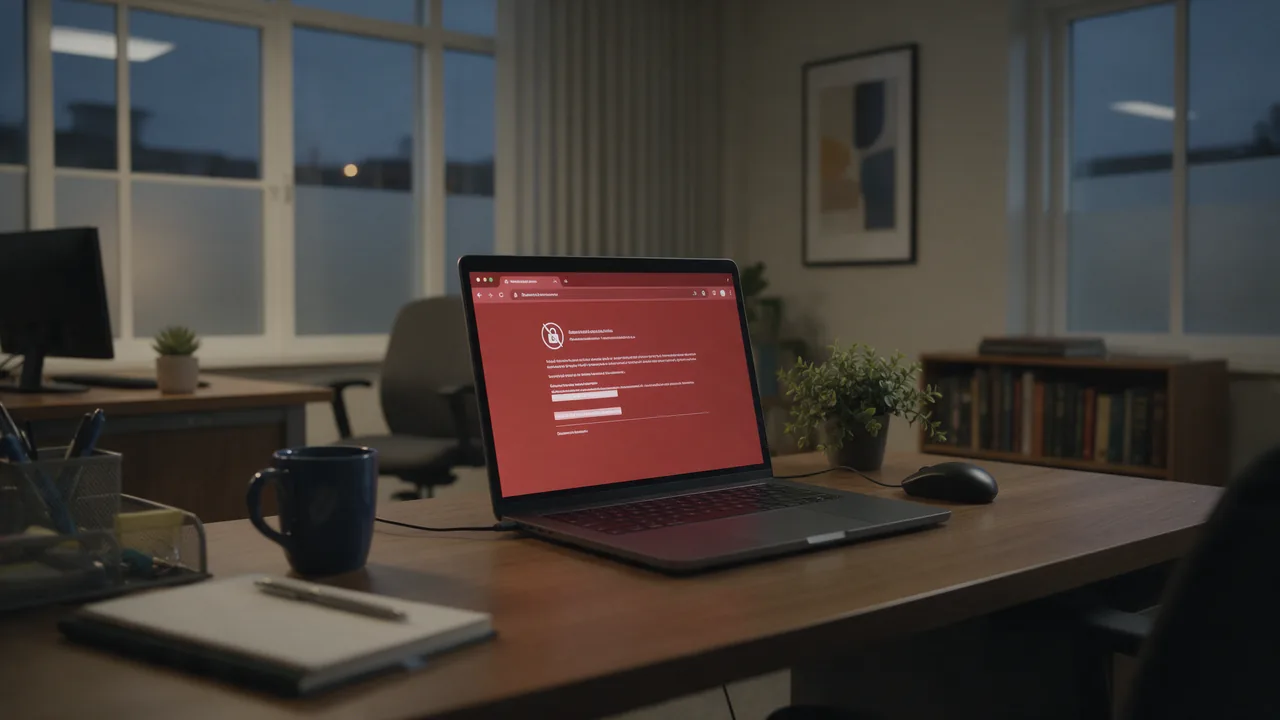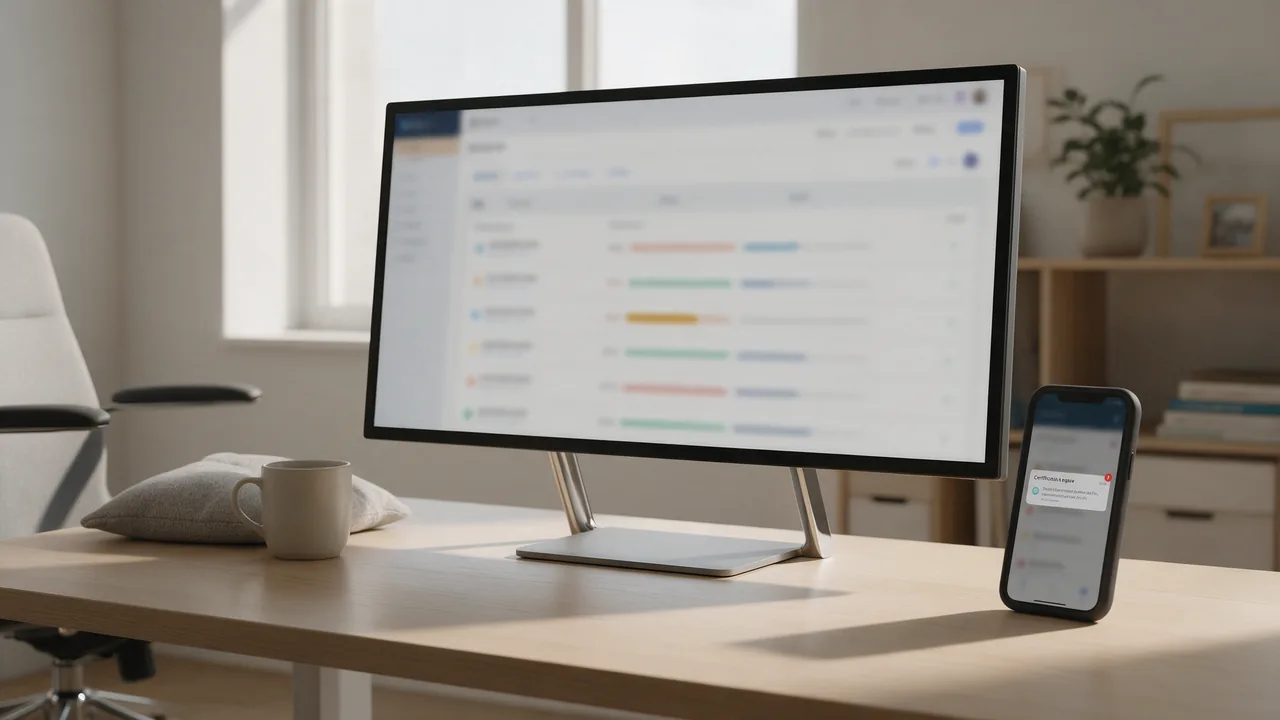
Short answer. An expired SSL certificate on a SaaS is an instant product outage: browsers and API clients block the connection and users hit a scary error screen. Monitor the expiry date of every domain — including API, webhook, and customers' custom domains — with alerts at 14 and 3 days out. Let's Encrypt auto-renewal does not replace monitoring; it breaks too.
Why SSL expiry is more critical than it looks
Unlike ordinary downtime, an expired certificate breaks everything at once: frontend, API, webhooks, mobile app. It's especially painful for SaaS because:
- API clients don't forgive. A browser shows "proceed at your own risk," but the HTTP library in a customer's integration just throws an exception and crashes.
- Webhooks silently stop arriving. Integrations with an expired cert on the receiving end fail quietly.
- Trust collapses in seconds. A "your connection is not private" screen on a B2B product is a reputation hit.
Let's Encrypt auto-renewal is not a guarantee. A broken cron, a full disk, a changed DNS record, or an ACME rate limit regularly leave teams with an expired cert. Monitoring is your insurance against "it should have renewed itself."
What to actually monitor in SaaS
A SaaS usually runs a whole family of domains, not just one. Each needs watching:
| Domain | What breaks on expiry |
|---|---|
| app.saas.io | Web app, user login |
| api.saas.io | All customer integrations and SDKs |
| hooks.saas.io | Webhook delivery |
| *.saas.io (wildcard) | Per-tenant customer subdomains |
| app.client-domain.com | Customers' custom domains (white-label) |
| cdn.saas.io | Static assets, frontend bundles |
Pay special attention to customers' custom domains. If your SaaS lets a client point app.their-brand.com at you, you're responsible for those certs too. Their expiry is the most common source of "silent" incidents.
Which warning thresholds to set
enterno.io warns by default at 14 days (warning) and 3 days (critical) before expiry. This two-step scheme gives you a buffer:
- 14 days — calmly schedule the renewal and figure out why auto-renewal didn't fire.
- 3 days — red flag: drop everything and renew manually.
How to check the expiry date manually
Before you set up automated monitoring, it helps to understand exactly what it checks. The certificate's end date is easy to see with openssl:
echo | openssl s_client -servername api.saas.io -connect api.saas.io:443 2>/dev/null \
  | openssl x509 -noout -enddate
# notAfter=Aug 14 12:00:00 2026 GMT
This prints the exact notAfter date. enterno.io monitoring does the same automatically on a schedule and alerts when 14 or 3 days remain — so you don't have to remember a hundred domains.
Alerts into team channels
SSL alerts must land where they'll be seen. enterno.io sends to Telegram, Slack, email, webhook, PagerDuty, and Jira. For a SaaS team a sensible split is:
- Slack #infra channel — the 14-day warning, during working hours.
- PagerDuty — the 3-day critical, so the incident escalates to the on-call.
- Jira — auto-create a renewal ticket so it doesn't get lost.
If auto-renewal is wired into your pipeline, add heartbeat monitoring of the renewal cron job itself — then you learn the renew script broke before the cert even gets close to expiring.
Multi-region checks and the certificate chain
enterno.io checks SSL from Russia, Europe, and the US. This matters not just for availability but for catching intermediate-certificate problems: sometimes a server serves an incomplete chain, and some clients rebuild it while others don't. The SSL checker shows the full chain, protocol, cipher, and validity period.
FAQ
I have Let's Encrypt with auto-renewal. Why monitor?
Because auto-renewal breaks silently: a crashed cron, a full disk, a changed DNS record, an ACME rate limit. Monitoring is an independent check of the fact, not the intent.
Do I need to monitor a wildcard cert per subdomain?
It's enough to monitor one representative host on the wildcard, plus each customer custom domain that has its own certificate.
How many days out should I warn?
Two-step: 14 days (planned) and 3 days (urgent). This gives time to investigate while not missing the deadline.
What do I do right now if the cert already expired?
Renew it immediately and find the root cause. A step-by-step walkthrough is in our article on fixing an expired SSL certificate.
Check SSL and set up monitoring — free →
See also: the full SSL certificate monitoring guide and uptime monitoring.