Short answer. UptimeRobot is a decent entry-level uptime monitor, but in 2026 it has at least seven mature alternatives. BetterStack leads on incident management, Pingdom on enterprise analytics, Uptime Kuma is the free self-hosted route. If you want Telegram alerts out of the box, a genuinely free plan and a clear pricing ladder, start with enterno.io's Scout plan: 10 monitors free.
When it's time to replace UptimeRobot
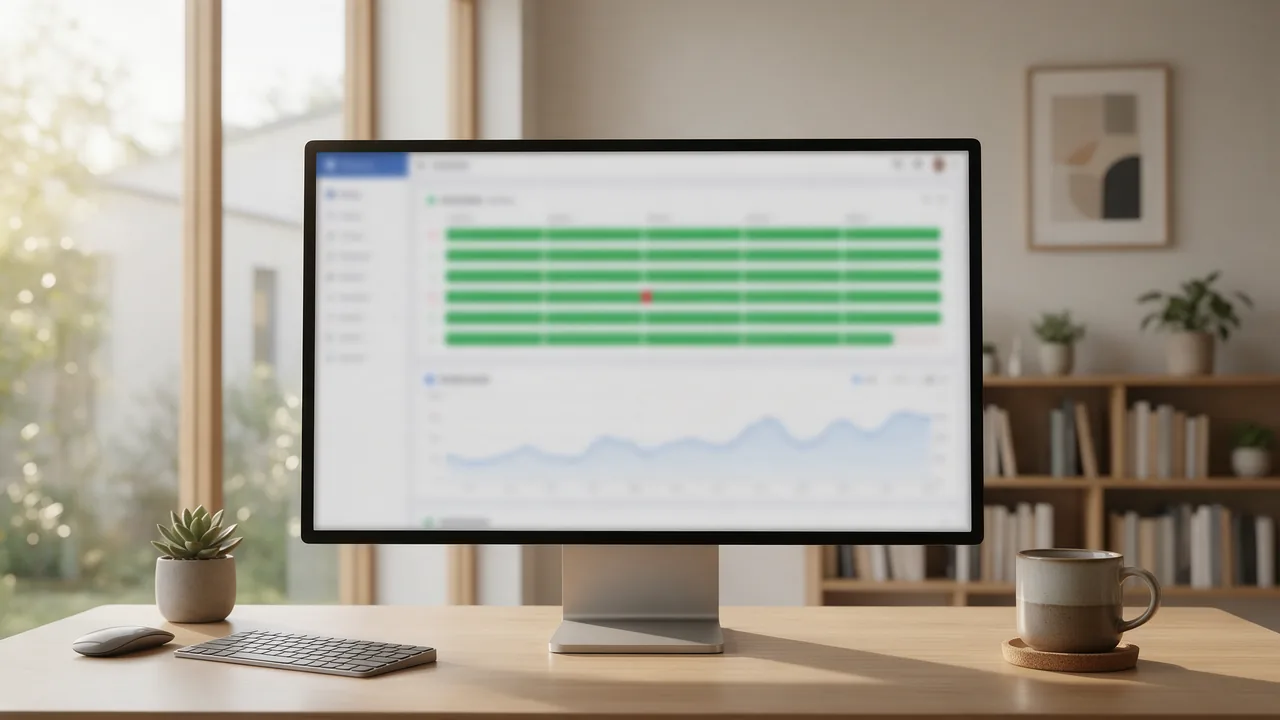
UptimeRobot nails the basic "site up / site down" scenario. The need for an alternative usually shows up for one of five reasons:
- Incident management — alerts arrive as isolated pings; no automatic incident open/close.
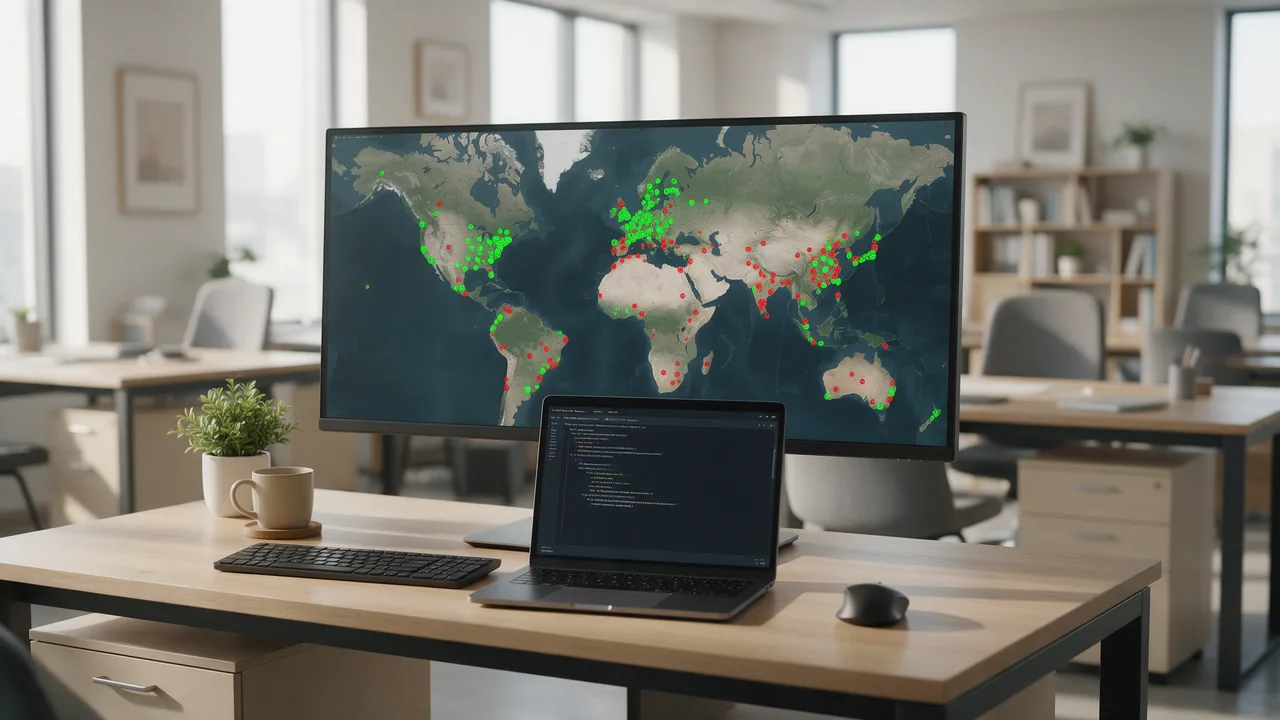
- Check geography — if much of your audience sits in a region with no probes, you get late or missing alerts.
- Diagnostics — SSL-chain checks, DNS validation, redirect tracing: a toolbox UptimeRobot doesn't ship.
- Billing — teams in some regions can't pay with a local card.
- Interval — the free plan probes every 5 minutes; for e-commerce that is lost revenue.
Comparison table: 8 monitoring services
Prices and limits change constantly — verify before buying. We keep a wider comparison in our monitoring services overview for 2026.
| Service | Free plan | Min. interval | Telegram | Multi-region | Price from | Accepts RU cards |
|---|---|---|---|---|---|---|
| UptimeRobot | 50 monitors, 5 min | 1 min (paid) | Yes | Yes, no RU probe | ~$8/mo | No |
| enterno.io | 10 monitors, 5 min | 30 sec | Out of the box | RU + EU + US | 299 ₽/mo | Yes |
| BetterStack | 10 monitors, 3 min | 30 sec | Via webhook | Yes | ~$29/mo | No |
| Pingdom | None (trial) | 1 min | No | 100+ probes | ~$10/mo | No |
| StatusCake | 10 monitors, 5 min | 30 sec | Yes | Yes | ~$20/mo | No |
| Freshping | 50 checks, 1 min | 1 min | No | ~10 locations | Free | — |
| Uptime Kuma | Entire product | 20 sec | Yes, native | No | Server cost | n/a |
| Site24x7 | 5 basic monitors | 1 min | Yes | 110+ probes | ~$9/mo | No |
Practical tip: add the same site to two or three services for a week and compare alerts. Judge them by probe geography, not price — an alert from Frankfurt about an outage your Moscow users are living through arrives late, or never.
Service-by-service breakdown
UptimeRobot — the baseline
Strengths: 50 free monitors is still the market's most generous limit, onboarding takes two minutes, status pages and cron monitoring are included free. Weaknesses: the UI and analytics lag behind, there is no incident management, the probe network has regional gaps, the diagnostic toolbox is thin.
Best for: personal sites and small projects that can live with 5-minute checks.
enterno.io — Telegram out of the box
Our own service — so apply a discount; everything below is verifiable on the free plan in minutes. It addresses four pain points at once: probes from RU plus EU and US, native Telegram alerts with no webhook gymnastics, automatic incident open/close, and 60+ built-in diagnostic tools (SSL, DNS, redirects).
| Plan | Price | Key limits | Best for |
|---|---|---|---|
| Scout | Free | 10 monitors, 5-min interval, all tools | Personal projects |
| Explorer | 299 ₽/mo | Up to 30 monitors, 3-min interval | Freelancers, studios |
| Pioneer | 490 ₽/mo | Extended limits | Growing projects |
| Navigator | 1490 ₽/mo | 1-min interval, everything included | E-commerce |
| Captain | 3990 ₽/mo | 30-sec interval | Infrastructure, SLAs |
Weaknesses, honestly: the probe network is smaller than Pingdom's, and deep enterprise APM is not our territory. Details on the pricing page; our pricing guide explains how to size a budget.
BetterStack — incident management for on-call teams
Best-in-class "alert → escalate → postmortem" workflow: on-call schedules, phone-call alerts, polished status pages, tight coupling with logs. The free tier (10 monitors, 3-minute interval) beats most rivals.
Weaknesses: real on-call starts around $29/mo and climbs fast; Telegram is webhook-only. Best for product teams with genuine on-call rotations.
Pingdom — enterprise analytics at an enterprise price
The veteran with the strongest reporting: RUM, transaction checks, 100+ probes — reports you can show to executives unedited. We compared it head-to-head in UptimeRobot vs Pingdom.
Downsides: no free plan; uptime, synthetics and RUM are billed separately, so invoices easily pass $50/mo; Telegram is absent. If that stings, see our Pingdom alternatives. Best for mid-size and larger businesses.
StatusCake — the solid middle
A free tier with 10 monitors, domain and SSL expiry checks, page-speed tests, many integrations including Telegram. Friendly interface, flat learning curve.
Weaknesses: paid plans from ~$20/mo are pricier than comparable rivals, with no standout feature worth migrating for. Best for teams that want "just solid" monitoring with domain checks.
Freshping — minimalist, future unclear
The most generous free offer here: 50 checks at a 1-minute interval, plus simple status pages.
Weaknesses: clearly non-core for Freshworks, development has slowed for years — risky as a long-term foundation. No Telegram, no diagnostics. Fine as a temporary setup.
Uptime Kuma — self-hosted control
Open source, a single Docker container, intervals down to 20 seconds, native Telegram, a pleasant UI. Free forever — you only pay for your server.
The weaknesses are structural — single vantage point, maintenance on you, "who monitors the monitor" — covered in the next section. Best for engineers with their own infrastructure and services behind a VPN.
Site24x7 — the infrastructure kitchen sink
Part of the Zoho ecosystem: uptime, servers, APM, logs and network in one console, 110+ probes, from ~$9/mo.
Weaknesses: a dense console, a long learning curve, and limits sold as add-on packs that make the final invoice hard to predict. Best for teams that genuinely need everything under one roof.
Self-hosted vs SaaS: honest Uptime Kuma trade-offs
Comparing "free self-hosted" with SaaS head-on is misleading — count the total cost of ownership:
- Your monitoring server needs monitoring too. If the VPS running Kuma dies, you learn neither about your sites going down nor about the monitor.
- One vantage point: "down for some ISPs, fine for others" routing issues are invisible to it.
- Maintenance: updates, backups, disk space, TLS certificates — engineer hours with a real price.
- Public status pages on your own domain require extra reverse-proxy and TLS setup.
The working pattern is a hybrid: Kuma for internal services behind the VPN, an external SaaS for public sites — and for watching the Kuma server itself. Scout's free tier covers that layer.
How to choose for your use case
Personal project
A free plan is enough: UptimeRobot (50 monitors) or Scout (10 monitors, but with Telegram and full diagnostics). We unpack that decision in free vs paid monitoring.
Agency with client sites
You need many monitors at a low cost and alerts into a shared Telegram chat with each client. Explorer at 299 ₽/mo covers up to 30 sites; past that, Pioneer at 490 ₽/mo extends the limits. Western tools get expensive at agency-scale counts.
E-commerce
Interval matters most: treat 1-minute checks as the floor (Navigator at 1490 ₽/mo, or Pingdom) and 30-second checks (Captain at 3990 ₽/mo) as the Black-Friday setting. SSL and checkout-flow probes are non-negotiable.
Infrastructure and APIs
You need status-code and body assertions, heartbeats for cron jobs, signed webhooks, and an API to manage monitors from CI/CD. Shortlist BetterStack, Site24x7 and Captain; add Uptime Kuma behind the VPN.
Billing constraints
If your team is based in Russia, the shortlist collapses: only enterno.io takes local cards, with a clear ladder from 299 ₽/mo. The fallback is Uptime Kuma on a locally billed VPS — with the self-hosted caveats above.
Migrating off UptimeRobot: a step-by-step plan
- Export your monitor list: URLs, check types, intervals — via the API (example below).
- Inventory your alerting: who receives notifications and where — the piece most often lost.
- Recreate the monitors in the new service without disabling the old ones.
- Fire a test alert: point a monitor at a deliberately dead URL and confirm the notification lands.
- Run both services in parallel for 2 weeks and compare incidents: discrepancies are almost always probe geography.
- Move the status page and update links in docs.
- Decommission the old service and revoke its keys.
The export and re-creation steps script down to a couple of commands:
# 1. Export monitor URLs from UptimeRobot (read-only API key)
curl -s -X POST https://api.uptimerobot.com/v2/getMonitors \
  -d "api_key=ur_readonly_XXXXX" \
  -d "format=json" -d "limit=50" \
  | jq -r '.monitors[].url' > monitors.txt

# 2. Recreate them in enterno.io
while read url; do
  curl -s -X POST https://enterno.io/api/v4/monitors \
    -H "X-API-Key: $ENTERNO_KEY" \
    -H "Content-Type: application/json" \
    -d "{\"url\":\"$url\",\"check_type\":\"http\",\"notify_telegram\":true}"
done < monitors.txt
Do not delete your UptimeRobot monitors on migration day. Two weeks of parallel running costs nothing, and it catches alerting discrepancies while you still have two sources of truth.
FAQ
Does enterno.io have a free plan?
Yes — Scout: 10 monitors at a 5-minute interval, no expiry and no card required. Every diagnostic tool is included.
How does enterno.io pricing scale?
A clear five-step ladder: Scout is free, Explorer is 299 ₽/mo, Pioneer is 490 ₽/mo, Navigator is 1490 ₽/mo with 1-minute checks and everything included, Captain is 3990 ₽/mo with 30-second checks. No add-on packs.
Uptime Kuma or a SaaS monitor?
Kuma for internal services behind a VPN, SaaS with multiple probes for public sites. Best: a hybrid where the external monitor also watches the Kuma server.
How long does migration take?
An hour or two by hand, minutes with the API script above. The full cycle with a parallel run is two weeks — coverage never drops.
Why Telegram alerts instead of email?
Reaction speed: an email is noticed an hour later, a Telegram push within a minute, and a shared chat sees the incident simultaneously.
Final migration checklist
- Export monitor URLs and settings via the UptimeRobot API.
- Inventory every alert channel and its recipients.
- Recreate monitors in the new service without disabling the old ones.
- Connect Telegram alerts and fire a test notification.
- Run both services in parallel for 2 weeks and reconcile incidents.
- Move the status page and update links to it.
- Decommission the old service, revoke its API keys and webhooks.
- Review alert delivery after the first real incident.
The easiest way to start is the free Scout plan: create your first monitors, review the ladder on the pricing page, and if you are torn, open the interactive comparison.