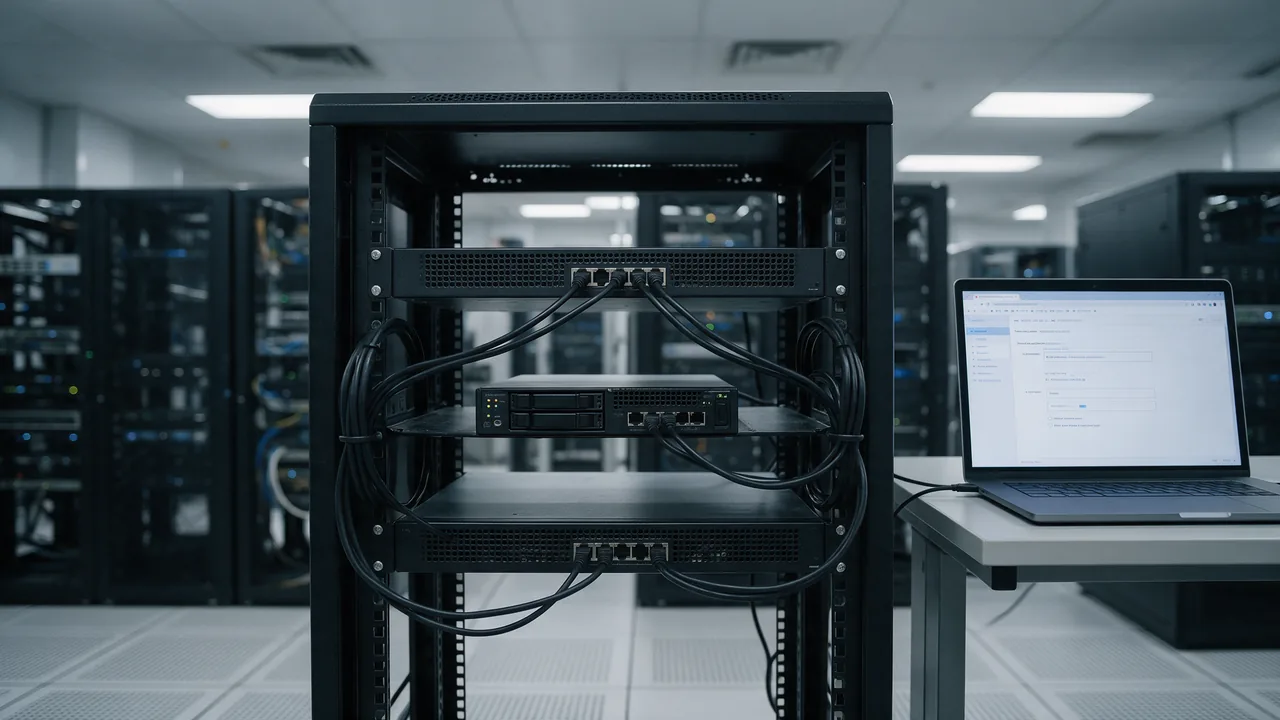
The short answer to what is a proxy server: an intermediary that sits between a client and the servers it talks to. The client sends its request to the proxy, which makes it on the client's behalf and relays the response. The destination sees the proxy's IP, and the proxy can filter, cache, log or modify the traffic.
What is a proxy server, in plain terms
"Proxy" means someone authorised to act for another person — voting by proxy, for example. A proxy server is exactly that for network traffic. Instead of your laptop opening a connection to a website, it asks the proxy to fetch the page. The proxy opens its own connection, receives the response and hands it back. From the website's point of view, the proxy was the visitor.
That single position in the middle is what makes proxies useful. Everything passing through one point can be allowed or denied, stored for reuse, recorded, or rewritten. It is also what makes them sensitive: whoever runs the proxy sees which hosts you connect to, and anything you send without encryption.
How a proxy handles a request
A client configured to use a proxy connects to the proxy's address and port rather than to the destination. What happens next depends on the protocol.
Plain HTTP: the proxy does the fetching
For unencrypted HTTP, the client sends the full URL in the request line — the so-called absolute form — so the proxy knows where to go:
GET http://example.com/docs HTTP/1.1
Host: example.com
The proxy parses the request, opens its own connection to example.com and forwards it. Because it reads the whole exchange, it can cache the response, strip headers, block the URL, or inject content.
HTTPS: the proxy opens a tunnel
For TLS traffic the proxy cannot read the payload, so the client asks for a raw tunnel using the CONNECT method defined in RFC 9110:
CONNECT example.com:443 HTTP/1.1
Host: example.com:443

HTTP/1.1 200 Connection established
After the 200 response, the proxy simply shuttles bytes in both directions. The TLS handshake happens end to end between the browser and the site, so the proxy learns the hostname and port but not the paths, form data or cookies. You can watch this happen with curl:
curl -v -x http://proxy.example.net:3128 https://example.com/The verbose output shows the CONNECT request to the proxy, the 200 reply, and only then the TLS handshake with example.com.
The exception is a TLS-inspecting gateway, common in corporate networks. It terminates TLS itself and presents a certificate issued by the organisation's own root CA, which has been pushed to managed devices. If the certificate for a public site shows your employer as the issuer, your HTTPS traffic is being decrypted and re-encrypted by a proxy.
Authentication
A proxy that requires credentials answers the first request with 407 Proxy Authentication Required and a Proxy-Authenticate header; the client retries with Proxy-Authorization. Note the difference from 401, which comes from the website itself.
Forward proxy vs reverse proxy
The word "proxy" covers two roles that sit at opposite ends of the connection.
A forward proxy acts for clients. Users or administrators point browsers and operating systems at it, and it reaches out to the internet on their behalf — a company gateway running Squid is the textbook case.
A reverse proxy acts for servers. Visitors never configure it and usually do not know it exists: they connect to a domain, and nginx, HAProxy or a CDN edge accepts the request and passes it to one of the application servers behind it. The mechanics are covered in detail in our guide to reverse proxies.
| Aspect | Forward proxy | Reverse proxy |
|---|---|---|
| Represents | Clients | One or more origin servers |
| Configured by | The user or network admin | The site operator |
| Visible to the client | Yes, it is set in proxy settings | No, the client only sees a hostname |
| Typical jobs | Egress control, logging, caching, malware scanning | TLS termination, load balancing, caching, shielding the app |
| Common software | Squid, Privoxy, 3proxy | nginx, HAProxy, Traefik, Envoy, CDNs |
Types of proxy servers
HTTP proxies
Speak HTTP, fetch plain-HTTP requests themselves and tunnel HTTPS with CONNECT. "HTTPS proxy" is an ambiguous label: vendors use it both for an HTTP proxy that supports CONNECT and for a proxy you reach over a TLS-encrypted connection, where even the hop between you and the proxy is protected.
SOCKS proxies
SOCKS works below HTTP and relays arbitrary TCP connections, which makes it usable for SSH, mail clients or database tools. SOCKS5, specified in RFC 1928, added authentication, IPv6, UDP relaying and the option to pass a hostname to the proxy instead of an IP. That last point matters for DNS: in curl, --socks5 resolves the name locally, while --socks5-hostname lets the proxy resolve it.
Transparent (intercepting) proxies
Nothing is configured on the client. A router or firewall redirects outbound traffic — typically port 80 — into the proxy. ISPs, hotel and airport Wi-Fi with a login page, and school networks use this approach. You usually notice one only through a block page or a Via header in responses.
"Anonymous" and "elite" proxies
These labels come from proxy sellers, not from any standard. They describe which headers the proxy adds: a "transparent" one in this sense forwards your IP in X-Forwarded-For, an "anonymous" one hides it but announces itself via Via, and an "elite" one adds neither. None of this hides you from the proxy operator.
Common proxy ports
| Port | Usually |
|---|---|
| 3128 | Squid's default, widely used by corporate HTTP proxies |
| 8080 | Generic alternative HTTP port, common for proxies and dev tools |
| 1080 | SOCKS, the port IANA registers for the protocol |
| 8118 | Privoxy's default |
| 8888 | Debugging proxies such as Fiddler and Charles |
Ports are conventions, not guarantees — any service can listen anywhere. If you need to find out what is actually listening on a machine, see how to find a server's port.
What proxies are used for
- Egress control. Servers in a locked-down network reach package mirrors and APIs only through a proxy with an allowlist, so a compromised host cannot call arbitrary addresses.
- Caching. A shared cache serves repeated downloads — OS updates, container layers, installers — from the local network.
- Policy and audit. Organisations log outbound requests and enforce acceptable-use rules at one point.
- Security scanning. Gateways inspect downloads for malware before they reach endpoints.
- Development and debugging. mitmproxy, Fiddler and Charles let you inspect, replay or rewrite an app's HTTP traffic and simulate slow networks.
- Serving websites. In the reverse role, proxies absorb traffic, terminate TLS and keep application servers off the public internet.
Proxy vs VPN
| Aspect | Proxy | VPN |
|---|---|---|
| Layer | Application (HTTP or SOCKS) | Network (IP packets) |
| What goes through it | Only apps configured to use it | All device traffic, unless split tunnelling is set |
| Encryption to the intermediary | Usually none, unless it is a TLS proxy | Always; it is the core of the protocol |
| DNS lookups | Depends on client and proxy type | Normally sent through the tunnel |
| Setup | Host and port in settings, or a PAC file | Client software and a profile |
| Typical use | Gateways, caching, debugging | Remote access to private networks, site-to-site links |
The key takeaway: a plain proxy adds no encryption of its own. HTTPS sites remain protected by their own TLS, but plain HTTP through an unencrypted proxy travels in the clear to whoever runs it.
Proxy settings explained
Operating systems, phones, smart TVs and routers use much the same fields:
- Proxy host — hostname or IP of the proxy, such as
proxy.corp.example. - Port — where the proxy listens, such as 3128.
- Bypass list — destinations reached directly, usually local addresses and intranet domains.
- Script address — the URL of a PAC (proxy auto-config) file, a JavaScript function that picks a route per URL.
- Automatically detect settings — discovering a PAC file via WPAD on the local network.
A minimal PAC file looks like this:
function FindProxyForURL(url, host) {
  if (isPlainHostName(host) || dnsDomainIs(host, ".corp.example")) {
    return "DIRECT";
  }
  return "PROXY proxy.corp.example:3128; DIRECT";
}
On Android the option sits in the Wi-Fi network's advanced settings as Proxy: None, Manual or Proxy Auto-Config. At home, None is almost always correct; a stale proxy entry is a classic cause of "connected, but nothing loads".
How to tell whether you are using a proxy
Windows
Open Settings → Network & internet → Proxy to see automatic detection, setup script and manual proxy state. Services and some system components use the separate WinHTTP configuration:
netsh winhttp show proxy"Direct access (no proxy server)" means WinHTTP goes straight out. The per-user settings used by browsers live in the registry:
Get-ItemProperty 'HKCU:\Software\Microsoft\Windows\CurrentVersion\Internet Settings' |
  Select-Object ProxyEnable, ProxyServer, AutoConfigURL
macOS
System Settings → Network → your connection → Details → Proxies. From Terminal, scutil --proxy prints the effective configuration; look for HTTPEnable : 1, HTTPSEnable : 1, SOCKSEnable : 1 or ProxyAutoConfigEnable : 1. Per interface: networksetup -getwebproxy Wi-Fi.
Linux and command-line tools
env | grep -i proxycurl, wget, apt, pip and most CLI tools honour http_proxy, https_proxy and no_proxy. A variable left over in ~/.bashrc or /etc/environment is a frequent reason why a script fails while the browser works. On GNOME, gsettings get org.gnome.system.proxy mode returns 'none' when no desktop proxy is set.
Browsers
Chrome and Edge follow the operating system; Firefox has its own panel under Settings → General → Network Settings. If the address websites report differs from your router's public IP, something is relaying your traffic — our guide on finding your IP address shows how to compare the two.
Proxies from the server side
Behind a reverse proxy or CDN, your application sees the proxy's address as the client IP. The original address travels in headers: the de facto X-Forwarded-For, or the standard Forwarded header from RFC 7239. Intermediaries that modify messages also add Via.
These headers are only as trustworthy as whoever set them. Any client can send X-Forwarded-For: 203.0.113.9; an application that blindly takes the first entry lets visitors choose their own IP for rate limits and logs. In nginx, the realip module restores the client address only from proxies you list:
set_real_ip_from 10.0.0.0/8;
real_ip_header X-Forwarded-For;
real_ip_recursive on;
The header format and its pitfalls are covered in our X-Forwarded-For guide.
The other server-side risk is an accidental open proxy. A Squid or SOCKS service reachable from the internet without authentication will be found by scanners and used to relay spam and attacks, with complaints landing on your IP. Squid evaluates http_access rules top to bottom, so the list should end with a catch-all deny:
http_port 3128
acl localnet src 10.0.0.0/8
http_access allow localnet
http_access deny all
More on why listening services should not face the internet unnecessarily in open ports and server security.
Common proxy errors
- ERR_PROXY_CONNECTION_FAILED (Chrome) — the configured proxy did not accept a connection: wrong host or port, or the proxy is down.
- ERR_TUNNEL_CONNECTION_FAILED — the proxy refused or failed to open a
CONNECTtunnel to the destination. - 407 Proxy Authentication Required — the proxy, not the site, wants credentials.
- 502 / 504 from the proxy — the proxy could not get a timely answer from the destination. Check who generated the error page; Squid signs its own.
How to check
Use the IP lookup to see which address websites attribute to you and which network it belongs to. On your own servers, run the port scanner against 3128, 8080 and 1080 to make sure no proxy is exposed. The HTTP header checker shows whether a site sits behind a reverse proxy or CDN through headers such as Via, Server and cache status fields.
Frequently asked questions
What is a proxy port?
The TCP port the proxy listens on, entered together with the host, for example proxy.corp.example:3128. Common values are 3128 and 8080 for HTTP proxies and 1080 for SOCKS.
Does a proxy encrypt my traffic?
Not by itself. HTTPS connections stay encrypted end to end, but the proxy still sees which hosts you contact, and plain HTTP is readable unless the connection to the proxy uses TLS.
Why is everything slower through a proxy?
Each request takes an extra hop, and a distant or overloaded proxy adds latency. Measure the round trip to the proxy itself with ping against its address and compare it with the latency to the destination.
Is a reverse proxy a security layer?
It helps — it hides origin addresses and can enforce limits — but only if the origin refuses direct connections. An origin reachable by IP can be attacked around the proxy.
Should I enable a proxy on my phone or TV?
Only if a network administrator gave you specific settings. Otherwise leave it set to None; a wrong entry breaks connectivity.