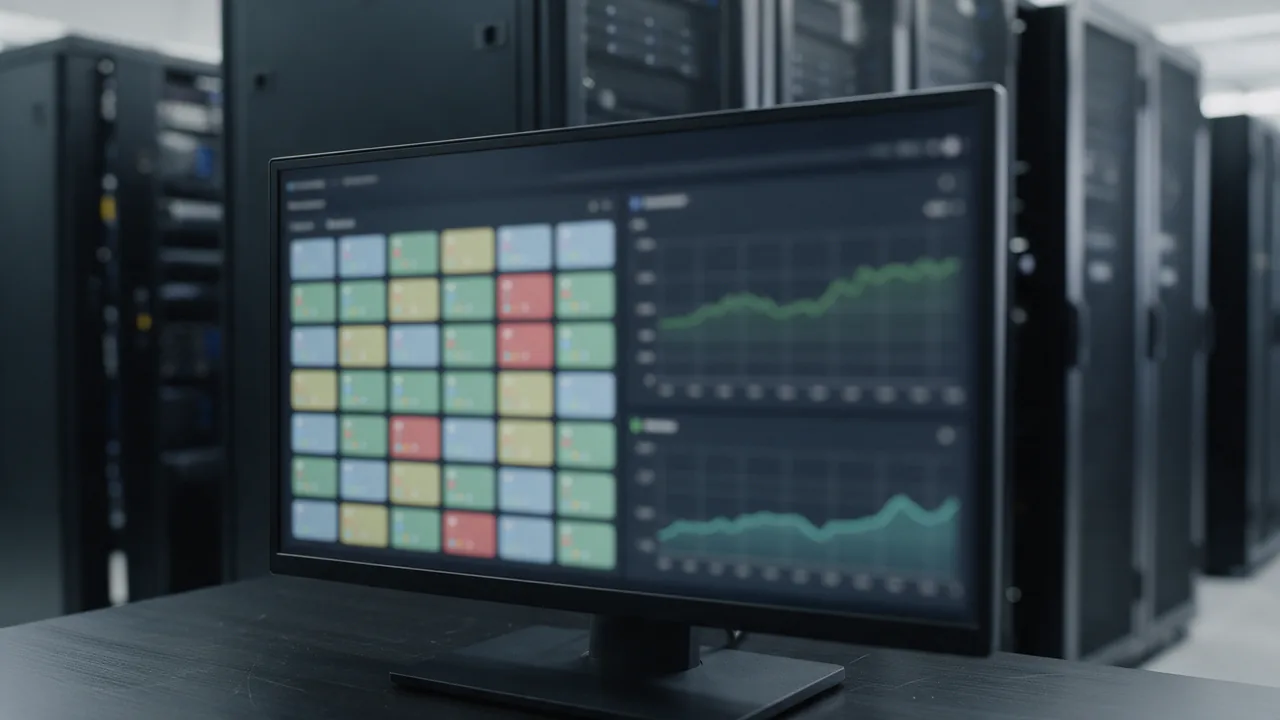
Short answer. Zabbix is a powerful self-hosted infrastructure monitor (servers, metrics, agents) that you run and maintain yourself. Cloud synthetic monitoring checks availability "from the outside" across regions with no infrastructure of your own. It is not either/or: Zabbix is strong inside the perimeter, the cloud is strong outside. Best practice is to combine them — Zabbix for detailed host metrics, an external checker for honest uptime from the user's perspective.
What Zabbix is
Zabbix is an open-source platform for monitoring servers, networks, and applications. Agents collect metrics, the server stores and processes them, triggers evaluate conditions, and the frontend draws graphs. You deploy and maintain all of it on your own hardware.
- Depth — thousands of metrics per host via agents;
- Control — data never leaves your infrastructure;
- Flexibility — custom templates, scripts, low-level discovery;
- License cost — zero, the software is free.
What cloud synthetic monitoring is
Cloud synthetic monitoring probes your endpoints from independent nodes in different geographies. No agent to install, no server or metrics database to run — the provider does it for you and pages you when the site goes down.
Comparison across key axes
| Criterion | Zabbix (self-hosted) | Cloud synthetic |
|---|---|---|
| What it sees | Host metrics from inside | Availability from outside |
| Maintenance | You: server, DB, upgrades | The provider |
| Blind spot | Your DC down = blind | Independent infrastructure |
| Probe geography | Wherever the server sits | Many regions out of the box |
| Time to start | Hours–days to deploy | Minutes |
| Cost of ownership | Hardware + engineer time | Subscription |
The main argument against "Zabbix only": if monitoring lives in the same data center as the service, a DC outage kills both at once — and you never learn about the real incident.
Example: external check via API
A cloud checker is easy to embed in an existing pipeline or script. An availability request via REST API:
#!/usr/bin/env bash
# External availability check via the enterno.io API v4
set -euo pipefail

API_KEY="ent_xxxxxxxxxxxxxxxx"
TARGET="https://example.com"

response=$(curl -sS \
  -H "X-API-Key: ${API_KEY}" \
  "https://enterno.io/api/v4/check?url=${TARGET}")

status=$(echo "$response" | jq -r '.data.http_code')

if [ "$status" = "200" ]; then
  echo "External check OK: HTTP $status"
else
  echo "External check FAILED: HTTP $status"
  exit 1
fi
When to choose which
Zabbix only fits if you have a large server fleet, strict in-perimeter data requirements, and a team ready to maintain it. Cloud only — if you need fast uptime monitoring of a site or API with no infrastructure. The combination is the optimum for most: Zabbix watches hosts from inside, the cloud gives an honest outside view and a backup alert channel.
How to combine them
enterno.io is cloud synthetic monitoring that complements Zabbix: HTTP / SSL / ping / DNS from RU / EU / US regions. Free tier with 10 monitors at a 5-minute interval (paid — 1 minute / 30 seconds). Alerts to Telegram, Slack, email, webhook, PagerDuty, Jira. Metrics are available through the REST API v4 — you can pull them into Zabbix as an external source so you see infrastructure and user-facing availability in one place.
FAQ
Can I monitor a site with Zabbix alone?
You can, via Zabbix web scenarios, but the probe runs from your network. If your DC goes down you get no alert — that is the key limitation.
Is cloud monitoring more expensive than Zabbix?
The Zabbix license is free, but ownership costs engineer time and hardware. The cloud is a subscription with no hidden maintenance overhead. Compare TCO, not license price.
Will the cloud fully replace Zabbix?
No. For deep host metrics (CPU, disk, processes) Zabbix is irreplaceable. The cloud covers a different layer — external availability.
How do I bring both alert streams into one place?
Route enterno.io webhook notifications into the same channel (Slack, Telegram) or PagerDuty that Zabbix uses.
Add the outside view to Zabbix: create a monitor at enterno.io/monitors and pull the metrics through the API. Useful reading: monitoring for developers, API uptime monitoring, alerting best practices.