
Port 445: SMB — Complete Guide
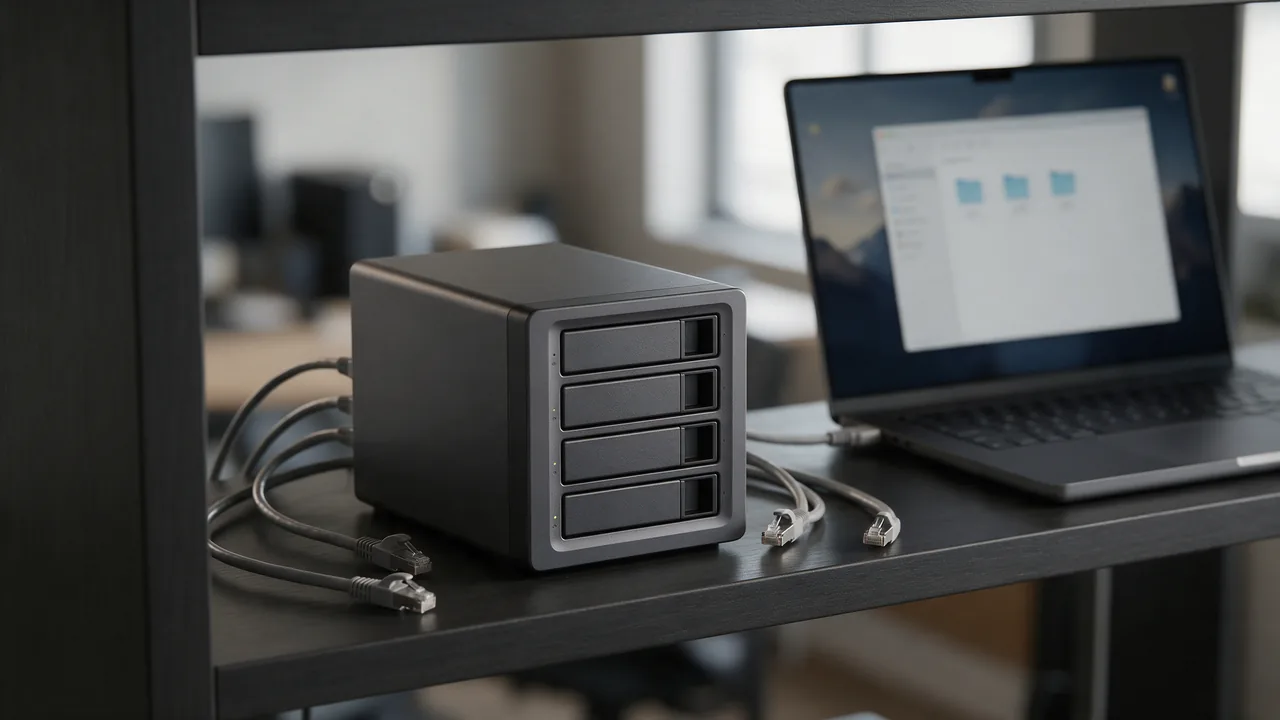
Port 445 (TCP) carries SMB directly over TCP: Windows file and printer sharing, mapped drives and Active Directory traffic (IANA service name microsoft-ds). It replaced the NetBIOS ports 137–139 for SMB. Never expose it to the internet: the EternalBlue exploit (MS17-010) let WannaCry spread through open 445 in May 2017. Allow it only inside the LAN or over a VPN.
Free online tool — ping & port checker: instant results, no signup.
What is port 445
Port 445 is reserved for SMB. Windows File Sharing. WannaCry/EternalBlue exploited port 445. VPN-only access.
Check port openness
Security
Close the port if the service isn't used. For admin ports, require IP whitelist or VPN. Monitor connection attempts via fail2ban.
Understanding SMB Protocol and Its Usage
The Server Message Block (SMB) protocol is a network file sharing protocol primarily used for providing shared access to files, printers, and serial ports. It operates through port 445, allowing applications to read and write to files and request services from server programs in a computer network. SMB is commonly utilized in Microsoft Windows environments, but it is also supported by various UNIX systems through implementations like Samba.
SMB functions on a client-server architecture, where the client initiates a request to the server for resources. Version 1 of SMB has largely been deprecated due to security vulnerabilities, prompting the adoption of SMB2 and SMB3, which introduced enhancements such as improved performance, better security features, and support for larger file sizes.
Furthermore, SMB can be used for various applications beyond file sharing, including:
- Network Browsing: Identifying and accessing shared resources on a network.
- Remote Management: Executing commands on remote machines.
- Authentication: Facilitating user authentication and access control.
For organizations, understanding the workings of SMB is crucial for effective network management and security posture.
Securing Port 445 Against Attacks
Securing port 445 is vital, especially given its history of being exploited in high-profile attacks like WannaCry and EternalBlue. To mitigate risks associated with SMB, several best practices can be adopted:
- Disable SMBv1: If not needed, disable SMB version 1 to eliminate vulnerabilities associated with it. This can be done via PowerShell:
- Implement Firewalls: Use firewalls to restrict access to port 445. Only allow traffic from trusted IP addresses. For example, using Windows Firewall:
- Employ VPNs: Limit SMB traffic to internal networks or through VPNs to create a secure tunnel.
- Regular Updates: Keep systems updated with the latest security patches to protect against known vulnerabilities.
- Network Segmentation: Isolate critical systems to limit exposure to potential attacks on SMB services.
Set-SmbServerConfiguration -EnableSMB1Protocol $false New-NetFirewallRule -DisplayName 'Block SMB' -Direction Inbound -Protocol TCP -LocalPort 445 -Action Block By implementing these measures, organizations can significantly reduce the risks associated with port 445 and enhance their overall security posture.
Monitoring SMB Traffic on Port 445
Monitoring SMB traffic on port 445 is essential for identifying potential security threats and ensuring compliance with organizational policies. Here are some effective methods and tools for monitoring this traffic:
- Wireshark: A network protocol analyzer that can capture and display SMB packets. To filter SMB traffic, use the display filter:
- Windows Event Logs: Enable auditing for SMB access by configuring Group Policy settings. This allows tracking of file access and modifications through the Windows Event Viewer.
- Sysmon: Part of the Sysinternals Suite, Sysmon can log SMB connections and provide detailed information about process creation and network connections. Configure Sysmon to capture SMB events by editing the Sysmon configuration file.
- Intrusion Detection Systems (IDS): Deploy IDS solutions like Snort or Suricata that can be configured to detect anomalous SMB traffic patterns, which may indicate an ongoing attack.
smb By actively monitoring SMB traffic, organizations can quickly respond to suspicious activities, ensuring the integrity and security of their network resources.
Learn more
Sources
Frequently Asked Questions
Why close port 445?
Every open port is a potential entry point. If the service isn't used — close it.
Try the live tool that powered this guide
Free plan — 10 monitors, checks every 5 min, no card required. Upgrade for 1-minute interval and multi-region monitoring.