
NET::ERR_CERT_REVOKED: What Happened
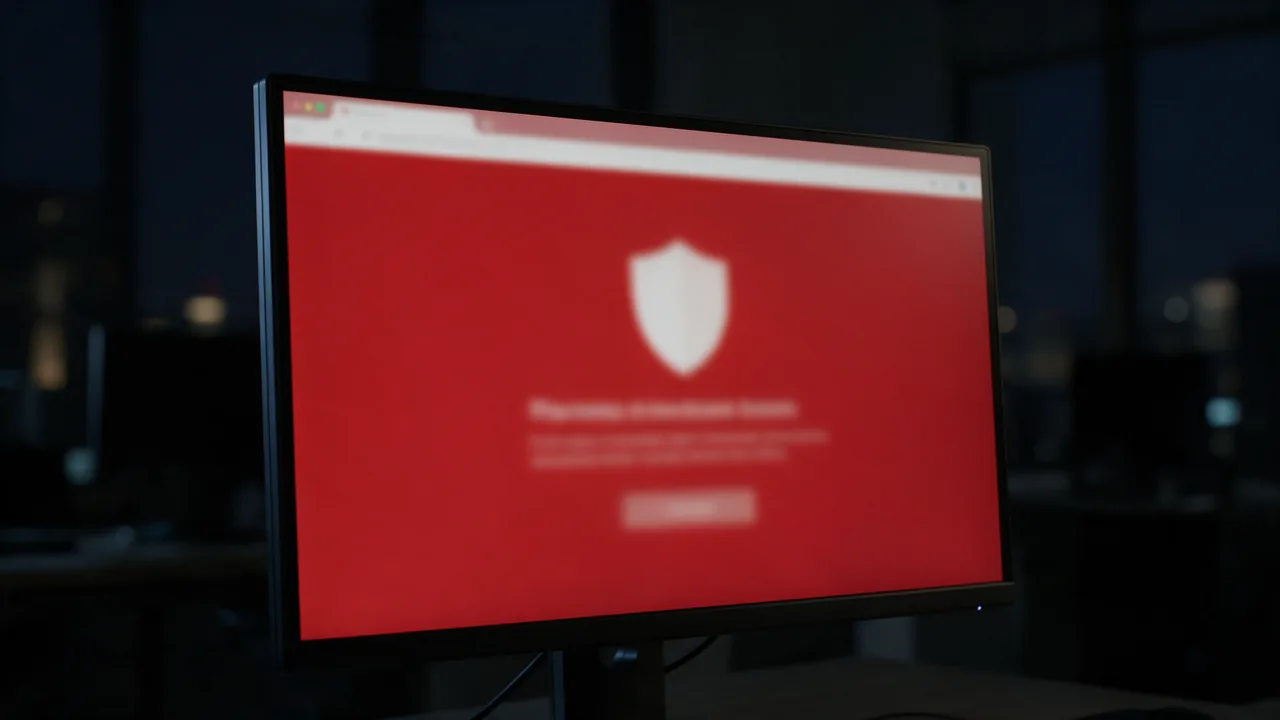
NET::ERR_CERT_REVOKED — your CA (Let's Encrypt, DigiCert) revoked the SSL certificate. Serious: clients can't connect at all. Causes: compromised private key, mis-issuance, CA compliance issue. Solution: immediately issue a new cert and deploy to the server. Find out why via the CA dashboard or email notifications.
This error blocks HTTPS access. Below: causes, fixes, working config, FAQ.
Free online tool — SSL certificate checker: instant results, no signup.
Common Causes
- Compromised private key (leak in git, logs)
- CA detected issuance error, compliance revocation
- Revocation requested via
certbot revoke - Domain ownership changed
- Mass revocation after an industry CVE (rare)
Step-by-Step Fix
- Urgent: issue a new cert.
certbot certonly --force-renewal -d example.com - Deploy on the web server:
nginx -t && systemctl reload nginx - Find reason in CA dashboard (Let's Encrypt — email)
- If private key leaked: generate a fresh RSA pair
- If Must-Staple in cert: refresh OCSP stapling in nginx
Related SSL Errors
TL;DR: Understanding ERR_CERT_REVOKED
The ERR_CERT_REVOKED error indicates that the SSL certificate for a website has been revoked by the Certificate Authority (CA). This can occur due to various reasons, including compromised keys or a change in the ownership of the domain. To resolve this issue, verify the certificate status using tools like openssl or crt.sh and, if necessary, contact the CA for reissuance or replacement of the certificate.
What Causes ERR_CERT_REVOKED?
The ERR_CERT_REVOKED error arises when a web browser detects that the SSL certificate presented by a server has been revoked. This revocation can happen for several reasons:
- Compromised Private Key: If the private key associated with the certificate is compromised, the CA may revoke the certificate to protect users.
- Domain Ownership Changes: If the ownership of a domain changes and the new owner does not have the right to use the existing certificate, it may be revoked.
- Misissuance: Certificates that were mistakenly issued or contain incorrect information can also be revoked to maintain trust.
- CA Policies: CAs have specific policies that may require revocation under certain circumstances, such as non-compliance with security standards.
Understanding these causes is crucial for web administrators and security professionals to maintain the integrity of their SSL/TLS configurations.
How to Diagnose and Resolve ERR_CERT_REVOKED
To diagnose and resolve the ERR_CERT_REVOKED error, follow these steps:
- Check Certificate Status: Use the
opensslcommand-line tool to check the certificate status. Execute the command:
openssl s_client -connect yourdomain.com:443 -statusThis command will attempt to connect to your domain and display the certificate chain and its status. Look for the OCSP response section, which indicates whether the certificate is valid or revoked.
- Consult Certificate Transparency Logs: Use a service like crt.sh to check if your certificate has been logged and if there are any indications of revocation.
Enter your domain name to search for its associated certificates. If the certificate appears as revoked, proceed to the next step.
- Contact Your Certificate Authority: If you confirm that the certificate is revoked, reach out to the issuing CA for further assistance. They may require validation to issue a new certificate.
Be prepared to provide documentation proving your right to the domain and the reason for revocation.
- Reissue the Certificate: Once the CA has verified your request, reissue the certificate. Follow their specific instructions for generating a new CSR (Certificate Signing Request) and submitting it.
For example, you can generate a CSR using the following command:
openssl req -new -newkey rsa:2048 -nodes -keyout yourdomain.key -out yourdomain.csrFollow the prompts to enter your domain information. After submitting the CSR, the CA will provide a new certificate.
- Install the New Certificate: Once you receive the new certificate, install it on your web server. For example, on Apache, you would typically update your
httpd.conforssl.conffiles to point to the new certificate files:
SSLCertificateFile /path/to/yourdomain.crt
SSLCertificateKeyFile /path/to/yourdomain.key
SSLCertificateChainFile /path/to/chainfile.pem
After installation, restart your web server to apply the changes.
- Test the Installation: Use tools like SSL Labs to test your SSL installation and ensure that the ERR_CERT_REVOKED error has been resolved.
By following these steps, you can effectively diagnose and resolve the ERR_CERT_REVOKED error, ensuring a secure connection for your users.
Why teams trust us
How it works
Enter domain
TLS chain verified
Expiry date & vulnerabilities
What Does the SSL Check Cover?
SSL/TLS is the encryption protocol that protects data between the browser and server. Our tool analyzes the certificate, chain of trust, TLS version, and knownvulnerabilities.
Certificate Details
Issuer, validity period, signature algorithm, covered domains (SAN), and validation type (DV/OV/EV).
Chain of Trust
Full chain verification: from leaf certificate through intermediates to root CA.
TLS Analysis
Protocol version (TLS 1.2/1.3), cipher suites, Perfect Forward Secrecy (PFS) support.
Expiry Alerts
Set up a monitor — get Telegram and email alerts 30/14/7 days before expiration.
DV vs OV vs EV Certificates
- Confirms domain ownership only
- Issued in minutes automatically
- Free via Let's Encrypt
- Suitable for most websites
- Most common certificate type
- Organization (OV) or Extended Validation (EV)
- Issued in 1-5 business days
- Costs $50 to $500/year
- For finance, e-commerce, government sites
- Increases user trust
Who uses this
DevOps
SSL certificate monitoring
Security
TLS config audit
SEO
HTTPS as ranking factor
E-commerce
customer trust
Common Mistakes
www and subdomains.Best Practices
Strict-Transport-Security header forces browsers to always use HTTPS.Get more with a free account
SSL certificate monitoring, check history and alerts 30 days before expiry.
Sign up freeLearn more
Sources
Frequently Asked Questions
How long to wait for a new Let's Encrypt cert?
Immediately. Certbot auto-handles. Revocation does not affect rate limit (same 5 requests/week/domain).
Is a revoked cert cached on clients?
Yes if OCSP soft-fail. Rigorous validation (Chrome Must-Staple, Firefox) catches it. Mobile apps — up to 7-day cache.
How do I know the revocation reason?
Let's Encrypt — in email. Commercial CA — in account dashboard.
Check if it's active?
Enterno SSL checker → cert status (Active / Revoked / Expired).
Try the live tool that powered this guide
Free plan — 10 monitors, checks every 5 min, no card required. Upgrade for 1-minute interval and multi-region monitoring.