Monitor checkout as a state sequence: cart, order creation, provider handoff, server callback and paid order. A checkout page returning 200 does not prove payment or fulfillment. Run synthetic payments in a sandbox without real charges.
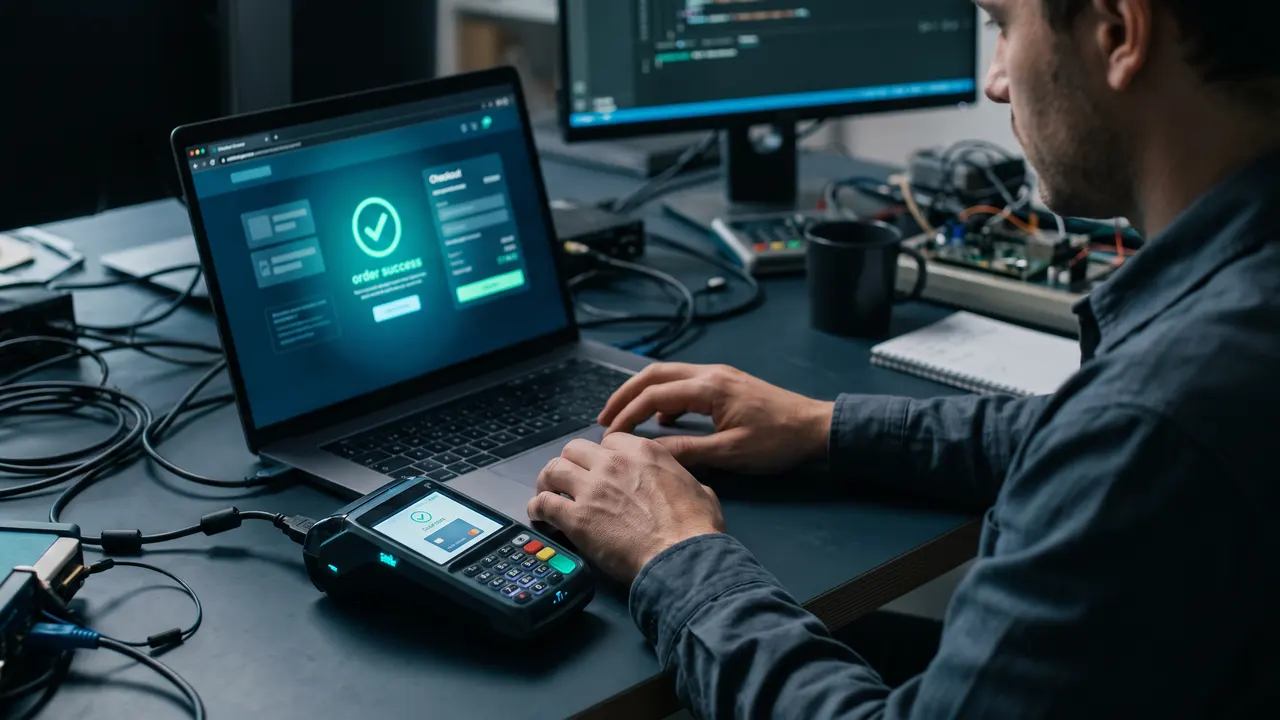
A basic uptime check may remain green while customers lose orders after clicking Pay. The payment page can load but the server callback may never arrive. Or the callback can arrive while the order remains pending. We modeled those transitions on a local fixture and verified that the final state changes only after a server event.
What you need
- A test item and account excluded from real financial reporting.
- A provider test mode with supported payment methods and webhook events.
- Access to order states such as
created,pending,paidand declined. - A run interval that does not overload checkout or create real orders.
Step 1. Map the actual order states
The customer starts in a product page and cart, but the technical path ends later. The browser requests a new order, the server creates a payment session and the customer reaches the provider. The provider then sends a server-side webhook. Your handler maps that event to the order and records paid state. The customer's return to a success page can happen before the callback or may never happen.
Separate the signals. A browser flow tests buttons and navigation. An API check tests event reception. An order-state check confirms the outcome. If your team has only one of these signals, record its blind spot in the incident runbook.
Step 2. Check cart and session creation
Use enterno.io Synthetics for a browser path with a test item. Assert that the cart contains the item and that the server created a new order ID. Unlike a login flow, this check must use a payment-provider sandbox. Do not schedule a real charge on a live card.
If the browser check stops at the provider page, it covers only part of checkout. Add a server-event check or a sandbox API operation. Correlate all events by the new order ID; an old successful order must not hide a failure in the current run.
Step 3. Confirm the server callback
Payment providers usually deliver webhook events asynchronously. Verify the signature, handle duplicate delivery idempotently and commit the final order state. Measure the delay between session creation and callback separately from page load. Do not mark an order paid merely because the browser landed on a success URL.
GET /checkout       → HTTP 200
GET /orders/TEST-ID  → pending
POST /webhook        → HTTP 200, event for TEST-ID
GET /orders/TEST-ID  → paid
# local fixture: pending before callback, paid after callback
This output came from a local model. We did not call a real provider or charge a card. Use the official test cards and events for Stripe or your chosen provider. A direct visit to the success page is not a substitute for a valid server event.
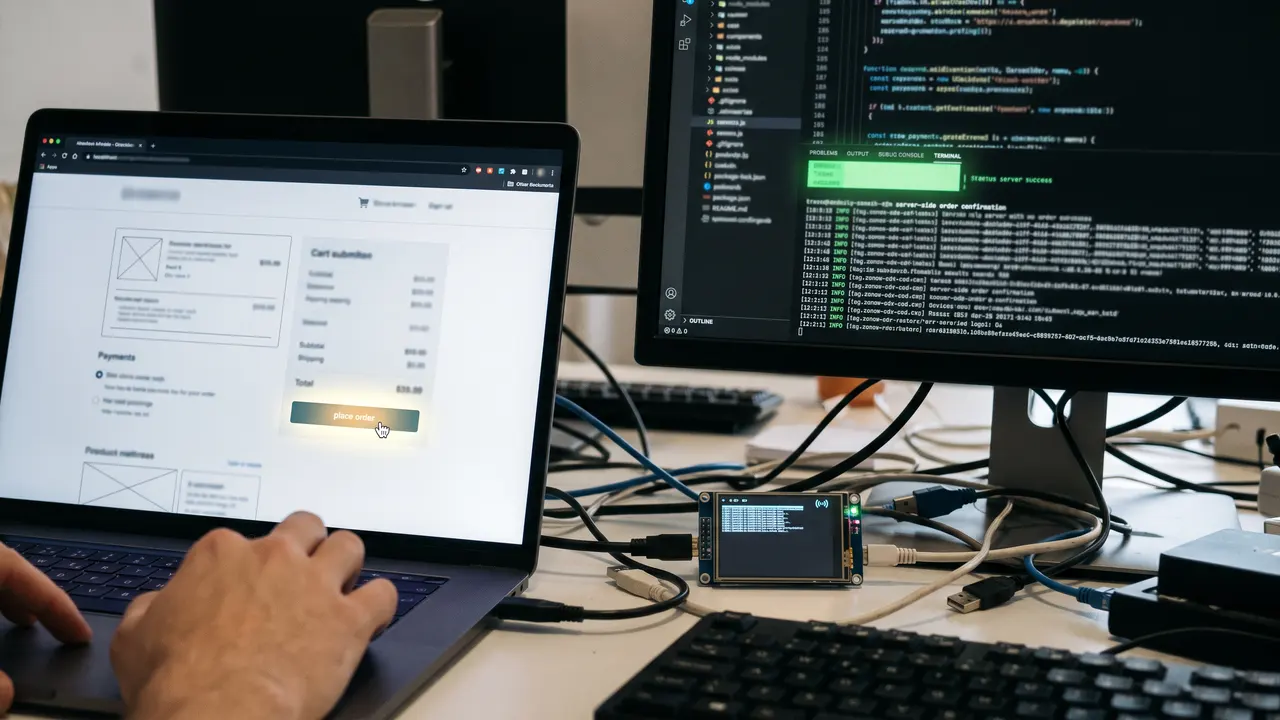
An HTTP 200 checkout page is not a paid order
Join the signals in one log by test operation ID: checkout load, session creation, callback receipt and final state. Use an HTTP/API monitor for a server endpoint and a synthetic browser check for the customer path. An internal order check can send a heartbeat after confirmation. Read the provider status feed for context, but retain your own alert.
| Signal | Confirms | Does not confirm |
|---|---|---|
| Checkout HTTP 200 | Page responded | Order exists |
| Cart changed | UI action worked | Payment accepted |
| Provider loaded | Handoff worked | Webhook arrived |
| Webhook accepted | Server received event | Order updated |
| Order paid | Final state recorded | Goods delivered |
Investigate mismatched states
If session creation fails, inspect your API response and the provider error. If a payment page loads but no callback arrives, inspect webhook URL, TLS, signature validation, retries and the processing queue. If the callback is accepted but the order remains pending, check ID mapping and database transaction failures. A paid order with no delivery needs another fulfillment check.
Do not tell customers an order is paid before server confirmation. Mark sandbox orders and exclude them from revenue metrics. Never store card numbers, CVV or full sensitive provider payloads in monitoring evidence. Use outcome assertions from the browser scenario guide instead of fixed sleeps.
Build a failure matrix for the test order
A payment check is useful when it distinguishes stages. First, make the test item unavailable in staging: the cart should reject it and no payment session should be created. Restore the item and simulate a session-creation error. An order may exist, but it must not be paid. Third, delay the callback: even after a success page loads, the order remains pending until server confirmation. Each probe should lead responders toward a different stage.
Test duplicate webhook delivery. Payment systems may deliver the same event more than once; your handler must not grant goods or send fulfillment twice. Submit an event with the same ID twice in a local environment and verify that the order remains correct. Do not run that fault test against a live shop without a separate procedure, especially if physical delivery follows payment.
Set a maximum wait for each stage. The browser segment may need a short timeout, while an asynchronous callback has a separate window. Choose values from your provider's behavior and allowed order delay. One shared timeout produces an unhelpful “test failed” message. Record transitions in UTC and attach a correlation ID to the entire sandbox transaction.
Keep sandbox activity out of business metrics
Give test orders an unambiguous marker across the application, provider, queue and analytics. Exclude them from revenue, conversion, abandoned-cart email and stock reservation. Even without a charge, a synthetic order can distort reporting or create support work. Use a dedicated item if your business logic permits it, and remove old test objects under a defined retention policy.
Supply payment API secrets through protected variables. Never place them in browser code or article HTML. Redact authorization headers, webhook signatures and personal details from HTTP traces. A public example needs only response statuses, invented IDs and the order-state sequence, as in our local model.
If the provider requires a full browser path, ensure that test mode cannot use live keys. Keep endpoints, keys and webhook secrets separate. Before scheduling recurring tests, run one manual pass and inspect the provider dashboard and order database: the transaction must be marked test and the order must be excluded from live operations.
Confirm recovery with the full path
After repairing one endpoint, an HTTP 200 alone is insufficient. Run a new complete check: cart updated, order created, test provider accepted the operation, a valid callback arrived and the final state was recorded. If events accumulated in a queue, wait for them to drain. Confirm that the test order did not remain pending and that the recovery message refers to this full sequence.
An incident can affect only one payment method or region. Add separate checks for critical combinations, but estimate their cost before multiplying scenarios. Begin with the most used method and expand based on order share and failure history. Give each route a clear alert name so the on-call engineer can tell which method failed.
How we made this
On 14 November 2026 a local HTTP fixture modeled checkout and a server callback. The order was pending before the event and paid after it. We saved the method and result. No Stripe account, bank or production shop was contacted; no real order or charge was made. The recommendation to fulfill from server events was checked against Stripe documentation.
FAQ
Can I use a live card for recurring payment checks?
Use the provider's sandbox. A live card causes real charges, refunds and accounting noise.
Why is the success page insufficient?
A customer may close the tab, and redirect timing can precede the webhook. Confirm the final order state on the server.
How often should the check run?
Choose a cadence based on sales volume and the cost of a test. Start within your tolerated detection time, then measure load and false alarms.