A maintenance window should silence alerts for named monitors over a bounded interval while measurements and independent signals remain visible. In enterno.io, configure the window in the monitors dashboard. Verify the alert route again after it expires; the public v4 API does not expose a maintenance-window creation method.
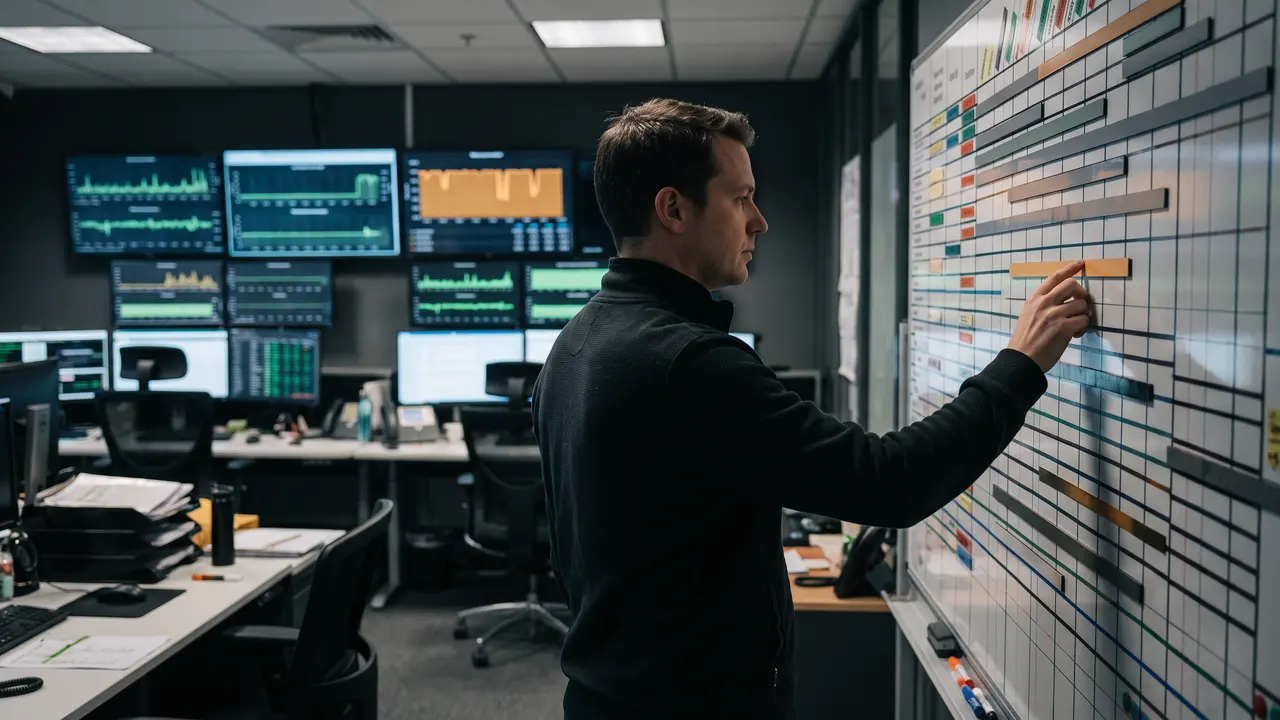
A deploy that briefly restarts a service can produce an expected 503. Paging every responder for that known interval trains people to ignore a page. Leaving the monitor disabled afterwards is worse. A scoped window gives the change an owner and an end time. Prometheus Alertmanager distinguishes silences from alert generation; PagerDuty maintenance windows have different incident-creation semantics. Check the behavior of the system you actually use.
Define the smallest useful window
In enterno monitors, enter a change name, start, end, time zone and explicit monitor selection before touching production. The implementation treats an empty selection on a personal window as all monitors created by its author. A team owner can list team monitors. Old empty-list windows do not silently gain coverage over every team member's checks. Those rules come from the `monitors.php` form and `maintenanceWindowCoversMonitorSql()`, not a guess from the UI label.
Choose a duration that covers the change and a short rollback check. A five-hour silence for a twenty-minute database swap needs an explanation. For repeating windows, inspect the time zone and daylight-saving transition; recurring occurrences are calculated in the window's zone. The escalation policy should say who can end a window early when a deployment is cancelled.
| Signal | During the change | Reason |
|---|---|---|
| Target service HTTP | Scoped window | Restart may briefly return 503 |
| Independent status page | Keep observable | Customers need a truthful view |
| Unrelated payment provider | Keep paging | The change does not explain its failure |
| Backup heartbeat | Decide separately | A missed copy may need immediate action |
Keep the window scoped to the work
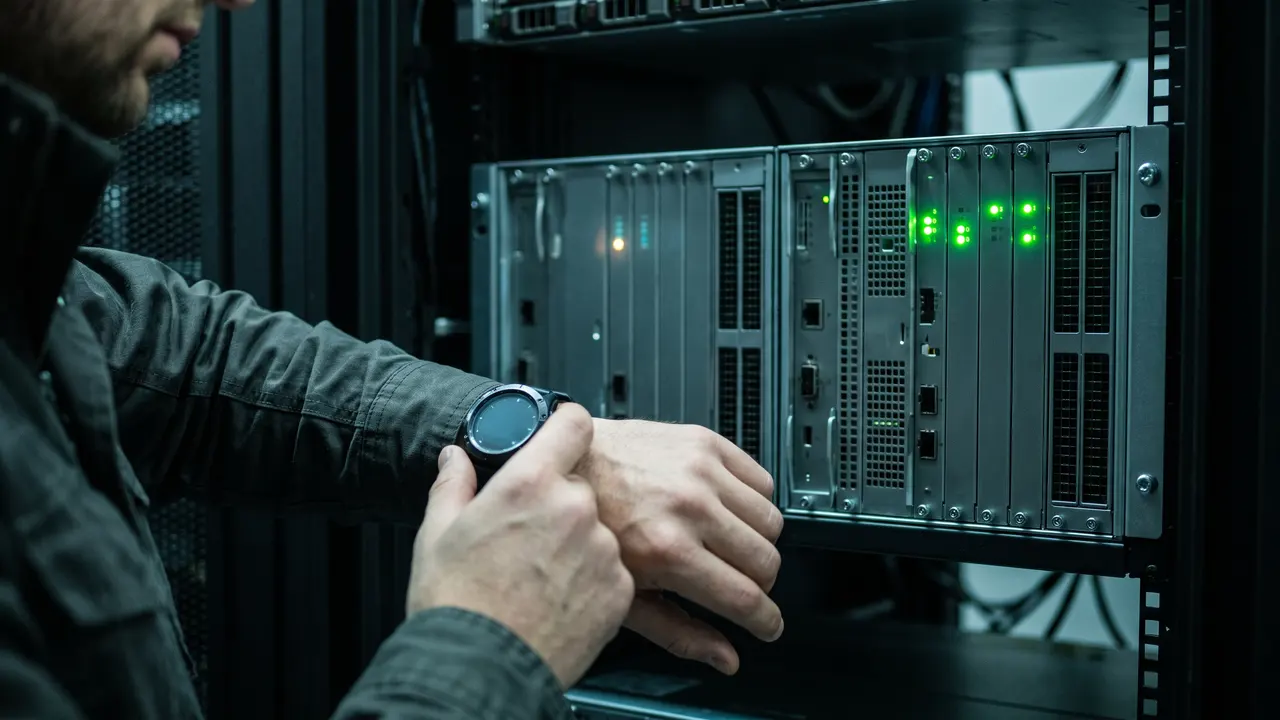
Test with nonproduction monitors. Make the target fail safely while its window is active; verify that the expected notification is held. Make a second, unrelated test monitor fail and confirm that a responder receives it. Repeat the target test after expiry. Do not stop the only production service merely to prove the mute. If regions disagree, use the regional alert guide before broadening a silence.
enterno checks the active window near alert delivery. The response code and recorded incident are separate from the decision to notify. The public status page may display maintenance, but the dashboard can report when its projection has not refreshed after a write. Visit the status page directly to confirm what customers see. A window is not a substitute for a public notice.
Before: target healthy; backup route tested
During: expected target 503; independent signal still observable
After expiry: target recovered; a safe test alert reaches a responder
If you serve a maintenance response to users, HTTP 503 with `Retry-After` can communicate a temporary condition when the expected return time is known. MDN documents that response; it does not configure alert suppression. If an ETA is uncertain, publish the next update time in an incident notice instead. Once the deploy is done, use a body-content check to catch a placeholder served as HTTP 200.
Separate expected maintenance from a new failure
A planned interruption is expected only within the declared service and time. If a payment provider fails while the team migrates the login database, treat it as a separate signal. If work runs beyond the announced end, the old maintenance notice no longer describes the customer experience. Assign a decision maker who can extend the plan, roll back or declare an incident. Record the decision and its time in the incident channel, not only in a private message. Update the public notice once the unexpected impact is confirmed, even if the technical cause is still unknown.
For reporting, distinguish when work began, when customers were affected and when the affected action recovered. These times can be far apart. Do not automatically subtract the whole planned window from uptime: the customer contract may define exclusions differently, and a broad window can hide a real outage. Reconcile the report with raw monitor checks and the actual SLA terms.
Check time zones and recurrence
A browser's local date-time input is easy to misread as UTC. Before saving, ask another participant to repeat the start and end in their own zone and compare it with the displayed schedule. If the on-call team spans countries, include both the local time and UTC in the change record. Pay particular attention to a recurring window around a daylight-saving transition: a local 02:30 may be skipped or occur twice. enterno validates and computes recurring windows in the stored zone, but a team still needs to verify its chosen date and expectation.
Use recurrence for a genuinely recurring operation. A one-off deploy must not leave a weekly silence active for months. When the work schedule changes, remove the stale window and create one with current monitor IDs. When ownership changes, check who can see and remove the window. A clear owner is more valuable than a convenient calendar widget.
Keep one independent path observable
During maintenance, retain at least one signal that can reveal impact outside the changed system. If the login backend is switching, keep the public status page and edge DNS checks observable. If the CDN itself is being changed, an external check through that same CDN is not an independent path; choose a different origin of evidence or a properly authorized origin check. Do not expose a private endpoint to the public internet merely to create a second green light. Independence should improve evidence without increasing attack surface.
Give support a short briefing before work: expected customer effect, affected route, next update time and public notice location. If those four details are still unknown, the window is not ready. After the change, confirm that the monitor records a new healthy check rather than showing a stale pre-change state. Then send a safe test alert through the intended channel. Close the change only after delivery has been verified.
Review a failed window as a process defect
If the window was too broad, identify which alerts it held and how the team learned about the underlying failures. If expected alerts still paged, check the selected monitor ID, time zone and whether the monitor was recreated after the window was set. If the channel stays quiet after expiry, inspect recipient preferences and integration state rather than blaming the calendar by default. Record the result of each drill. A maintenance window should be a tested part of the change procedure, not an assumed safety switch.
How we made this guide
We checked `add_maintenance` in `monitors.php`, `isInMaintenance()` and coverage rules in `src/maintenance.php`, and the alert hold in `AlertService`. No maintenance creation route appears in the public v4 OpenAPI. The original brief's API setup claim was corrected to the dashboard path. SerpAPI captured Google US and Yandex Moscow results; Wordstat region 225 estimated four searches for the narrow Russian phrase, while a second phrase returned no estimate. The table is a proposed operating rule, not a sample of customer incidents.
FAQ
Does a window stop measurement?
Its main purpose is alert routing. Inspect the recorded checks and the channel's behavior after expiry.
Can an empty monitor selection be safe?
It may cover all of the author's monitors. For a single service change, list the intended monitors explicitly.
What if maintenance finishes early?
Remove the window in the dashboard and use a safe test signal to check delivery.
Should customers see the change?
When user impact is expected, publish planned maintenance with a clear update time on the status page.