Configure Slack at the enterno.io account level and Teams or Discord on each monitor using a webhook URL. Route a safe test event and protect each URL as a secret. HTTP success confirms receipt by a platform endpoint, not acknowledgement by an on-call engineer.
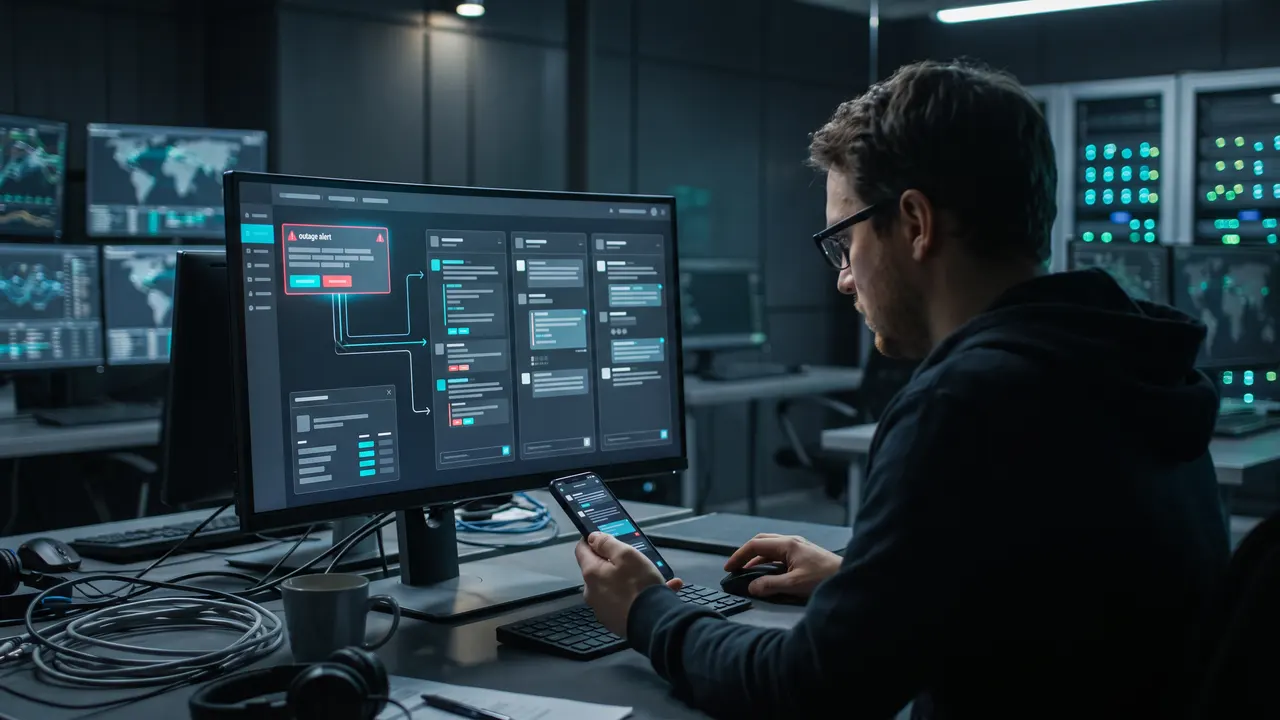
An alert helps only when it reaches the right people with enough detail to act. The three chat routes in enterno.io have different settings. We checked the implementation and posted sample payloads to a local receiver; we did not send messages to real external channels.
What you need
- An enterno.io monitor and access to its settings.
- A webhook created in Slack, Teams Workflows or Discord.
- A test channel with a known owner and access policy.
- A list of events that need an on-call response: failure, recovery and any repeat alert.
Step 1. Choose who receives each alert
Assign routes by ownership. A public-site outage may belong to a general on-call channel, while a payment failure belongs to checkout engineers. Sending every signal to one room creates noise and weakens response. For each route, document response time and the fallback if nobody acknowledges the chat message.
A webhook posts to a selected destination; it does not tell you that a person read it. Critical services need a named responder and a backup route. Recheck ownership when a channel, team or account changes.
Step 2. Configure Slack
Create an incoming webhook using Slack's current documentation and save its URL in enterno.io Integrations. The current site implementation stores Slack at the account level, which works for shared alerting. Plan carefully if different monitors need different destinations.
{"text":"[TEST] Checkout monitor failed: sandbox order stayed pending"}
# sample Slack-shaped payload: local receiver returned HTTP 204
Keep the URL out of tickets, repositories and screenshots. Anyone holding it may be able to post into that channel as the integration. If it leaks, revoke it in Slack and update the saved destination.
Step 3. Configure Teams and Discord
Use the current Teams Workflows webhook for new setups. Legacy Office 365 Connectors have been retired. Save the Teams URL on the intended enterno.io monitor; the site sends an Adaptive Card. Create a Discord channel webhook and save it on that monitor; enterno.io sends an embed. These destinations are monitor-specific, so assign them to each check that needs them.
{"type":"message","attachments":[{"contentType":"application/vnd.microsoft.card.adaptive","content":{"type":"AdaptiveCard","body":[{"type":"TextBlock","text":"[TEST] Monitor failed"}],"version":"1.4"}}]}
# sample Teams-shaped payload: local receiver returned HTTP 204
Your organization's Workflows policy controls whether a Teams flow can be created. Make sure its ownership survives a staff change. Restrict access to Discord channels and protect the webhook URL from screenshots and logs.
Test each channel with a safe event
Use a separate test monitor or mark the event [TEST]. Confirm that it appears in the intended room, names the correct monitor, shows an understandable time and state, and sends recovery through the same route. An HTTP success indicator still does not prove a responder saw it. Agree on acknowledgement time and a backup channel.
| Channel | enterno.io setting | Payload | Verify |
|---|---|---|---|
| Slack | Account integrations | Incoming webhook | Channel and app access |
| Teams | Individual monitor | Workflows Adaptive Card | Flow owner and rendered card |
| Discord | Individual monitor | Webhook embed | Channel and webhook permissions |
Routing does not replace measurement. Choose uptime checks, a browser flow or a private-service heartbeat according to the failure mode. Keep a runbook table of monitor, owner, primary channel and backup.
When delivery fails
| Signal | Inspect | Action |
|---|---|---|
| HTTP 401/403 | URL validity and permissions | Rotate webhook and update secret |
| HTTP 429 | Platform rate limit | Reduce noise and retry later |
| HTTP 2xx, no visible post | Channel and flow history | Trace routing inside the platform |
| Post exists, nobody reacts | On-call ownership | Add backup escalation |
Route alerts by meaning and urgency
Start with an ownership table. For each monitor, record the service, on-call team, primary channel and response target. A public outage message should name the check URL and first failure time. A payment test alert should make clear that it concerns a sandbox order, not a real customer charge. Prefix planned route tests with [TEST] so they cannot be mistaken for an incident.
Do not send every failed attempt as a separate page. One incident can have retries and a recovery event. Responders need the start time, current state, monitor link and a diagnostic action. Decide what happens after recovery too: a chat message can announce a green monitor while a data backlog remains unresolved.
For nighttime incidents, chat alone may be too weak. Define a backup responder and another contact method after a specified delay. This is an operational process; an HTTP webhook response cannot implement human acknowledgement. During a route test, ask the on-call owner to confirm the post. Record when it appeared and when it was acknowledged. That checks the response chain beyond HTTP delivery.
Rotate URLs and retest after administrative changes
A webhook URL grants posting ability to a channel. Store it in a protected integration setting. If it appears in a log, screenshot or public repository, create a replacement in the platform, update enterno.io and revoke the old one. Trigger a test event after rotation: a valid new URL is no help if a monitor still holds the old address.
When a Teams Workflows owner changes, check that the workflow itself remains active. Its lifetime can depend on the creator's account or organization policy. For Discord, verify that the webhook still points to the intended channel after a move. For Slack, confirm that the app retains workspace and channel access. Repeat these checks after platform administration changes even when your monitors have not changed.
Measure delivery delay separately from detection delay. If a check runs every five minutes and the chat platform posts within a second, the responder can still learn of an outage several minutes late. Compare failure time, alert creation time and visible message time. A delay can belong to the check schedule, enterno.io processing, the external platform or the team's acknowledgement process.
A safe end-to-end route test
Use a monitor you can make fail without affecting customers. Notify responders before the test and mark its name [TEST]. Cause a failure, confirm that the intended room receives it, restore the monitor and confirm a recovery message. You should finish with two timestamps and two states. A missing recovery post can leave the room believing the outage is ongoing.
Keep only safe evidence: monitor name, date, HTTP reception status and whether the message appeared. The full webhook URL and sensitive payload do not belong in a public report. Repeat the test after permission changes or an alert-template update. A small scheduled exercise prevents the next real outage from discovering a broken alert route.
How we made this
On 14 November 2026 we checked the site's integration settings and payload builders against official Slack, Microsoft and Discord documentation. Three example payloads were sent to a local HTTP receiver that returned 204. No real channel received a message, so we do not claim end-user delivery was verified.
FAQ
Why is Slack configured in a different place?
The current enterno.io implementation stores Slack in account integrations and Teams or Discord on a monitor. Account for that when dividing alerts across rooms.
Can I use an old Teams connector?
Use a Workflows webhook for a new connection and verify Adaptive Card rendering. Legacy Office 365 Connectors are retired.
Does a 204 response prove a human saw the alert?
No. It only describes the HTTP exchange. Check the message in the room and use an acknowledgement process for critical incidents.