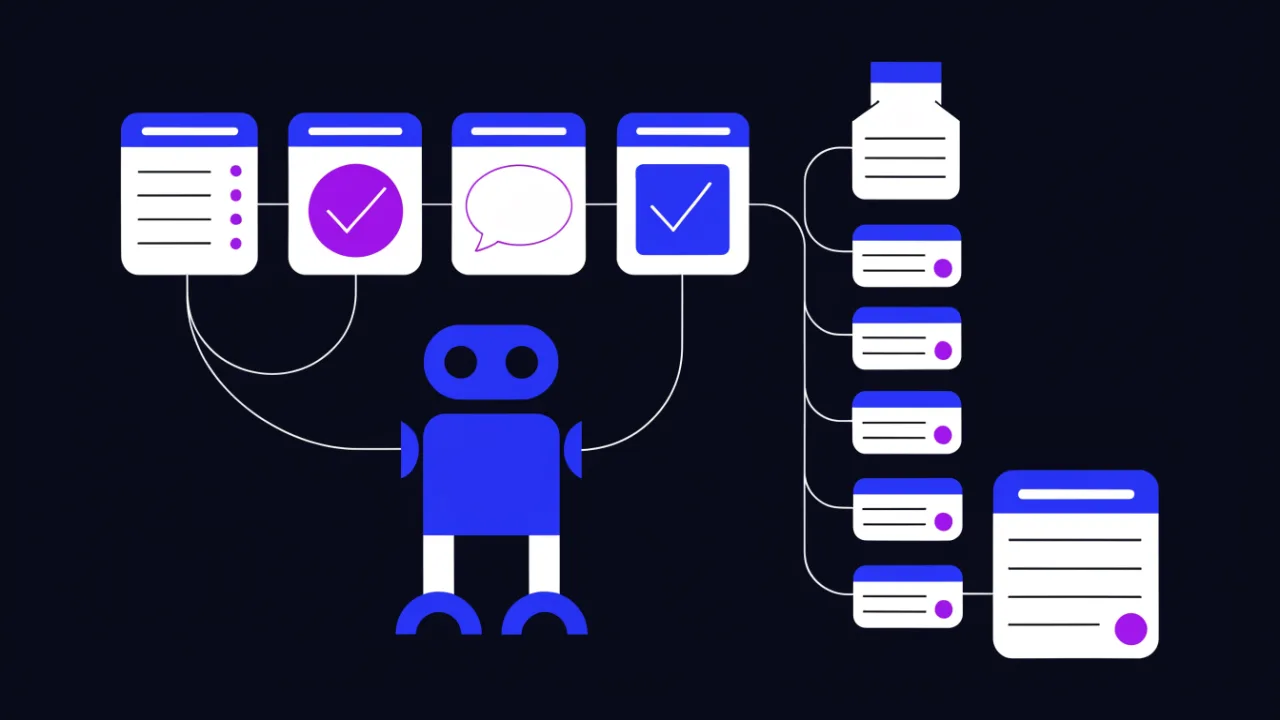
Short answer. AI agents fall into three classes, and each is a different decision for a site owner: training crawlers collect a corpus for model training, index crawlers build the base an assistant answers and cites from, and user-triggered fetchers open one specific link because a human asked. In robots.txt those classes are separated by agent name. Blocking training does not unlearn what was already learned, and blocking user-triggered fetchers hurts your own customers.
How an AI crawler differs from a search robot
The mechanics are identical: a GET over a list of URLs, HTML parsing, storage. What differs is the purpose — and with it, the consequence of a block.
A search robot crawls to build an index that later produces results pages. Block it and you disappear from search: the effect is direct and reversible. AI agents have three distinct purposes, and they are not interchangeable:
- Training. Bulk download into a corpus used to train a model. The effect of blocking cannot be traced to any specific answer: months pass between a crawl and a model release, and your text is not stored inside the model as a retrievable document.
- Index for answers. The bot builds the assistant's own search base. Here the link is direct: in the base means you can be cited with a link; out of the base means you cannot.
- User-triggered fetch. A person handed the assistant a link and it goes to open that link right now. No index, no training — a one-off download for a single answer.
Collapsing all three into one "allow / deny" decision is the most expensive mistake in this area. Formally it is the same User-agent field in the same file; substantively it is three different agreements. How AI agents parse the HTML they receive is covered separately in how AI crawlers read sites.
robots.txt is an agreement, not a barrier. A reputable operator honours it; a disreputable one ignores it and faces no consequence. Technical enforcement lives in the web server and the WAF, not in a text file.

Who trains a model and who answers in real time: the agent table
Below are the tokens that show up most often in logs and in operator documentation. Vendor token sets change over time: before editing your file, check the current documentation of that specific operator rather than copying somebody's ready-made robots.txt off the internet.
| User-agent token | Operator | Class | What blocking it means |
|---|---|---|---|
| GPTBot | OpenAI | Training crawl | Content stays out of training sets; citation is unaffected |
| OAI-SearchBot | OpenAI | Index for answers | The site will not enter the assistant's search base |
| ChatGPT-User | OpenAI | User-triggered fetch | The assistant will not open your link even when your own customer pasted it |
| ClaudeBot | Anthropic | Crawl | Anthropic's main crawler stops walking the site |
| Claude-SearchBot | Anthropic | Index for answers | The site will not enter the assistant's search base |
| Claude-User | Anthropic | User-triggered fetch | The assistant will not open a link on a user's request |
| PerplexityBot | Perplexity | Index for answers | You drop out of the service's sources |
| Perplexity-User | Perplexity | User-triggered fetch | One-off link follows stop working |
| Google-Extended | Control token | Opt-out from use in Google's AI products; Search is untouched | |
| Googlebot | Search index | Full disappearance from Search — and from anything built on top of it | |
| Bingbot | Microsoft | Search index | Disappearance from Bing and from surfaces built on its index |
| Applebot | Apple | Search and assistant | You drop out of Apple's search surfaces |
| Applebot-Extended | Apple | Control token | Opt-out from use of your data in Apple's model training |
| CCBot | Common Crawl | Open corpus | Pages stay out of a public archive many projects rely on |
| Meta-ExternalAgent | Meta | Crawl for AI | Content stays out of the operator's products and datasets |
| Amazonbot | Amazon | Crawl | You drop out of the operator's services |
| Bytespider | ByteDance | Crawl | You drop out of the operator's products |
Two rows in that table deserve their own paragraph.
Google-Extended and Applebot-Extended are not crawlers. They issue no requests, and you will never find them in your logs. They are control tokens: the crawl is performed by the ordinary Googlebot or Applebot, and the token declares whether what was fetched may be used in the operator's AI products. This is the source of a recurring false alarm: "we put a Disallow on Google-Extended and it still crawls us" — it does not; what you see in the log is a different agent.
User-triggered agents (ChatGPT-User, Claude-User, Perplexity-User) are not a crawl of your site. They represent a live person handing an assistant a link: your own documentation, your own product page, your own article. A block here does not protect content — it breaks the scenario in which your customer is trying to understand your product.
Before closing an agent, answer one question: is this bot collecting a corpus, or serving a specific human who is looking at your site right now? The answer flips the decision.
How to allow citation but block training
This is the most common configuration in practice: content stays out of training sets, but the site remains a source that answers link back to.
# --- training crawl: closed ---
User-agent: GPTBot
Disallow: /

User-agent: CCBot
Disallow: /

User-agent: Google-Extended
Disallow: /

User-agent: Applebot-Extended
Disallow: /

User-agent: Meta-ExternalAgent
Disallow: /

# --- index for answers and citation: open ---
User-agent: OAI-SearchBot
Allow: /
Disallow: /admin/
Disallow: /cart/
Disallow: /search

User-agent: Claude-SearchBot
Allow: /
Disallow: /admin/
Disallow: /cart/
Disallow: /search

User-agent: PerplexityBot
Allow: /
Disallow: /admin/
Disallow: /cart/
Disallow: /search

# --- fetch on a direct user request: open ---
User-agent: ChatGPT-User
Allow: /
Disallow: /admin/
Disallow: /cart/
Disallow: /search

User-agent: Claude-User
Allow: /
Disallow: /admin/
Disallow: /cart/
Disallow: /search

User-agent: Perplexity-User
Allow: /
Disallow: /admin/
Disallow: /cart/
Disallow: /search

# --- everyone else ---
User-agent: *
Disallow: /admin/
Disallow: /cart/
Disallow: /search
Disallow: /*?utm_

Sitemap: https://example.com/sitemap.xml
Note the repeated Disallow lines inside every group. That is not redundancy — it follows directly from the matching rules covered in the next section. Utility paths are listed again in each group precisely because the wildcard block will never apply to these agents.
The mirror configuration — open everything for the sake of citability — is perfectly defensible when the content is not the product itself. Then a single wildcard group with utility paths and a Sitemap: line is enough. Complement it with a content map for models — see the llms.txt guide — and a correct sitemap.xml.
How groups are matched and where that goes wrong
The Robots Exclusion Protocol is specified in RFC 9309, and it contains one rule that breaks more configurations than every typo combined: a crawler applies exactly one group — the one that matched its name. The User-agent: * group is used only when no named group matched. Rules are neither inherited nor merged.
Read this file through GPTBot's eyes:
User-agent: *
Disallow: /admin/
Disallow: /internal/

User-agent: GPTBot
Allow: /
The author believed the admin area was closed to everyone and GPTBot merely got an extra allowance. In reality GPTBot reads only its own group, finds Allow: / there, and is granted access to /admin/ and /internal/ as well. Utility paths have to be repeated inside the named group, exactly as in the configuration above.
The other parsing rules worth holding in your head:
- Consecutive
User-agentlines form one group. The rules that follow apply to every agent listed. A blank line between theUser-agentlines and the rules splits the group, and the rules end up somewhere you did not intend. - Agent names are matched case-insensitively, but paths in
AllowandDisalloware case-sensitive./Blog/and/blog/are different paths. - On a conflict the longer rule wins.
Allow: /blog/public/overridesDisallow: /blog/for that subtree. - The file governs a scheme, host and port.
https://example.com/robots.txtsays nothing abouthttp://or abouthttps://shop.example.com/. Every subdomain needs its own file. Crawl-delayis not part of the standard. Some operators honour it, others ignore it. For load control, server-side rate limiting is far more dependable.- The file is cached. Edits are not picked up instantly — usually within a day. Expecting an effect in five minutes is pointless.
A note on outages: an unavailable robots.txt — a 500 or a timeout — is treated by many crawlers as "everything is disallowed". A file generated by the application goes down together with the application. Serve it statically and watch its status code: monitoring is cheaper here than cleaning up afterwards.
Basic file syntax and the general rules for search robots live in the robots.txt guide. This article only covers what is specific to AI agents.
Why Disallow does not remove what was already learned
A training set is a snapshot taken at a particular moment. A rule added today governs future crawls. It has no effect whatsoever on a model that has already been trained and shipped: your text does not sit inside it as a separate document that could be located and deleted.
Three further circumstances cannot be fixed by a file in your document root:
- Copies. Your text may already sit in open archives, aggregators, mirrors and reprints. You do not control their
robots.txt. - Quotes. A restatement of your position inside somebody else's article is somebody else's content, and it stays in the corpus.
- Timing. Months pass between a crawl and a model release. A rule added after the release could not, by definition, have influenced it.
This produces an asymmetry worth planning around:
| What you block | When the effect lands | Verifiability | Reversibility |
|---|---|---|---|
| Training crawl | Deferred, at the next training cycle | Not verifiable: the crawl-to-answer link cannot be traced | The past does not roll back |
| Index for answers | Quickly, as recrawls happen | Visible as links to the site vanish from answers | Full: remove the block, come back |
| User-triggered fetch | Immediately | Visible at once: the assistant reports it was denied | Full |
| Search robot | Quickly | Visible as you drop out of search results | Full, with a reindexing delay |
Read that as follows: blocking training is a bet on the future with an unverifiable outcome, while blocking index and user agents is an immediate, highly visible loss. If the content is your product — research, databases, paid material — the first is justified. If the content is how you attract customers, the second is almost always a net loss.
How a site gets into AI answers at all, and what governs that beyond access, is covered in how to appear in AI answers and in the GEO guide.
robots.txt, noindex and X-Robots-Tag: what controls what
These three get confused constantly, yet they solve different problems at different stages.
| Mechanism | What it tells the bot | Does it need page access | Where it lives |
|---|---|---|---|
Disallow in robots.txt | "Do not request this URL" | No — the bot never downloads the page | A file in the host root |
noindex meta tag | "Download it, but keep it out of results" | Yes — otherwise nobody reads the directive | The page HTML |
X-Robots-Tag: noindex | The same, and it works for non-HTML too | Yes | An HTTP response header |
Content-Signal | "Here are the permitted uses" | No | A line in robots.txt |
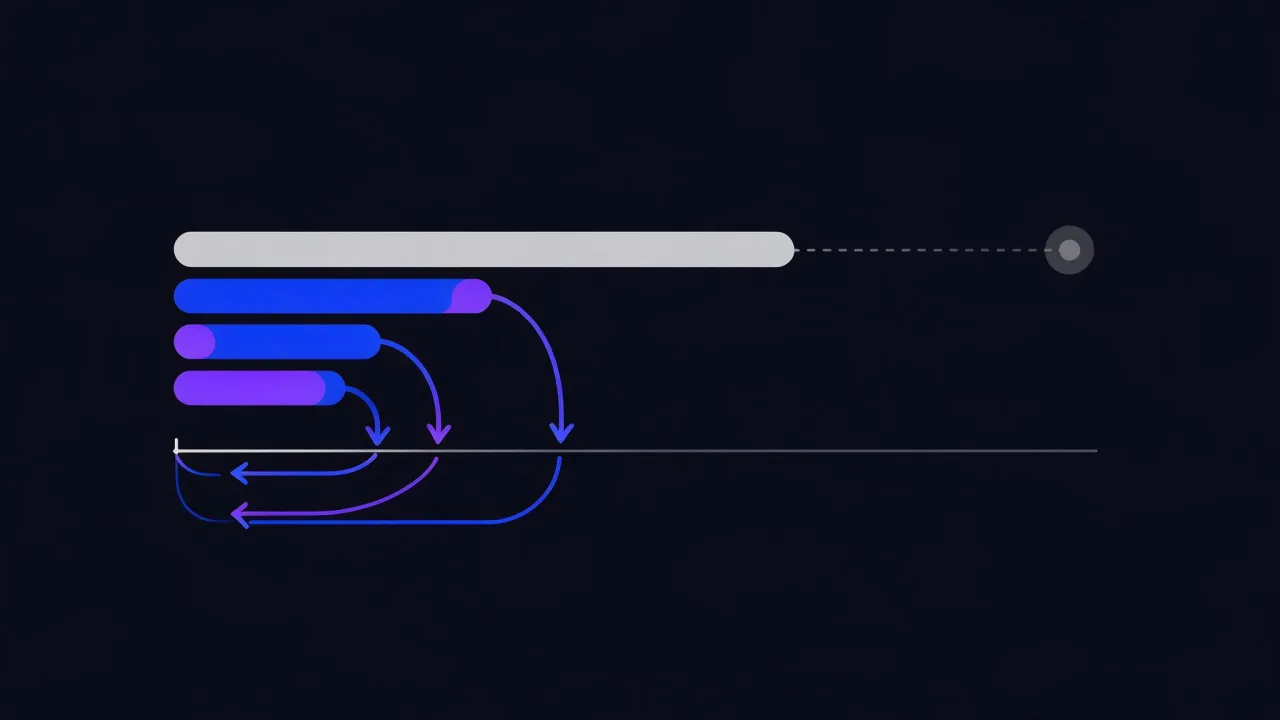
The main trap follows straight from that table: Disallow and noindex do not work together. A page closed in robots.txt is never downloaded, so the noindex inside it is never read. The URL can still linger in results as a bare link with no description: the robot knows the page exists but has no idea what is on it. If you need something out of the index, leave access open and serve noindex.
The X-Robots-Tag header is the tool of choice where an HTML tag has nowhere to live: PDFs, images, exports. You can confirm the header is actually served with the HTTP header analyzer, or from the shell:
# does a bot see indexing directives in the headers
curl -sSI -A 'GPTBot' https://example.com/docs/manual.pdf \
  | grep -iE '^(x-robots-tag|content-type|http/)'

# and what robots.txt itself returns — the status code matters more than the body
curl -sSI https://example.com/robots.txt | head -1
curl -sS  https://example.com/robots.txt | head -40
A separate word on non-standard tokens such as noai and noimageai inside X-Robots-Tag: they are promoted by individual platforms, they are not part of any standard, and support is not guaranteed. Adding them does no harm; relying on them as a protection mechanism does.
Content-Signal: what it gives you and what it does not
The idea is to replace a blunt allow-or-deny with a declaration of permitted uses: search, model training, use as context for an answer. The syntax sits in robots.txt alongside the ordinary directives:
User-agent: *
Content-Signal: search=yes, ai-train=no, ai-input=yes
Allow: /
Disallow: /admin/

Sitemap: https://example.com/sitemap.xml
This declares that indexing for search is fine, training a model is not, and using the page as context while composing an answer is allowed. The logic mirrors the "citation without training" configuration above, but expressed in one line and without binding to specific agent names — which is its main advantage: an agent you have never heard of falls under the declaration automatically.
Honest assessment of maturity: this is an evolving initiative. Work on machine-readable expression of content-usage preferences is under way in a dedicated IETF working group, the syntax and value set may still change, and operator support varies. Practical conclusions:
- Adding the directive is safe: agents without support simply skip a line they do not recognise.
- It blocks nothing technically — it is a declaration of intent, not an enforcement mechanism.
- It does not replace named groups. Until support is universal, keep both forms in the file.
- It has value beyond bots: it is a written, dated policy you can point at.
How to check your logs for who actually showed up
The file in your document root describes intent. The logs describe fact, and the two almost always diverge. Start with who visits at all:
# top AI agents for a period, from an nginx log in the combined format
grep -Ei 'gptbot|oai-searchbot|chatgpt-user|claudebot|claude-user|claude-searchbot|perplexitybot|perplexity-user|ccbot|bytespider|amazonbot|meta-externalagent|applebot' \
    /var/log/nginx/access.log \
  | awk -F'"' '{print $6}' \
  | sed -E 's/.*(GPTBot|OAI-SearchBot|ChatGPT-User|ClaudeBot|Claude-User|Claude-SearchBot|PerplexityBot|Perplexity-User|CCBot|Bytespider|Amazonbot|Meta-ExternalAgent|Applebot).*/\1/I' \
  | sort | uniq -c | sort -rn
Then find out what the bot actually takes and with which status. In the combined format, fields $9 and $7 are the status and the requested path:
# which pages are served to a given agent, and with what status
grep -i 'gptbot' /var/log/nginx/access.log \
  | awk '{print $9, $7}' | sort | uniq -c | sort -rn | head -20

# how many unique addresses claimed to be this agent
grep -i 'claudebot' /var/log/nginx/access.log \
  | awk '{print $1}' | sort -u | wc -l

# hourly distribution: is one agent ramping up its load
grep -i 'perplexitybot' /var/log/nginx/access.log \
  | awk -F'[:[]' '{print $2, $3}' | sort | uniq -c
How to read the results:
- Zero requests from an agent you allowed. That is normal — crawling is never guaranteed. But check the status code of
robots.txt: a 5xx there closes you to everyone. - Requests from an agent you blocked. Three causes: the cached file has not refreshed, the file is served with an error, or the visitor is not who it claims to be. The last one is verified in the next section.
- Lots of 404s and 301s for a bot. It is walking stale links — check your sitemap and your broken links.
- A sharp jump in request volume. Crawling heavy pages can cost real resources; the answer there is rate limiting, not a ban.
If your logs are awkward to read or use a non-standard format, start with reading nginx logs. One more caveat: behind a reverse proxy your log holds the proxy address rather than the bot's — the real one lives in the X-Forwarded-For header.
Forged User-Agents and reverse DNS verification
User-agent is an ordinary string written by the sender. Anyone can claim to be GPTBot, and in practice people do: a well-known bot name is a convenient way to slip past naive blocks and harvest content.
The dependable way to confirm identity is forward-confirmed reverse DNS: resolve the address to a name, resolve that name back, and compare it with the original address. Forging that requires control over the provider's reverse zone.
# 1. what name does the address announce
dig +short -x 203.0.113.10

# 2. does that name resolve back to the same address
dig +short crawler.example-operator.com

# 3. the same in bulk for every address claiming to be the bot
grep -i 'gptbot' /var/log/nginx/access.log \
  | awk '{print $1}' | sort -u \
  | while read ip; do
      name=$(dig +short -x "$ip" | head -1)
      back=$(dig +short "${name%.}" | head -1)
      if [ -n "$name" ] && [ "$ip" = "$back" ]; then
        echo "$ip CONFIRMED $name"
      else
        echo "$ip UNCONFIRMED ${name:-no-ptr}"
      fi
    done
An important caveat so you do not draw a false conclusion: UNCONFIRMED is not the same as "forged". Some operators do not publish reverse zones for their crawlers at all and instead publish machine-readable lists of IP ranges. In that case verification means checking membership in the operator's official range list, not reverse DNS. Before blocking on the output of this script, look at what the specific vendor actually publishes.
How reverse zones and PTR records work is explained in the reverse DNS article.
Never block on a User-agent string match alone: you punish the well-behaved and miss exactly the people you were worried about. Blocking a confirmed address works; blocking a name only works against the lazy.
Hard blocking: nginx, Apache and rate limiting
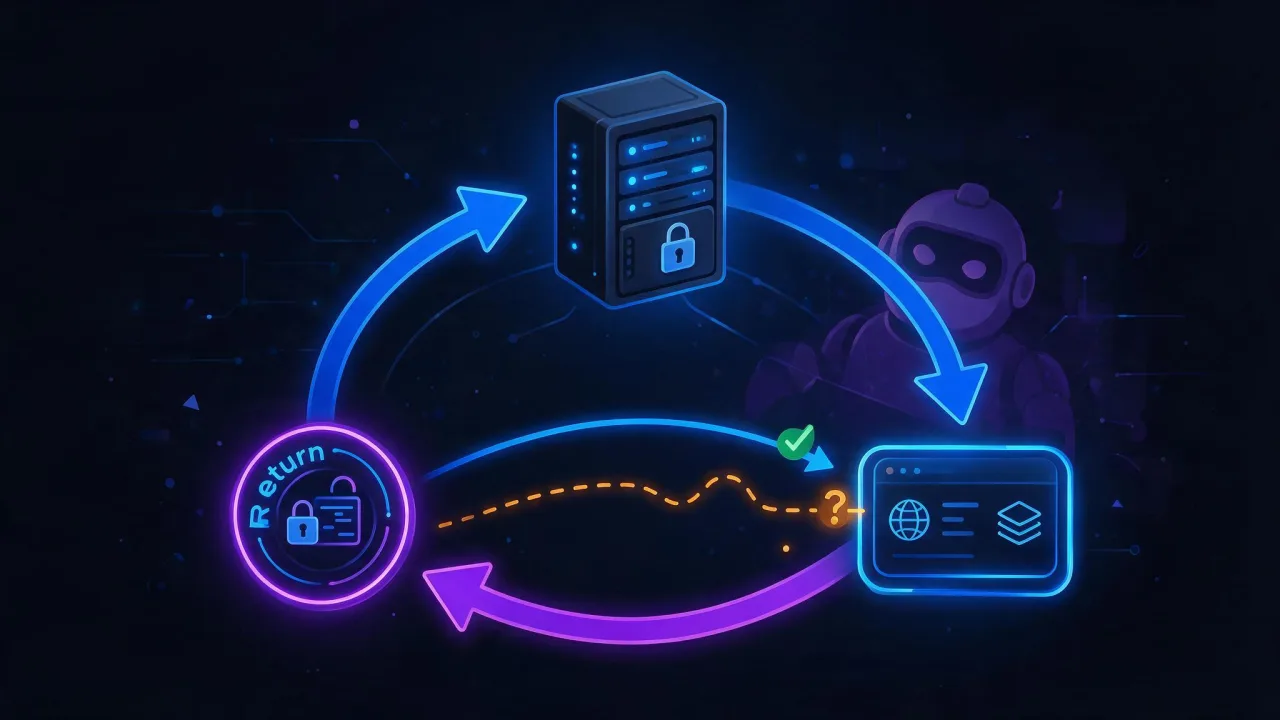
Once a decision has to be enforced rather than declared, enforcement belongs in the web server. For nginx: a map in the http context and a check where you need it.
# http context
map $http_user_agent $ai_blocked {
    default                  0;
    "~*gptbot"               1;
    "~*ccbot"                1;
    "~*bytespider"           1;
    "~*meta-externalagent"   1;
}

# server context
if ($ai_blocked) {
    return 403;
}
The same thing in Apache with mod_setenvif and mod_authz_core:
BrowserMatchNoCase "GPTBot"     ai_blocked
BrowserMatchNoCase "CCBot"      ai_blocked
BrowserMatchNoCase "Bytespider" ai_blocked

<RequireAll>
    Require all granted
    Require not env ai_blocked
</RequireAll>
Three remarks that apply to both:
- A
User-agentstring check is bypassed in a second. It stops well-behaved crawls — that is, exactly the ones that would have honouredrobots.txtanyway. Against deliberate harvesting you need another layer: application firewall rules and behavioural signals. - Often the real goal is not "keep them out" but "do not let them take the server down". Then the right instrument is request rate limiting and a proper 429 with a Retry-After header, not a 403. A well-behaved crawler understands 429 and slows down.
- A 403 served to a search robot is a way to fall out of search entirely. Check your regular expressions:
~*bothappily matchesGooglebottoo.
Common mistakes: symptom, cause, check, fix
| Symptom | Cause | How to check | Fix |
|---|---|---|---|
A bot ignores the User-agent: * block | It has a named group, so the wildcard never applies | Look for a group carrying that agent's name | Repeat the utility Disallow lines inside the named group |
| An agent is blocked but keeps crawling | Cached file, a serving error, or a forged name | Status code of robots.txt plus reverse-DNS confirmation | Serve the file statically, wait a day, block by address |
| The site vanished from AI answers after an edit | An index or user agent was blocked instead of a training one | Recheck the class of every token against the table above | Restore access for index and user-triggered agents |
Zero log entries for Google-Extended | It is a control token, not a crawler | Search the logs for Googlebot instead | Nothing to fix — that is the design |
| Rules have no effect on a subdomain | The file governs scheme, host and port | Open the subdomain's own robots.txt | A separate file per host |
robots.txt returns 500 during an outage | The file is generated by the application | curl -sSI against the file URL | Static serving, independent of the backend |
| Everything got blocked by accident | Disallow: / left in the wildcard group after debugging | Validate the file with a tool before deploying | Put a robots.txt check in the build pipeline |
| A bot downloads heavy pages and load grows | No rate limiting in place | Top paths for that agent from the logs | Rate limit and answer 429, not 403 |
| The block also caught search robots | An overly broad regular expression | Request with -A 'Googlebot' and check the status | Exact names instead of ~*bot |
How to check it with enterno.io
- robots.txt checker — parses the file by groups exactly the way a crawler does and shows which rules apply to a given agent.
- AI readiness check — an end-to-end assessment: access, structure, markup, content map.
- llms.txt checker — validation of the content map for models.
- HTTP header analysis —
X-Robots-Tag, status codes, redirects for different agents. - Monitoring — watch the availability of
robots.txt: a 500 on that URL costs more than a 500 on most pages. - SEO audit — confirm you did not lock out search robots along with the AI agents.
Checklist
- Every token in the file is assigned to a class: training, index, user-triggered fetch.
- The decision for each class was made deliberately, not copied from somebody else's file.
- Utility paths are duplicated in every named group, not only in
User-agent: *. - A
Sitemap:line is present and the sitemap answers with 200. robots.txtis served statically and does not depend on the application being up.- The status code of
robots.txtis monitored. - Every subdomain has its own file.
- Logs have been reviewed: the agents that arrived match the agents you expected.
- Suspicious agents are confirmed by reverse DNS or by an official range list.
- Load protection uses rate limiting and 429, not 403.
- Blocking regular expressions do not catch search robots.
- The file is validated by a tool before deploy, not after complaints.
FAQ
Do AI bots obey robots.txt?
Large operators declare compliance and mostly deliver it — reputational damage costs them more than your content is worth. Small and deliberately abusive harvesters ignore the file, and no penalty exists for that. So treat robots.txt as a tool for managing the well-behaved, not as protection from everyone.
Will Google-Extended block my normal search presence?
No. It is a separate control token: it governs whether fetched data may be used in the operator's AI products, and it affects neither Googlebot crawling nor indexing nor rankings. The crawl continues exactly as before.
Should I block every AI bot at once?
Almost never. That single move simultaneously protects against training — a deferred, unverifiable effect — and removes you from citations, an immediate and very visible one. The sensible split runs along the class of agent, not across the whole list.
What about CCBot?
CCBot builds an open archive used by a great many projects, research included. Whether to allow it is a policy question about training data. Bear in mind that closing CCBot also removes you from entirely benign academic datasets.
Does Content-Signal work today?
It is an evolving initiative with standardisation in progress, and operator support varies. Adding the directive is safe — agents without support just skip it. But do not expect it to replace named groups yet: keep both records in the file.
Can I remove my content from an already-trained model?
Not with robots.txt: the file governs future crawls, not the contents of a shipped model. If the question matters to you, look at the opt-out forms and legal procedures of the specific operator — that is a matter of agreements and law, not of web server configuration.
Do I still need llms.txt if robots.txt is configured?
They are different layers: robots.txt answers "who is allowed", llms.txt answers "what matters here". The second does not replace the first and grants no access by itself. Details in the llms.txt guide.
Where to go next: the robots.txt fundamentals guide, how AI crawlers read sites, Schema.org markup for AI search, the AI readiness checklist, and how to earn citations.