A subnet mask is a 32-bit value that splits an IPv4 address into a network part and a host part. 255.255.255.0 and /24 are the same mask written two ways: the first 24 bits identify the network, the last 8 identify devices. A /24 holds 256 addresses, of which 254 are usable hosts.
What a subnet mask actually does
An IPv4 address is 32 bits, written as four numbers for convenience: 192.168.10.25. The address alone does not say where the "street" ends and the "house number" begins. The mask draws that line.
A mask is 32 bits too, but strictly ordered: ones first, then zeros, never mixed. Ones mark network bits, zeros mark host bits. Hence two equivalent notations:
- Prefix (CIDR) notation:
192.168.10.25/24— "the first 24 bits are the network". - Dotted-decimal notation: mask
255.255.255.0— the same 24 ones, spelled out per octet.
The practical consequence is singular: devices sharing the network part talk directly, everything else goes through the gateway. Before sending a packet, a host performs a bitwise AND of its own address with its mask, does the same for the destination, and compares the two results. Equal results mean "same subnet, deliver locally via ARP"; different results mean "hand it to the default gateway". Get the mask wrong and two machines sitting next to each other stop seeing one another.
  192.168.10.25   = 11000000.10101000.00001010.00011001
  255.255.255.0   = 11111111.11111111.11111111.00000000
  AND             = 11000000.10101000.00001010.00000000  → 192.168.10.0 (network)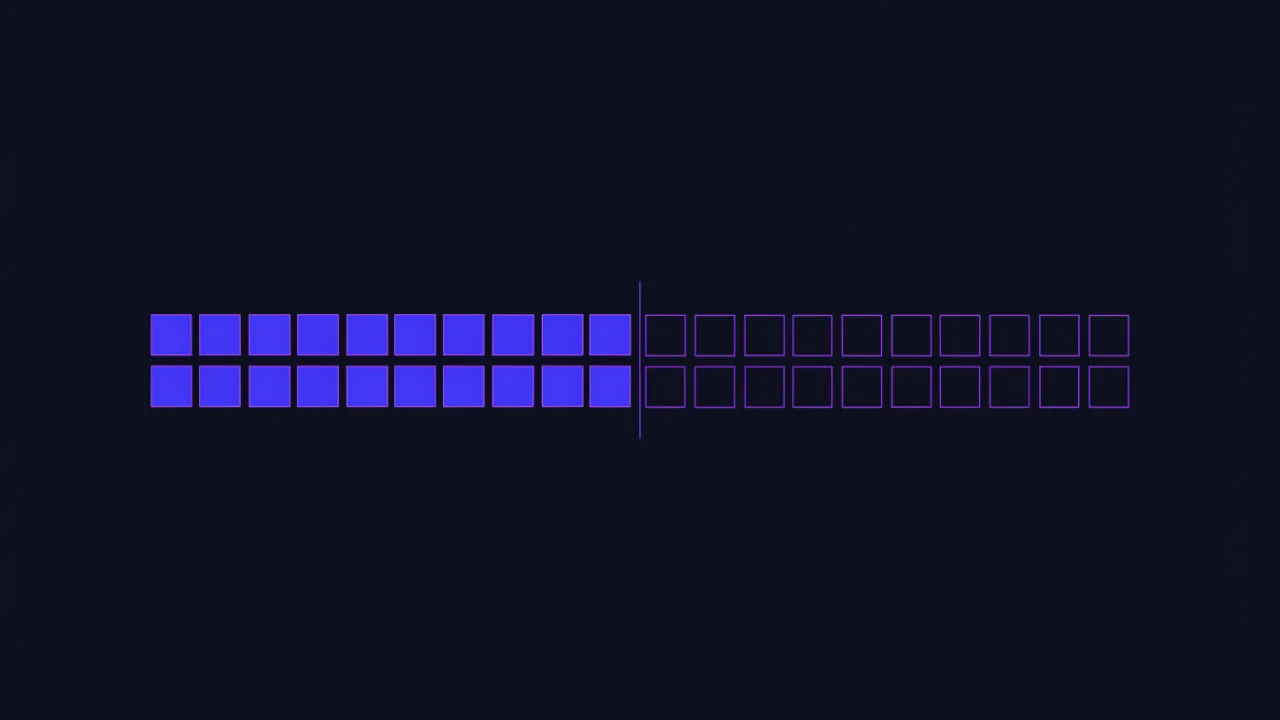
Subnet mask table: /8 to /32 (cheat sheet)
This is the table most people came for — a subnet mask list you can keep open while writing a config. "Addresses" is the total in the subnet; "hosts" is how many you can actually assign to devices.
| Prefix | Mask | Addresses | Hosts | Where you meet it |
|---|---|---|---|---|
/8 | 255.0.0.0 | 16,777,216 | 16,777,214 | The whole 10.0.0.0/8 private range |
/12 | 255.240.0.0 | 1,048,576 | 1,048,574 | The 172.16.0.0/12 private range |
/16 | 255.255.0.0 | 65,536 | 65,534 | The 192.168.0.0/16 private range |
/20 | 255.255.240.0 | 4,096 | 4,094 | An ISP or data-center segment |
/22 | 255.255.252.0 | 1,024 | 1,022 | A large office network |
/23 | 255.255.254.0 | 512 | 510 | Two consecutive /24 subnets |
/24 | 255.255.255.0 | 256 | 254 | The typical office and home network |
/25 | 255.255.255.128 | 128 | 126 | Half of a /24 |
/26 | 255.255.255.192 | 64 | 62 | A quarter of a /24, one department |
/27 | 255.255.255.224 | 32 | 30 | A small group of devices |
/28 | 255.255.255.240 | 16 | 14 | A rack or a set of servers |
/29 | 255.255.255.248 | 8 | 6 | An access point, a tiny segment |
/30 | 255.255.255.252 | 4 | 2 | A point-to-point link, the classic choice |
/31 | 255.255.255.254 | 2 | 2 | A point-to-point link per RFC 3021 |
/32 | 255.255.255.255 | 1 | 1 | A single address: firewall rule, host route |
Note the last two rows breaking the "minus two" rule. That is not a typo — see below. The prefixes skipped here follow the same pattern: every step of one bit doubles or halves the block, so /17 is 255.255.128.0 with 32,768 addresses and /21 is 255.255.248.0 with 2,048.
The only eight numbers a mask octet can hold
Because mask bits are contiguous, a single octet of a valid mask can only take nine values: 0 plus the eight below. Memorize this row and you can convert any prefix to dotted-decimal in your head: count how many full octets of 255 you have, then take the leftover bits from this table.
| Bits set in the octet | Binary | Decimal | Block size (256 − value) |
|---|---|---|---|
| 1 | 10000000 | 128 | 128 |
| 2 | 11000000 | 192 | 64 |
| 3 | 11100000 | 224 | 32 |
| 4 | 11110000 | 240 | 16 |
| 5 | 11111000 | 248 | 8 |
| 6 | 11111100 | 252 | 4 |
| 7 | 11111110 | 254 | 2 |
| 8 | 11111111 | 255 | 1 |
Example: /19 = two full octets (16 bits) + 3 bits = 255.255.224.0. And anything outside this list — 255.255.255.100, 255.0.255.0 — is not a valid subnet mask at all; operating systems and routers reject it.
Is 255.255.255.0 the same as /24?
Yes, exactly the same. Write out 255.255.255.0 in binary and you get three octets of eight ones followed by eight zeros: 8 + 8 + 8 = 24 network bits. The /24 suffix is simply the count of those ones. The prefix form is shorter and standard in configuration files, cloud consoles and documentation; the dotted-decimal form survives in operating-system dialogs, DHCP settings and router web interfaces. When a form asks for a "netmask" and you only know the prefix, the table above is the translation.
One trap: /24 is a property of the network, not of the address. 192.168.1.0/24, 10.20.30.0/24 and 203.0.113.0/24 all use the same 255.255.255.0 mask and have nothing else in common.
What is a 255.255 subnet?
"A 255.255 subnet" is usually shorthand for 255.255.0.0, which is a /16: the first two octets are the network, the last two are hosts. That gives 65,536 addresses and 65,534 usable hosts — for example 172.20.0.0 through 172.20.255.255. Before CIDR it was called the default "Class B" mask.
People also say "255.255" when they mean a mask that starts with 255.255 — anything from /16 to /32. The third octet then tells you the real size: 255.255.255.0 is a /24, 255.255.252.0 a /22, 255.255.0.0 a /16. A /16 on a home or small-office LAN is almost always a mistake: every broadcast (ARP, DHCP discovery, mDNS) is flooded across a domain sized for tens of thousands of devices, and access rules written against it cover far more than intended.
Class A, B and C masks — and why they no longer define anything
| Historical class | First octet | Default mask | Prefix |
|---|---|---|---|
| Class A | 1–126 | 255.0.0.0 | /8 |
| Class B | 128–191 | 255.255.0.0 | /16 |
| Class C | 192–223 | 255.255.255.0 | /24 |
Classful addressing was replaced by Classless Inter-Domain Routing, described today in RFC 4632. The first octet no longer implies a mask: a 10.x address can live in a /24, and a 192.168.x address in a /16. Some operating systems still pre-fill the "class default" when you type an address into a dialog — that pre-filled value is a guess, not the truth for your network.
Why two addresses are subtracted
Every ordinary subnet reserves two addresses that are never handed to devices:
- The network address — the very first one, all host bits zero. For
192.168.10.0/24that is192.168.10.0. It names the subnet itself and appears in routing tables. - The broadcast address — the very last one, all host bits set:
192.168.10.255. A packet sent there reaches every device in the subnet at once.
Hence the rule: hosts = 2(32 − prefix) − 2. For /24 that is 256 − 2 = 254; for /29, 8 − 2 = 6.
There are exactly two exceptions. A /31 for router-to-router links allocates neither a network nor a broadcast address — both addresses are usable, which is the point of it (RFC 3021). And a /32 is not really a subnet at all but one specific address: a host route or a firewall rule.
The classic beginner mistake is "I need 30 devices, so I'll take a /30". The prefix number is not the device count: a/30gives two hosts, while thirty fit into a/27— and only just, with no room for growth and no allowance for the gateway. Read the table instead of trusting intuition.
What is the subnet mask of 192.168.1.1/24?
The /24 already answers it: the mask is 255.255.255.0. Worked through fully:
| Field | Value for 192.168.1.1/24 |
|---|---|
| Subnet mask | 255.255.255.0 |
| Network address | 192.168.1.0 |
| First usable host | 192.168.1.1 (usually the router itself) |
| Last usable host | 192.168.1.254 |
| Broadcast address | 192.168.1.255 |
| Usable hosts | 254 (253 for other devices once the router takes one) |
| Wildcard (inverse) mask | 0.0.0.255 |
Without a prefix, the question "what is the subnet mask for 192.168.1.1?" has no single answer. Home routers ship with 255.255.255.0 by convention, but that is a default, not a property of the address: the same router can be configured for a /25 or a /23. The real value lives in the device's configuration — see the next section. If you are trying to reach the router's admin page rather than calculate its network, that is covered in 192.168.1.1 router login.
Calculating the network, broadcast and host range
Take 192.168.10.25/27 and work it through — this is the interview question and the server-configuration task in one, and a good subnet mask example because the boundary falls inside the last octet.
- Find the subnet step. A
/27is mask255.255.255.224. Step = 256 − 224 = 32, so subnets start at 0, 32, 64, 96, 128, 160, 192, 224. - Locate your subnet. The last octet is 25, which falls in the 0–31 block. Network address:
192.168.10.0. - Broadcast is the last address of that block:
192.168.10.31. - Host range is everything between:
192.168.10.1through192.168.10.30— thirty addresses.
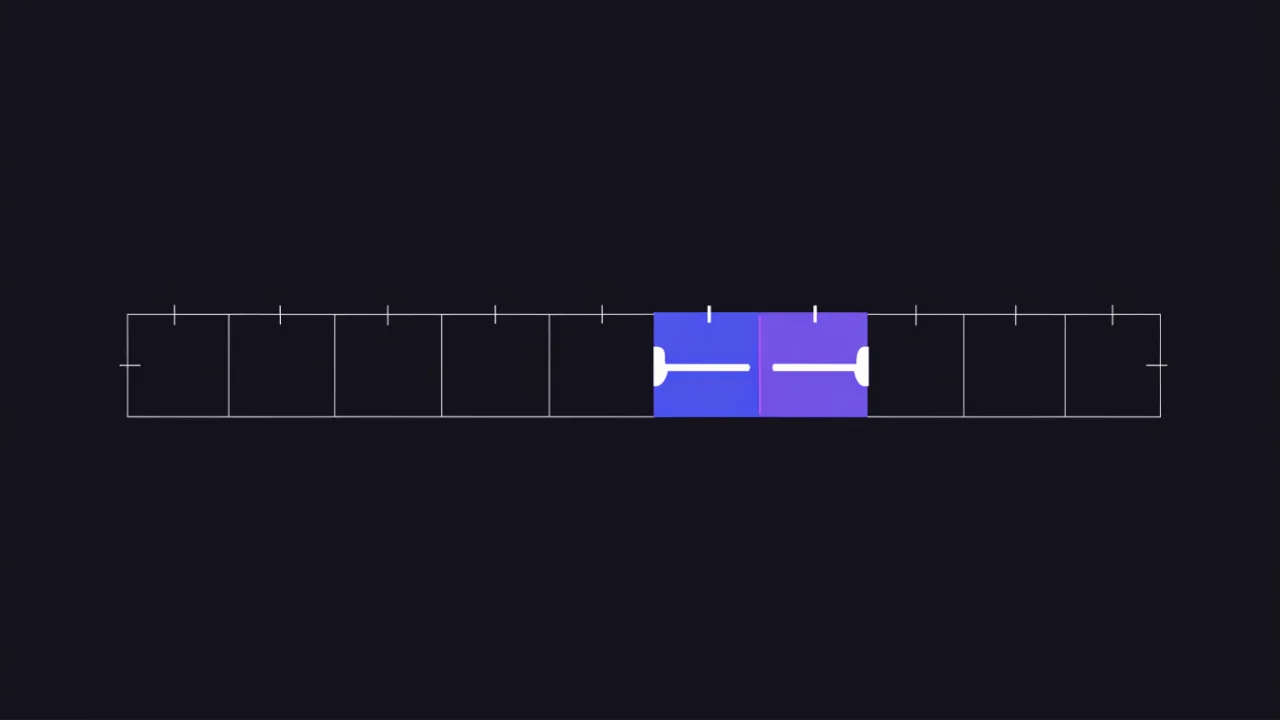
The same method works when the boundary is in the third octet. For 10.4.77.9/22 the mask is 255.255.252.0, the step in the third octet is 256 − 252 = 4, so blocks start at 0, 4, 8 … 76, 80. The value 77 lands in the 76–79 block: network 10.4.76.0, broadcast 10.4.79.255, hosts 10.4.76.1 to 10.4.79.254.
Checking by command beats checking in your head, and most systems can do it out of the box:
# Linux: show network, broadcast and range
ipcalc 192.168.10.25/27

# No ipcalc installed? The same thing with python3
python3 -c "import ipaddress as i; n=i.ip_network('192.168.10.25/27', strict=False); \
print(n, n.network_address, n.broadcast_address, n.num_addresses)"

# Is an address inside a subnet?
python3 -c "import ipaddress as i; \
print(i.ip_address('192.168.10.25') in i.ip_network('192.168.10.0/27'))"

# Convert between the two notations
python3 -c "import ipaddress as i; print(i.ip_network('0.0.0.0/255.255.255.224').prefixlen)"
python3 -c "import ipaddress as i; print(i.ip_network('0.0.0.0/27').netmask)"
Note that the ipcalc shipped by Debian/Ubuntu and the one shipped by RHEL/Fedora are different programs with different output formats; both accept the address/prefix form shown above. Python's ipaddress module behaves the same everywhere, which makes it the safer choice in scripts.
The same calculation without a terminal is what the IP calculator does: enter an address with its prefix and get the mask, network address, broadcast and host range immediately.
What is my subnet mask? How to find it on any device
Your subnet mask is set on the network interface, either statically or by DHCP. It is not visible from the internet and no website can tell you what it is — a site only sees your public address. Read it locally:
| System | Command or path | What you will see |
|---|---|---|
| Windows (Command Prompt) | ipconfig | Subnet Mask . . . : 255.255.255.0 under each adapter |
| Windows (PowerShell) | Get-NetIPAddress -AddressFamily IPv4 | PrefixLength : 24 |
| macOS (Terminal) | ipconfig getoption en0 subnet_mask | 255.255.255.0 (Wi-Fi is usually en0) |
| macOS (Terminal) | ifconfig en0 | netmask 0xffffff00 — the same mask in hexadecimal |
| macOS (GUI) | System Settings → Network → your connection → Details → TCP/IP | Subnet Mask field |
| Linux | ip -4 addr show | inet 192.168.1.20/24 — the prefix after the slash |
| iPhone / iPad | Settings → Wi-Fi → (i) next to the network | Subnet Mask field |
| Android | Settings → Network → Wi-Fi → the connected network | Varies by vendor; some builds show only the IP and gateway |
The hexadecimal form from ifconfig converts pair by pair: ff = 255, 00 = 0, e0 = 224, so 0xffffffe0 is 255.255.255.224, a /27. For the address itself — local, router and public — see how to find an IP address.
Private ranges and addresses with special meaning
Not every address can be assigned freely. Several ranges are reserved, and they are the ones you meet in configuration files. The three private ranges are defined in RFC 1918.
| Range | What it is | In practice |
|---|---|---|
10.0.0.0/8 | Private network | Corporate networks, clouds, Docker environments |
172.16.0.0/12 | Private network | Frequently the default for Docker and virtualization |
192.168.0.0/16 | Private network | Home routers and small offices |
127.0.0.0/8 | Loopback | 127.0.0.1 is the host itself; never leaves the machine |
169.254.0.0/16 | Link-local self-assignment | Seeing one means DHCP never answered |
100.64.0.0/10 | Carrier-grade NAT | Your "public" address is in fact shared with other subscribers |
That last row explains the common "why does my external IP differ from what the site shows". If your ISP handed you an address from 100.64.0.0/10, you reach the internet under a shared address and inbound connections never arrive. What the outside world actually sees is shown by the IP lookup, and the difference between address families is covered in IPv4 vs IPv6.
Subnet mask vs wildcard mask
Cisco ACLs, OSPF network statements and some firewall products ask for a wildcard mask instead. It is the bitwise inverse: subtract each octet of the subnet mask from 255.
| Prefix | Subnet mask | Wildcard mask |
|---|---|---|
/16 | 255.255.0.0 | 0.0.255.255 |
/24 | 255.255.255.0 | 0.0.0.255 |
/27 | 255.255.255.224 | 0.0.0.31 |
/30 | 255.255.255.252 | 0.0.0.3 |
/32 | 255.255.255.255 | 0.0.0.0 |
Pasting a subnet mask where a wildcard is expected is a common and quiet error: access-list 10 permit 192.168.1.0 255.255.255.0 does not match the /24 you intended. Zero bits in a wildcard mean "must match" and one bits mean "ignore", so this rule ignores the first three octets and matches every address whose last octet is 0.
Where masks matter to site owners, not just network engineers
Subnetting looks like an administrator's topic, yet /24-style notation shows up in places where nobody thinks about networks.
- Restricting admin access. Allowing only the office means a CIDR rule, not a list of individual addresses. The Apache syntax is in the .htaccess guide, the nginx one in nginx configuration.
- Blocking unwanted traffic. Bots rarely arrive from a single address; blocking them one by one is pointless.
- Allow-lists from payment and mail providers. Their addresses are published as subnets and must be transferred into your config exactly.
- SPF records. The
ip4:mechanism accepts a whole subnet:ip4:203.0.113.0/24. How that affects delivery is in SPF records explained. - Rate limiting. Counting the limit per subnet rather than per address is a working defense against distributed brute force; approaches are in rate limiting strategies.
- Cloud networks. AWS VPCs, Azure VNets and Google Cloud subnets are all defined in CIDR. Most of them reserve more than the classic two addresses in every subnet, so a cloud
/28gives you fewer than 14 usable hosts — check the provider's documentation before sizing tightly.
# The same office across different configurations
# nginx: admit only the office subnet to the admin area
location /admin/ {
    allow 203.0.113.0/24;
    deny  all;
}

# Apache 2.4: the same thing
<RequireAll>
    Require ip 203.0.113.0/24
</RequireAll>

# SPF: authorize the whole subnet to send mail
example.com.  IN  TXT  "v=spf1 ip4:203.0.113.0/24 -all"
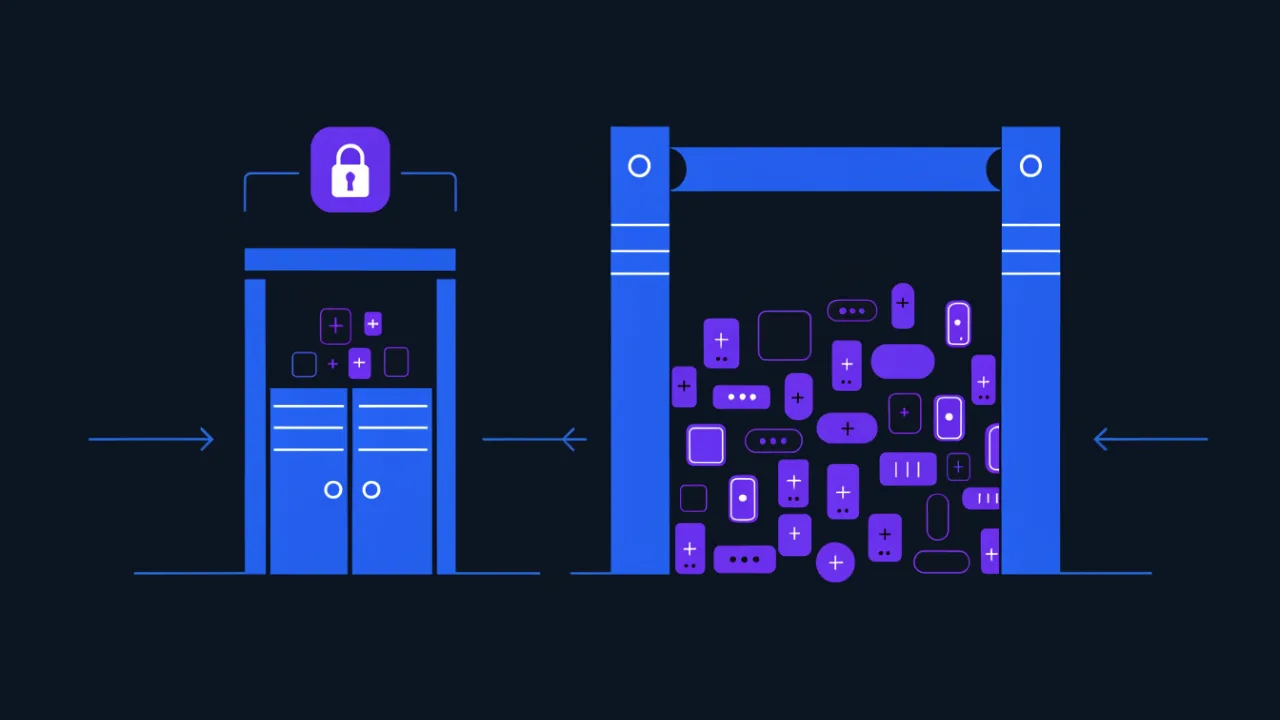
A wrong mask in an access rule is more dangerous than it looks. Write/16instead of/24and instead of your office you have opened the admin panel to sixty-five thousand addresses, most of them strangers'. Calculate the range before saving the rule and confirm it contains what you meant.
Choosing a mask for the job
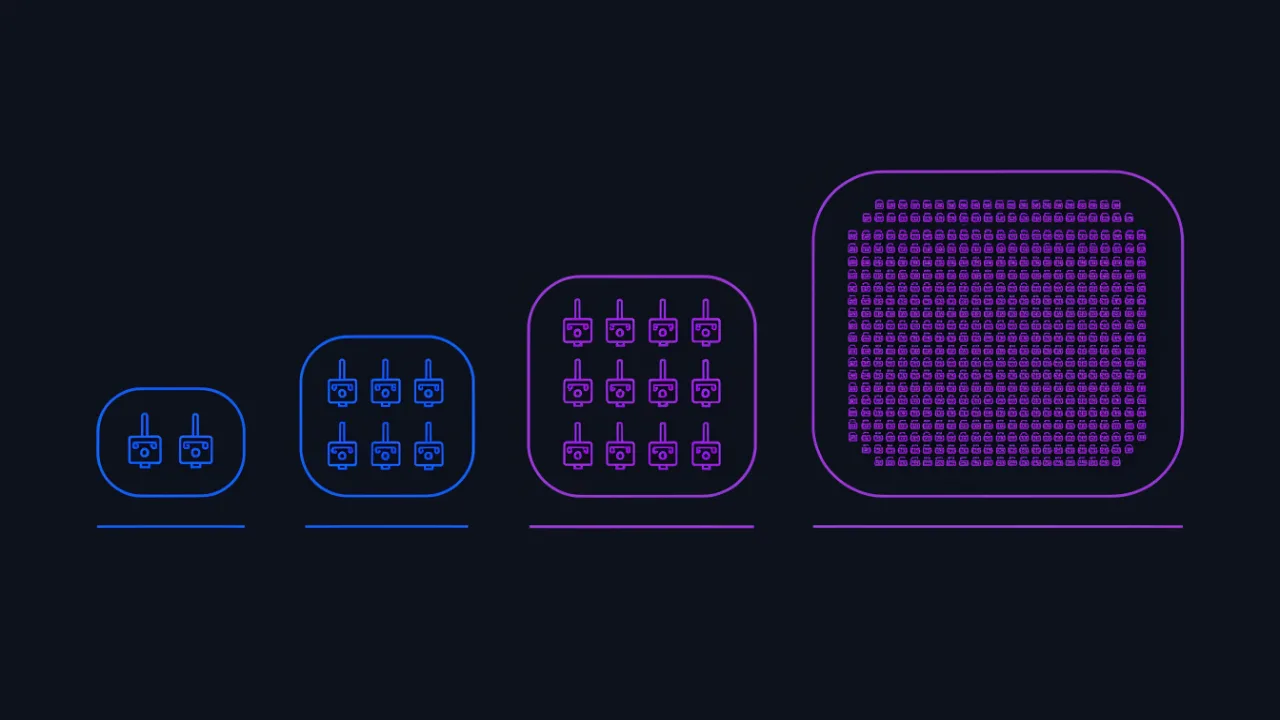
The rule is simple: take the nearest fitting subnet with a little headroom, but do not grab an enormous one "just in case" — surplus addresses complicate routing and incident analysis.
- A link between two routers —
/30or/31. More than two addresses are never needed there. - A small set of servers —
/28(14 hosts) or/29(6 hosts). - A department of 20–30 machines —
/27gives 30 hosts with no headroom; if growth is likely, start at/26with 62. - An ordinary office network —
/24: 254 hosts, familiar addresses, easy diagnostics. - Separation by purpose — rather than stretching one large subnet, cut several: staff, guests, printers, cameras. Safer, and far clearer in the logs.
And remember the gateway: it occupies an address from the host range too. A /29 with six addresses really leaves five devices. Before you commit, also make sure the new range does not overlap anything you already route to — a home 192.168.1.0/24 colliding with the same range on a remote office network is the most common reason a site-to-site tunnel "connects but nothing works".
Masks in IPv6: the same idea, shorter
IPv6 has no dotted-decimal masks at all — only prefixes. The logic is identical: /64 means the first 64 bits are the network. The difference is scale: a typical end-user /64 holds so many addresses that nobody economizes, and providers hand out entire /56 or /48 blocks. Counting hosts by hand there is pointless; the protocol comparison is in IPv4 vs IPv6.
How to check a subnet and what sits in it
- IP calculator — mask, network address, broadcast, host range and address count from a prefix; the online equivalent of
ipcalc. - IP lookup — which address the outside world sees, whose ISP it belongs to and which autonomous system it sits in.
- Ping and port check — whether a host inside the chosen range answers.
- Traceroute — which networks the traffic crosses on its way.
FAQ
What does 255.255.255.255 mean?
As a mask it is a /32 — exactly one address, used for host routes and single-address firewall rules. As a destination address it means a broadcast within the local segment.
How many devices fit in a /24?
254. There are 256 addresses, but the first is the network address and the last is the broadcast. One of the rest is almost always the gateway, leaving 253 for devices.
Why can two machines on the same network not see each other?
The classic cause is different masks behind similar-looking addresses. If one has a /24 and the other a /25, they disagree on where the network ends, and traffic goes to the gateway instead of the neighbor. Compare the masks on both machines first.
What is a 169.254.x.x address?
The device never got an address from DHCP and assigned itself a temporary one. There will be no internet on it. Look at the DHCP server, the cable or the Wi-Fi settings — not at the mask.
Is a subnet mask the same as a default gateway?
No. The mask defines which addresses are local; the gateway is the one local address that forwards everything else. Both are required, and the gateway must sit inside the subnet the mask describes.
Can I use any subnet mask I like?
Only a valid one — contiguous ones followed by zeros, built from the octet values 0, 128, 192, 224, 240, 248, 252, 254 and 255. And every device in the same subnet must use the same mask.
Subnet mask checklist
- Prefix and dotted-decimal mask match (verified against the table).
- Host count computed as 2(32 − prefix) − 2, with the gateway accounted for.
- Every device in a subnet carries the same mask.
- The chosen range does not overlap subnets already in use.
- Point-to-point links use
/30or/31rather than a larger subnet. - Prefixes in access and firewall rules were verified by calculating the range, not by eye.
- Wildcard masks and subnet masks were not swapped in ACLs.
- Private ranges are not confused with public ones, and no host sits on
169.254.0.0/16. - Subnets in SPF records and allow-lists were copied without changing the prefix.